OmniPhase Tracker
- Experts
- 버전: 3.71
- 활성화: 7

🌐 Product Description
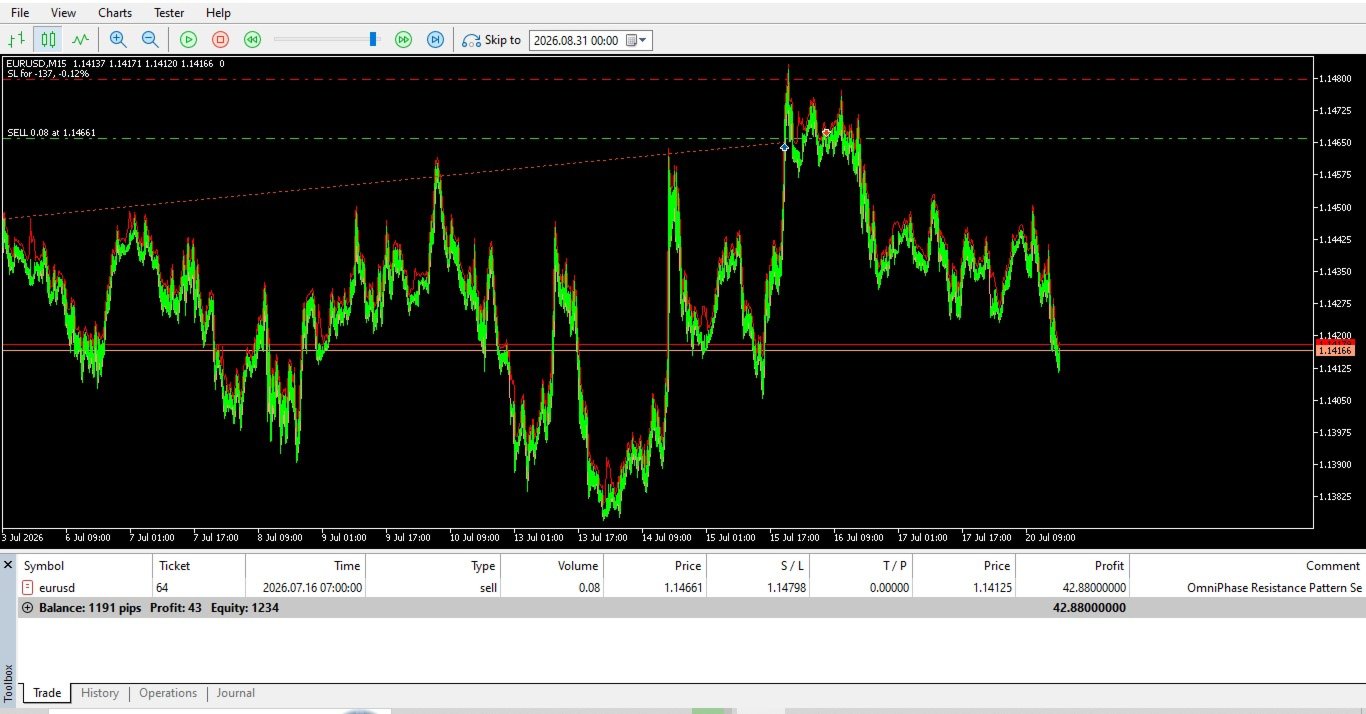
OmniPhase Tracker — Adaptive Trend & Reversal Trading Expert Advisor
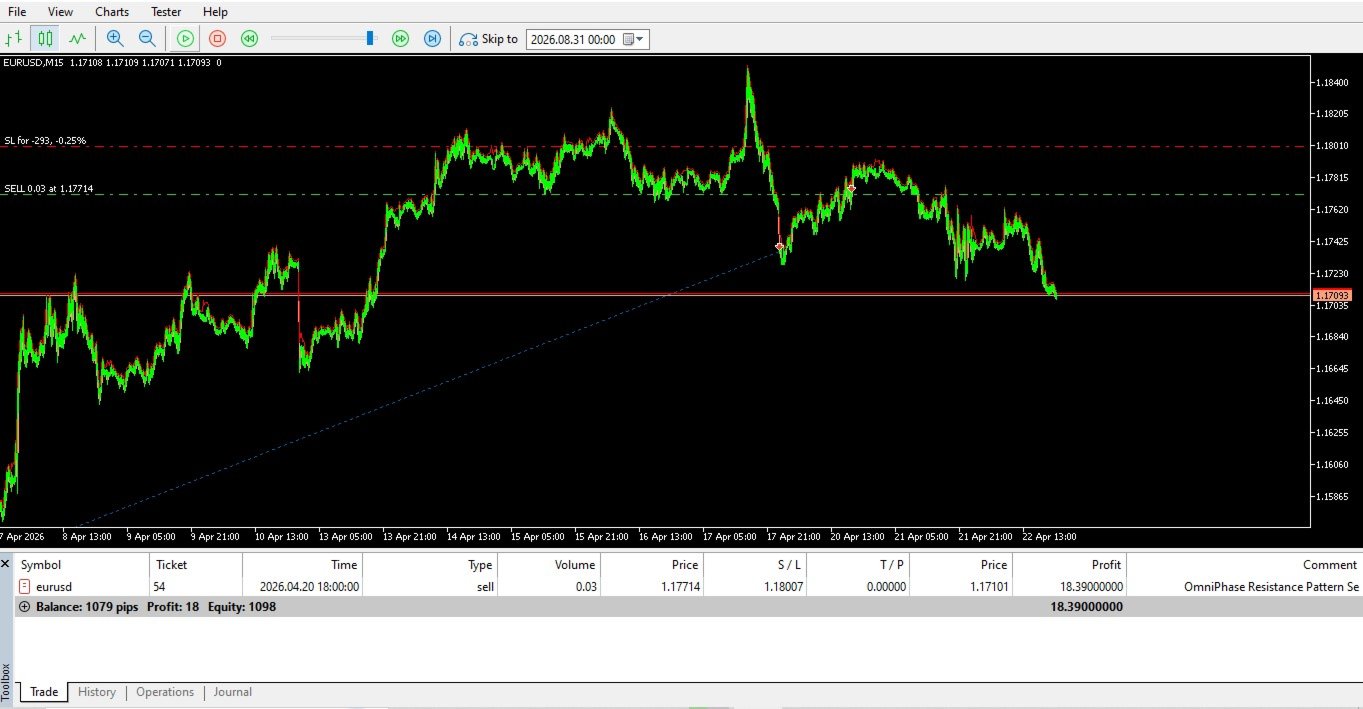
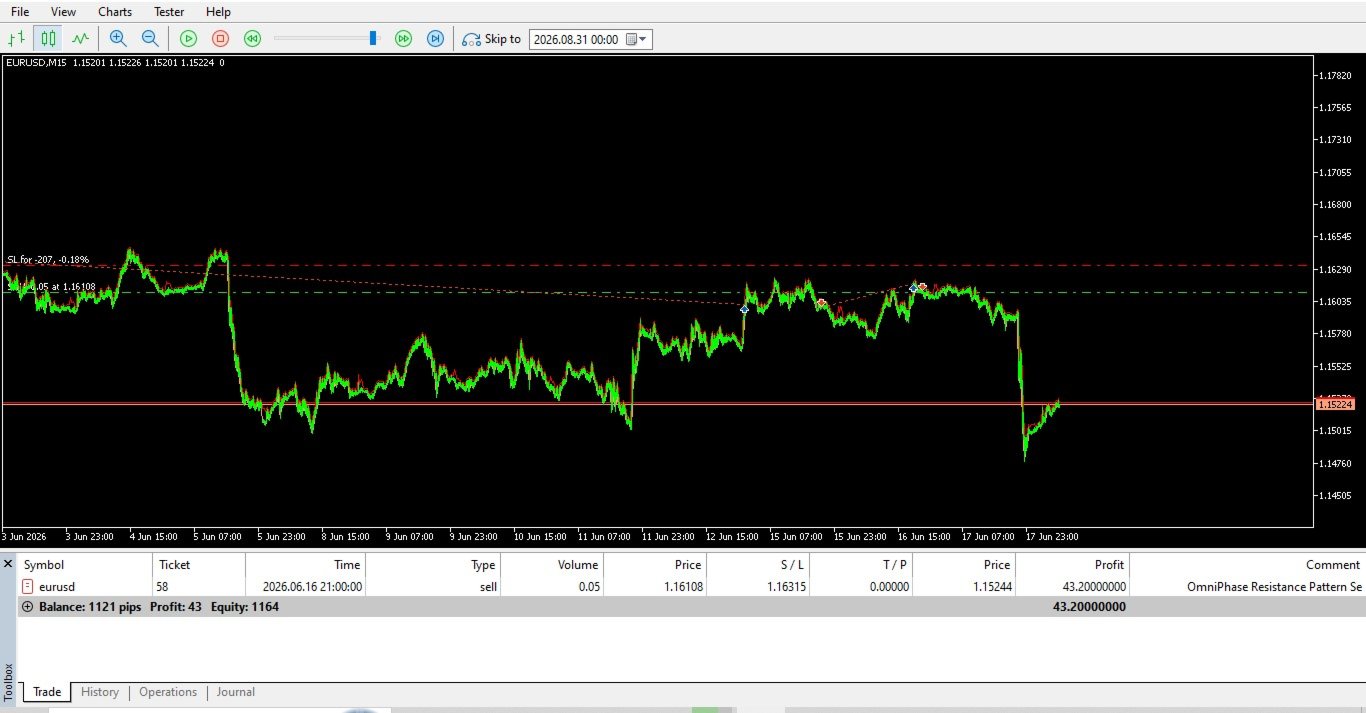
OmniPhase Tracker MT5 is a state-of-the-art, high-frequency execution algorithm engineered to identify structural shift points in the market. Operating with millisecond-precision processing, this Expert Advisor solves the ultimate trader dilemma: it automatically distinguishes between an overextended trend ready to reverse and a strong momentum wave set to continue.
Built without high-risk strategies like Martingale or grid averaging, OmniPhase Tracker relies entirely on math, volatility boundaries, and dynamic order tracking across all timeframes.
🚀 Key Features
- Dual-Engine Architecture: Dynamically switches modes. It targets continuation trades during high-momentum phases and pivots to early contrarian entries during market exhaustion.
- Ultra-Low Latency Execution: Uses decoupled asynchronous internal memory mapping to calculate, modify, and process order parameters in milliseconds.
- Low-Probability Volatility Stop Loss: Stops are calculated dynamically using custom Average True Range (ATR) multipliers, placing your structural protection in zones highly improbable for institutional algorithms to sweep.
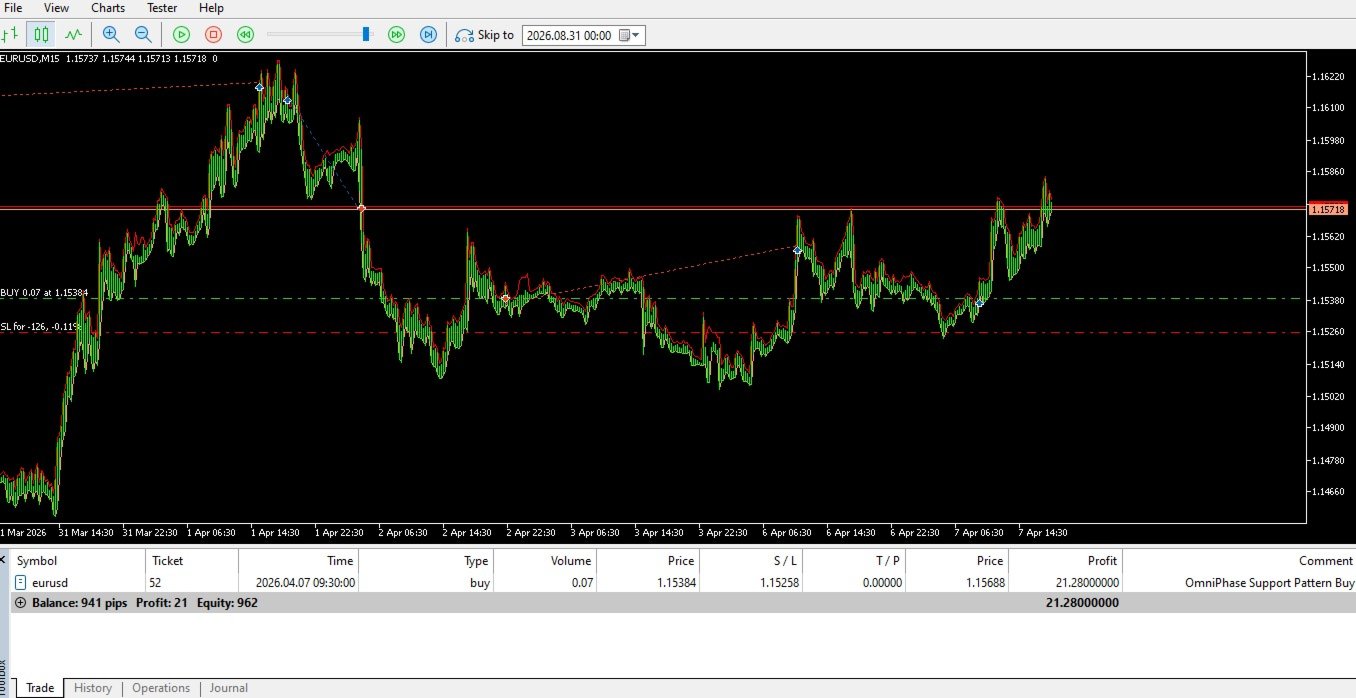
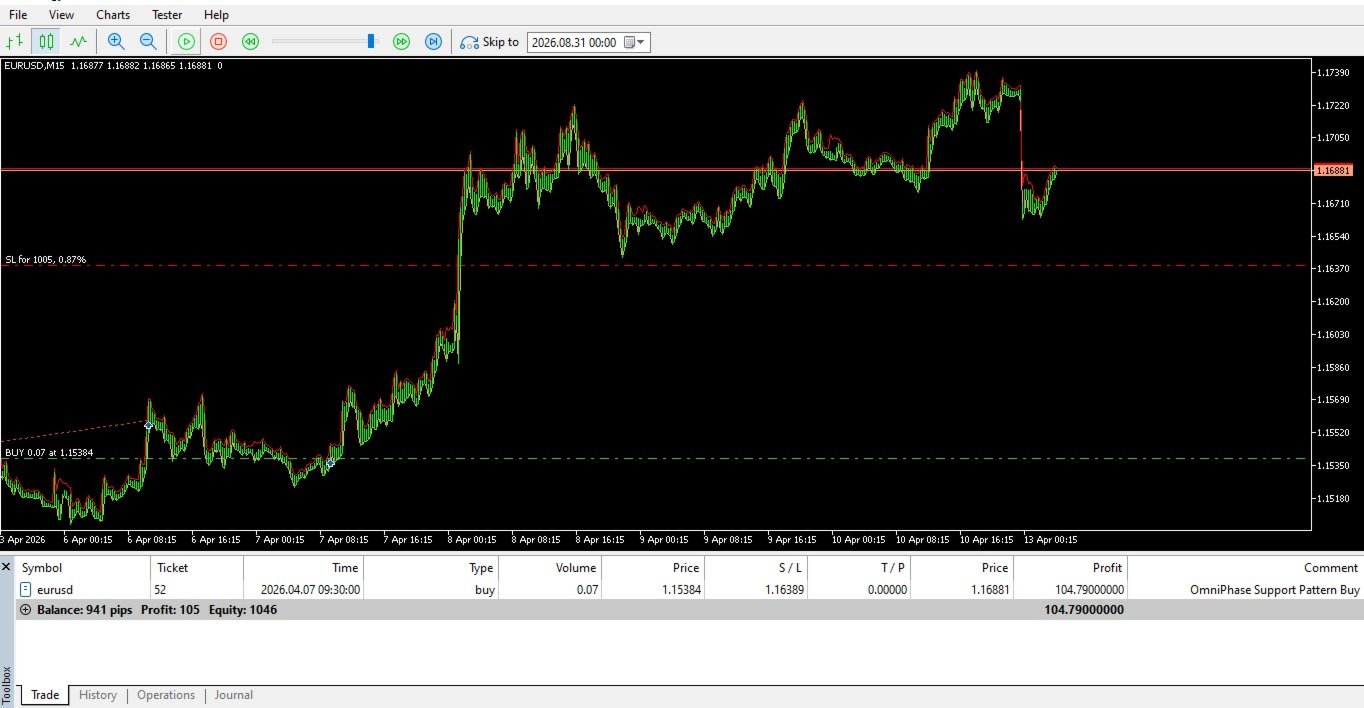
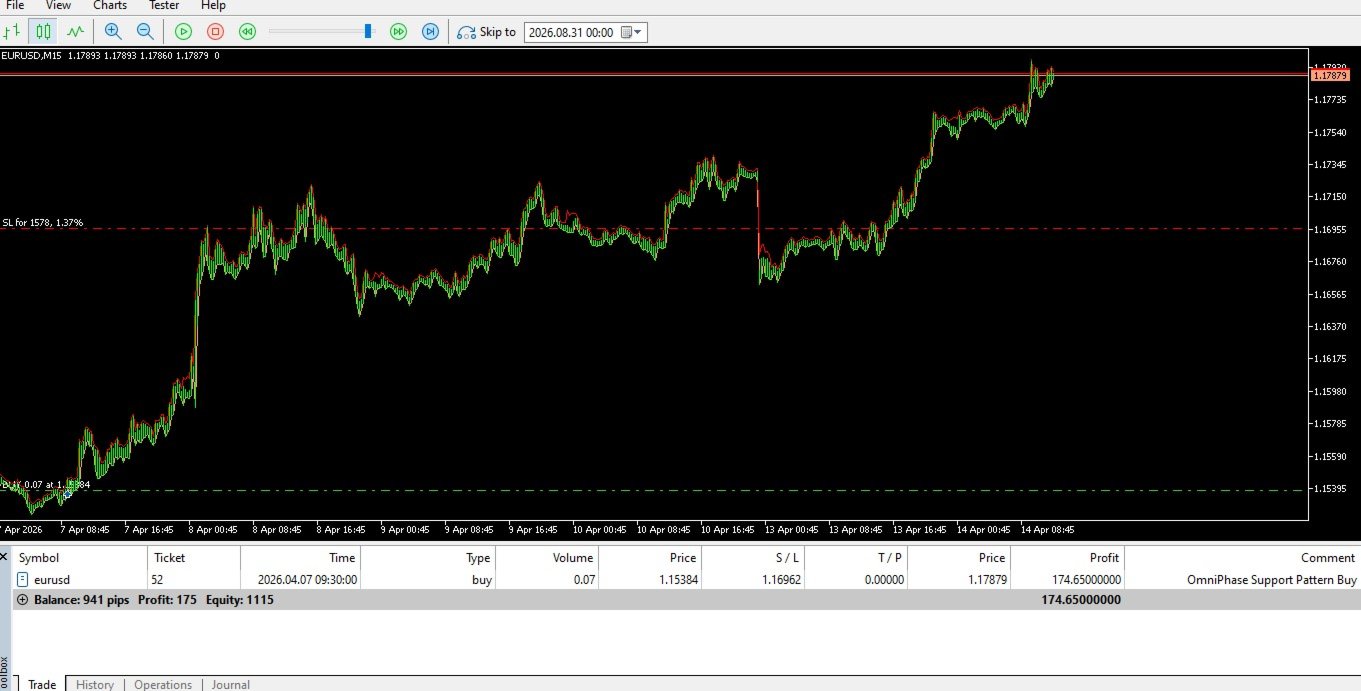
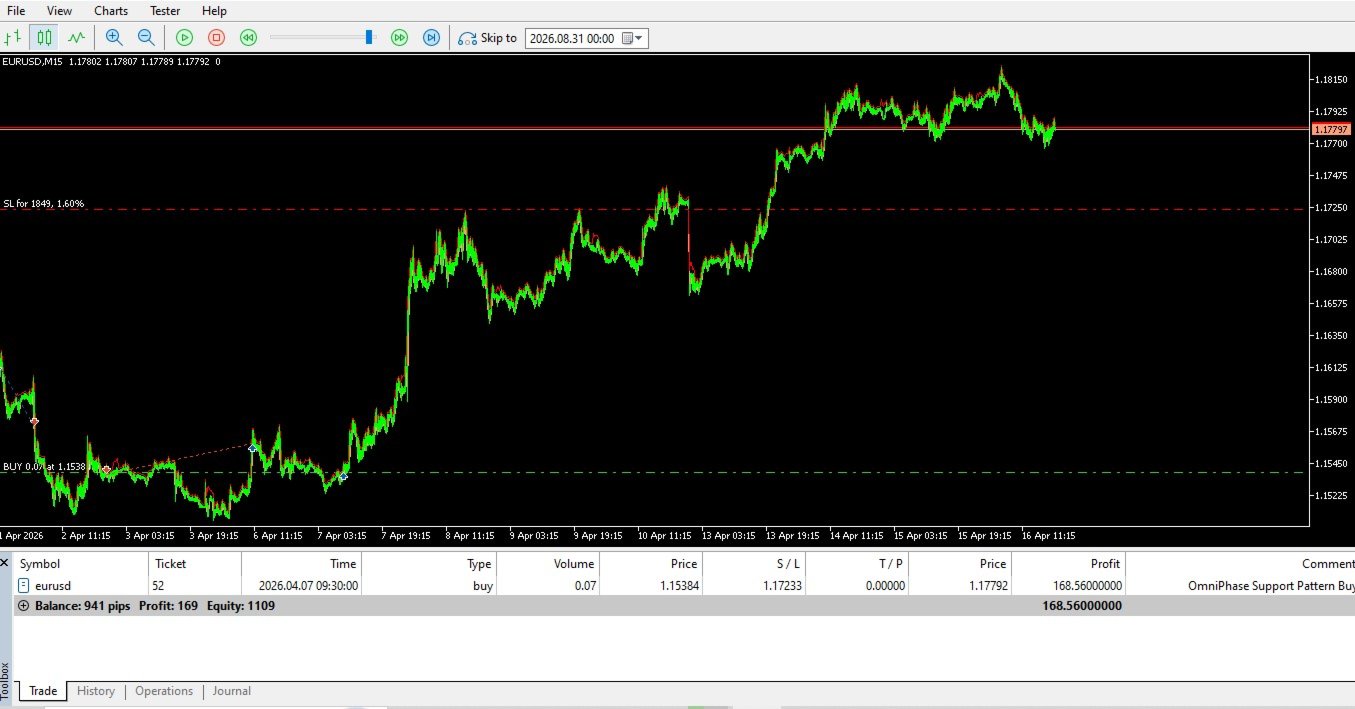
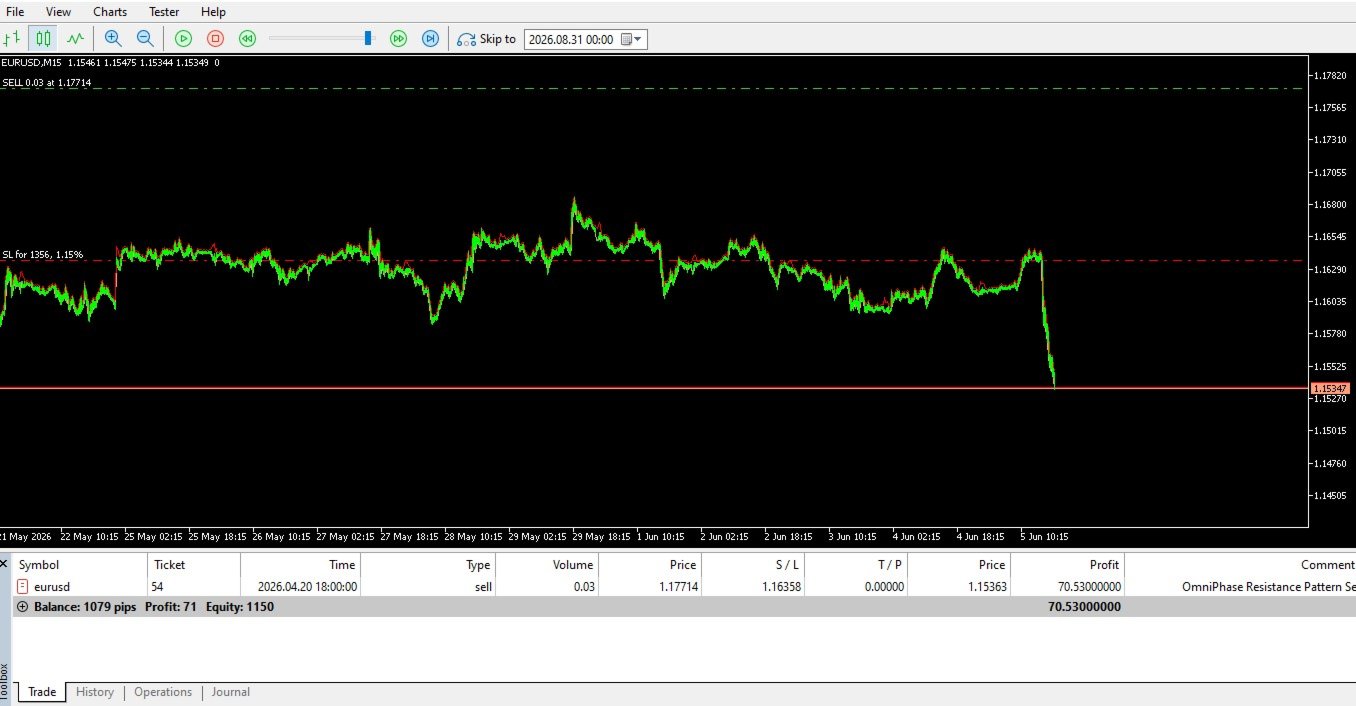
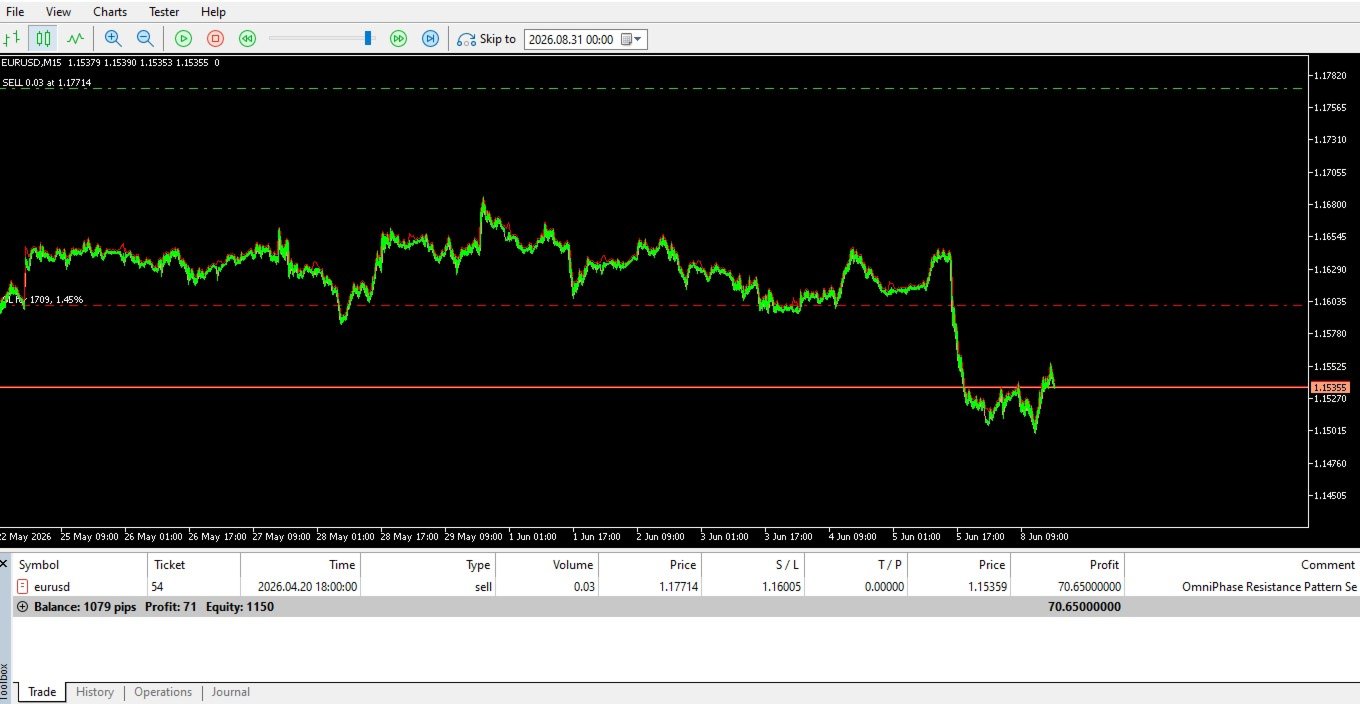
- Milestone-Lock Trailing Stop: Once a trade achieves a +500 point milestone, the engine activates a strict 500-point tracking mechanism, locking in profits while remaining resilient against normal market noise.
- True Multi-Timeframe Compatibility: Optimized out of the box to auto-calibrate its data arrays whether deployed on Scalping (M1/M5) or Swing (H1/H4) charts.
⚙️ Parameter Configuration & User Guide
Provide this breakdown in your product documentation or setup files so buyers can configure the EA perfectly:
| Parameter Category | Input Parameter | Default Value | Description & Optimization Tip |
| Risk & Trade Settings | InpLotSize | 0.10 | Fixed allocation size. Scale up based on account equity. |
| InpATRPeriod | 14 | The historical window used to evaluate true asset volatility. | |
| InpATRMultiplier | 3.5 | Crucial: Sets the "Safe Stop Loss". A higher number (e.g., 4.0) moves the SL further away into a lower-probability hit zone. | |
| Trailing Settings | InpTriggerPoints | 500 | The structural milestone (in profit points) required to trigger the Trailing Stop mechanism. |
| InpTrailPoints | 500 | The tracking buffer. Keeps the protection line exactly 500 points underneath the moving peak price. | |
| Indicator Settings | InpADXPeriod | 14 | Evaluates directional trend strength indices. |
| InpADXThreshold | 25 | The Phase Divider: Readings above this filter trades into Continuation Mode. Readings below shift execution into Reversal Mode. | |
| InpMAPeriod | 50 | Exponential baseline determining macro-bullish or macro-bearish territory. |
📌 Critical Setup Requirements for Users
To ensure the millisecond-execution code functions optimally, buyers must ensure the following environment settings are met:
- Account Type: Must be deployed on a Raw Spread, ECN, or Pro Zero account. Standard account markups degrade precision scalping strategies.
- VPS Requirement: A Virtual Private Server with latency under 5ms directly connected to your broker’s trade server is highly recommended to eliminate order slippage.
- Terminal Permissions: Check both "Allow Live Trading" and "Allow DLL Imports" in your MetaTrader 5 options before launching the EA on live charts.