EA Multi Gold
- Experts
- 버전: 1.461
- 업데이트됨: 9 6월 2026
- 활성화: 5

EA MULTI MT5
EA MULTI MT5 is an automated Expert Advisor for MetaTrader 5, designed to manage trading positions with basket recovery, grid management, optional hedge logic, local trading time control, and built-in risk protection.
The system is developed for traders who want an automatic trading assistant that can open, manage, recover, and close positions based on configurable conditions. It is especially suitable for users who understand grid and recovery strategies and want flexible control over risk, trading hours, and basket profit management.
Main Features
- Automated trading system for MetaTrader 5
- Basket profit closing system
- Grid and recovery position management
- Optional hedge support
- Outside-hours positive cleanup function
- Optional outside-hours recovery mode
- Local computer/VPS time trading filter
- Daily profit target control
- Daily loss limit control
- Maximum drawdown protection
- Maximum spread filter
- Maximum orders control
- Manual Pause / Resume button
- Close Buy, Close Sell, and Close All buttons
- Real-time information panel on the chart
- Designed for VPS operation
How the EA Works
EA MULTI MT5 opens and manages trading positions according to its internal trading logic and user-defined settings. When positions are floating in profit, the EA can close them as a basket based on the configured profit target.
If the market moves against the active positions, the EA can use recovery or grid logic to manage the basket. The purpose of this function is to help the basket recover to a positive or target profit area before closing. Users can control the number of positions, lot size, spread limit, drawdown protection, and other risk settings.
The EA also includes a local trading hours filter. When the market is outside the allowed trading time, the EA can stop opening new standard trades. If enabled, it can continue managing existing positions and close them only when the basket becomes positive.
Recommended Use
- Platform: MetaTrader 5
- Account type: Hedging account is recommended
- Timeframe: M5 or M15 is recommended
- VPS: Recommended for stable operation
- Broker: Low spread and stable execution are recommended
- Testing: Always test in Strategy Tester and Demo account first
Important Input Parameters
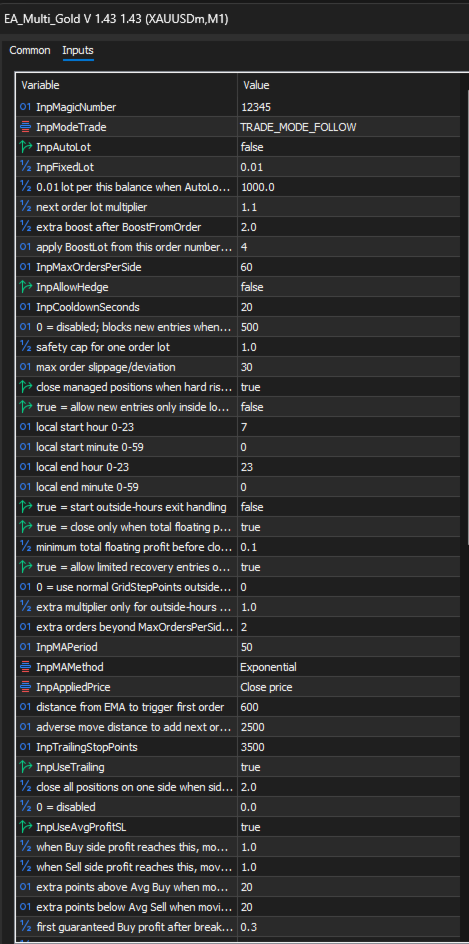
- Magic Number - Unique ID used by the EA to manage its own trades.
- Fixed Lot - Initial lot size for opening trades.
- Max Spread Points - Maximum allowed spread before opening a new trade.
- Max Orders Per Side - Limits the maximum number of Buy or Sell positions.
- Basket Profit Target - Closes all EA positions when total basket profit reaches the target.
- Daily Profit Target - Stops trading after reaching the daily profit target.
- Daily Loss Limit - Stops trading when the daily loss limit is reached.
- Max Drawdown Percent - Protects the account from excessive drawdown.
- Use Local Trading Hours - Allows the EA to trade only during the selected local time period.
- Outside Hours Cleanup - Allows the EA to manage and close existing positions outside trading hours.
- Outside Hours Recovery - Allows limited recovery trades outside trading hours if enabled.
Chart Panel and Manual Controls
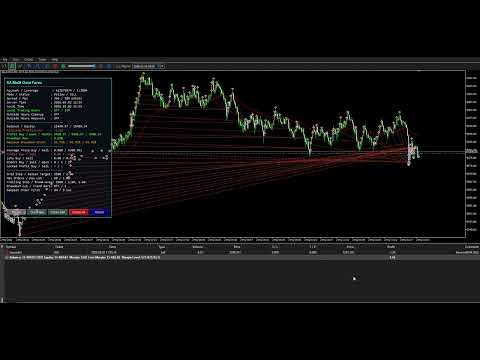
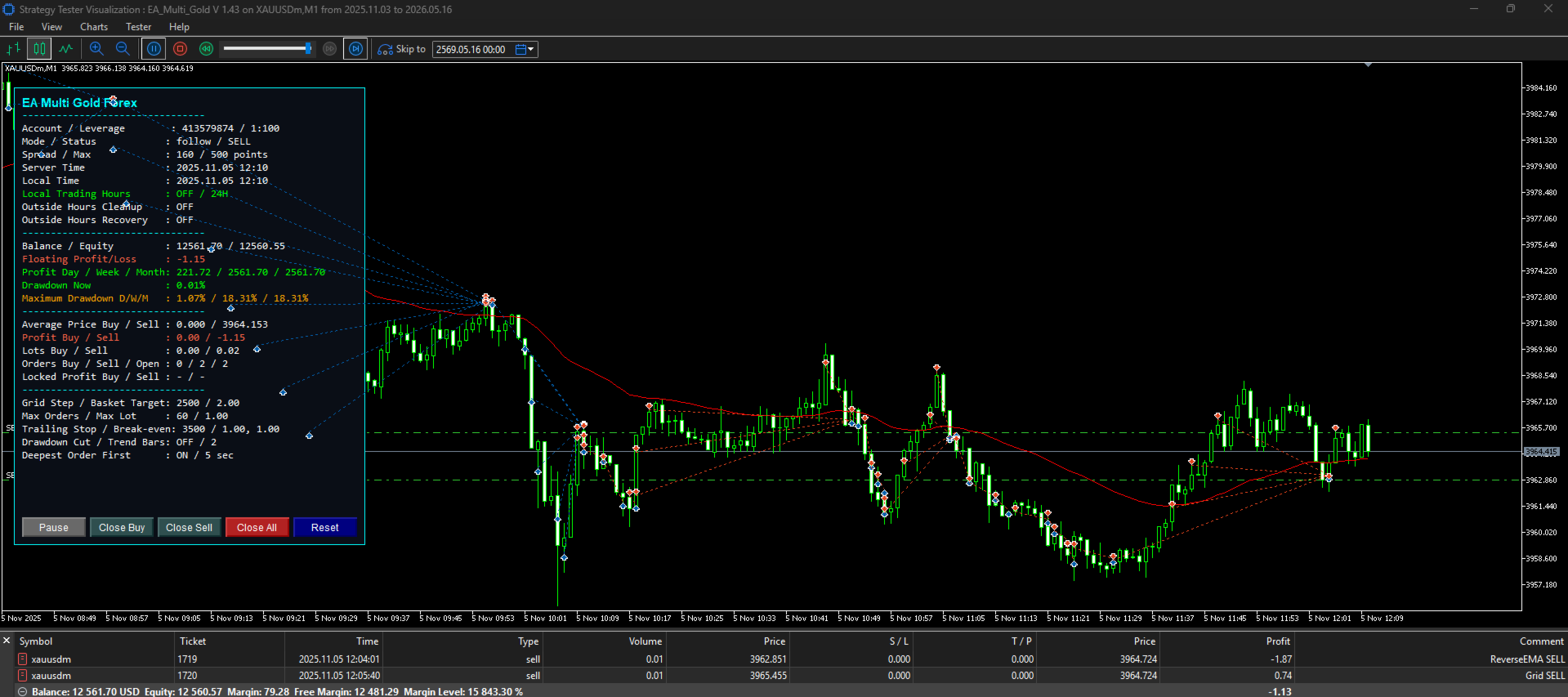
EA MULTI MT5 includes an on-chart information panel that displays important trading data such as spread, basket profit, open positions, drawdown, daily result, and EA status.
The EA also includes manual control buttons, allowing the user to pause the EA, resume operation, close Buy positions, close Sell positions, or close all EA positions directly from the chart.
Risk Warning
This Expert Advisor uses grid and recovery logic. These strategies may increase trading risk during strong market trends, high volatility, news events, high spread conditions, or low-margin situations.
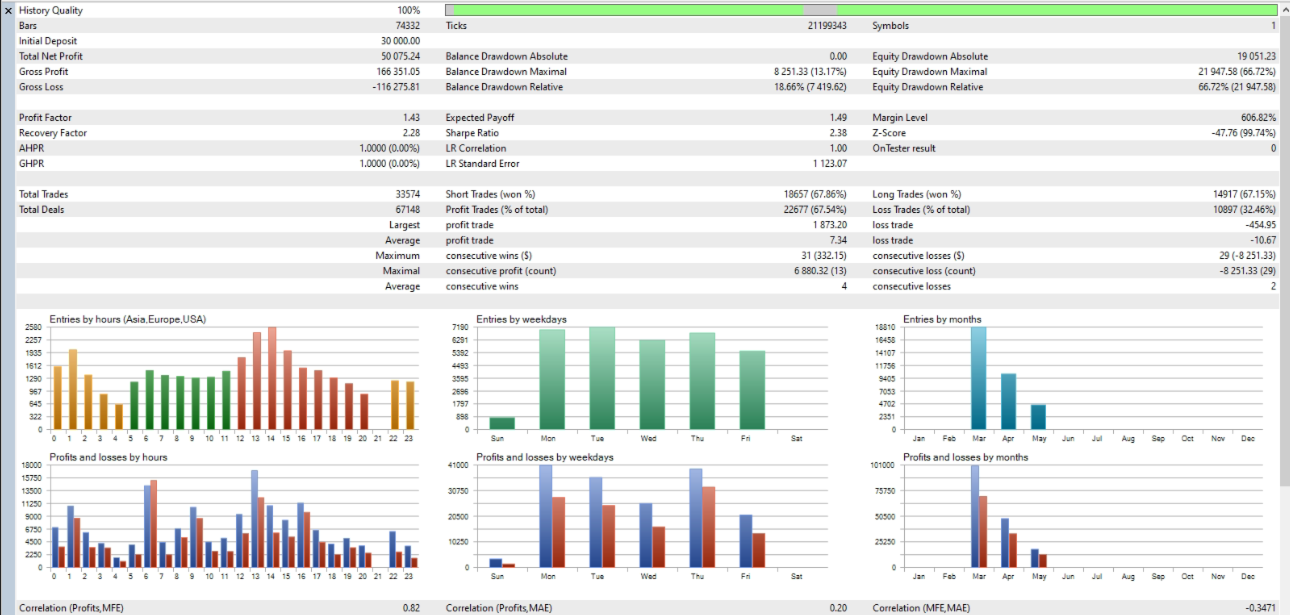
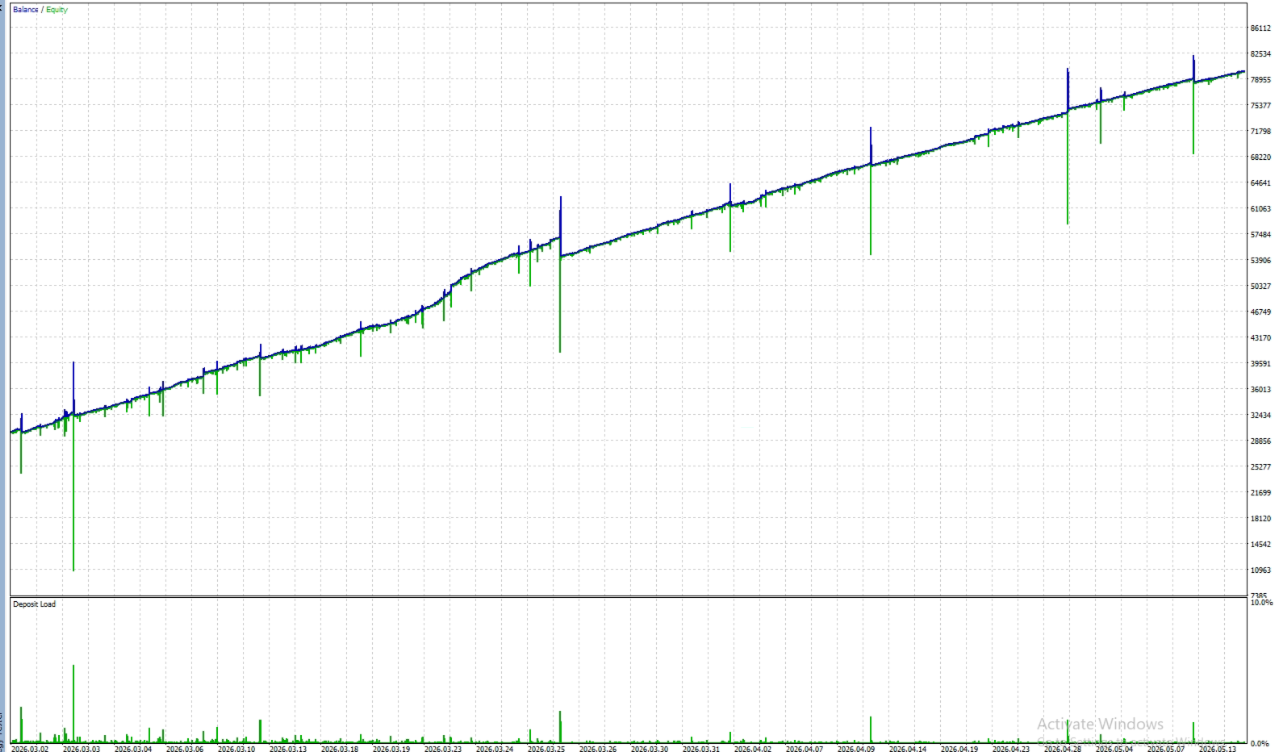
The EA does not guarantee profit. Past performance, backtest results, or demo results do not guarantee future results. Users must understand the risks of automated trading before using this product on a live account.
Please test the EA carefully in the MetaTrader 5 Strategy Tester and on a Demo account before using it with real money. Use conservative settings first and adjust risk parameters according to your account size, broker conditions, and trading experience.
Disclaimer
EA MULTI MT5 is a trading tool and does not provide financial advice. The user is fully responsible for all trading decisions, settings, risk management, and results.