Vip Trader
- エキスパート
- バージョン: 1.2
- アクティベーション: 5

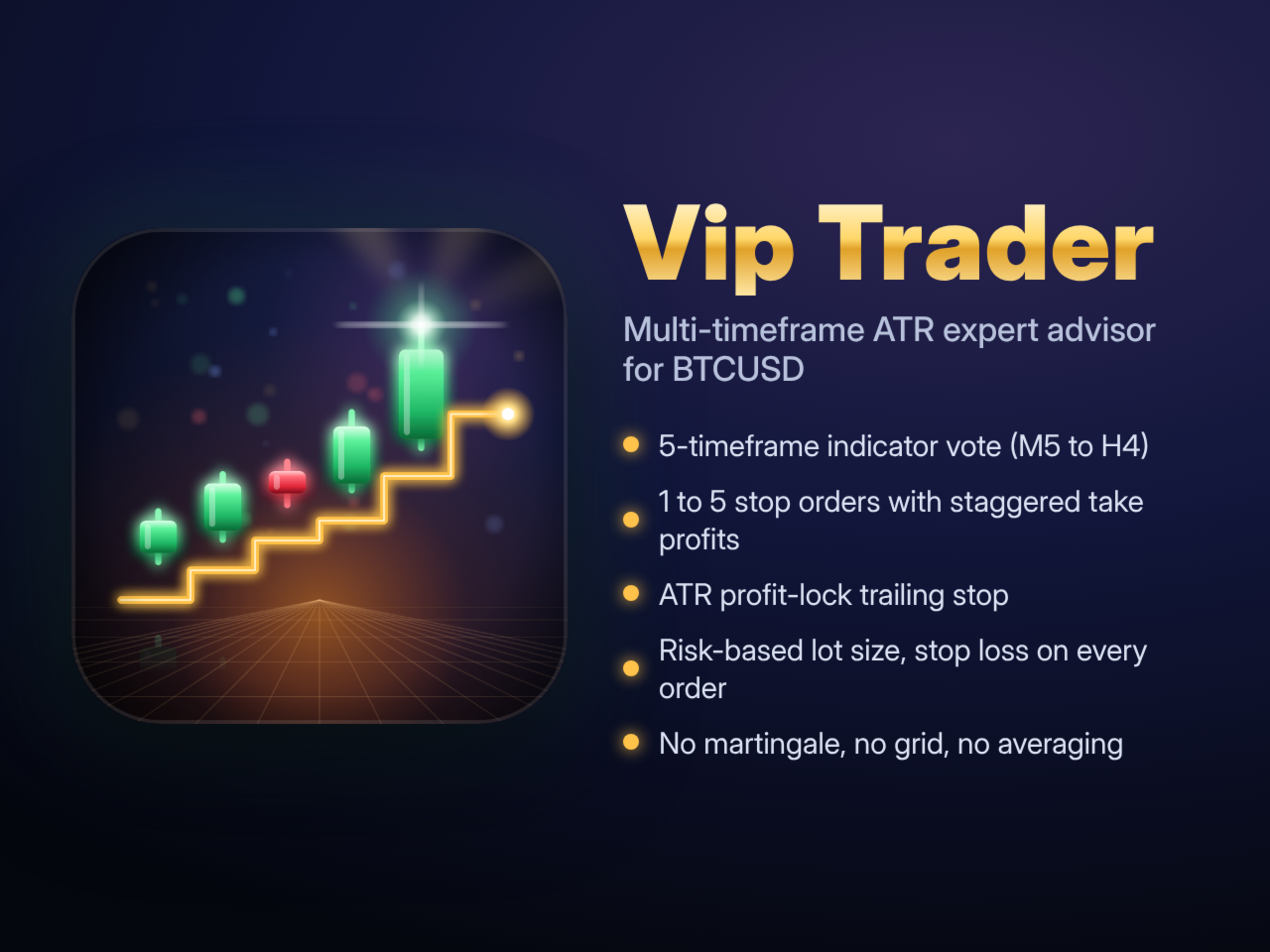
Vip Trader is an expert advisor for MetaTrader 5 designed for BTCUSD. It combines a multi-timeframe indicator vote with ATR-based stop orders and an ATR profit-lock trailing stop. All distances are calculated from the M5 ATR, so the levels adapt to current volatility and the EA can also run on other symbols.
How it works
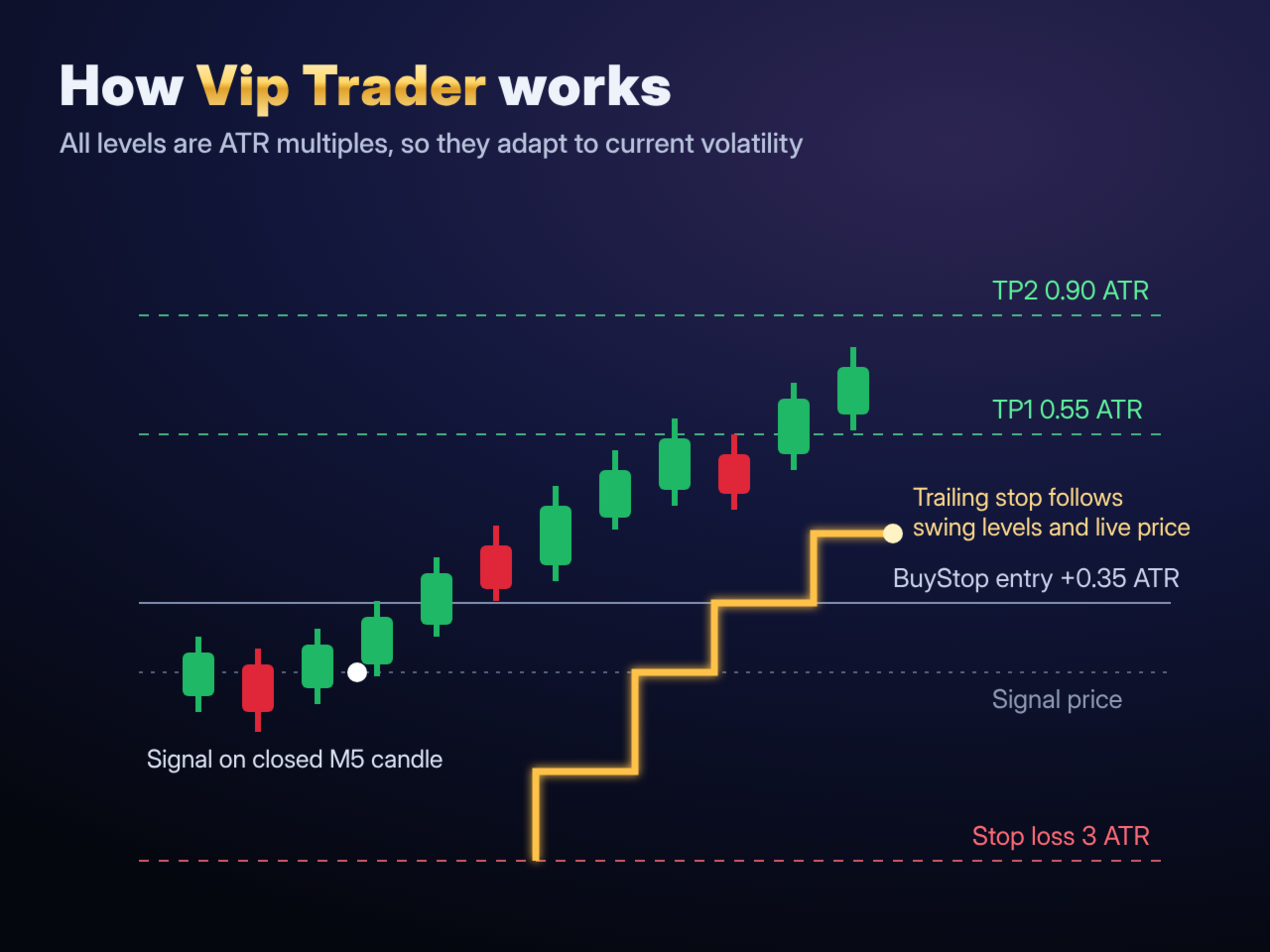
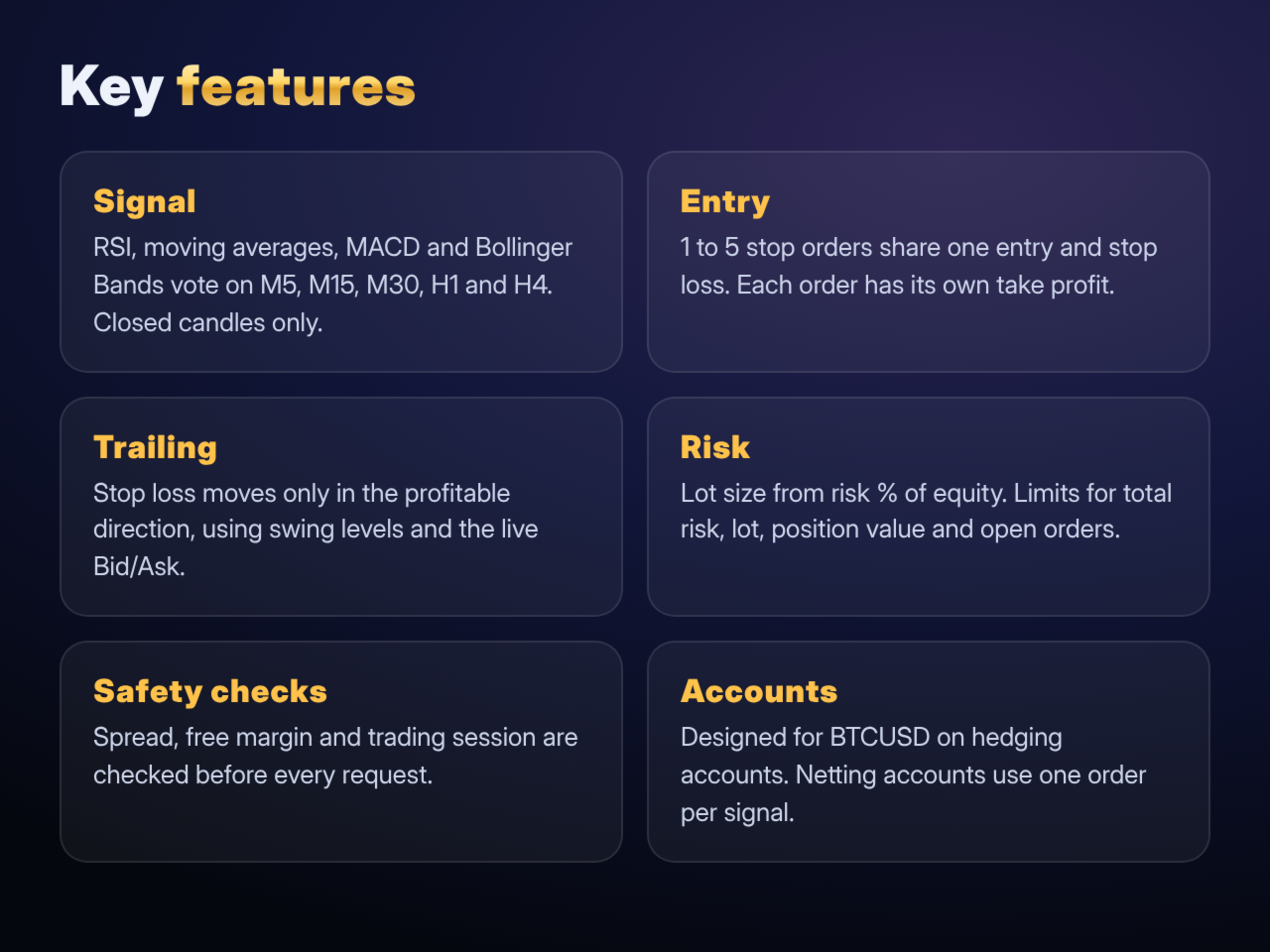
Signal. On every new M5 candle the EA checks five timeframes: M5, M15, M30, H1 and H4. On each timeframe, RSI, moving averages, MACD and Bollinger Bands vote for buy or sell (Stochastic is optional). The timeframe votes are weighted, and a trade is considered only when the combined score reaches the threshold you set. Only closed candles are used, so the signal does not repaint.
Entry. When a signal appears, the EA places 1 to 5 stop orders (BuyStop or SellStop) at a small ATR distance from the current price. All orders share the same entry and stop loss. Each order has its own take profit (TP1 to TP5), so profit is taken in steps.
Exit and trailing. After the price moves in your favor by the set ATR amount, the stop loss is moved to lock profit. The trailing level follows the recent M5 swing high or low and the live Bid/Ask price, and the tighter of the two is used. The stop loss only moves in the profitable direction. Pending orders are removed when they expire or when the price reaches their stop loss before they are triggered.
Risk management
- Lot size is calculated from the stop loss distance and a risk percentage of equity for the whole order group.
- Separate limits for total risk, maximum lot per order, total position value and number of open orders.
- Free margin and spread are checked before every order group.
- If the risk-based lot is smaller than the broker minimum, the EA can use the minimum lot only while the group risk stays below a limit you choose. Set it to 0 to skip such trades instead.
- No martingale, no grid, no averaging down. Every order has a stop loss and a take profit from the moment it is placed.
- No requests are sent while the symbol's trading session is closed.
Recommendations
- Symbol: BTCUSD (any broker suffix). Chart timeframe does not matter; the EA always uses M5 for ATR and trailing.
- Account: hedging. On a netting account the EA automatically uses one order per signal.
- Minimum deposit: depends on your broker's minimum lot and leverage. Check the Experts tab: if an order group is skipped, the log states the reason.
- Test the EA in the Strategy Tester and on a demo account with your broker before using it on a live account.
Main input parameters
General
- Magic Number: identifies this EA's orders.
- Trade Symbol: leave empty to trade the chart symbol.
- Enable New Entries: set to false to only manage existing trades.
- Detailed Log: writes each decision to the Experts tab.
Entry and exit (ATR multiples)
- ATR Period: period of the M5 ATR (default 14).
- Entry ATR: distance of the stop orders from the price (default 0.35).
- Stop ATR: stop loss distance from the entry (default 3.0).
- TP1 ATR to TP5 ATR: take profit levels of orders 1 to 5 (default 0.55, 0.90, 1.30, 1.80, 2.40).
- Pending Expiry Minutes: lifetime of unfilled stop orders (default 120).
- Max Spread ATR: maximum spread as a share of ATR (default 0.20).
- Use Trading Hours, Start Hour, End Hour: optional trading window (server time).
Risk
- Order Count: orders per signal, 1 to 5 (default 2). Order 1 uses TP1, order 2 uses TP2, and so on.
- Group Risk Percent: risk of the whole order group, % of equity (default 1).
- Max Total Risk Percent: limit for all open risk of this EA (default 1).
- Use Fixed Lot, Fixed Lot Per Order: fixed lot instead of risk-based sizing; risk limits still apply.
- Max Lot Per Order: 0 means broker maximum.
- Min Lot Max Risk Percent: see Risk management above (default 3).
- Max Group Notional Percent: total position value as % of equity (default 1000).
- Max Open And Pending: maximum number of this EA's orders and positions (default 5).
- Minimum Group Gap Minutes: pause between two order groups (default 15).
Profit-lock trailing
- Use Dynamic Trailing, Use Profit Lock Trailing: turn trailing on or off.
- Profit Trail Start ATR: profit needed before trailing starts (default 0.60).
- Profit Trail Swing Bars, Buffer ATR: swing level used for trailing.
- Profit Trail Step ATR: minimum stop loss move per change.
- Price Trail ATR: distance of the live price trailing; 0 uses swing levels only (default 0.50).
- Skip Own TP1: the order with the nearest take profit is not trailed.
Manual trades (optional, off by default)
- Trail Manage Manual: also trail manual trades on the same symbol.
- Manual Auto Initial SL, Manual Initial SL ATR: set an ATR stop loss on manual trades that have none.
Signal
- RSI, moving average, MACD, Bollinger Bands and Stochastic settings.
- Timeframe weights for M5, M15, M30, H1 and H4.
- Signal Threshold and Indicator Threshold: how many votes are needed for a signal.
Chart countdown (display only)
- Shows the time left until the current candle closes.
Risk warning
Trading leveraged products such as cryptocurrency CFDs involves a high level of risk and can result in the loss of your deposit. Past or backtest results do not guarantee future results.