MT4 TradingPanel
- ユーティリティ
- Andrej Kidric
- バージョン: 43.0
- アクティベーション: 5
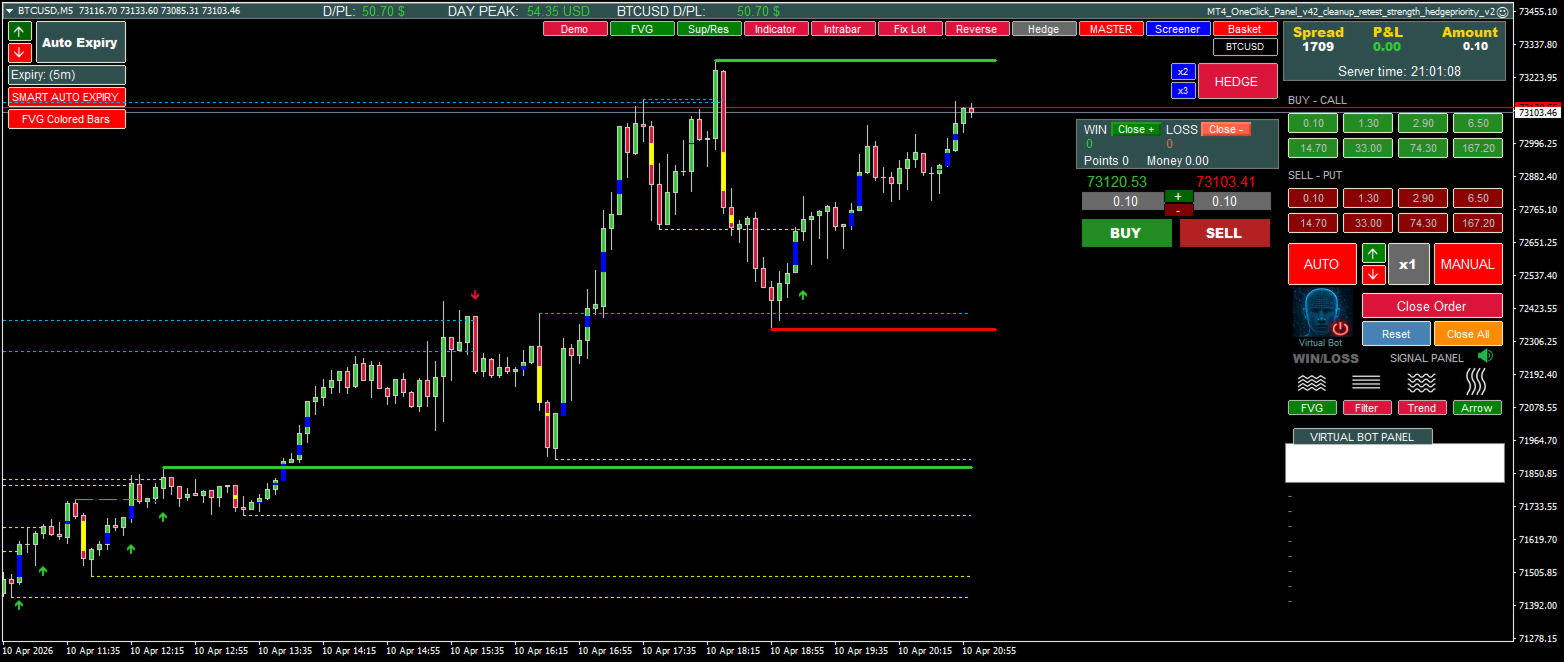
MT4 OneClick Advanced Trading Panel for MetaTrader 4
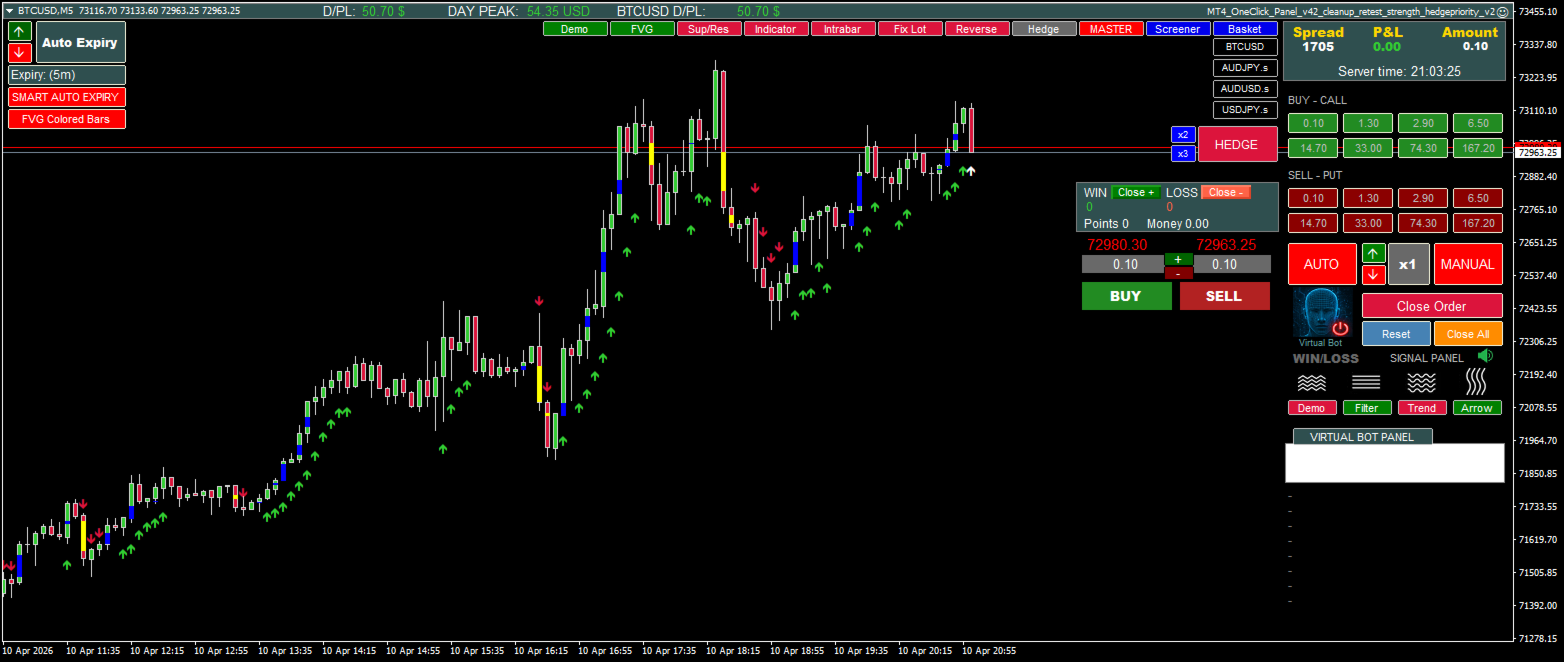
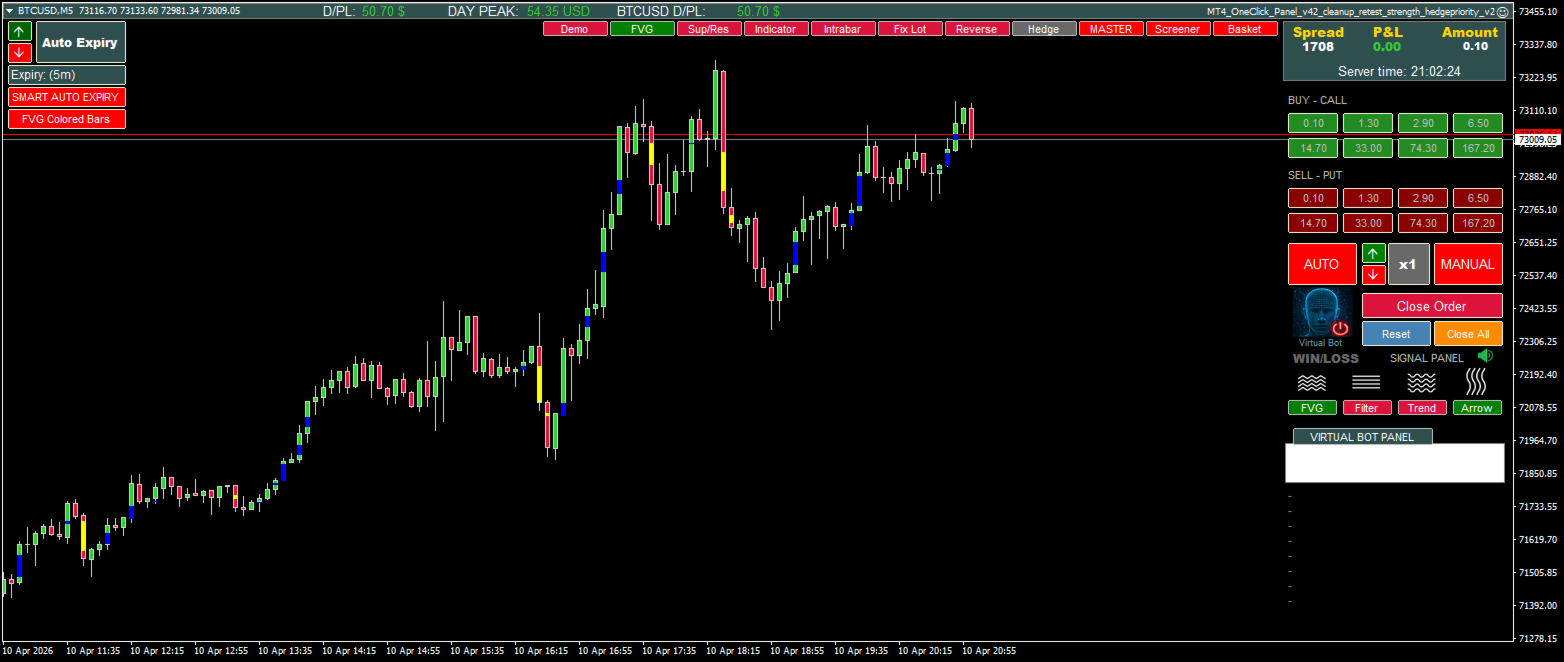
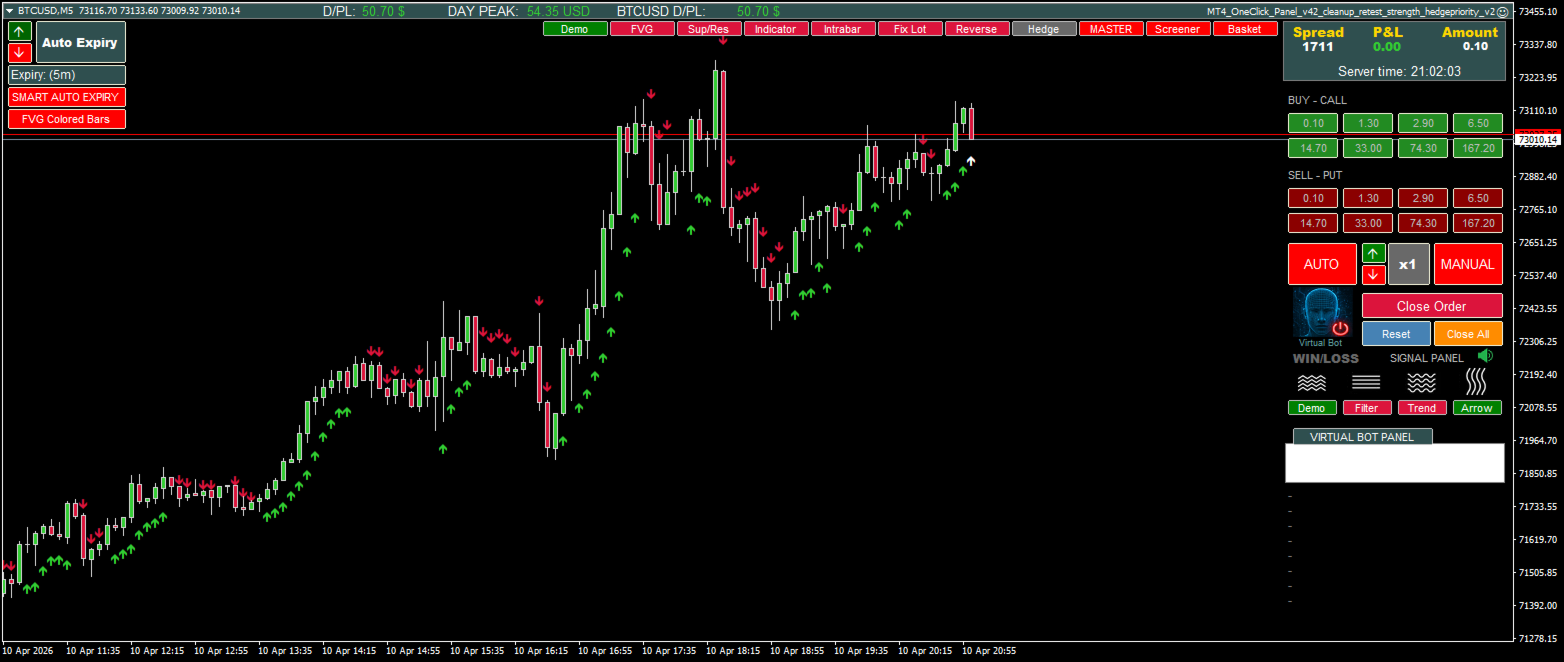
MT4 OneClick is a powerful all-in-one trading panel for MetaTrader 4, designed for traders who want more speed, more control, and more flexibility directly from the chart.
Instead of switching between multiple tools, windows, or scripts, MT4 OneClick brings manual execution, semi-automated workflows, and advanced trade management into one visual interface. It is built for traders who want to react quickly, manage positions more efficiently, and adapt their trading style without changing platforms.
Whether you trade Forex, use Binary Options style workflows, test strategy ideas, manage baskets, or automate specific entry logic, MT4 OneClick gives you a highly configurable environment that can be adjusted to many different trading approaches.
The panel combines one-click execution with visual trade management, flexible lot controls, strategy modules, basket logic, multi-symbol handling, and a wide range of automation features. It can be used as a fast execution tool, a strategy assistant, a signal-based trading panel, or a more advanced hybrid trading workspace.
What MT4 OneClick can do
MT4 OneClick is designed to support multiple trading styles in one product.
You can use it for:
- fast manual trading directly from the chart
- semi-automatic execution with confirmation logic
- automatic trading based on built-in strategy modules
- integration with your own signal indicators
- basket trading and multi-position workflows
- multi-symbol trading from a single chart
- virtual trade logic combined with real trade execution
- flexible Forex and Binary Options style trade handling
- testing and optimizing different workflows in the Strategy Tester
This makes it suitable for traders who want more than a simple buy/sell panel. It is built for users who want an adaptable control center for trade execution and management.
Key features
One-click chart trading
Open and manage trades directly from the chart with a visual panel designed for speed and convenience.
Flexible lot control
Use predefined lot buttons, multipliers, and different execution styles to control position size more efficiently.
Manual, semi-automatic, and automatic trading
Trade fully manually, use assistance features, or let the panel execute trades based on the selected logic.
Support for your own indicators
Automate your own signal indicators and connect external logic to the panel workflow.
Built-in strategy modules
Includes additional strategy workflows such as:
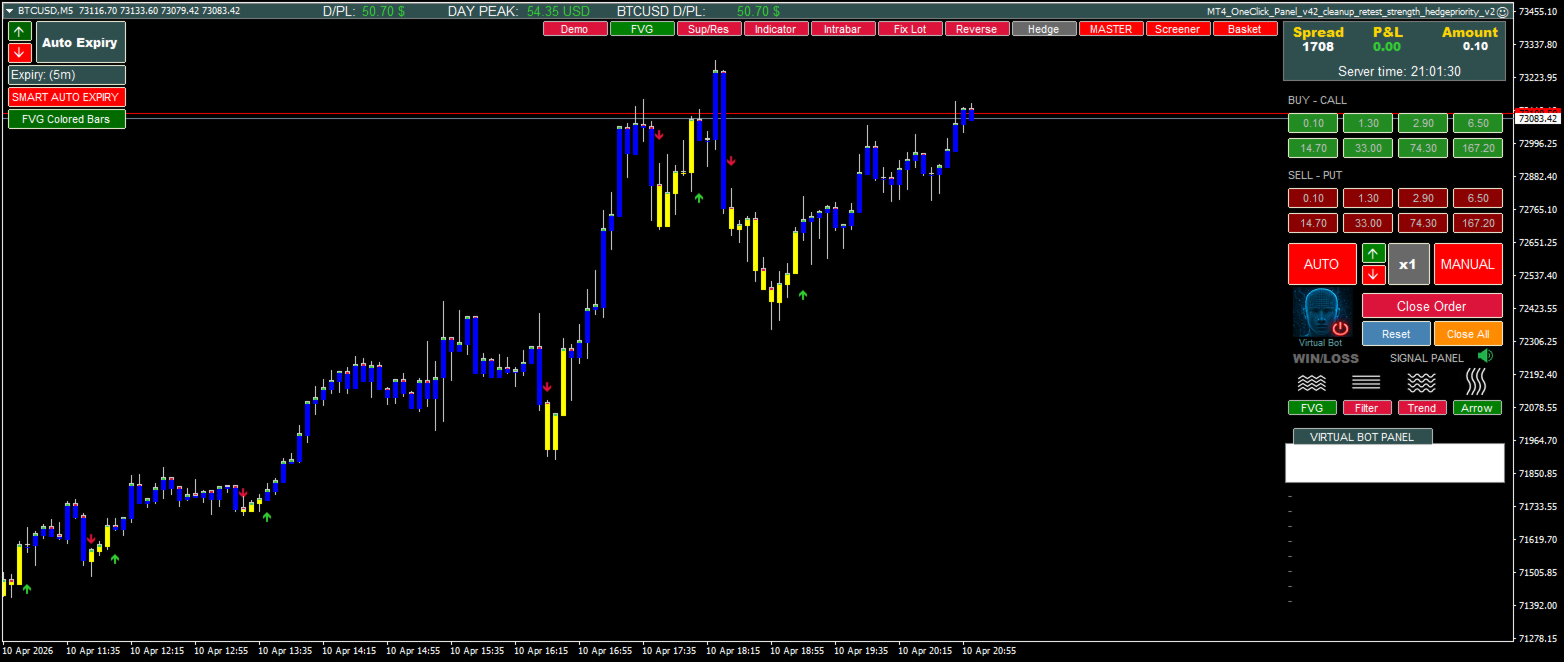
- FVG based trading logic
- Trend signal workflows
- Support and resistance signal handling
- test signals for development and evaluation
Basket trading
Manage grouped positions and apply basket-style trade handling when needed.
Multi-symbol trading from one chart
Control and monitor trading activity across multiple symbols from a single chart environment.
Virtual trading logic
Combine virtual trade logic with real execution for more advanced workflow control.
Forex and Binary Options style workflows
The panel supports both Forex trading and Binary Options style trading logic, giving users more flexibility depending on their broker setup and trading method.
Advanced exit and control settings
Use a wide range of management options such as:
- fixed TP and SL
- money-based TP and SL
- virtual hidden SL/TP
- trailing logic
- grid workflows
- multi-position handling
- basket control
- signal-based automation filters
Visual workflow on chart
The panel is designed for traders who prefer to see what is happening directly on the chart instead of relying only on background EA execution.
Why traders use MT4 OneClick
Many trading tools focus only on one area. Some are only for manual execution. Others are only for full automation. MT4 OneClick is different because it combines multiple practical workflows into one panel.
It can be used as:
- a fast on-chart execution panel
- a trade management panel
- a signal execution tool
- a strategy testing environment
- a basket and multi-symbol workflow tool
- a customizable bridge between manual trading and automated execution
This makes it useful for traders who want one tool that can adapt as their trading approach evolves.
Suitable for different trading styles
MT4 OneClick can be useful for traders who prefer:
- fast intraday execution
- structured chart-based workflows
- signal-driven entries
- basket management
- semi-automated execution
- multi-position logic
- visual trade control
- custom indicator automation
Instead of forcing one rigid method, the panel allows a more configurable approach so traders can build a workflow that better fits their style.
Important
MT4 OneClick is a trading tool designed to assist with execution, management, and workflow automation. It does not guarantee profit or eliminate trading risk.
Trading involves risk, and results depend on market conditions, broker conditions, settings, and user decisions. Always test any configuration carefully in the Strategy Tester and on a demo account before using it in live trading.
Please make sure all settings are understood before real use.
Visit my profile for additional information and product updates.