Rustamzhan Salidzhanov
5 (5)
  • Informazioni
14+ anni
esperienza
4
prodotti
0
versioni demo
31
lavori
0
segnali
0
iscritti
Память о прошлом - это дозорная вышка, с которой хорошо видно будущее
Rustamzhan Salidzhanov Prodotto pubblicato

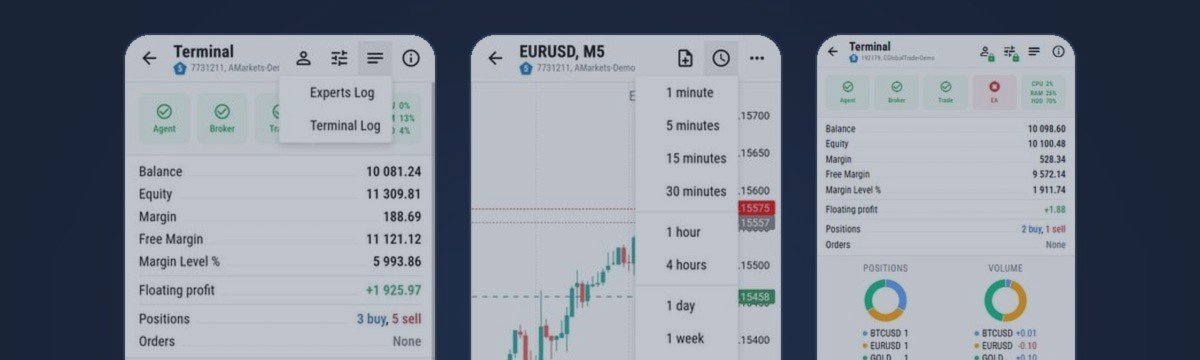
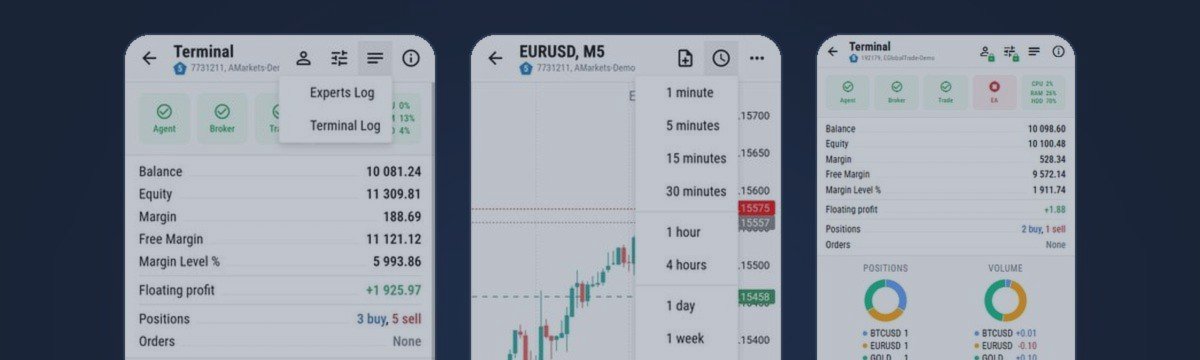
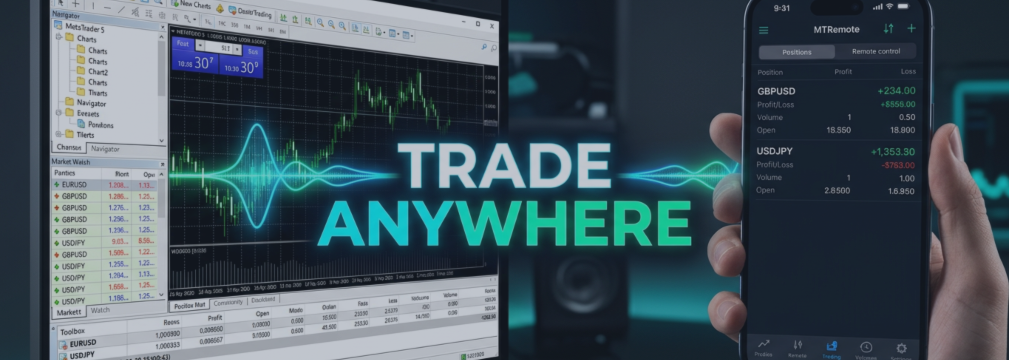
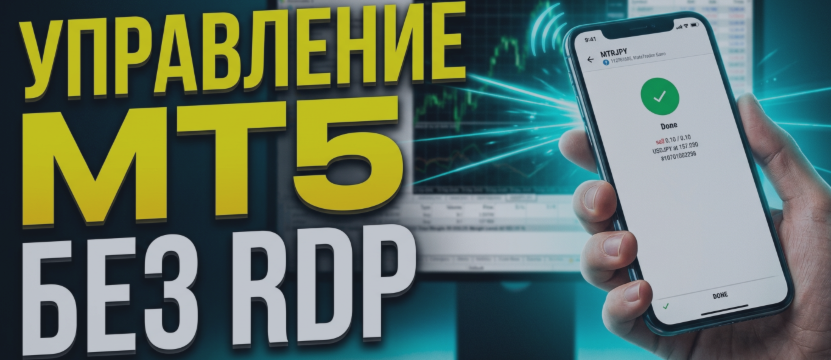
MT-Remote — è un pannello web multi-terminale per controllare MetaTrader 4 e 5 da smartphone o PC, senza bisogno di RDP. Riunisci i terminali di più VPS in un'unica finestra: gestione degli EA, trading e posizioni, grafici, storico, log, Market Watch e monitoraggio dei VPS. Cosa include il pacchetto?* Expert Advisor MT-Remote — si applica a un grafico di MetaTrader 4/5 e collega il terminale a MTAgent tramite un canale locale MTAgent per Windows — applicazione Windows gratuita che trasmette i

Rustamzhan Salidzhanov Prodotto pubblicato

MT-Remote — è un pannello web multi-terminale per controllare MetaTrader 4 e 5 da smartphone o PC, senza bisogno di RDP. Riunisci i terminali di più VPS in un'unica finestra: gestione degli EA, trading e posizioni, grafici, storico, log, Market Watch e monitoraggio dei VPS. Cosa include il pacchetto?* Expert Advisor MT-Remote — si applica a un grafico di MetaTrader 4/5 e collega il terminale a MTAgent tramite un canale locale MTAgent per Windows — applicazione Windows gratuita che trasmette i

Rustamzhan Salidzhanov
Short answer: use RDP to look after the VPS itself, and something lighter for the daily "is my Expert Advisor alive?" check. RDP and AnyDesk show you the whole Windows desktop. That is exactly what you need to install software and exactly what you do not need to read a log from a phone...
Rustamzhan Salidzhanov
Коротко: RDP нужен, чтобы обслуживать сам VPS, а для ежедневной проверки «жив ли мой советник?» лучше что-то полегче. RDP и AnyDesk показывают весь рабочий стол Windows. Это именно то, что нужно, чтобы поставить программу, и именно то, что не нужно, чтобы прочитать журнал с телефона...
Rustamzhan Salidzhanov
How to Run MT Radar on Your Computer Download MT Radar from the MQL5 Market. Open your terminal and log in to your MQL5.community account. In the Navigator window, open the Market folder and find the MT Radar for MT4 or MT Radar for MT5 Expert Advisor, depending on your terminal version...
Rustamzhan Salidzhanov
Как запустить MT Radar на вашем компьютере Скачайте MT Radar из MQL5 Маркета. Откройте терминал и войдите в свой аккаунт MQL5.community. В окне «Навигатор» откройте папку «Маркет» и найдите советник MT Radar for MT4 или MT Radar for MT5 , в зависимости от версии вашего терминала...
Rustamzhan Salidzhanov Prodotto pubblicato

MT-Radar — monitoraggio gratuito dei terminali MetaTrader dal telefono Vuoi sapere se il tuo Expert Advisor è in funzione e il terminale è connesso, senza collegarti ogni volta al VPS tramite RDP? MT-Radar mostra lo stato di tutti i tuoi terminali MT4/MT5 in un unico pannello web sicuro. Aprilo su telefono, tablet o qualsiasi computer e verifica in pochi secondi che tutto funzioni come deve. Cosa mostra MT-Radar: Conto e terminale — informazioni sul conto e dati generali del terminale Registri —

Rustamzhan Salidzhanov Prodotto pubblicato

MT-Radar — monitoraggio gratuito dei terminali MetaTrader dal telefono Vuoi sapere se il tuo Expert Advisor è in funzione e il terminale è connesso, senza collegarti ogni volta al VPS tramite RDP? MT-Radar mostra lo stato di tutti i tuoi terminali MT4/MT5 in un unico pannello web sicuro. Aprilo su telefono, tablet o qualsiasi computer e verifica in pochi secondi che tutto funzioni come deve. Cosa mostra MT-Radar: Conto e terminale — informazioni sul conto e dati generali del terminale Registri —

Rustamzhan Salidzhanov
The best way to understand remote control is to use it. That is why MTRemote has a free live demo: a real control panel connected to a real MetaTrader terminal, open in your browser, with nothing to install on your computer or your phone...
Rustamzhan Salidzhanov
Лучший способ понять, что такое удалённое управление, - попробовать его самому. Поэтому у MTRemote есть бесплатное живое демо: настоящая панель управления, подключённая к настоящему терминалу MetaTrader...
Rustamzhan Salidzhanov
MTRemote — установка MTAgent >> СКАЧАТЬ MTAgent << 📋 ТРЕБОВАНИЯ • Windows [10 / 11] на компьютере или VPS, где работают ваши терминалы • MetaTrader 4 и/или MetaTrader 5 с советником MTRemote • Обычное подключение к интернету — не нужно открывать входящие порты, настраивать роутер или...
Rustamzhan Salidzhanov
MTRemote — ваши терминалы в одной панели MetaTrader работает на домашнем ПК или VPS — и время от времени нужно проверить его с телефона: посмотреть, как дела у советника, взглянуть на позиции, переключить аккаунт. Обычный способ — RDP с телефона...
Rustamzhan Salidzhanov

MTRemote — Installation guide

5 settembre 2026, 13:03
MTRemote — MTAgent installation guide >> DOWNLOAD MTAgent << 📋 REQUIREMENTS • Windows [10 / 11] on the computer or VPS where your terminals run • MetaTrader 4 and/or MetaTrader 5 with the MTRemote Expert Advisor • A regular internet connection — no inbound ports, no router setup, no...
Rustamzhan Salidzhanov
Screenshot pubblicati
DemoCL-DEC22., M1LBLV Ltd
Rustamzhan Salidzhanov
Argomento aggiunto Indicatore dei livelli di opzione online - beta testing
Sabbath signori, chi vuole giocare con gli indicatori beta, curiosare nel codice, e calunniare l'autore come al solito ;) come si dice, benvenuto. Gli Indyuk sono nell'allegato, aggiungili al grafico e guarda le coppie disponibili EURUSD GBPUSD GOLD
Rustamzhan Salidzhanov
Argomento aggiunto Sondaggio : Club chiuso di scrittori esperti - chi è a favore?
Suggerisco che tutti quelli che hanno qualcosa da difendere dall'hacking si riuniscano in un club chiuso. L'obiettivo è difendere collettivamente i loro diritti. menu del club: Link a siti e forum con software rotto Link a rivenditori di software
Rustamzhan Salidzhanov
Screenshot pubblicati
GBPUSD, M5Capzone Invest Ltd