MS Auto Trader
- Experts
-
Andrei Lukoianov
 ANDREI LUKOIANOV · MarketStructureLab
Trader since 2008 | Algorithmic trading since 2018
From a trading idea to a clear, systematic approach - Versione: 1.1
- Attivazioni: 20
Automate trade entries and stop management with rules you can tailor to your symbol and timeframe.
MSL Auto Trader tracks breakouts of confirmed market structure levels, opens positions automatically, and manages their protective stops. Entry and exit markers show what happened on the chart, while the dashboard lets you review long and short performance separately.
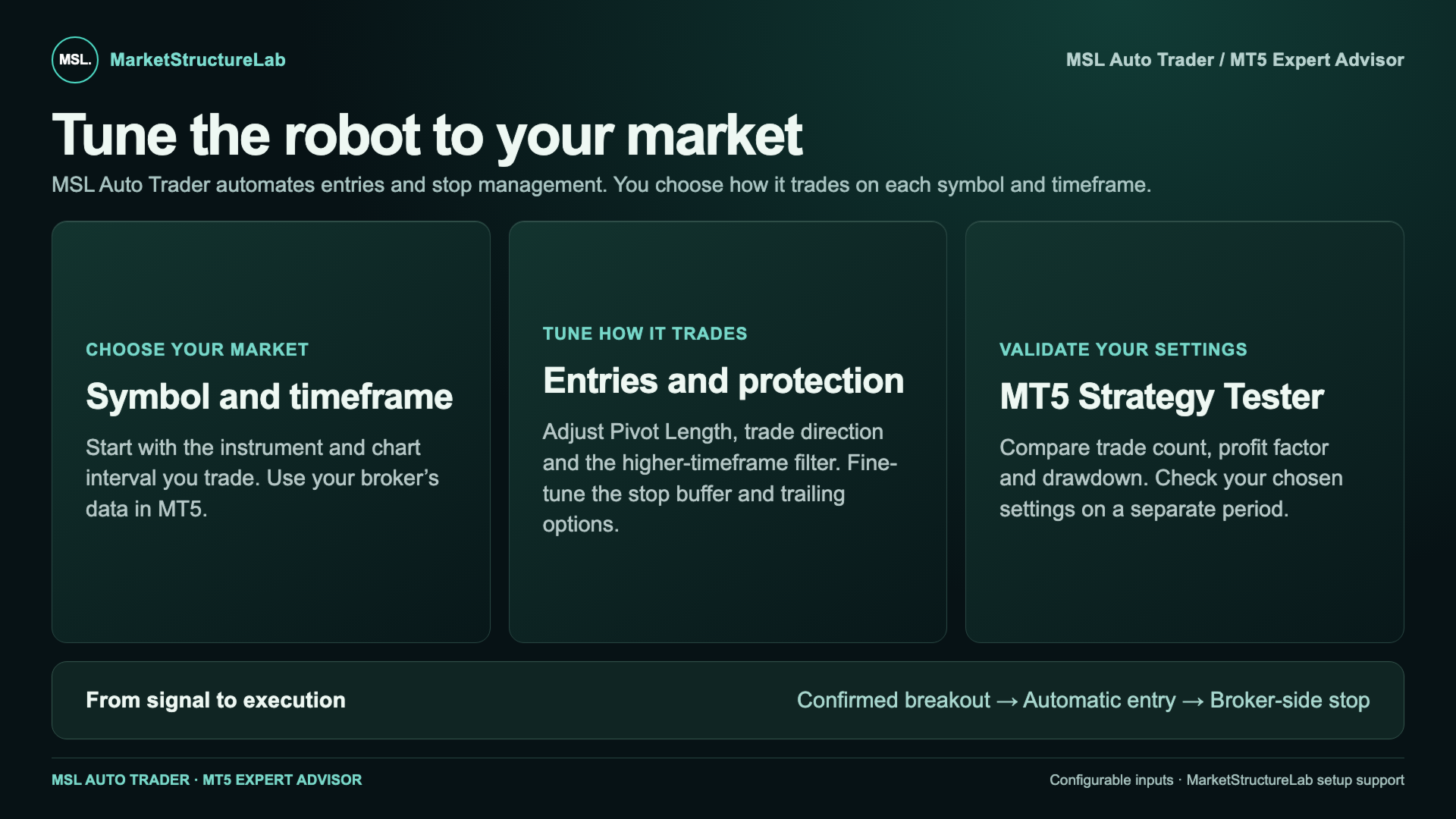
- Choose which signals to trade. Adjust breakout sensitivity, trade long, short, or both, and enable a higher-timeframe filter if needed.
- Control what happens after entry. Set the rules for the initial stop, additional trailing, and re-entry after a position closes.
- Compare settings in the MT5 Strategy Tester. See how changes affect trade count, net results, and drawdown.
Why settings matter for each symbol and timeframe
The default settings are a starting point for your first test. Gold and currency pairs move differently, and switching from H1 to M15 changes both signal frequency and the typical size of price moves. A setting that captures breakouts on one chart may trigger too many entries or stop-outs on another.
Choose your symbol and timeframe, compare several configurations in the MT5 Strategy Tester, and check your preferred settings on a separate historical period. This helps you judge whether the results and drawdown suit your trading style.
Need help getting started? You can always contact the MarketStructureLab developers. We’ll help you identify which settings to test first and how to compare the results for your symbol and timeframe.