Ballast OCO Orders

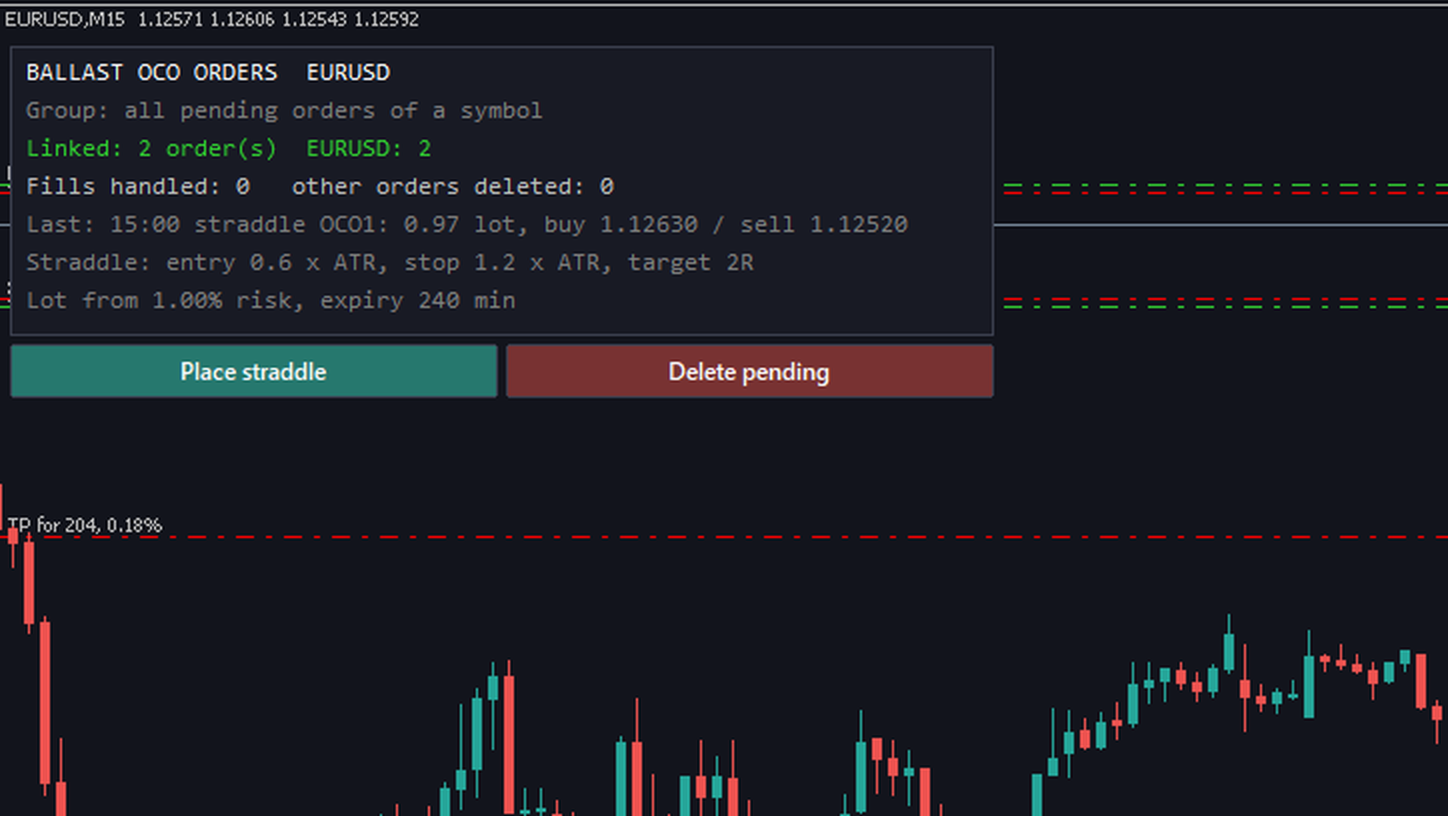
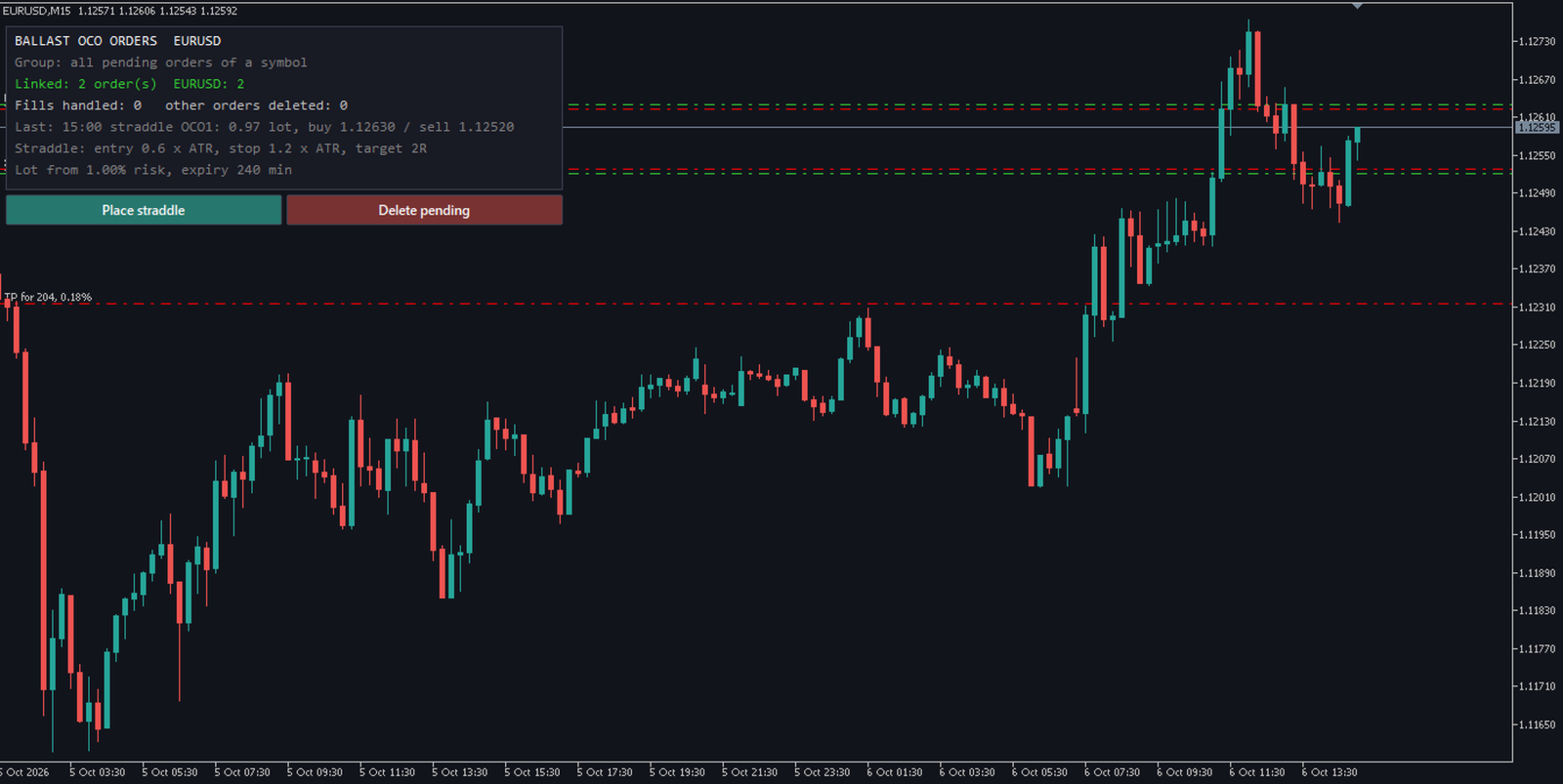
One-cancels-other for MT5: when one pending order fills, the others are deleted at once. One-click straddle with stop, target, expiry and a risk-based lot.

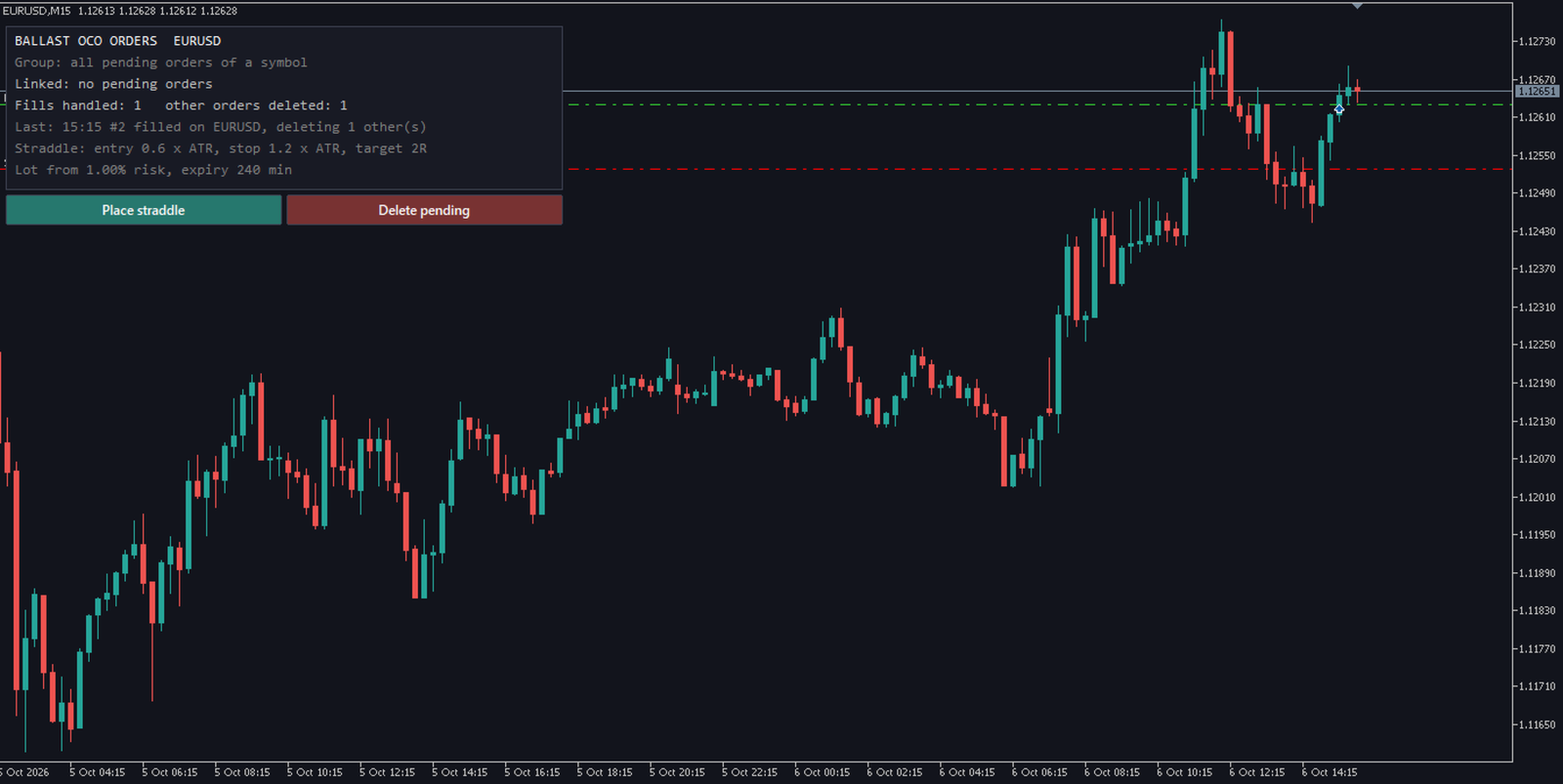
MetaTrader 5 has no built-in OCO. Place a buy stop above and a sell stop below before the news, one of them fills, and the other one is still waiting to open a second trade against you. Ballast OCO Orders deletes it for you.

What it does

  • OCO for any pending orders — buy/sell stop, buy/sell limit, stop-limit. Placed by hand, from the one-click button, or by another EA. When one order of a group fills (fully or partly), every other order of that group is deleted.
  • Two ways to group orders: all pending orders of a symbol form one group (simplest), or only orders whose comment starts with OCO and is the same (OCO1, OCO2 ...), so you can keep other pending orders untouched.
  • One-click straddle — buy stop above and sell stop below the price, in points or as a multiple of ATR, with stop-loss, target (as a multiple of the stop) and a lot size that risks your chosen % of balance.
  • Expiry — the straddle is deleted after N minutes if nothing filled (broker expiry when available, otherwise the EA deletes it).
  • One button deletes all watched pending orders.
  • Works on one symbol or the whole account, with an optional magic number filter.

Tested (1 year, 4 symbols: EURUSD, Gold, US30, Bitcoin)

The test placed groups of 2–4 random pending orders (and straddles through the button) and kept its own record of every order.

  • 4,474 orders placed, 1,979 fills, 2,394 other orders deleted after a fill (both grouping modes, 8 runs).
  • 0 orders deleted without a fill in their group, 0 orders left standing longer than 2 seconds after a fill, 0 orders outside a group touched.
  • 8 symbol/timeframe/deposit validation combinations without errors.

Notes

  • The EA must be running when the order fills (keep the terminal on, or use a VPS). If two orders of a group fill on the same price jump, both positions stay open: no tool can stop that.
  • Partial fills count as a fill: the rest of the group is deleted, the partly filled order keeps working.
  • For news trading on a prop-firm account, check your firm's rules first; Ballast News Shield can pause trading around news instead.

Inputs

  • Watch — this chart's symbol
  • Group — all pending orders of a symbol
  • Magic number filter — -1 = all
  • Straddle distances in — ATR(14) multiple
  • Entry / stop distance — 1.0 / 1.0
  • Target (× stop) — 2.0
  • Lot — 1% risk of balance
  • Expiry (minutes) — 240
Altri dall’autore
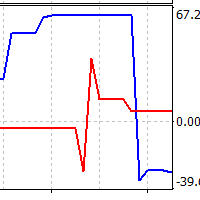
Direct translation of blackcat's L3 Banker Fund Flow Trend Oscillator. Get push notifications on your phone app when a signal bar has formed. Historical signals are shown with buy/sell arrow right on the main chart. Indicator uses two data calculations to check for a cross below 25% level (a signal to go long) and above 75% level (a signal to short). For any further questions  feel free to contact me directly. Including requests for product improvements.
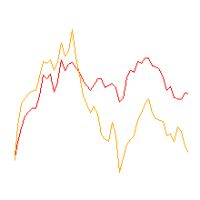
Two lines are being drawn in a separate window. And both are representing an angle of a trendline. One trendline is measured going across two price highs, but the other is measured across two lows. You get to choose the period from which the first price high and first price low is being determined. The second high and low comes from identical time period preceding the first one. Feel free to experiment with the period count until you get the confirmation you are looking for.
Line1: simple calculation of change in closing price for the chosen input period - named Velocity. Line2: simple calculation of change in velocity for the chosen input period - named Acceleration. Feel free to play with the input periods to find a profitable combination. For faster results it is best to do it in MT Optimizer. Can assist in either manual or automatic trading.
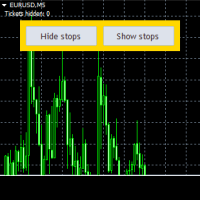
This is an Expert that gives you a control panel with two buttons - 'Hide Stops' and 'Show Stops'. With a click of a button you can hide your stoploss and takeprofit levels from your broker and restore them if necessary. When levels are hidden Expert tracks orders in the background and closes them as soon as the price exceeds hidden levels. It is not opening new orders just working with existing ones, only stoploss and takeprofit levels are not visible to the market. Choose zero as magic number
L3 Banker Fund Flow Trend Oscillator v5 is a simple translation of blackcat's work from pine script (language used by TradingView platform) to mql5. It generates buy and sell signals when two calculated buffers cross over each other in the oversold and overbought oscillator territory. Current version does not offer any changable inputs, but could be easily added in the modified version if requested.
Keeps your prop-firm challenge inside its rules: fits every stop to the loss you have left, closes and locks before the daily or total limit, locks a reached profit target. A prop-firm challenge is usually lost to one rule: the maximum daily loss or the maximum total loss. Ballast Prop Guard watches the whole account — manual trades and every EA — and makes those limits very hard to break. What it does Fitted stops — every open position gets a stop-loss so that, even if price jumps straight to a
One-click trading that sizes every lot from your risk %, adds a stop-loss to any trade without one, and locks trading after your daily loss limit. Most accounts are not lost by a bad strategy. They are lost by one trade without a stop, one oversized lot, or one bad day that turns into revenge trading. Ballast Risk Panel stops all three. 1. Buy / Sell with the right lot size Press BUY or SELL. Ballast Risk Panel calculates the lot so that the stop-loss loses exactly your chosen % of balance (defa
Manages your open trades for you: break-even, partial profit, ATR trailing stop and time exit — measured in R, never loosening a stop. Opening a trade is the easy part. Ballast Exit Manager handles the rest, the same way every time, for manual trades and trades from other EAs. Everything is measured in R = the trade's initial risk (the distance from entry to the first stop-loss). A trade at +1R has made as much as it risked. Break-even — at +1R (default) the stop moves to the entry price plus a
Closes positions and blocks trading around important news, using MT5's built-in economic calendar. Protects manual trades and other EAs. Big news (interest rates, jobs reports, inflation) can move price more in one minute than in the whole day before it, with wide spreads and slippage. Many prop firms forbid holding trades through it. Ballast News Shield handles it for you. Reads the built-in MT5 economic calendar — no DLL, no web requests, no settings to allow URLs. A set number of minutes befo
Shows where your account loses money: trades without a stop-loss, worst symbols, weekdays, hours and holding times. Drop Ballast Loss Finder on any chart. In a second it reads your closed trades and tells you in plain words where the money goes: Total result, win rate, and how much of all your losses came from trades without a stop-loss . How much of your losses came from your 5 worst trades, and your longest losing streak. Biggest leaks: the worst symbol, direction, weekday, hour and holding ti
FREE
Closes all your positions together when their combined profit or loss reaches your target — in money or % of balance — with an optional trailing profit lock. Many trades open at once — from you, from several EAs, or a grid/basket strategy. Ballast Equity Target watches their combined result and closes them all together: Profit target in money and/or % of balance (the first one reached wins). Loss limit in money and/or % of balance. Trailing profit lock — once the basket is up X%, it may give bac
Hidden stop-loss and take-profit: your levels stay in the EA, not at the broker. Drag the lines to move them; a wider emergency stop stays as insurance. Ballast Stealth Stops keeps your stop-loss and take-profit inside the EA. When price reaches a level, the position is closed at market. The broker sees only a much wider emergency stop (or nothing, if you choose). Takes over existing broker stops/targets, or sets hidden levels (fixed points or ATR multiple, target as a multiple of the stop). Dra
Your account on your phone: push notifications for equity drops, low margin, trades without a stop, Algo Trading switched off, lost connection, every trade and a daily summary. Running EAs on a VPS, or leaving a manual trade open while you are away? Ballast Account Alerts watches the whole account and tells your phone (MT5 mobile app push), the terminal (alert) or your e-mail. Alarms Equity down X% since the start of the day (default 5%), or below a fixed amount. Margin level below X% (default 2
Shows what your open trades really add up to: net long/short per currency, index and metal exposure, and the money lost if every stop is hit. Buy EURUSD, buy EURJPY, buy USDJPY — three different trades? Not really: you are long EUR twice and short JPY twice. Ballast Exposure Meter adds up every open position on the account and shows the real picture. Net exposure per currency — long or short, the amount in that currency and its value in your account currency, largest first. Indices, metals, stoc
Stop-loss and take-profit levels sized from the expected daily range, with the lot that risks exactly your chosen % of balance. A stop that is too tight gets hit by normal noise; a stop that is too wide makes the lot tiny. Ballast Stop Sizer sizes the stop from how much the market is expected to move today. Expected daily range — from the average range of the last 5 and the last 20 trading days (weekend bars are ignored). Shown with how much of it today has already used. Buy and sell stop-loss a
FREE
One line at the price where all your open trades on the symbol together are at zero — swaps and commission included — plus lines for your basket profit target and loss limit. Three buys at different prices, one sell, a few EAs on the same chart: where is the price at which all of it together is back at zero? MT5 does not show it. Ballast Break Even draws that price as one line and keeps it up to date on every tick. What it shows Break-even line — the Bid price at which all open positions on the
Asia, London and New York session boxes, with statistics from the symbol's own history: average ranges, how often London breaks the Asian range, when the day's high and low form. Session boxes show where each session traded. Ballast Session Ranges also tells you what usually happens next on the symbol you are looking at, measured on its own history. On the chart Boxes for the Asian, London and New York sessions, with the range of each session in points. Session hours are inputs (server time), in
Filtro:
Nessuna recensione
Rispondi alla recensione