Four Edge EA
- Experts
- Versione: 3.15
- Attivazioni: 10

FOUR EDGE - four logical strategies in one portfolio program. Traded with real money, publicly verified.
NOT A HOLY GRAIL - PLEASE READ THIS FIRST
Four Edge is not a get-rich-quick program. There is no 100% win rate and no promise of monthly returns. There are losing days, losing weeks and sometimes losing months - that is part of trading.
What you get instead: four simple, logical strategy concepts that I have traded with my own money for years, originally as individual robots and now combined in one portfolio program. I show my results on two live accounts, both publicly verified on MQL5, with every win and every loss.
Whether these concepts remain profitable in the future is a judgement every trader has to make for themselves. Look at the verified signals, look at the logic, and decide for yourself. Nothing on this page is financial advice or a recommendation to buy or to trade.
VERIFIED LIVE ACCOUNTS
1. Four Edge account: https://www.mql5.com/en/signals/2392411
This account runs Four Edge as its only Expert Advisor, exactly as it is sold here. It was funded once with the initial deposit. No further deposits or withdrawals are planned, so its growth curve reflects the trading alone.
2. Long-term account: https://www.mql5.com/en/signals/2223417
My main account trades the same four strategy concepts as individual robots and has the longer history. Please note: on this account I make deposits and withdrawals so that I do not keep too much unused capital in it. Please read its statistics with that in mind.
I deliberately do not quote profit figures here - they change every day. The signals show the complete, current statistics including every drawdown.
THE STRATEGIES ARE NOT SECRET
The four strategy concepts are public. I have explained them openly for years, and some of them exist as individual robots. What you buy with Four Edge is the portfolio program around them: one chart instead of many, a control panel, portfolio and per-strategy statistics, full recovery after restarts, and the safety logic described below. If you only want a single strategy on a single symbol, you may not need this product.
WHAT IS FOUR EDGE?
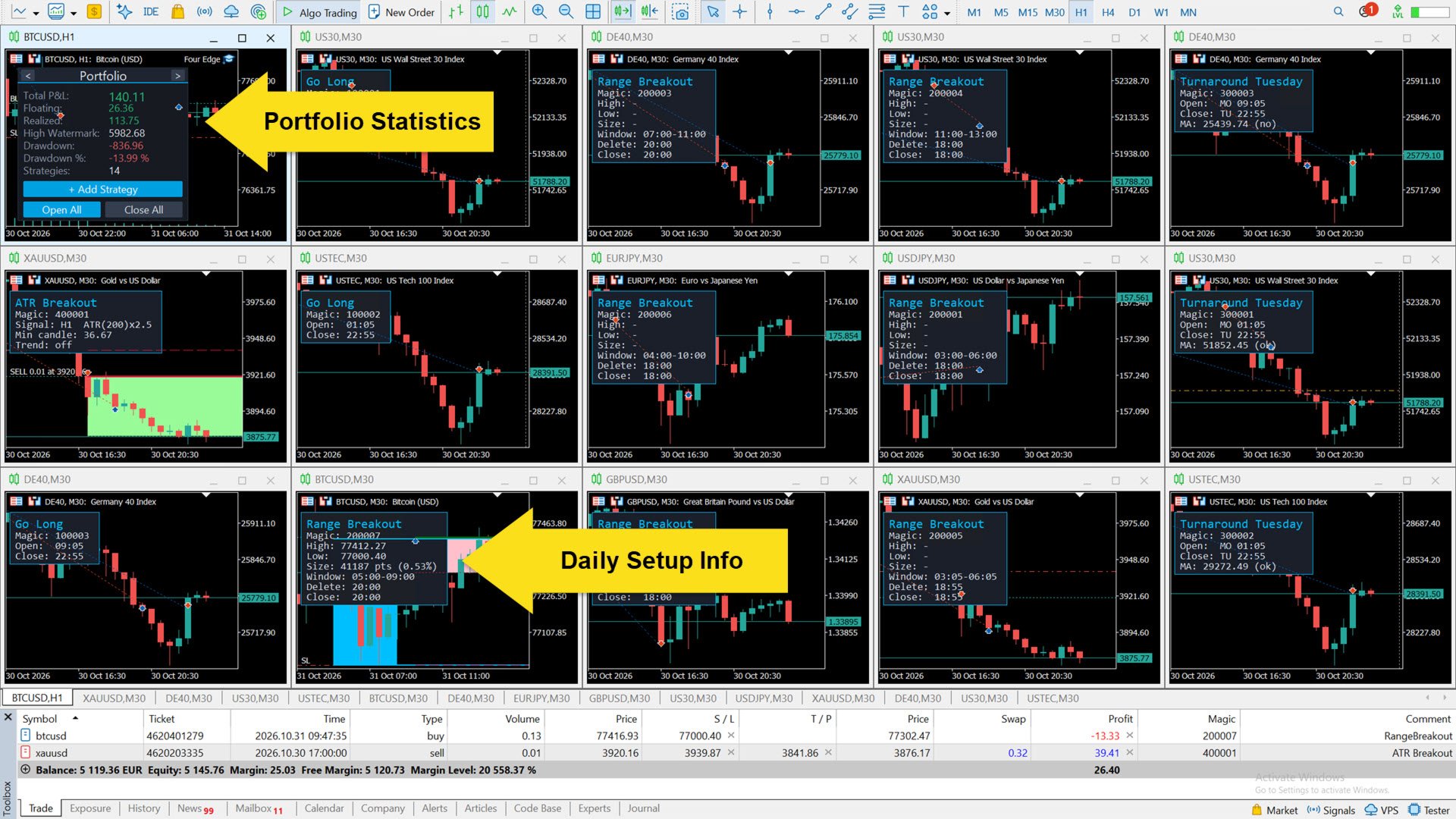
Four Edge is a multi-symbol portfolio Expert Advisor. You attach it to one chart, and it runs any number of strategy instances on the symbols you choose - each with its own magic number, its own settings and its own statistics. Everything is managed at runtime from a panel on the chart: no restarts, no re-attaching, no long input lists.
THE FOUR STRATEGIES
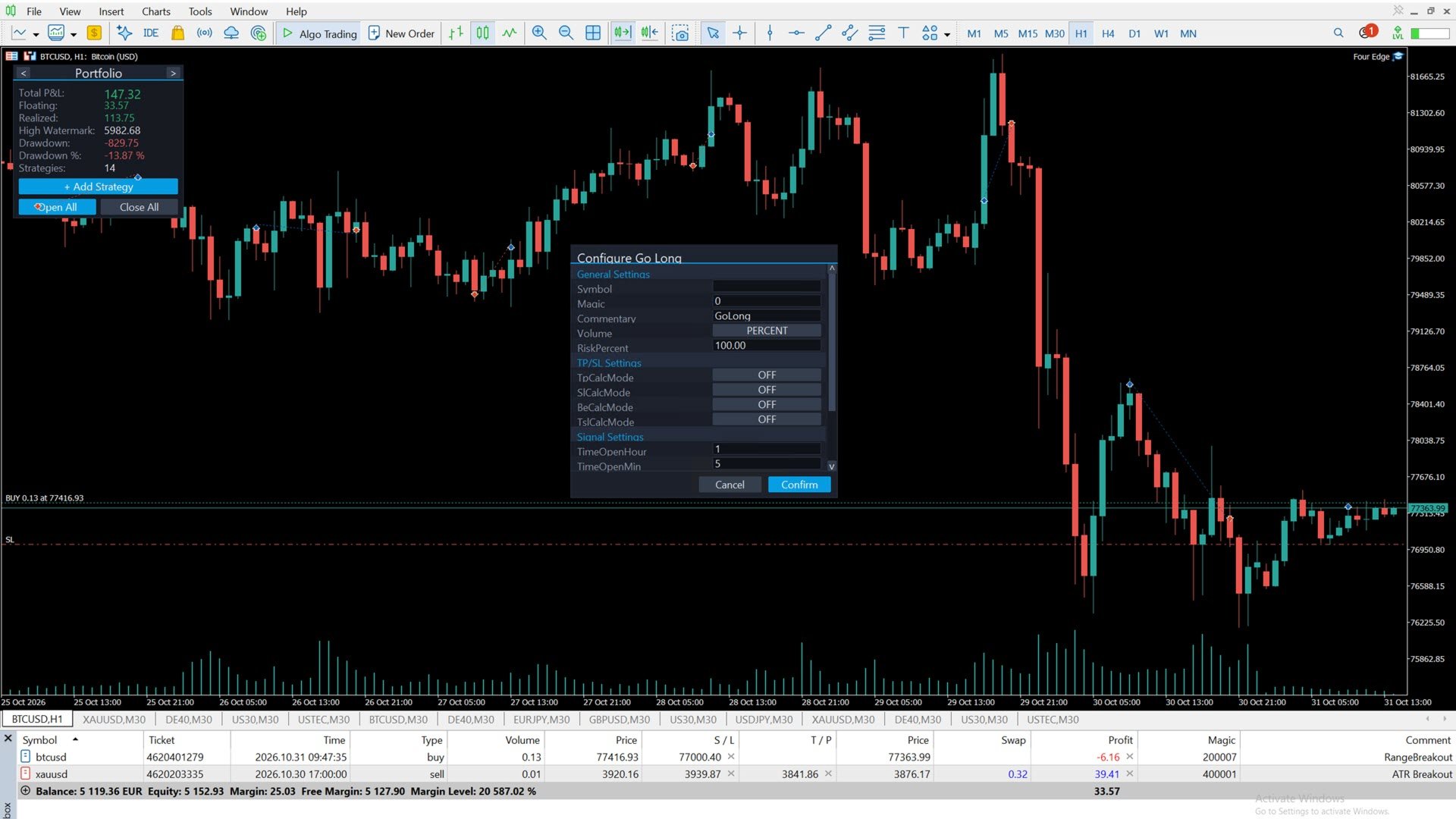
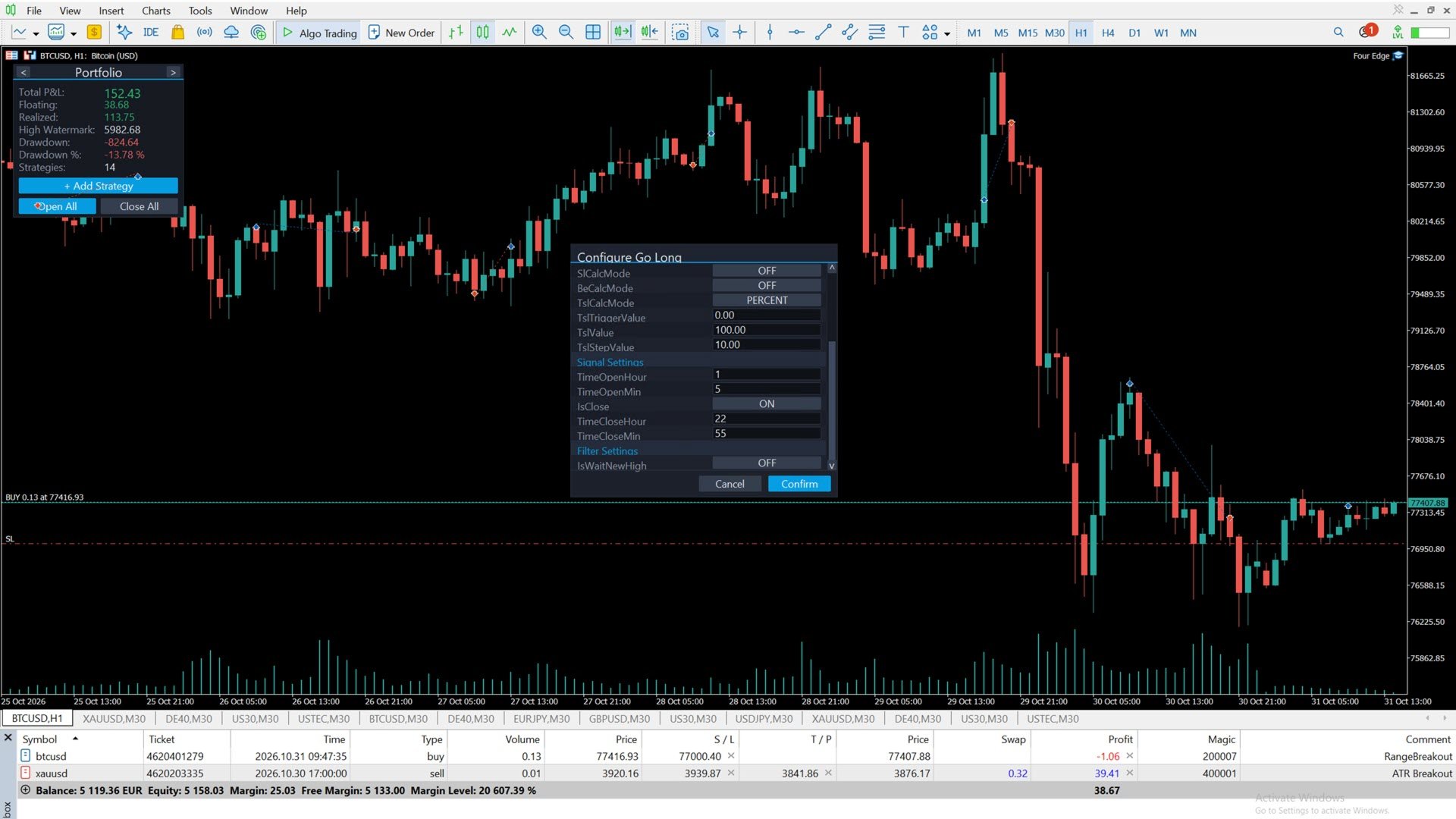
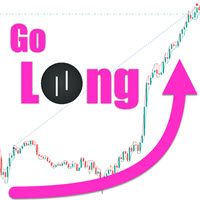
1. Go Long - a time-based long entry: buys at a fixed time of day and closes at the end of the session. Optional filter: enter only after price exceeds the day's high made before the open time. Optional break-even and trailing stop.
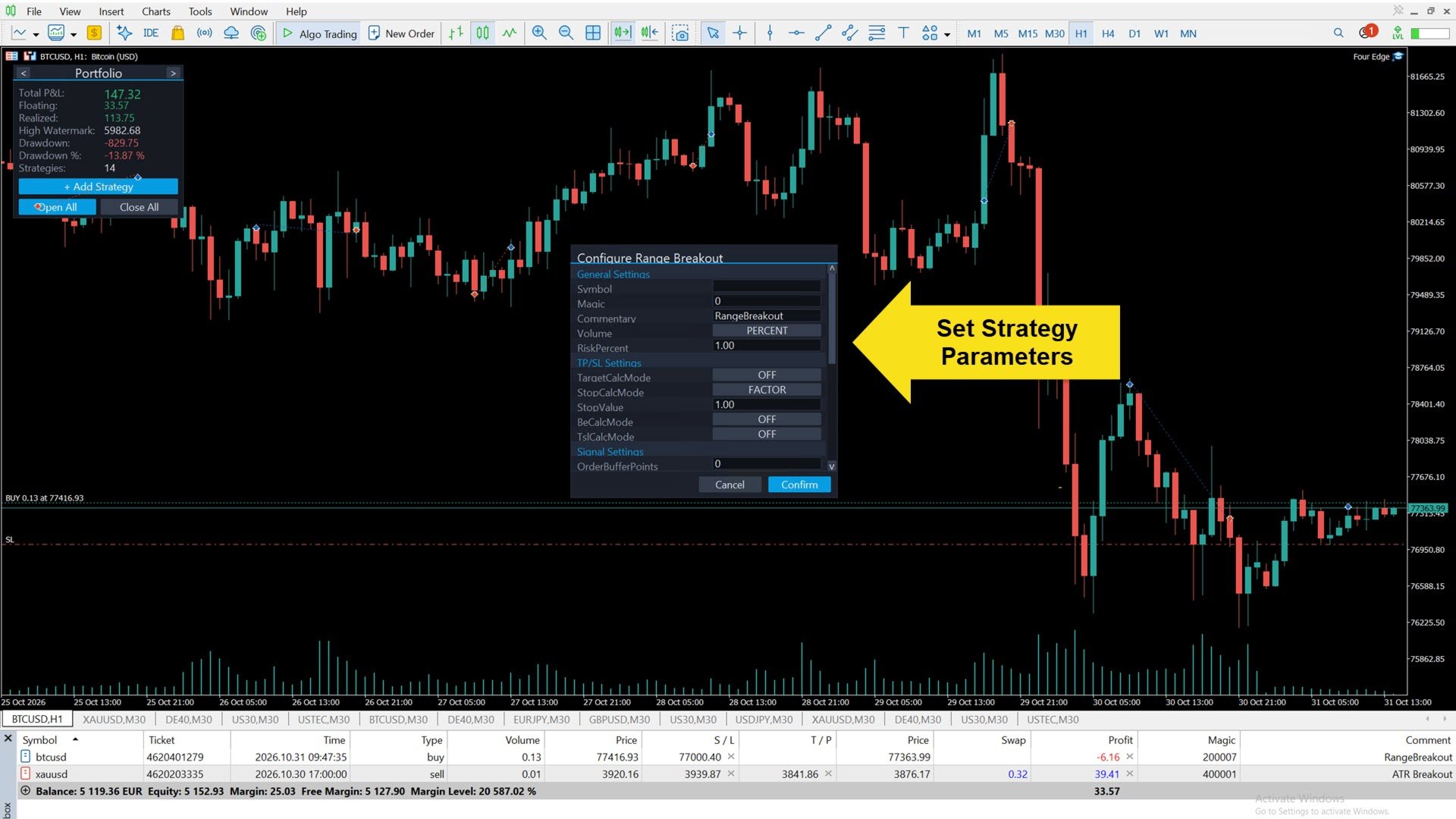
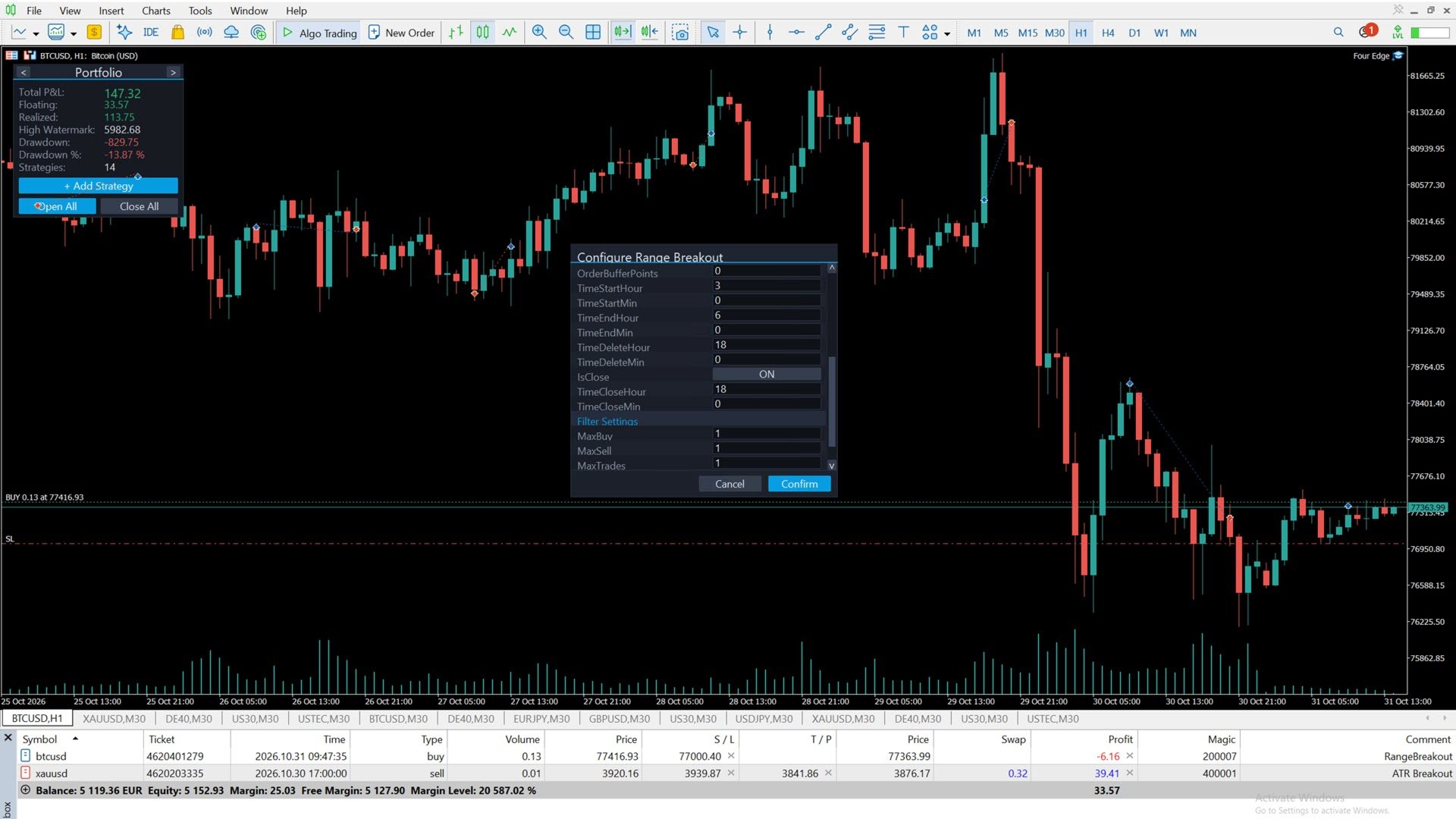
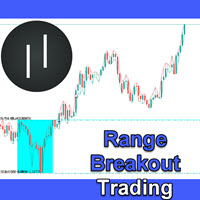
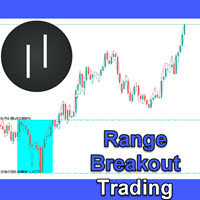
2. Range Breakout - measures the range between two times of day and trades the breakout with stop orders. Overnight windows (for example 22:00-02:00) are supported. Order delete time, close time, range size filters, break-even and trailing stop are configurable.
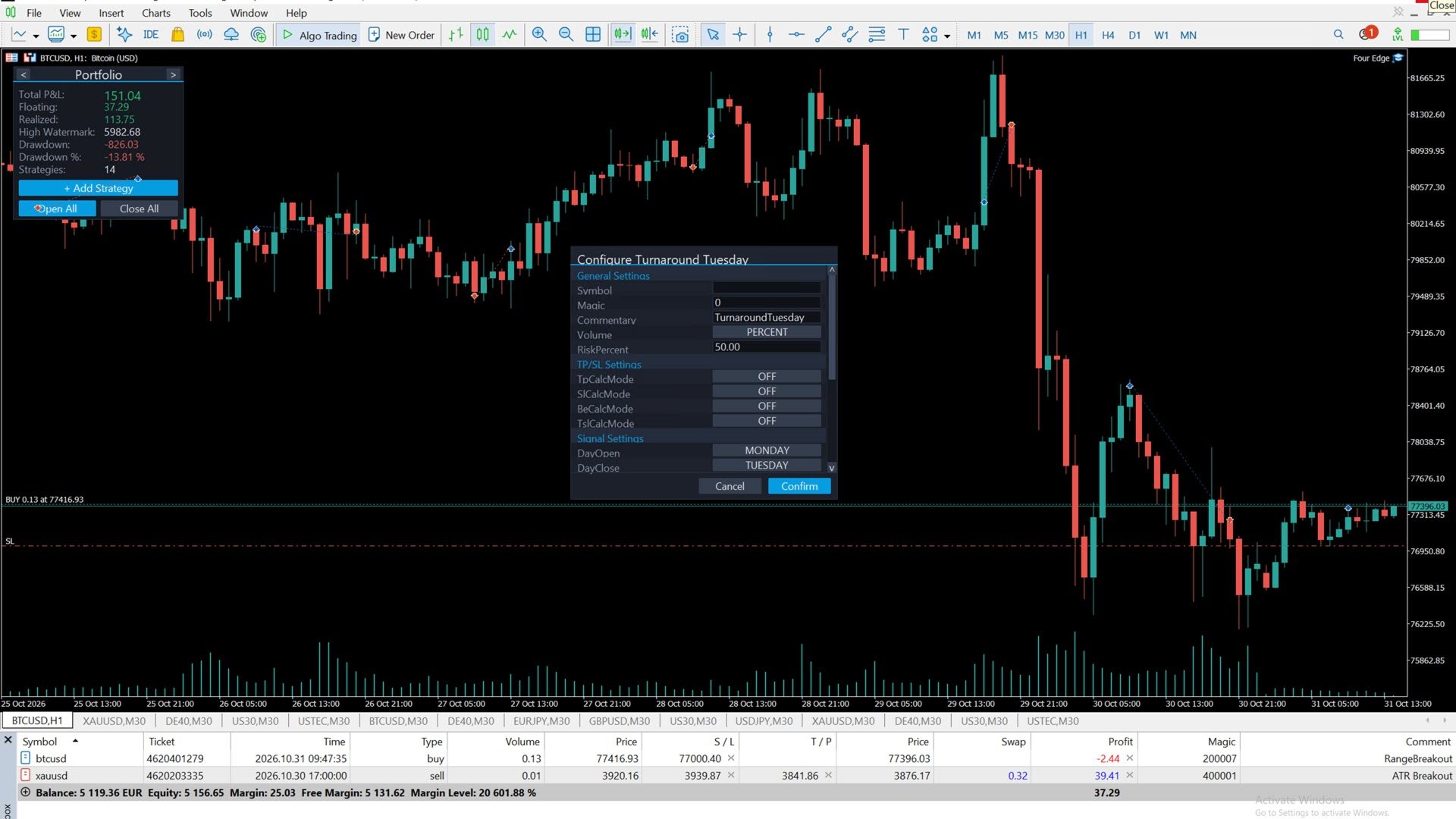
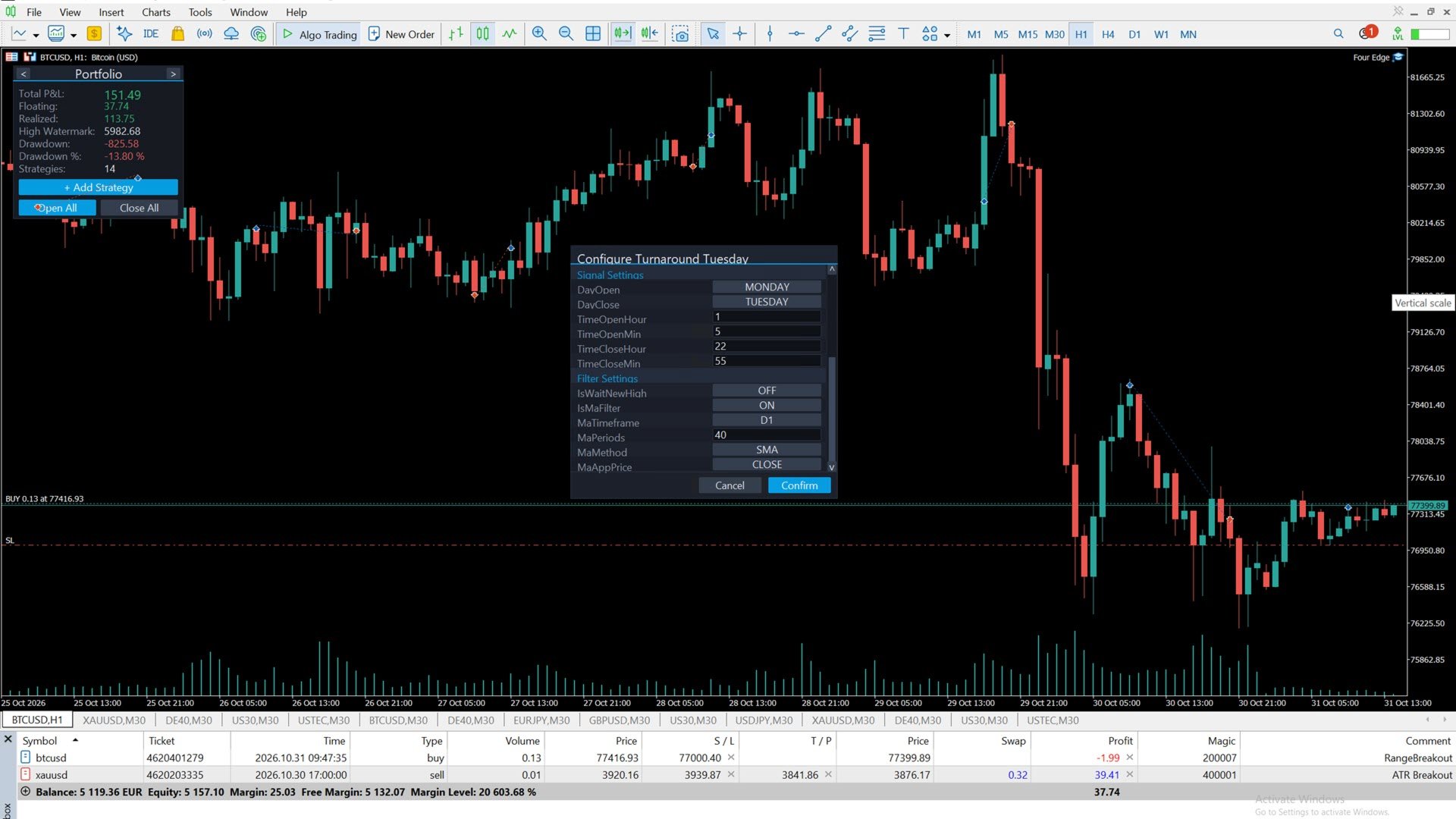
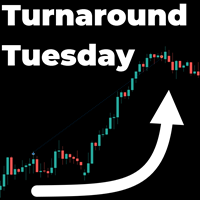
3. Turnaround Tuesday - the weekly reversal pattern: after weakness into the start of the week it buys for the typical recovery, optionally filtered by a moving average and by a new day high. One trade per week per instance. Optional break-even and trailing stop.
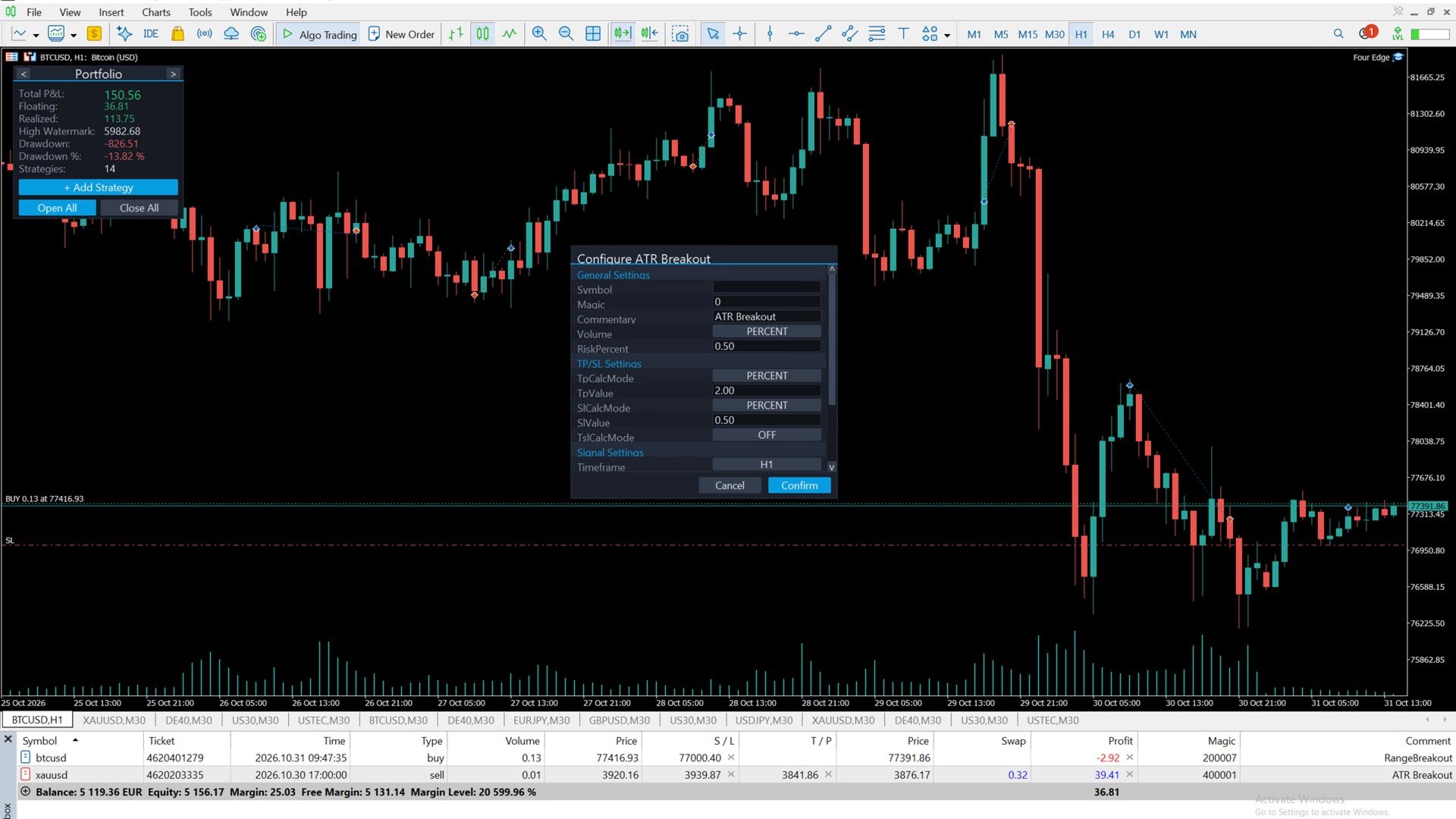
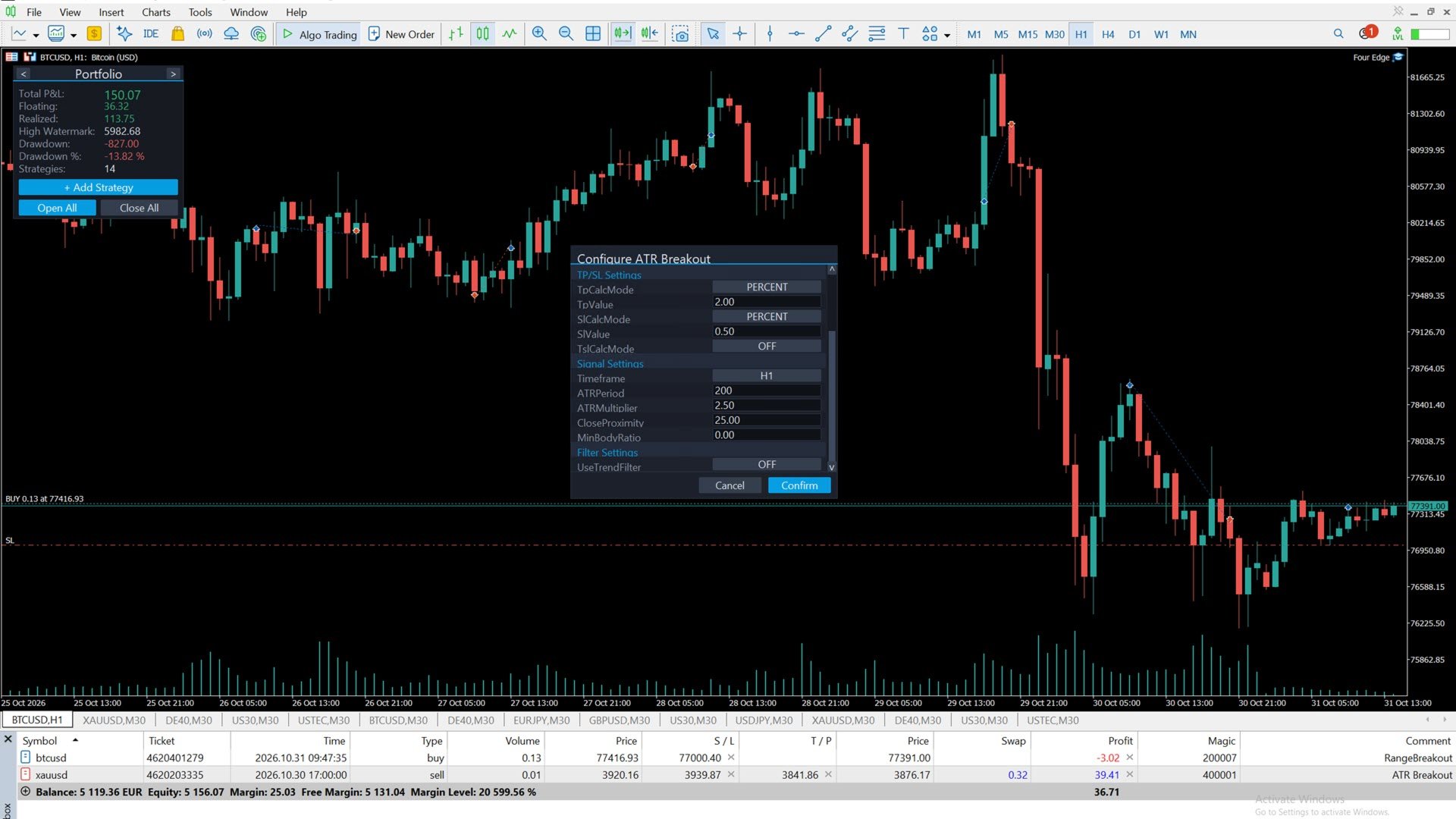
4. ATR Breakout - enters when a candle's range exceeds a multiple of the ATR and the candle closes near its extreme. Optional trend filter and trailing stop. Works on any symbol and timeframe.
THE CONTROL PANEL
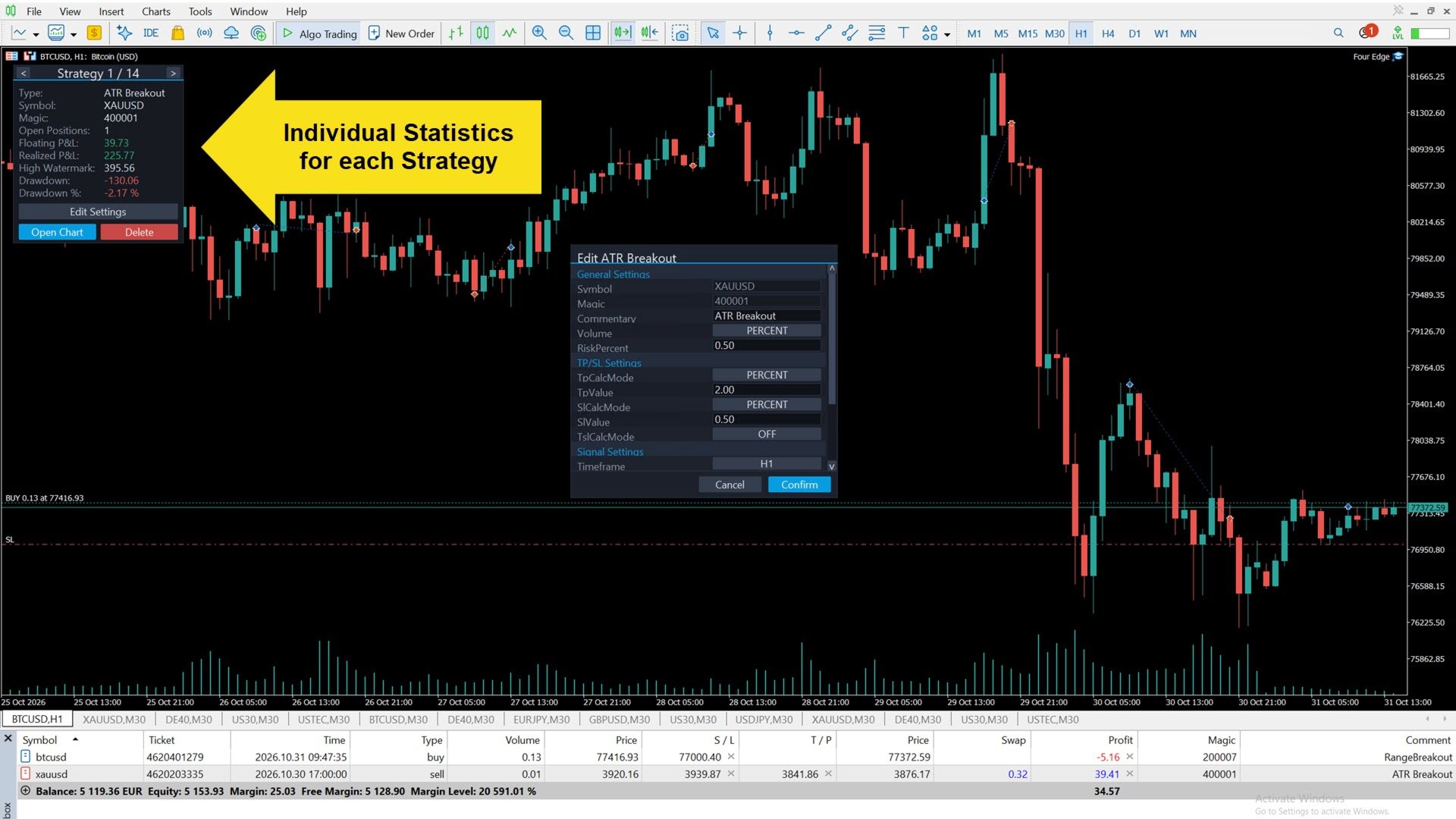
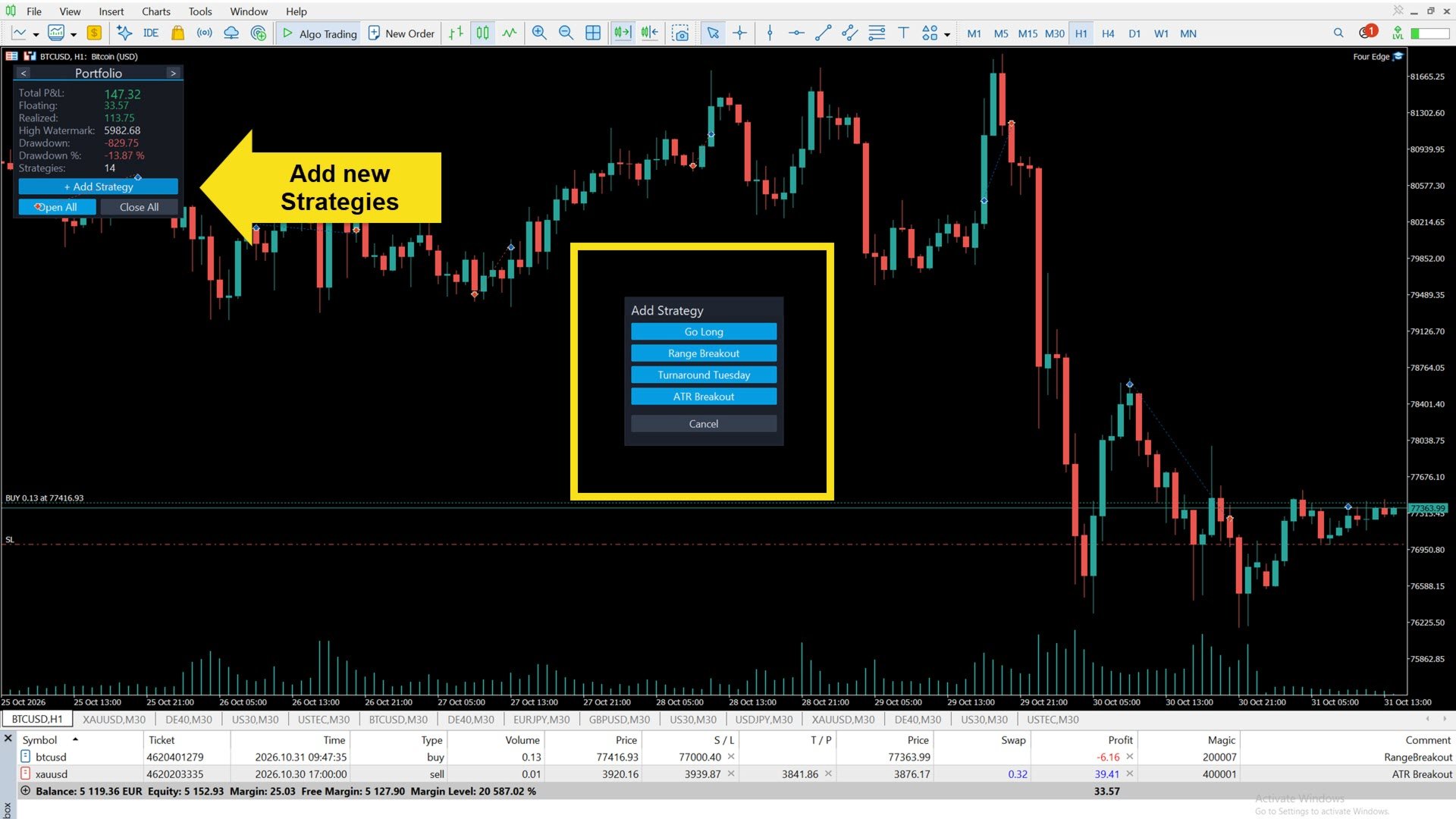
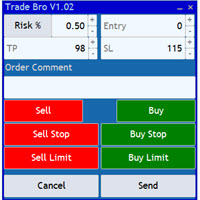
- Add, edit and delete strategy instances at runtime, directly on the chart
- Portfolio view: total, floating and realized P&L, high watermark, drawdown in money and percent
- Strategy view: open positions, floating and realized P&L, the strategy's own high watermark and drawdown
- One chart per strategy with a click, showing entries, stop loss and take profit, running P&L and range boxes
- Full recovery after a restart or VPS reboot: statistics are rebuilt from the account history
SAFETY AND RELIABILITY
- Checks before every order: stop level, margin and lot size. If the calculated size is below the broker's minimum lot, the trade is skipped instead of rounded up, so the configured risk is not exceeded.
- Risk-based position sizing uses the broker's own profit calculation, including currency conversion.
- Protection against duplicate orders after connection problems: each strategy is designed to never send the same entry twice.
- The strategies keep running when the chart symbol is quiet, for example at weekends for symbols that trade around the clock.
- Every skipped entry is explained once per day in the Experts journal, so you can always see why a trade did not happen.
- No DLLs, no external services, no martingale, no grid.
CONFIG FILES
Every strategy instance is stored as a small text file. Live and demo charts use the terminal folder MQL5\Files\FourEdge\, the strategy tester uses Common\Files\FourEdgeTester\, so live and backtest settings stay separate. The Experts journal shows the active folder at every start. The files can be copied between terminal, VPS and tester and edited with any text editor.
The easiest way to create a file: add the strategy with the panel on a demo chart - Four Edge saves it automatically - then copy the file to wherever you need it.
Full user guide - every setting, the config file format, backtesting and my own settings as examples: https://www.mql5.com/en/blogs/post/778897
FREE DEMO - PLEASE READ
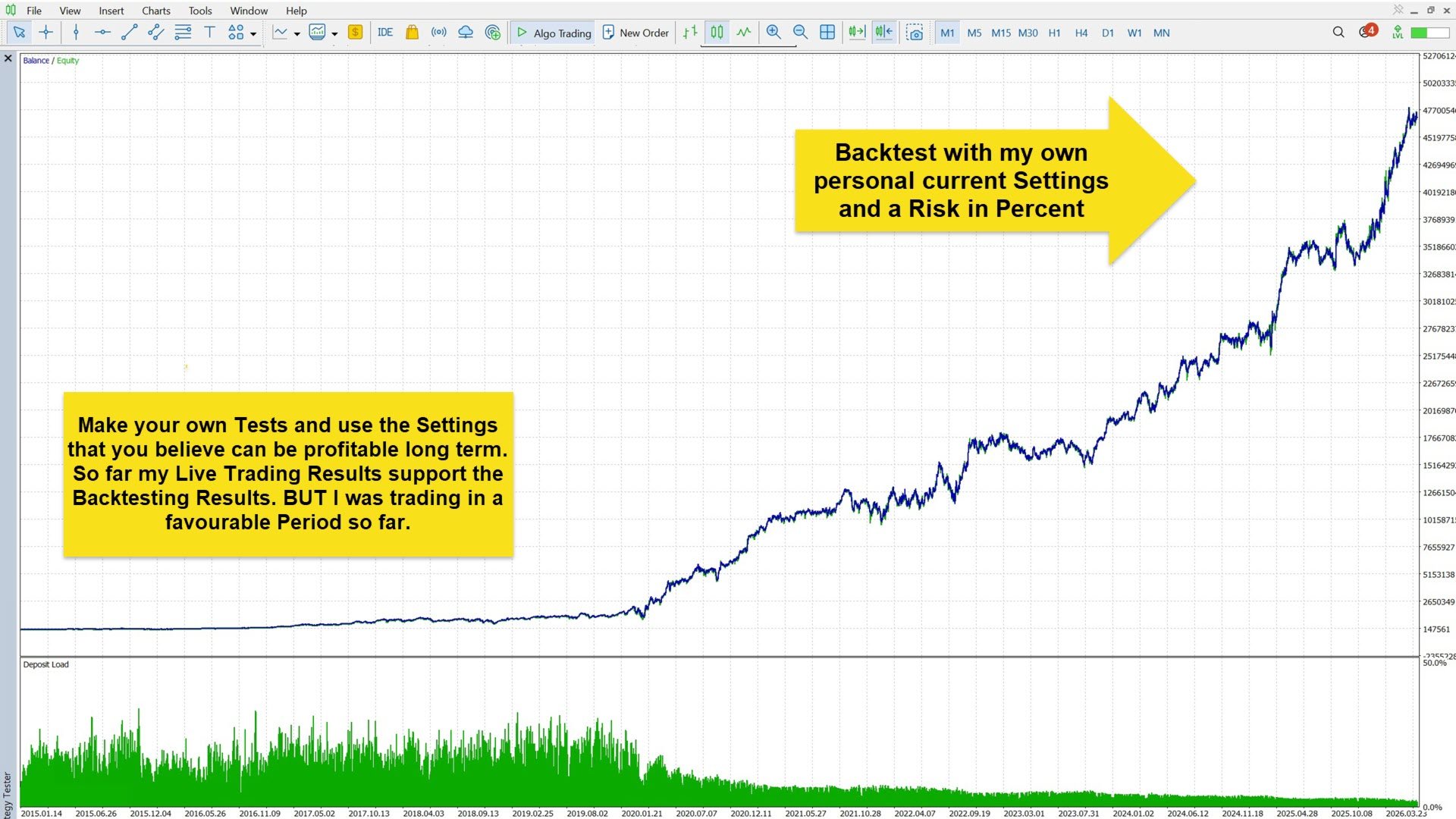
The free demo runs only in the MT5 strategy tester. The tester does not pass keyboard input to chart panels - this is a limitation of MetaTrader, not of Four Edge. Therefore new strategies cannot be added in the tester; instead, the panel shows the folder where config files for the tester belong.
Without any config files, the tester runs the ATR Breakout with its default settings and the minimum lot on the tested symbol, so you can see the EA and its panel at work. To backtest other strategies or a whole portfolio, place config files in the tester folder Common\Files\FourEdgeTester\ - for example files you created with the panel on a demo chart.
On a live or demo chart every setting can be edited at runtime - that is how the EA is meant to be used.
BUILT WITH AI - DIRECTED BY 10+ YEARS OF MQL5 EXPERIENCE
Four Edge was developed together with AI (Anthropic's Claude). I say this openly, because I consider it the future of software development and hiding it would not fit the spirit of this page.
At the same time: I have written MQL5 code for more than ten years and built many trading robots long before AI was a coding tool. Every strategy rule, every risk check and every design decision in Four Edge was specified, reviewed and tested live by me. The AI wrote the code faster; the trading logic is mine.
REQUIREMENTS
- MetaTrader 5, attached to one chart (any symbol, any timeframe)
- A hedging account if several strategies trade the same symbol (the default account type at most brokers)
- Any broker and account size; position sizing by fixed lots, lots per capital, risk percent or fixed risk money
- A VPS is recommended for continuous operation
- All times in the settings are broker server times - please check them when you use a different broker
PRICE AND LICENSING
Launch price: 499 USD for the first 20 copies, afterwards 699 USD. 10 activations per purchase. No rental version for now.
QUICK START
1. Attach Four Edge to a single chart and allow algorithmic trading.
2. Click "+ Add Strategy", choose a strategy, then set symbol, magic number and settings.
3. Optional: place prepared config files in the config folder and restart the EA - they load automatically.
4. Questions: please use the comments tab. I answer personally.
RISK DISCLOSURE
Trading leveraged products involves a substantial risk of loss. Live results, verified or not, do not guarantee future results - neither mine nor yours. Backtests are simulations. Nothing in this description is financial advice or a recommendation. Only trade money you can afford to lose, and test on a demo account first.