RM Simulator
- Experts
-
Mohammadreza Mahdi Mavaddat
 I am a trader, market analyst, and software developer focused on building practical tools for technical analysis and price action trading.
 - Version: 2.0
- Activations: 5
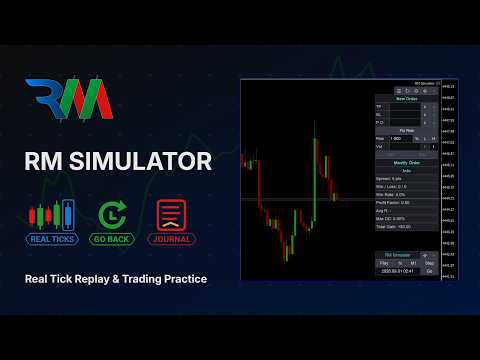
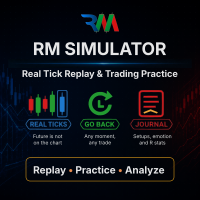
RM Simulator turns MetaTrader 5 into a trading practice room with real tick replay.
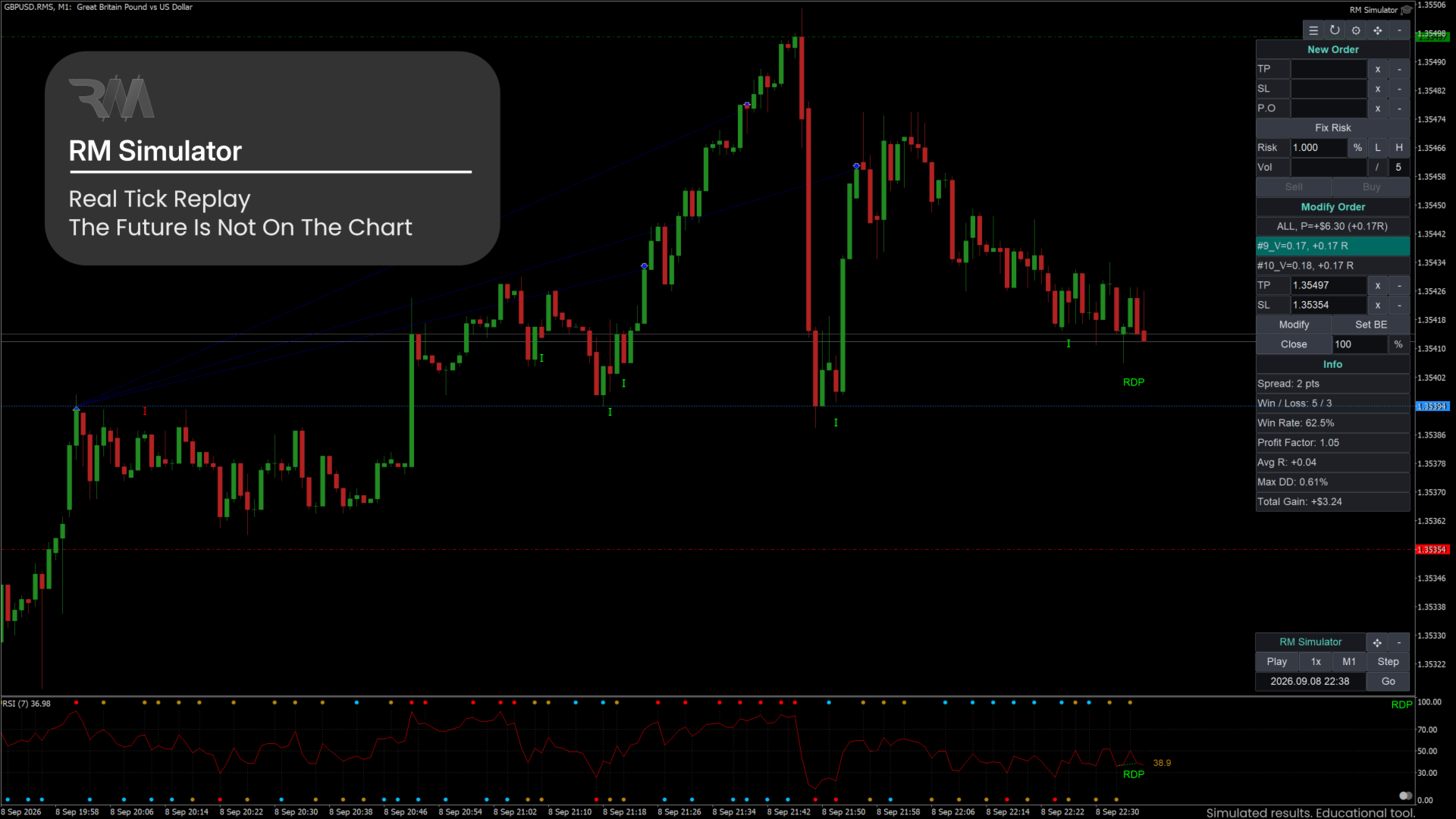
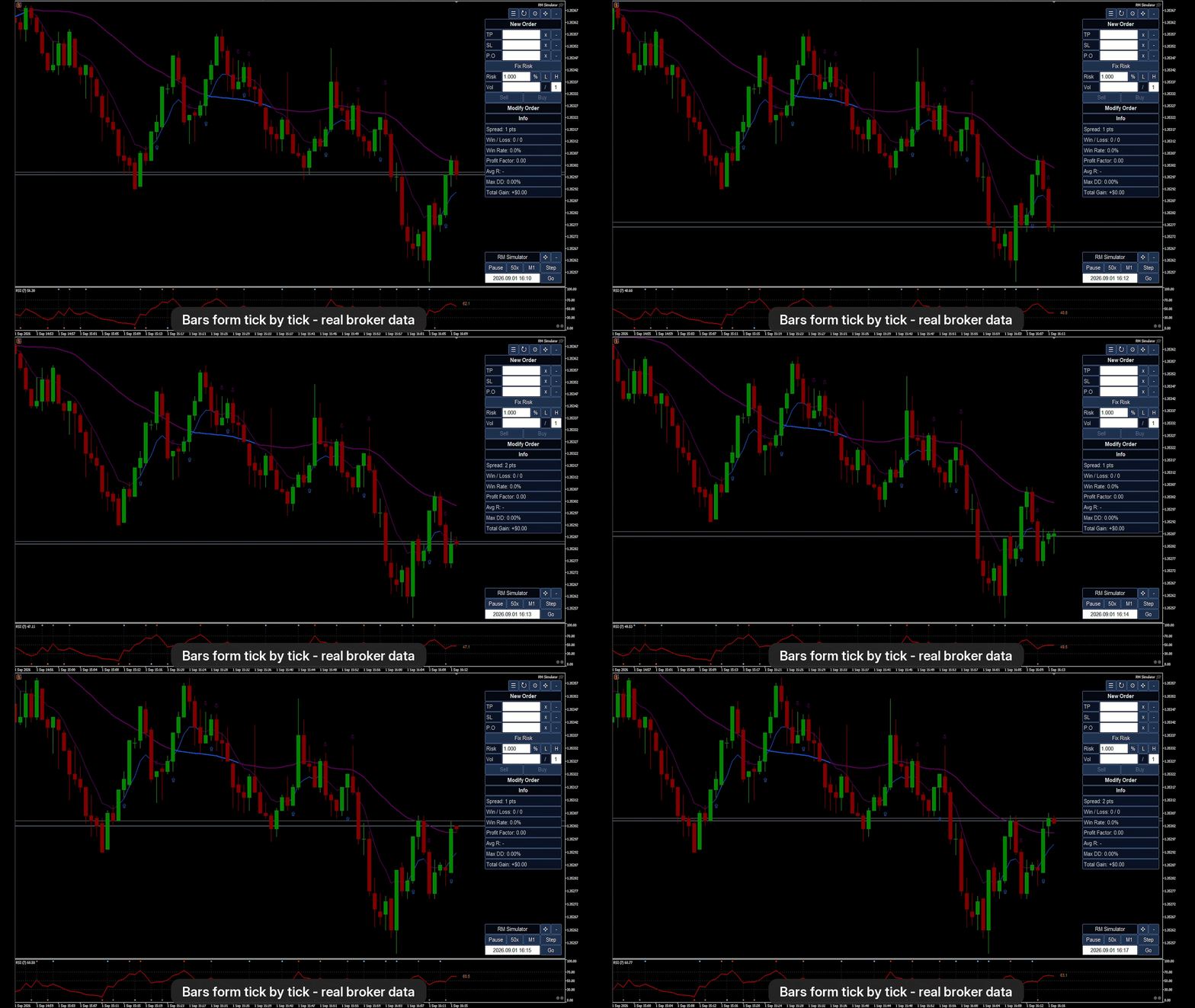
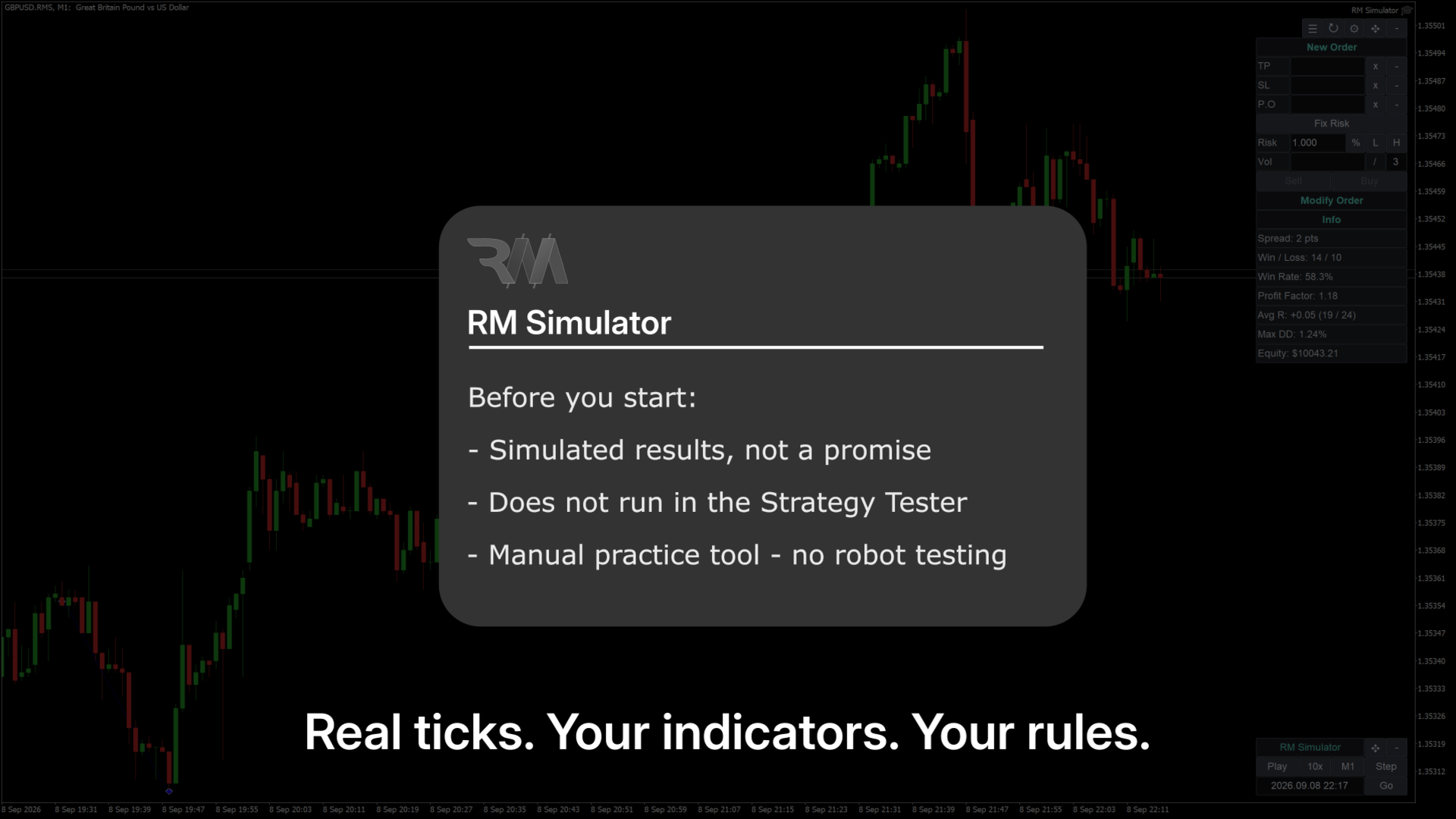
Choose a symbol and a start date. RM Simulator creates a copy of the symbol (for example GBPUSD.RMS) and feeds it with your broker's real historical ticks, up to a simulated time that you control. Bars form tick by tick exactly as they did in the market. Nothing is hidden behind a panel: the future is simply not on the chart yet.
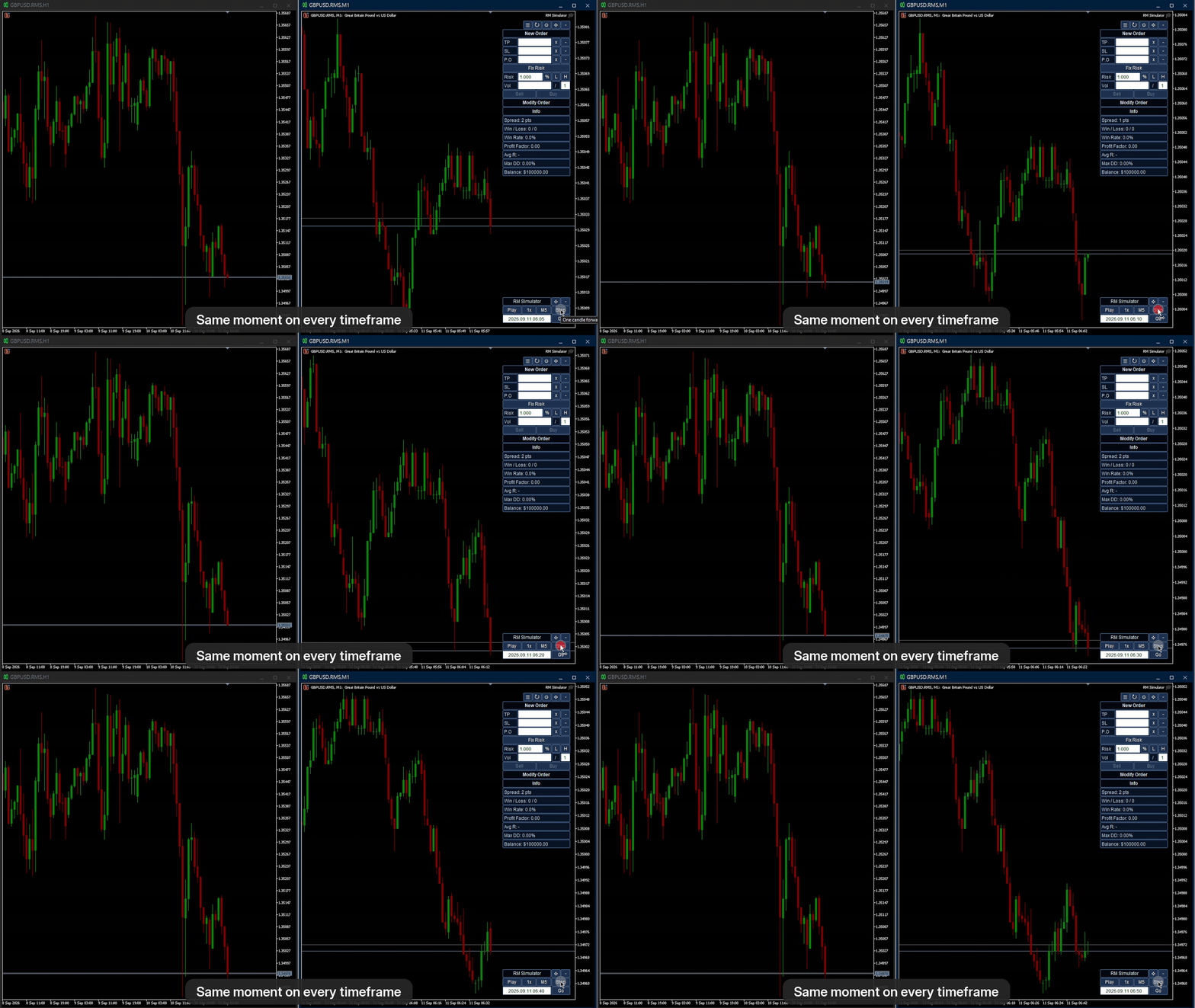
Because it is a real symbol chart, everything you already use works as on a live chart: your indicators, templates, drawings, and any number of charts of other timeframes showing the same moment.
Why traders use it
- Practice a manual strategy on real past data, faster than real time, without risking money.
- Review and measure your setups: journal every trade and see statistics grouped by strategy, setup, timeframe, emotion or mistake.
- Train with the rules of a funded-account challenge: risk per trade in % or money and a maximum drawdown measured from peak, from initial balance or from the previous day.
- Teach and learn: replay a market situation step by step with a student or a group.
Replay control
- Play / Pause (hotkey P), speed 1x, 10x, 50x, 100x or Max.
- Step: move forward one candle of the timeframe you choose (hotkey Up arrow).
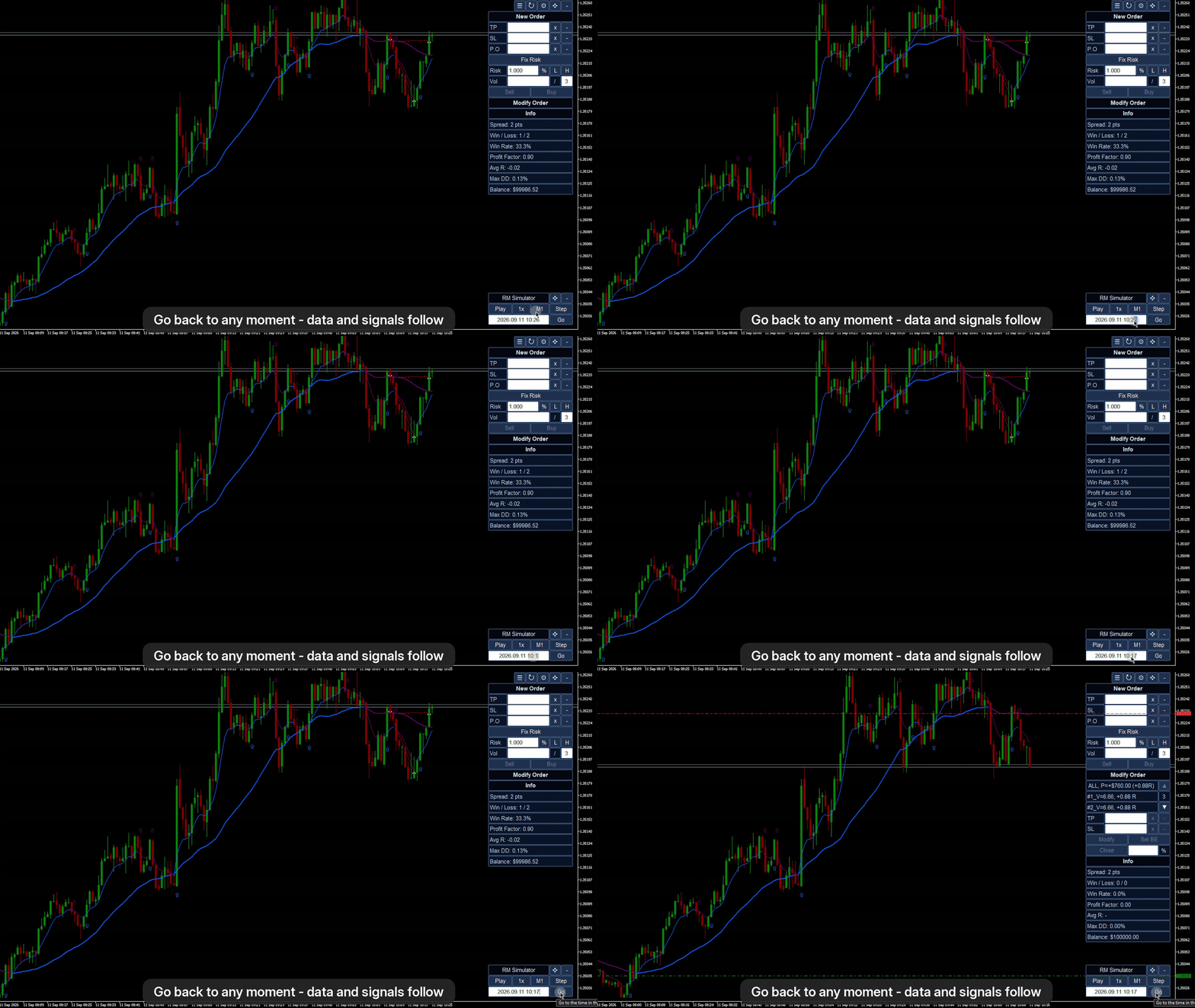
- Jump to any time, forward or back, with the time field and Go.
- Real broker ticks, real spread and real gaps. Long gaps without ticks (nights, weekends) are skipped automatically; minutes without recorded ticks are filled with ticks generated from the M1 bar.
- Sessions are named and saved. Close MetaTrader and continue later from the same moment.
Go back in time
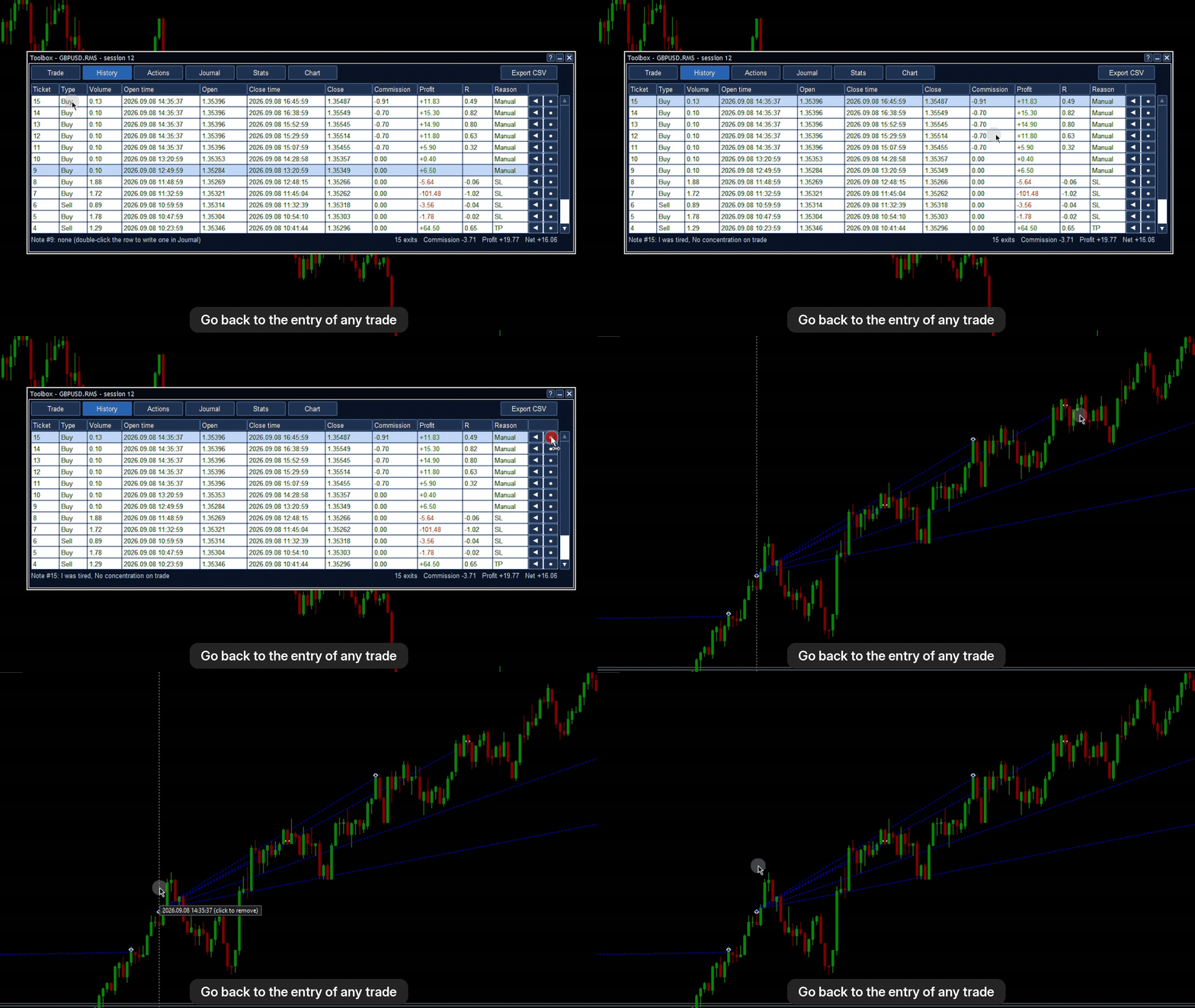
Jump back to any earlier moment, or straight to the entry of a trade from the trade history. Chart data, orders, balance, statistics and drawdown are rebuilt as they were, indicators restart on the earlier data, and the chart objects that indicators drew after that moment are removed. Your own drawings are kept.
Virtual trading
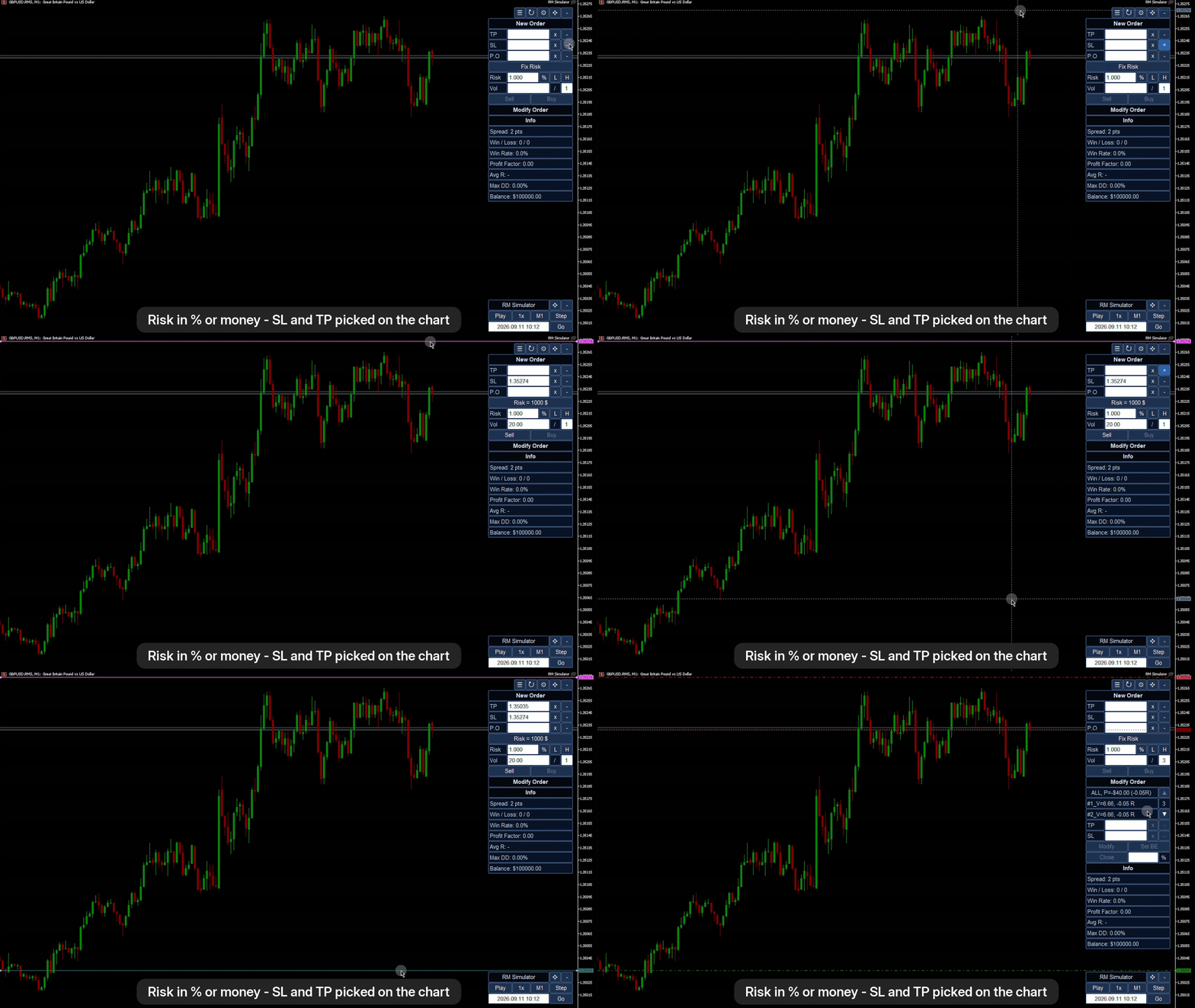
- Market and pending orders (limit / stop selected from the price side) with SL and TP; type the levels or pick them on the chart with a crosshair, and drag the lines to change them.
- Risk-based position size: risk in % of balance or in money, from the SL distance; or a fixed volume.
- Split orders: one click sends several orders that share the volume and the risk.
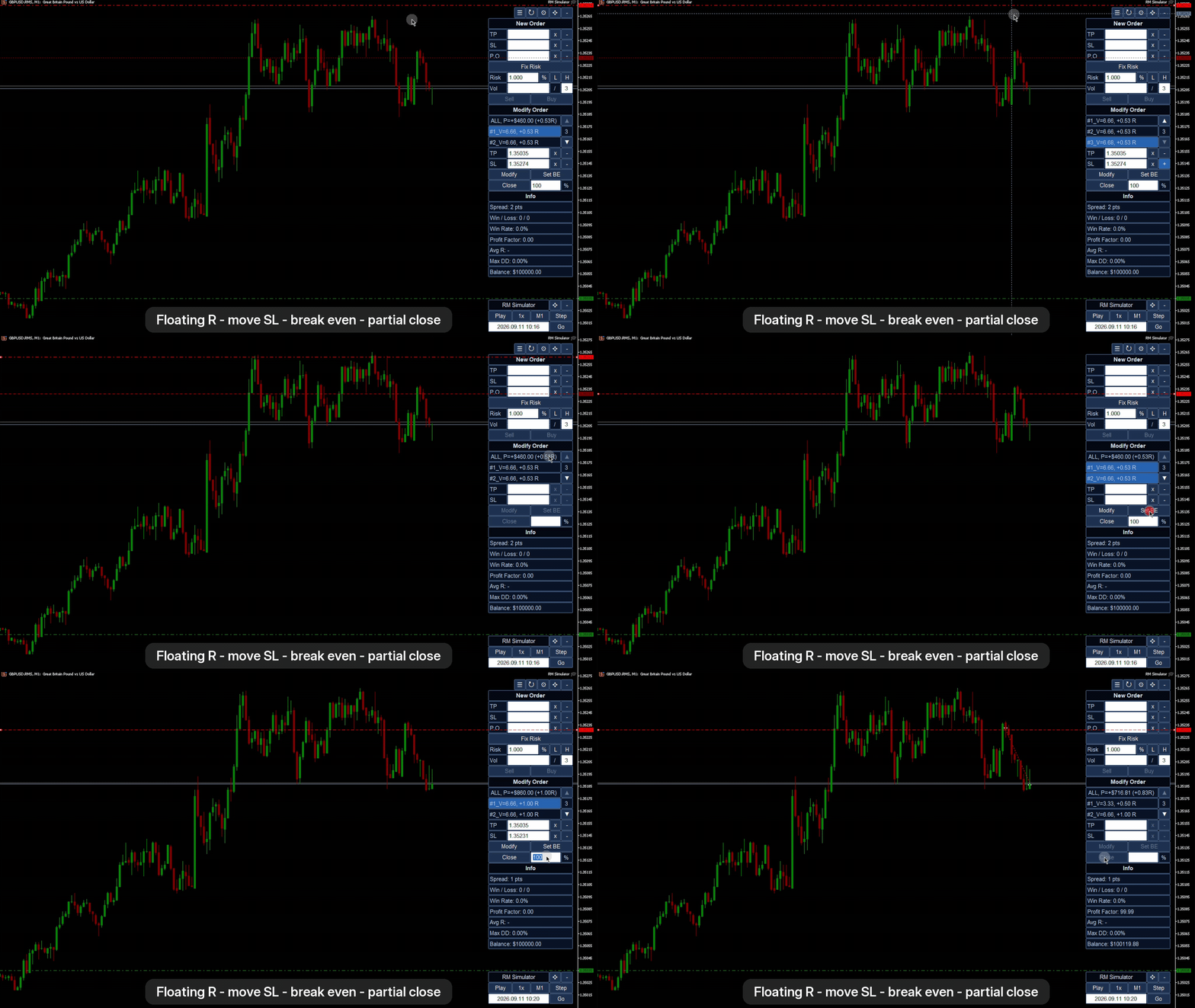
- Modify SL / TP, move to break even, close a percentage, cancel pending orders; select several orders at once.
- Orders are filled tick by tick with the real Bid / Ask. SL, TP and pending orders fill at the first tick that reaches the level, so gaps and slippage are real.
- Tick value is calculated from the prices of the simulated time (JPY pairs, crosses, indices, metals), not from today's rate.
- Commission and swap are simulated. Swap is charged to open positions at every server midnight with the symbol's rates and weekday multipliers (for example Wednesday x3). Commission is taken from the symbol's commission rules, or from your account's past deals of the symbol, or set manually, and counted in risk sizing.
- Everything is virtual: nothing is sent to your broker.
- Optional trade hotkeys: B buy, S sell, C close, E break even.
Toolbox: history, journal, statistics
A separate movable window (hotkey T):
- Trade: open orders with one-click close, account line with win rate, profit factor, average R, max drawdown.
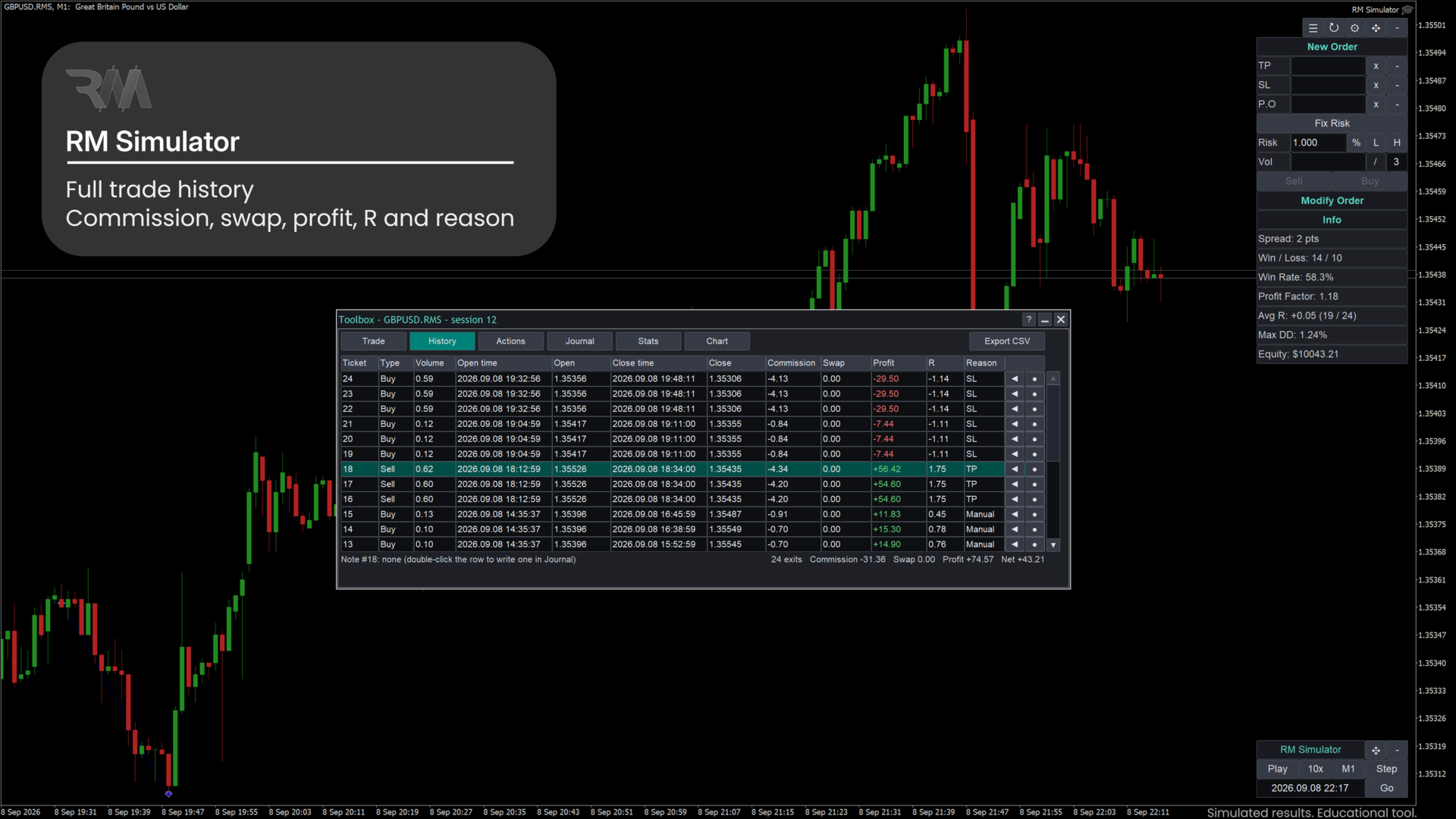
- History: every full and partial exit with commission, swap, profit, R and reason; go back to a trade or show it on the chart; export to CSV.
- Actions: every action and fill in time order, with millisecond time; export to CSV.
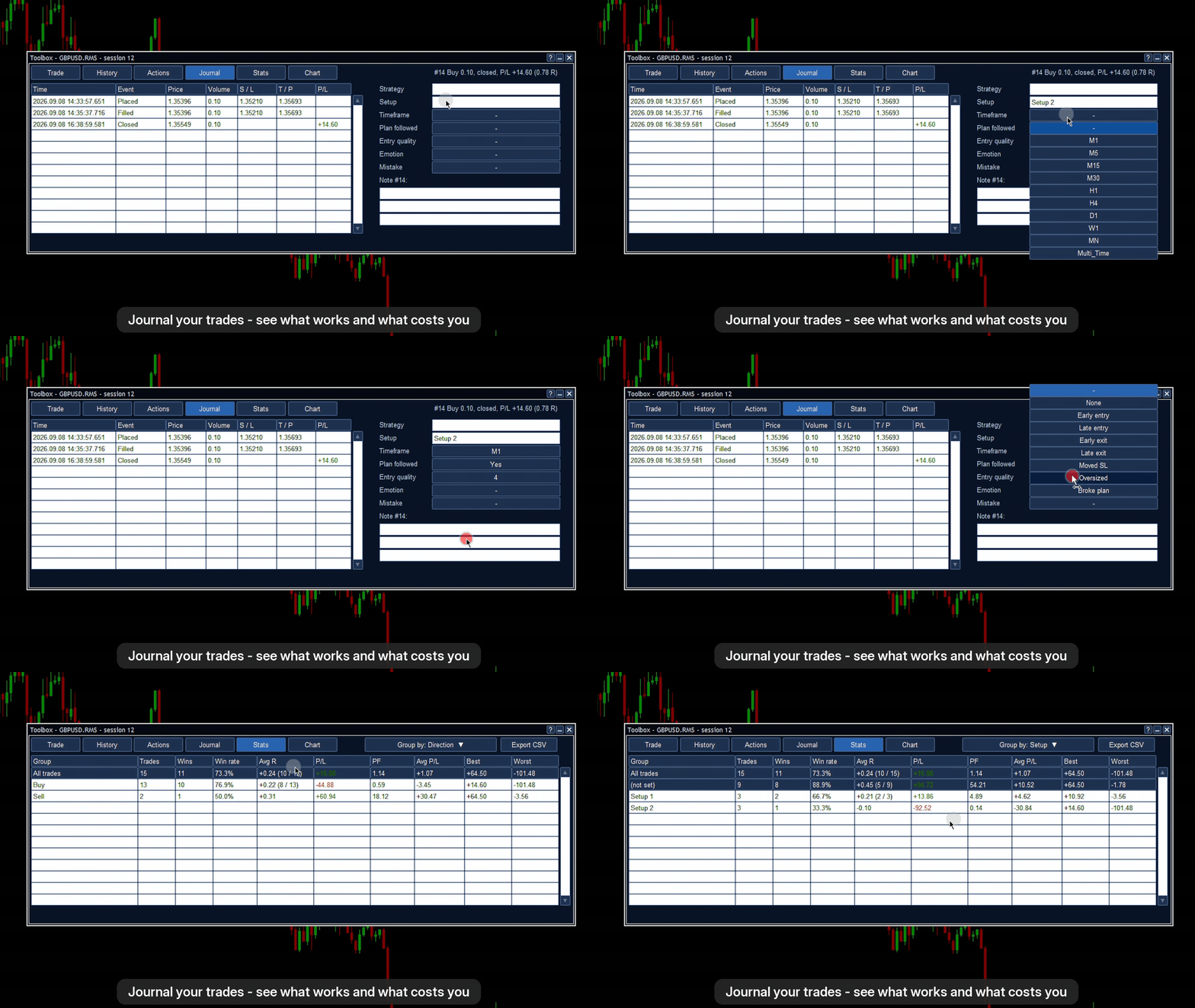
- Journal: strategy, setup, timeframe, plan followed, entry quality, emotion, mistake and a note for each trade.
- Stats: closed trades grouped by any journal field: trades, wins, win rate, average R, profit / loss, profit factor, best and worst.
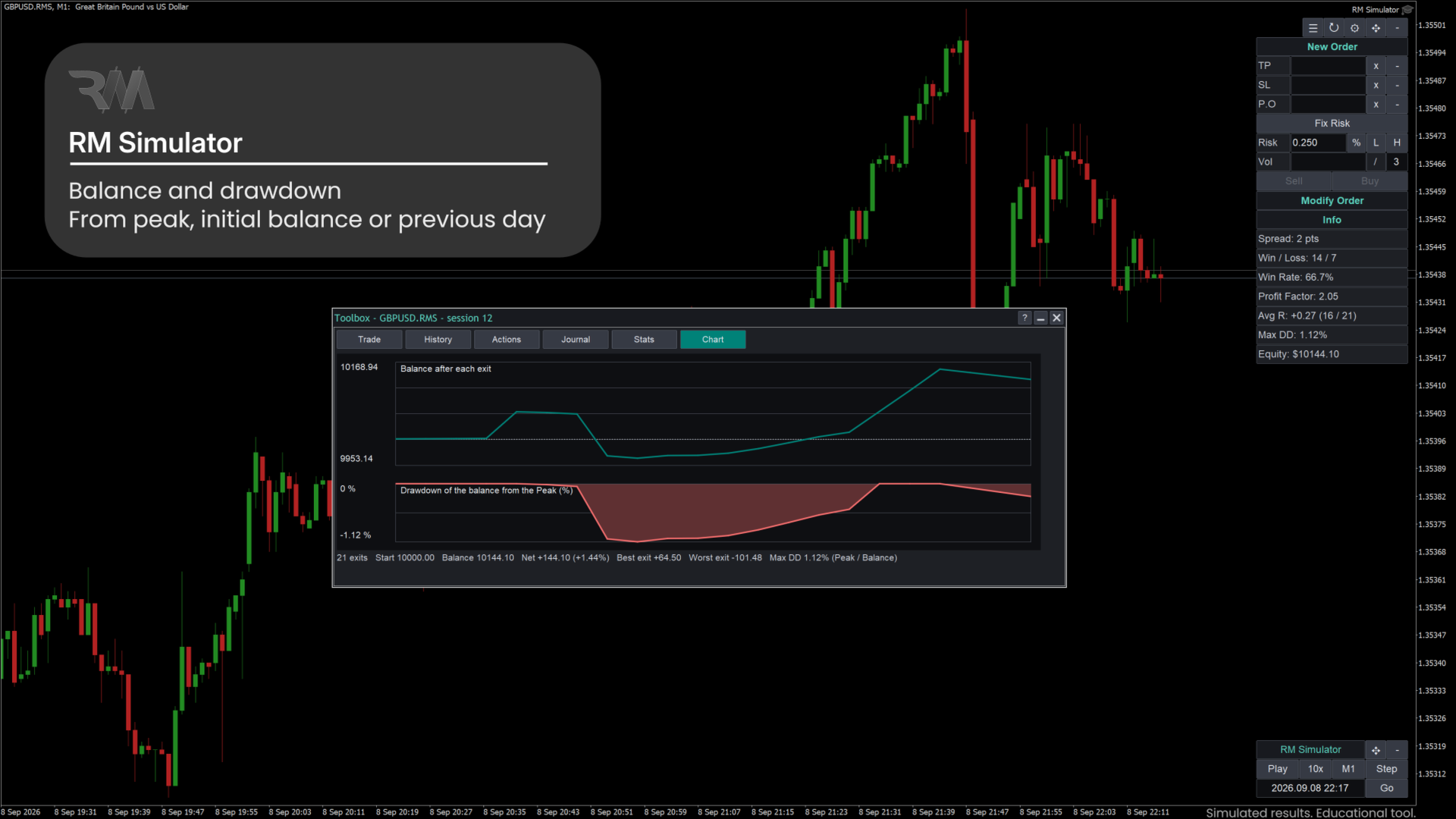
- Chart: balance curve and drawdown.
Results are shown in R multiples as well as money.
Look
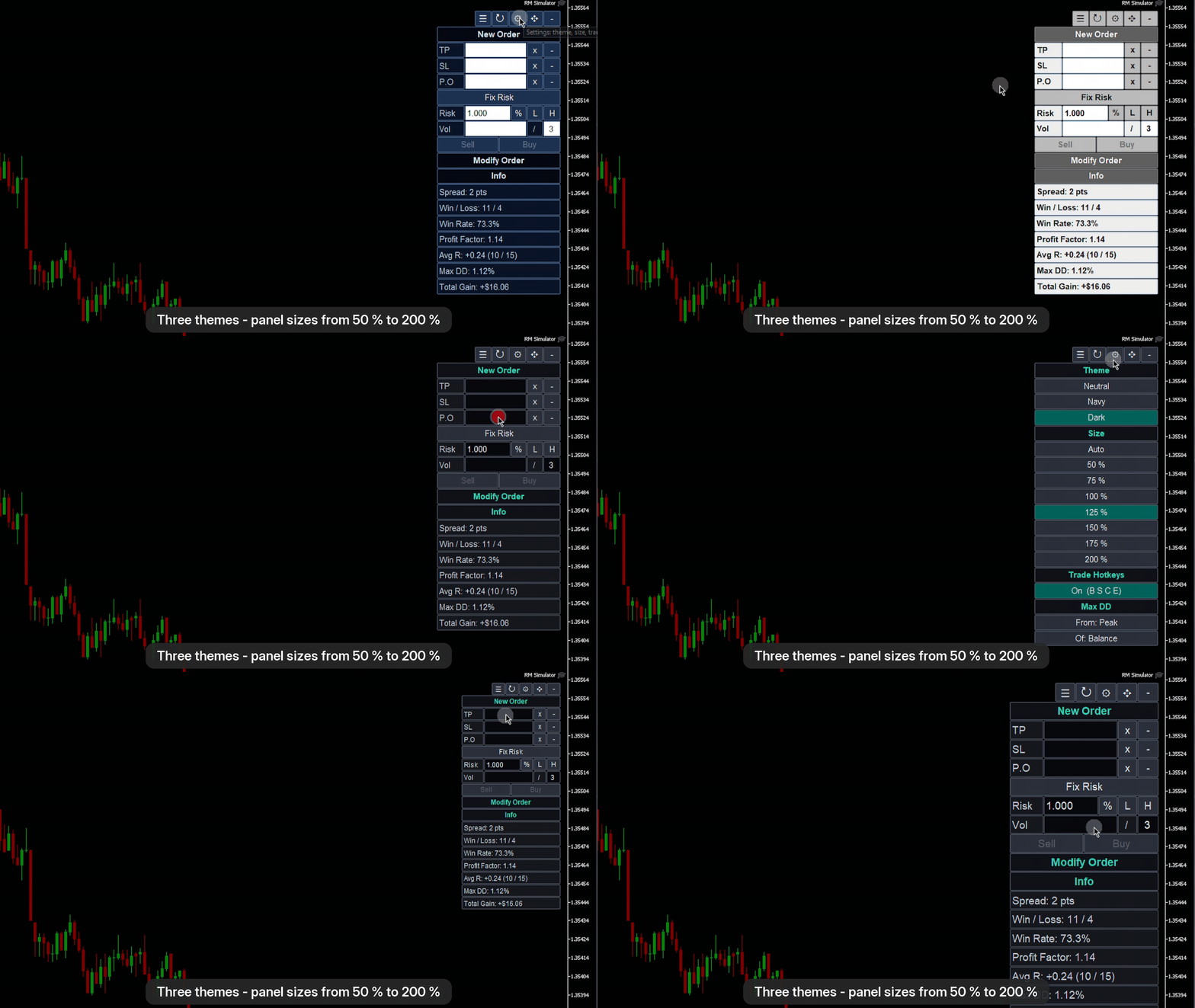
Three color themes (Neutral, Navy, Dark) and panel sizes from 50 % to 200 % (automatic by screen height), so the panels stay clear on high-resolution screens.
Requirements
- MetaTrader 5 desktop for Windows, build 6230 or newer (the version it was tested on).
- A symbol with M1 and tick history on your broker's server. Download the history first (open the chart of the symbol and scroll back, or use the Symbols dialog).
- No DLL, no web requests, no real orders are sent to your broker. Algo Trading does not need to be enabled.
- Tested on several brokers with forex, metals, oil, crypto and index symbols, including symbol names with prefixes and suffixes (for example XAUUSD.Q or XBRUSD.5). See the notes below.
How to start
- Attach RM Simulator to the chart of a real symbol (for example GBPUSD).
- In the inputs, set the session name, the start time and the initial balance.
- The EA creates the custom symbol, loads the history before the start time and opens its chart. It then starts itself on that chart.
- Press Play or Step. Open more charts of the same .RMS symbol for other timeframes and add your indicators and templates.
- Trade with New Order, manage with Modify Order, open the Toolbox (button or T) for the history, journal and statistics.
- To continue later, attach the EA to the .RMS chart again.
Inputs
| Input | Default | Meaning |
|---|---|---|
| Session name | empty (= symbol name) | Name of the saved session; several sessions per symbol are possible. |
| Start time of a new session | empty (= 30 days ago) | First simulated minute of a new session. |
| Days of M1 history before the start | 5 | History shown on the chart before the start. |
| Skip gaps without ticks longer than (s) | 300 | Nights and weekends are skipped while playing. |
| Speed of a new session | 1x | 1x, 10x, 50x, 100x or Max. |
| Step timeframe | current chart | Candle size of the Step button. |
| Initial balance of a new session | 10000 | Virtual balance. |
| Commission per lot per side | -1 (automatic) | -1 = from the symbol's commission rules or your past deals; any other value is used as given. |
| Swap at every rollover | true | Charge swap (today's rates of the symbol) to open positions at every server midnight of the simulated time. |
| Back: delete chart objects drawn after the Back time | true | Removes indicator marks that were drawn on the data you went back over. |
| Back: never delete objects named | empty | Name prefixes, comma separated, that are always kept. |
Important notes and limitations
Please read before buying.
- Strategy Tester: RM Simulator uses a custom symbol and does not run in the Strategy Tester. There the product only shows its panels and an information window, and it does not trade. It is built to run on a normal chart. The video and the screenshots show how it works.
- Not an automated testing tool: it does not run Expert Advisors. You trade manually.
- Swap uses today's rates: MetaTrader keeps no history of swap rates, so the symbol's current rates are used for the whole simulated period. Rare "reopen" swap modes are not modelled.
- Data quality = your broker's data. Fill quality depends on the tick history of your broker. For minutes without recorded ticks, 4 ticks are generated from the M1 bar and fills are coarser.
- A simulation is not live trading: real execution (slippage, requotes, liquidity) can differ, and results in the simulator say nothing about future results.
- One custom symbol exists per real symbol. Sessions of the same symbol share it; loading a session rebuilds its data (a fraction of a second).
- Indicators that delete their own objects when they restart can lose those objects after a Go back.
- Text fields are limited to 63 characters by MetaTrader; notes use three lines.
- The interface is in English.
- Version 1.0 is tested on several brokers with forex, metals, oil, crypto and index symbols. Accounts in currencies other than USD, and stocks, are not tested yet. Please try the product on your symbol with a small test session first.
- Desktop MetaTrader 5 only. MetaTrader 4 is not supported.
- Files: sessions are saved in the terminals' common data folder (Common\Files\RMSim) and the custom symbols appear in Market Watch with the ending .RMS.
This product is an educational and practice tool. It is not trading advice and makes no promise of profit.