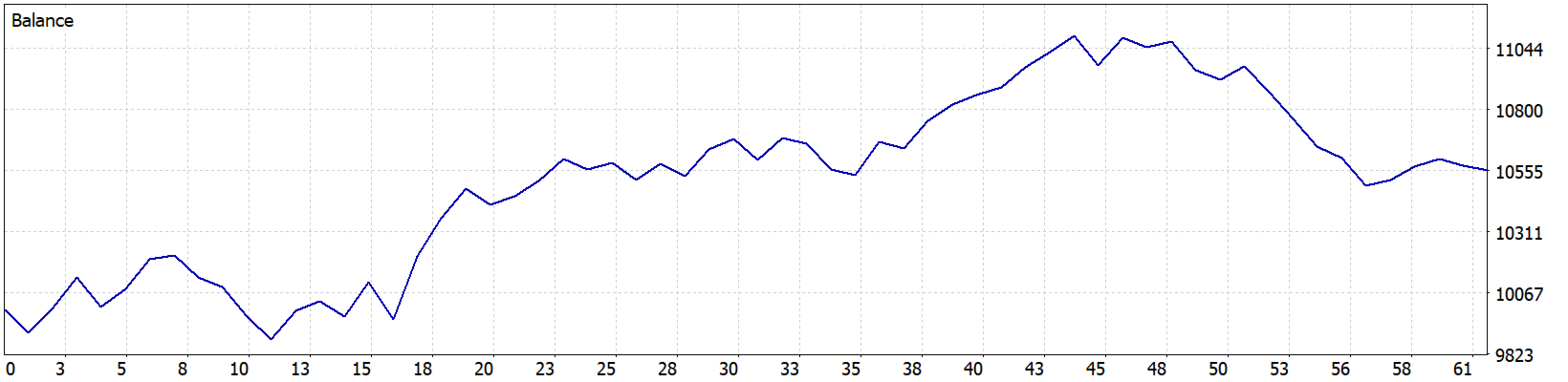
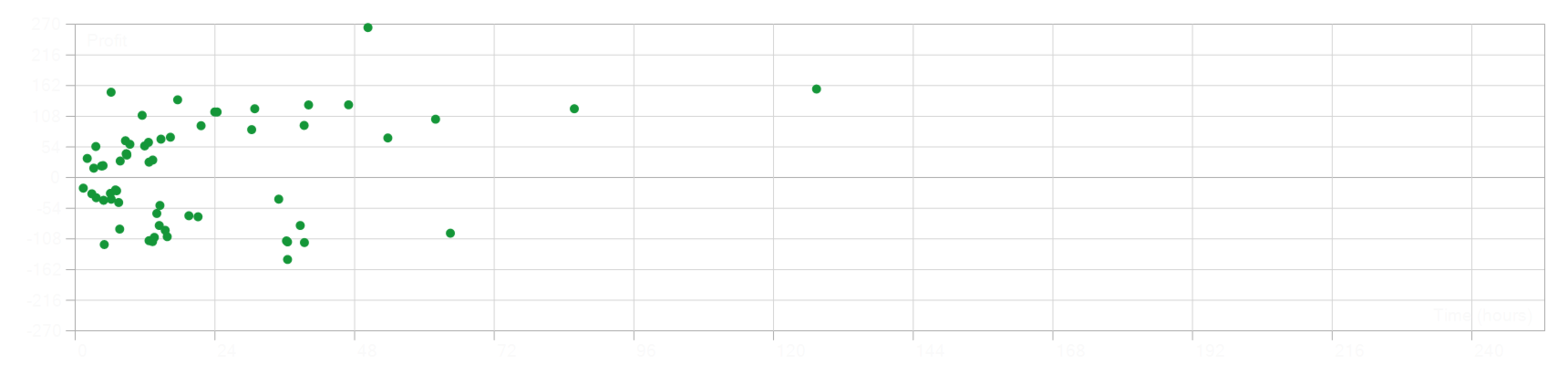
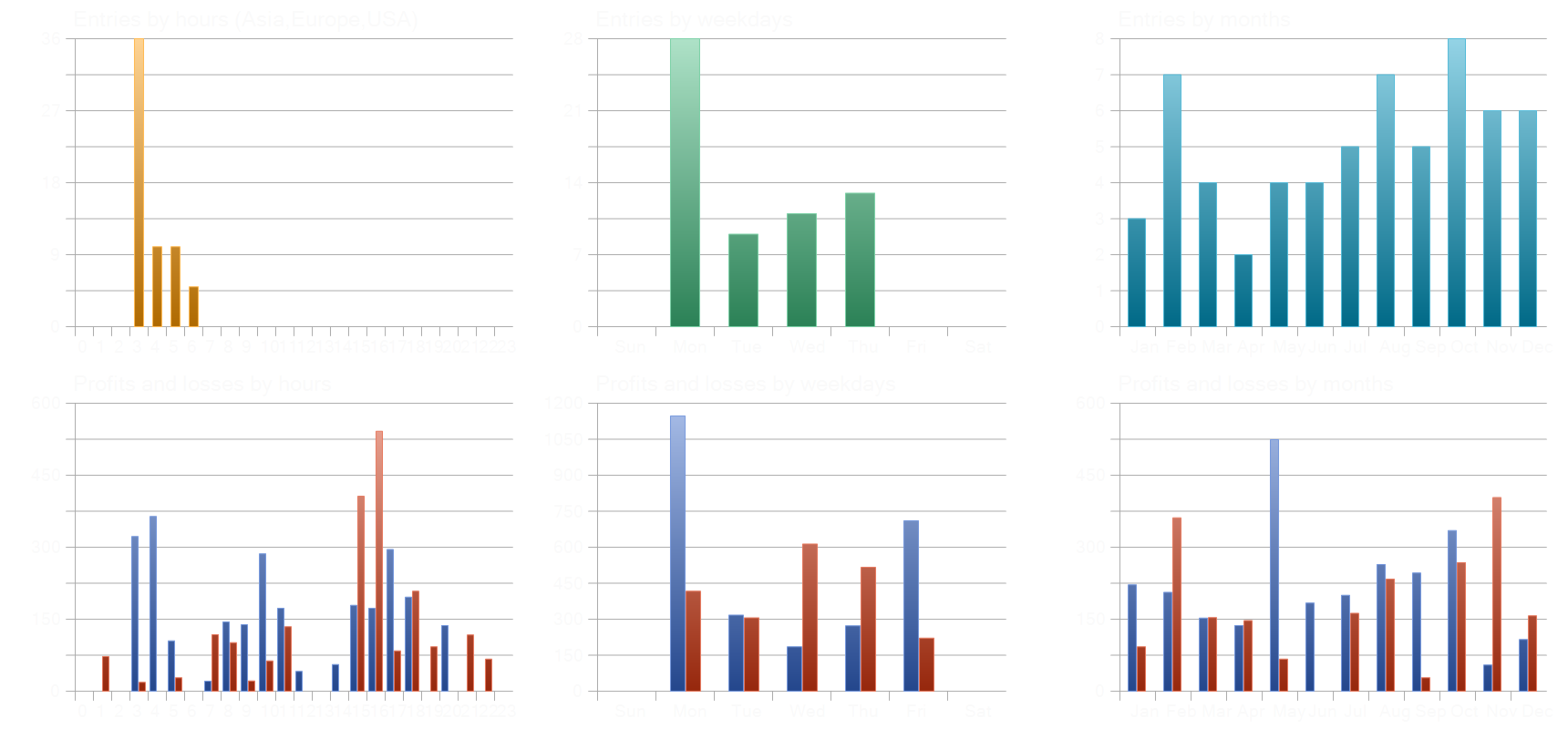
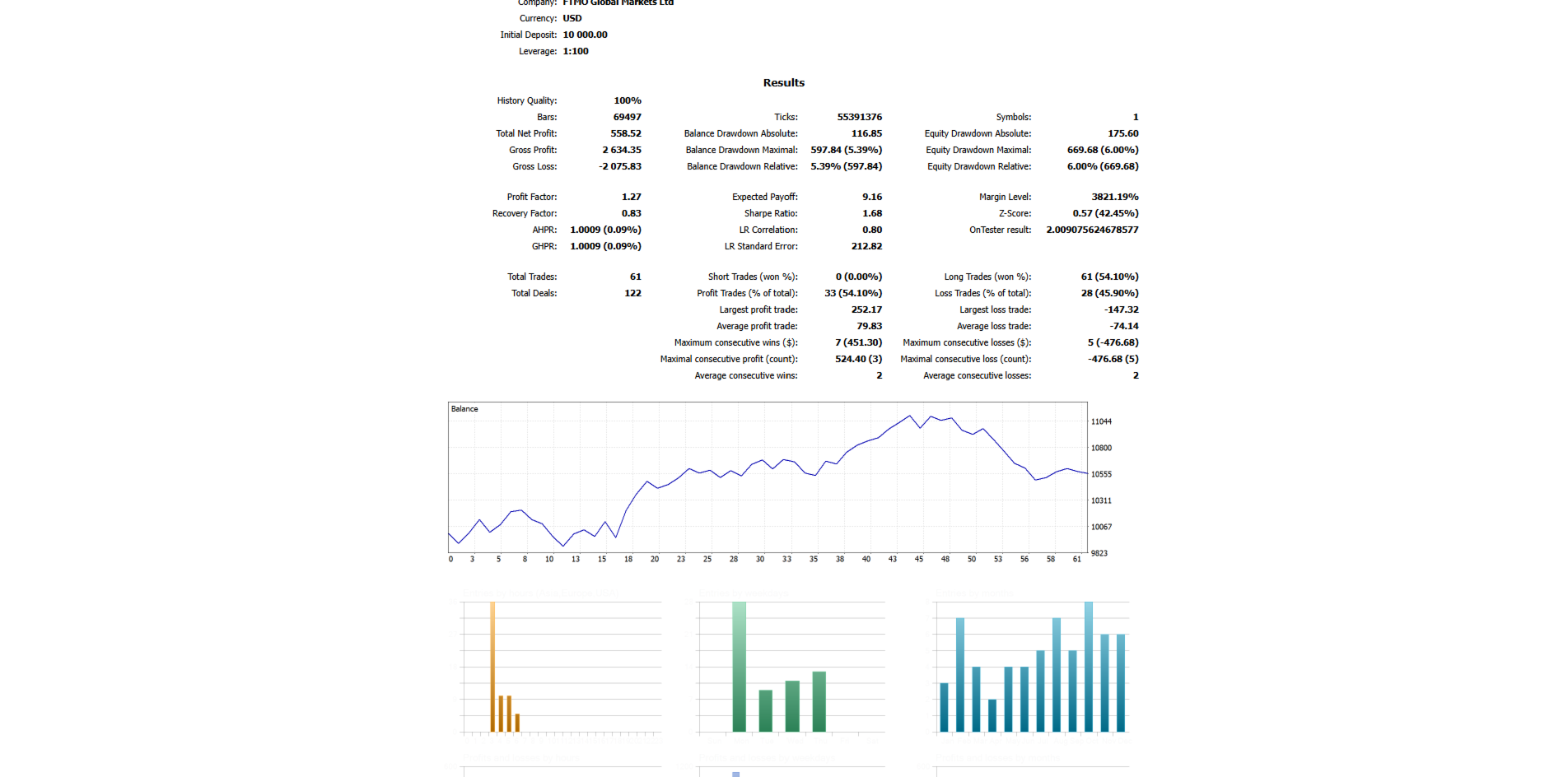
FableNQ
- Experts
- Version: 1.0

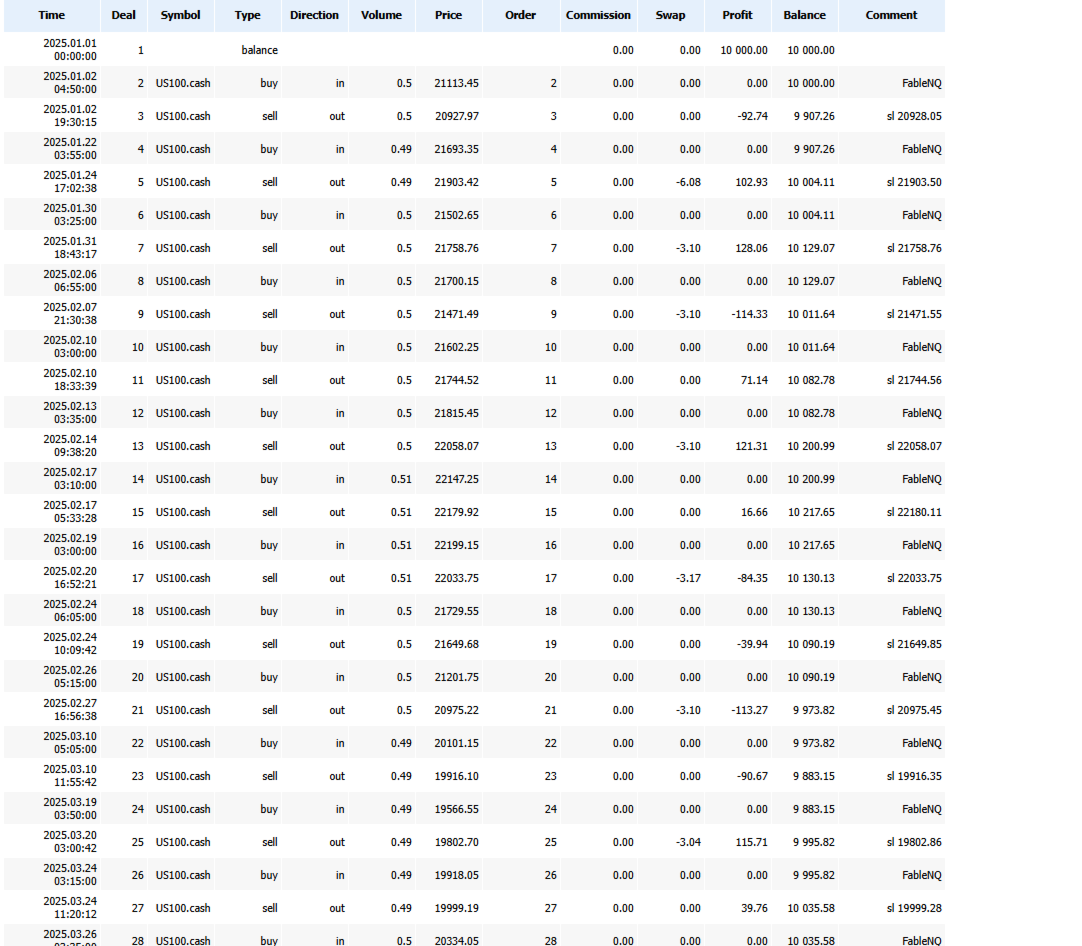
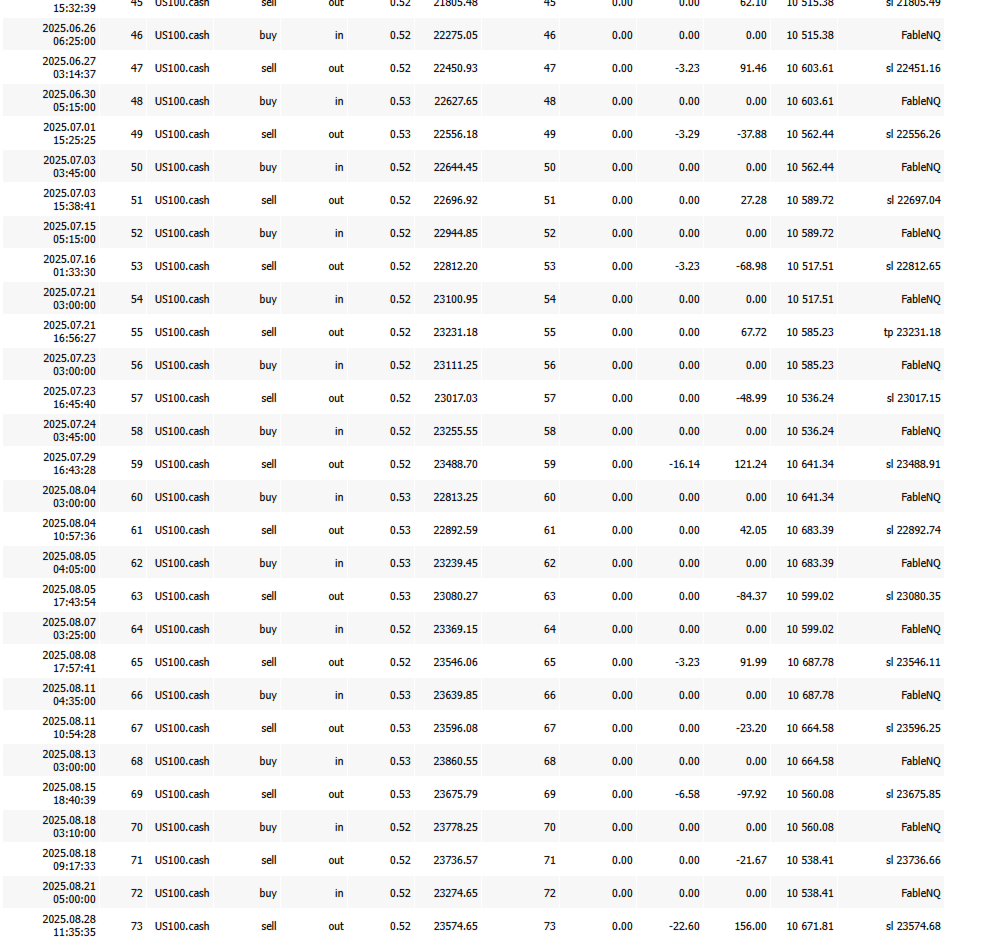
FableNQ — MT5 EA for NAS100
- Instrument: NAS100/US100 (M5)
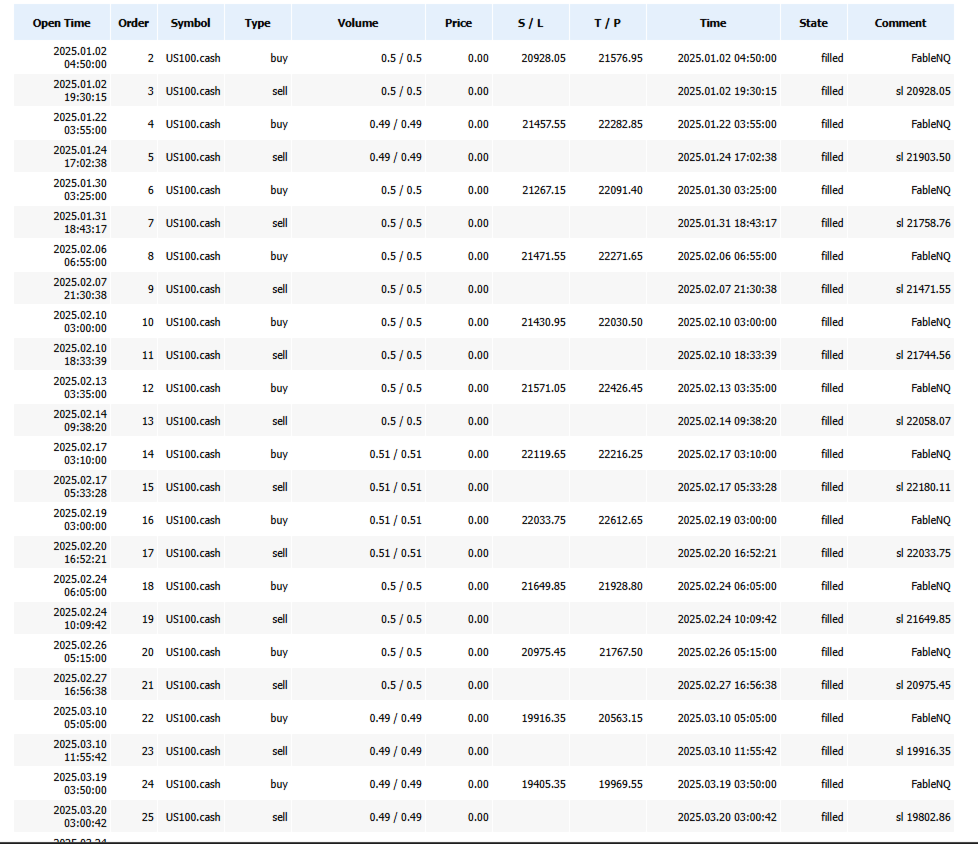
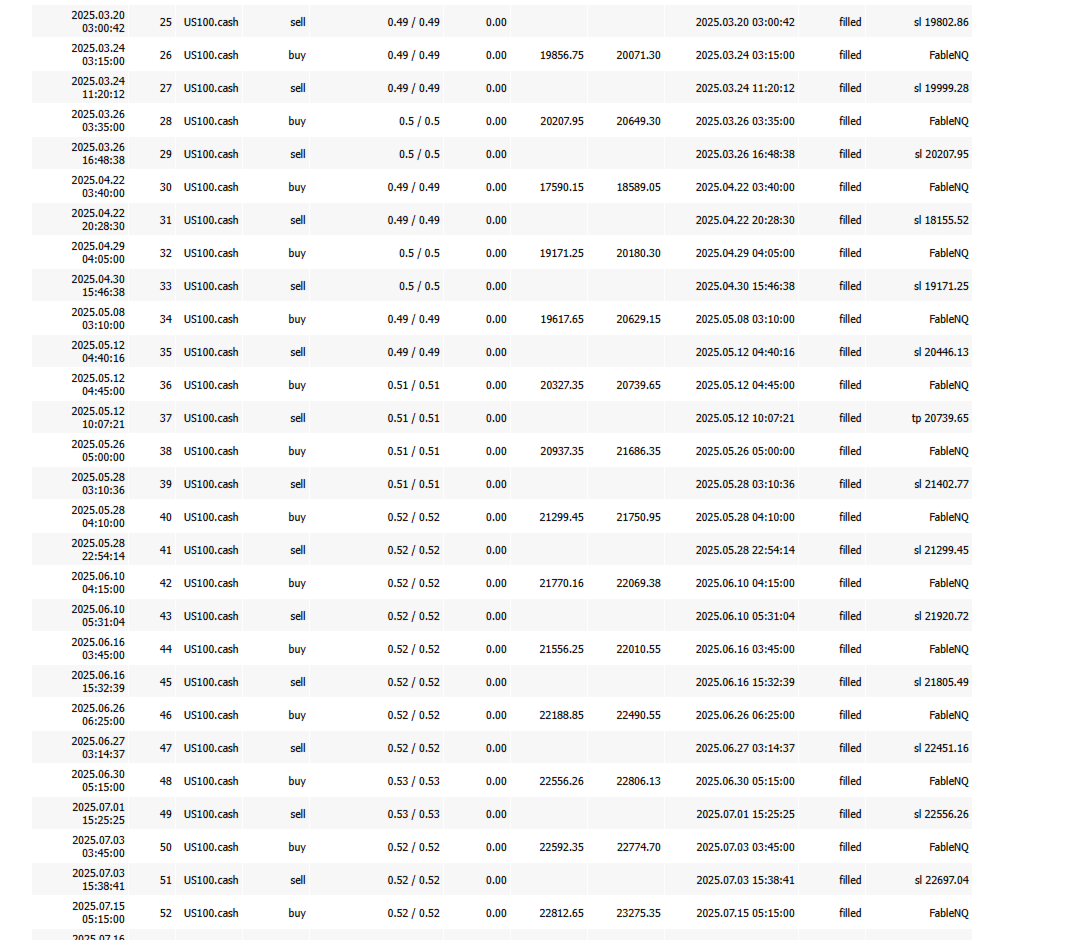
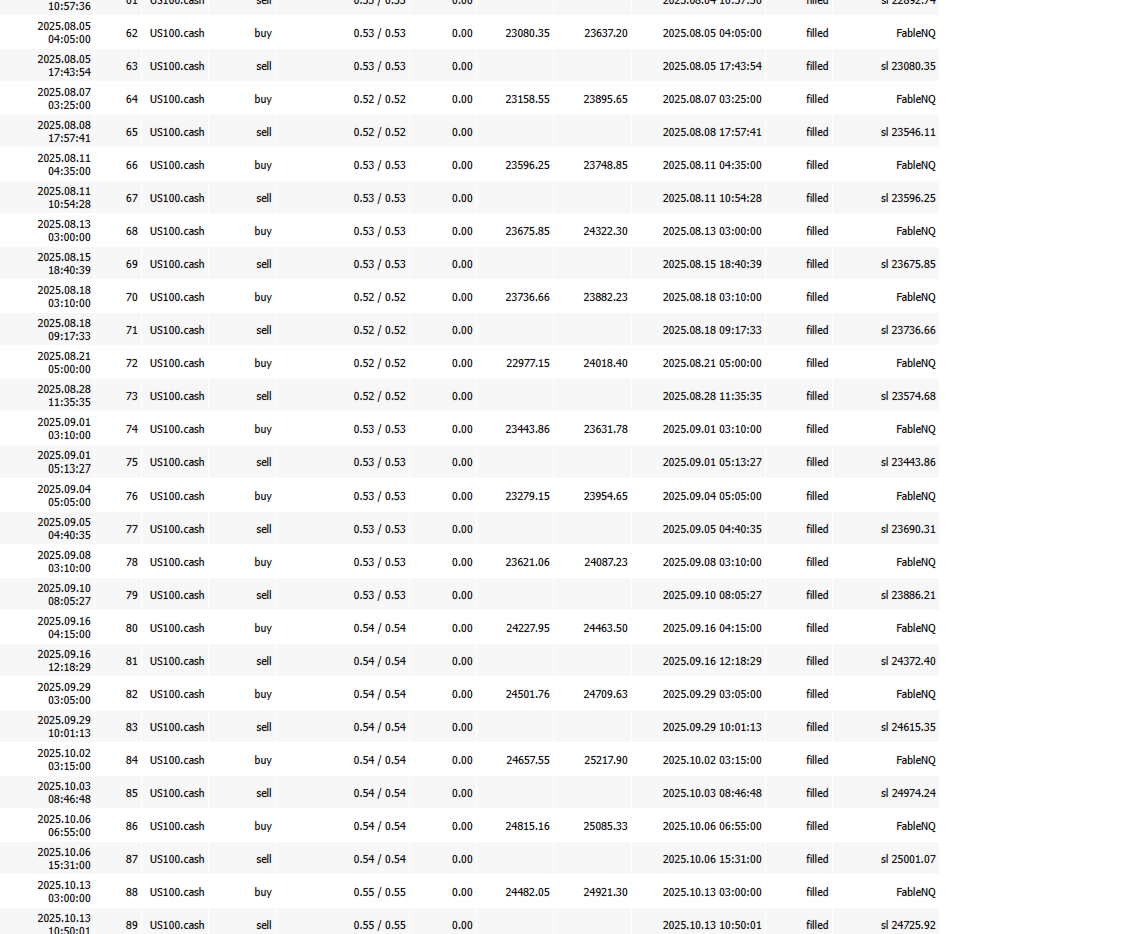
- Logic: builds a range from M5 opening prices during the Asian session, then enters long if price breaks above that range at the London open
- Direction: long only (short disabled)
- Frequency: max 1 trade per session
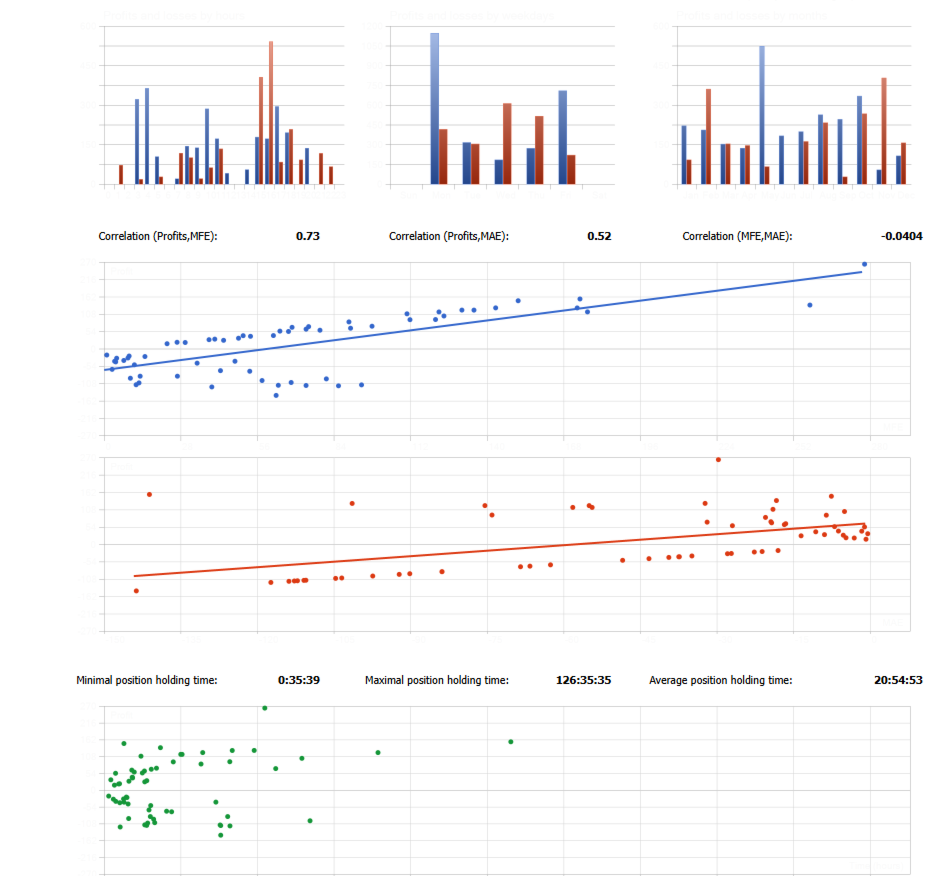
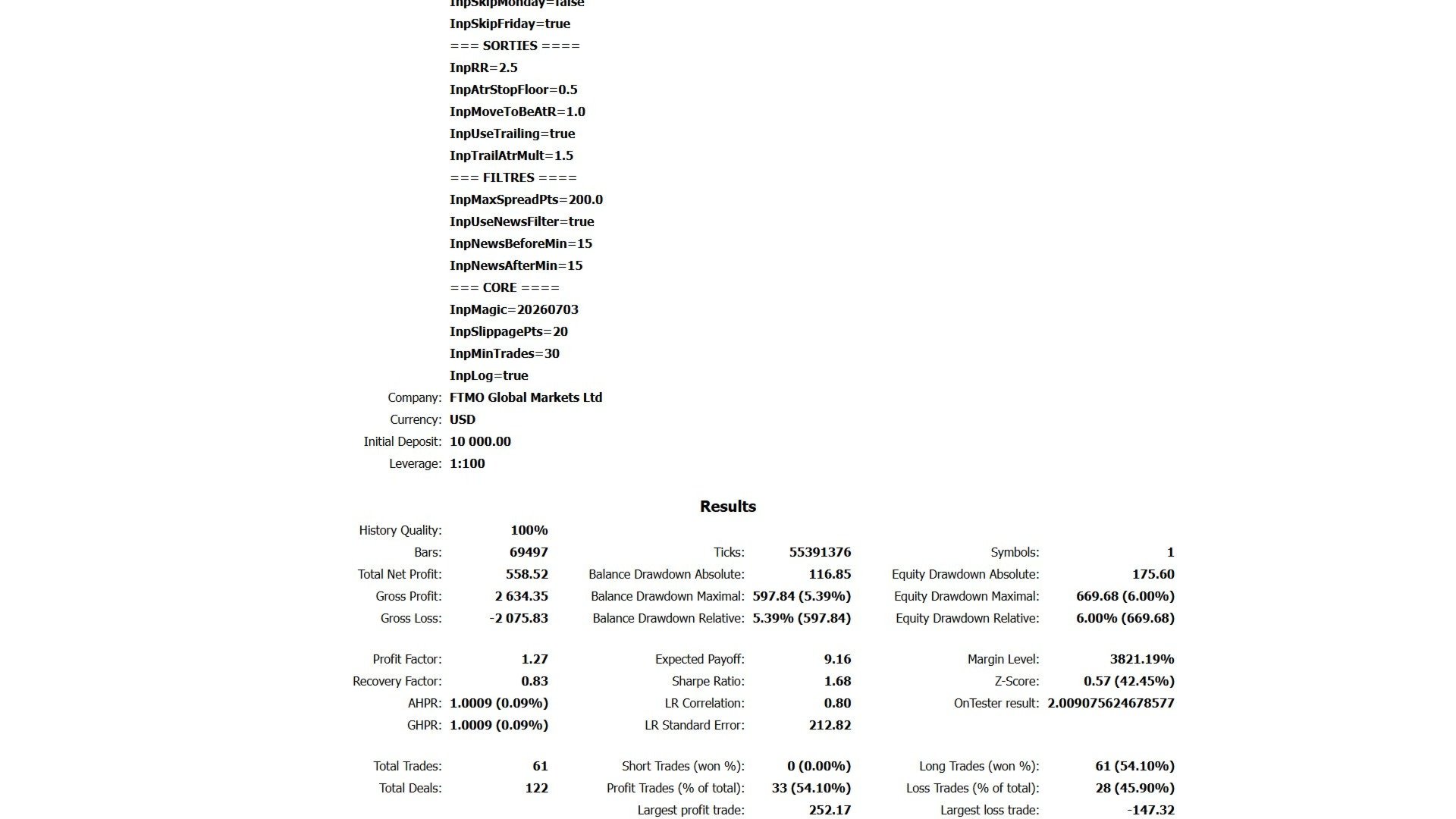
- Trade management: ATR-based SL, moves to BE at +1R, then ATR x1.5 trailing, position left running (no forced close at end of window)
- Risk: % of capital per trade (capped at 1.5%), new entries blocked after -3% intraday, full halt at -9% peak-to-trough, risk cut to 0.5x after a losing streak (switches to virtual/paper mode)
- Filters: blocks entries 15 min around high-impact USD news, spread filter (>200 points = no entry), Friday disabled
- Misc: auto broker detection (FTMO/Fusion), CSV trade log, R-sum persistence between sessions
- Min setup: $1000 balance, 1:30+ leverage, external MQH dependency