Daniel Stein / Profile
- Information
|
12+ years
experience
|
29
products
|
2332
demo versions
|
|
9
jobs
|
0
signals
|
0
subscribers
|
I started building indicators in 2012 because the tools I wanted didn't exist. That toolkit has grown to over 20 products, and around it an ecosystem that answers the questions tools alone leave open: What is the market doing right now? Which EA deserves your trust? And does your trade plan hold up?
📊 Trading Tools · currency strength (FX Power, IX Power), momentum (Power Candles + Scanner), levels, volume, smart stops, the Yukon gold EA, and the Premium Trade Manager for professional execution. Built for professionals, improved continuously.
🤖 Max, the AI Trading Coach · knows every product, setting, and strategy we publish and answers with live market data. Ask him about your setup before you take it. → https://stein.investments
📈 REVDEN · AI market intelligence with briefs at the Asia, London, and New York opens. → https://revden.io
🔍 AlgoCheck · independent EA reviews, scored on data instead of marketing claims. → https://algocheck.net
Every purchase opens the door to our active customer group on Telegram. Everything comes together at stein.investments
🔗 https://stein.investments
📺 https://youtube.com/@SteinInvestments

The new SI coders chat room is available via this link https://t.me/+WR3k27W79PU4YmY6
All the best and see you there
Daniel & Alain
This tool is part of the Stein Investments ecosystem - 18+ tools plus Max, your 1-on-1 AI trading mentor. Always on, knows every indicator in depth, available the moment you need to think something through. Meet him at https://stein.investments Crosshair is a fantastic tool that simplifies our chart analysis by bringing the price candles perfectly in line with the indicator values in the subwindows. You can enable and disable it via a single press on the "C" of your keyboard, and it
We think this is a fair solution for everyone, and we hope this offer finds you well.
⚠️ PLEASE SAVE A TEMPLATE BEFORE UPDATING - if the FX Volume panel is not in the right place after the update you can restore it by loading your previously saved template ⚠️
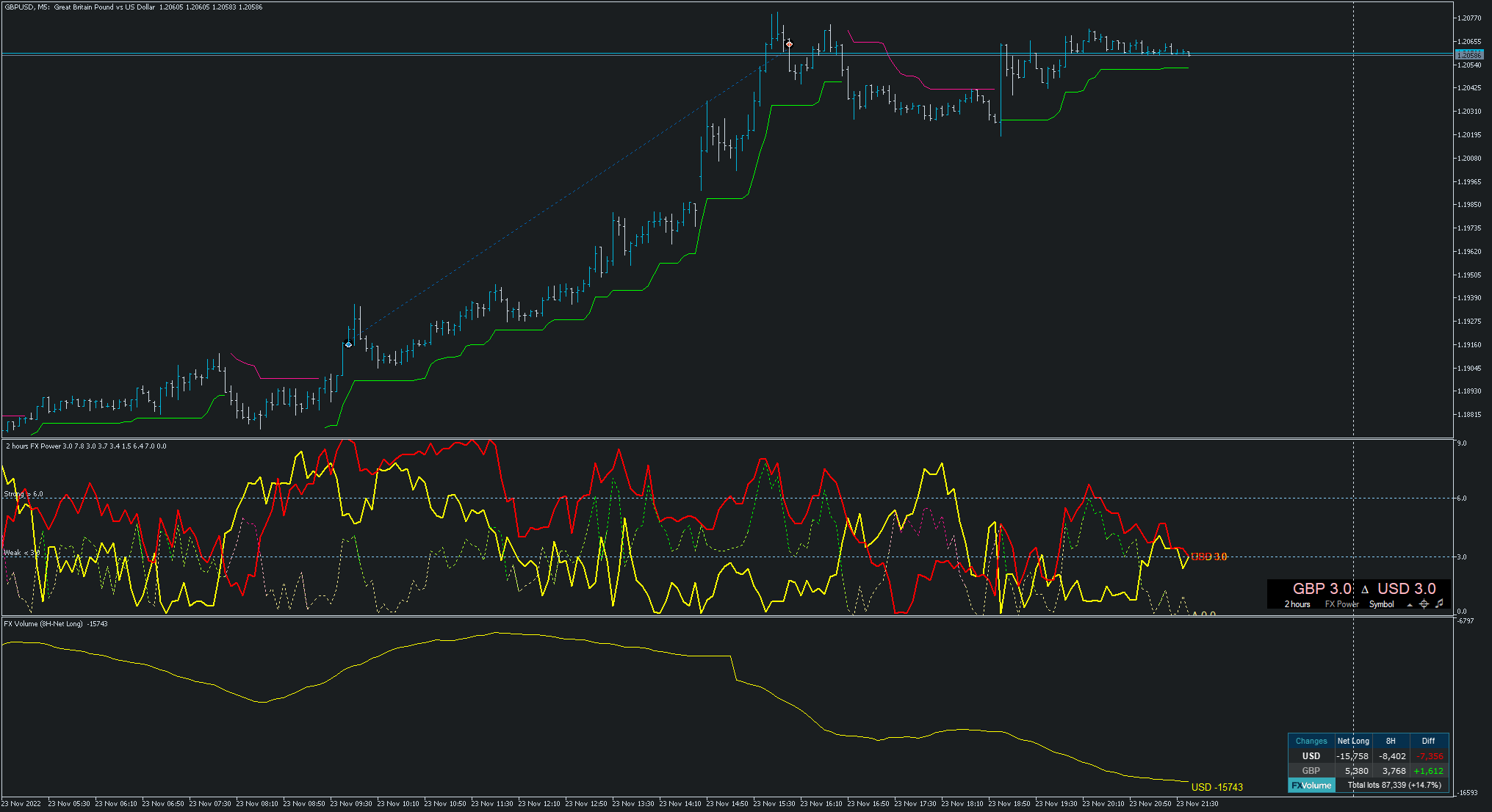
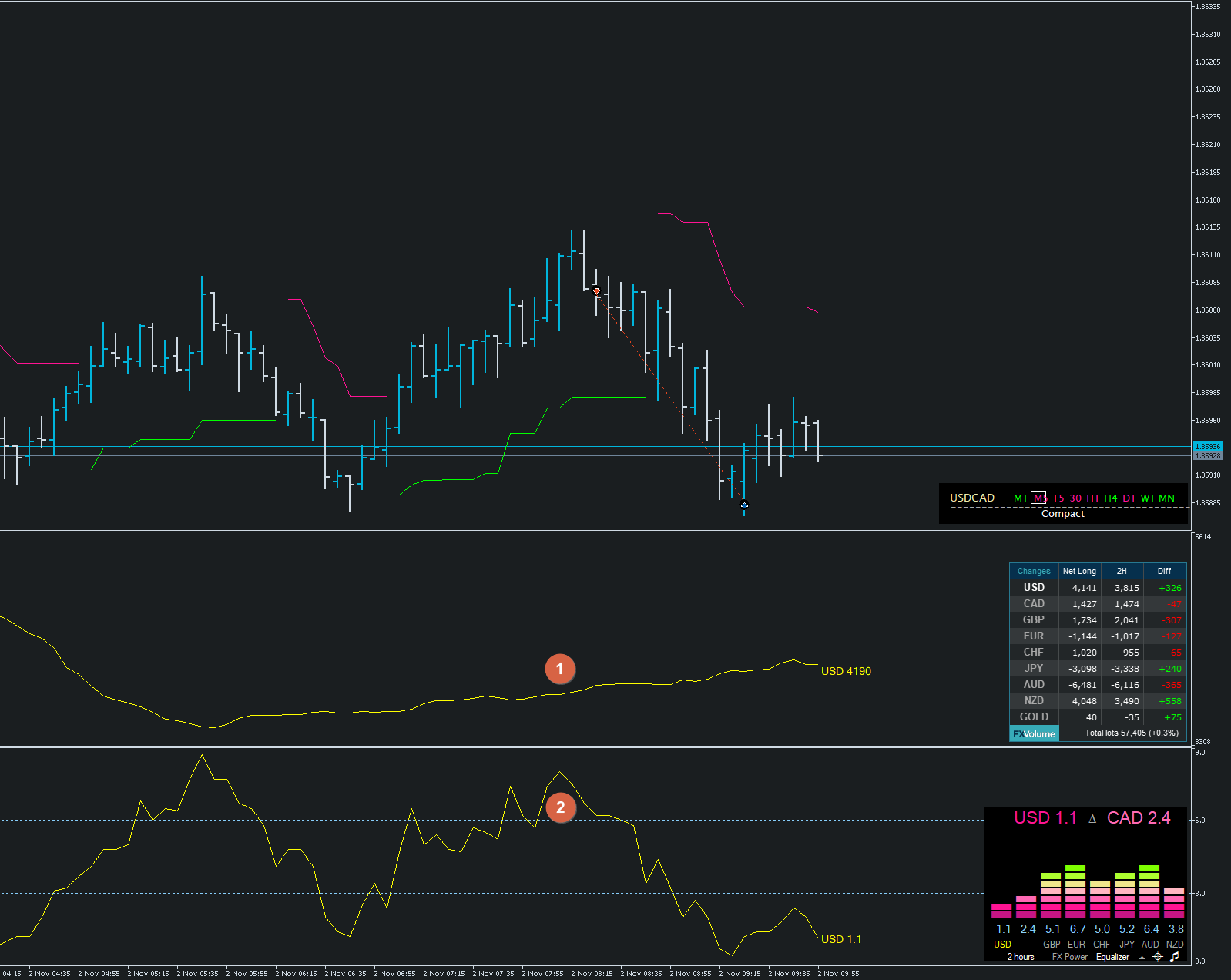
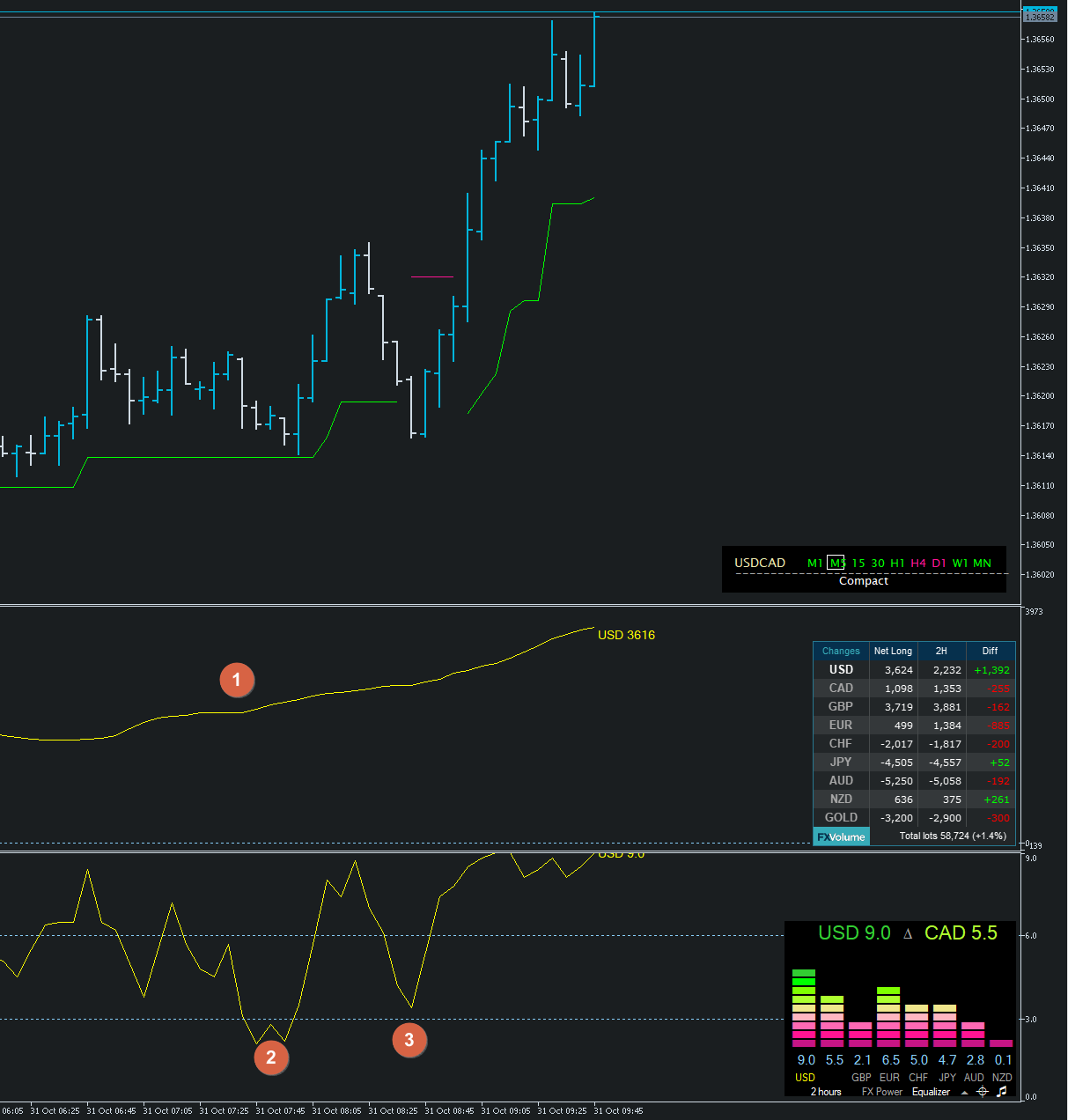
FX Volume 4.0 comes now with two additional features.
1. The option to use the internal comparison calculation on a minute basis which allows comparison below our previous minimum of 1 hour.
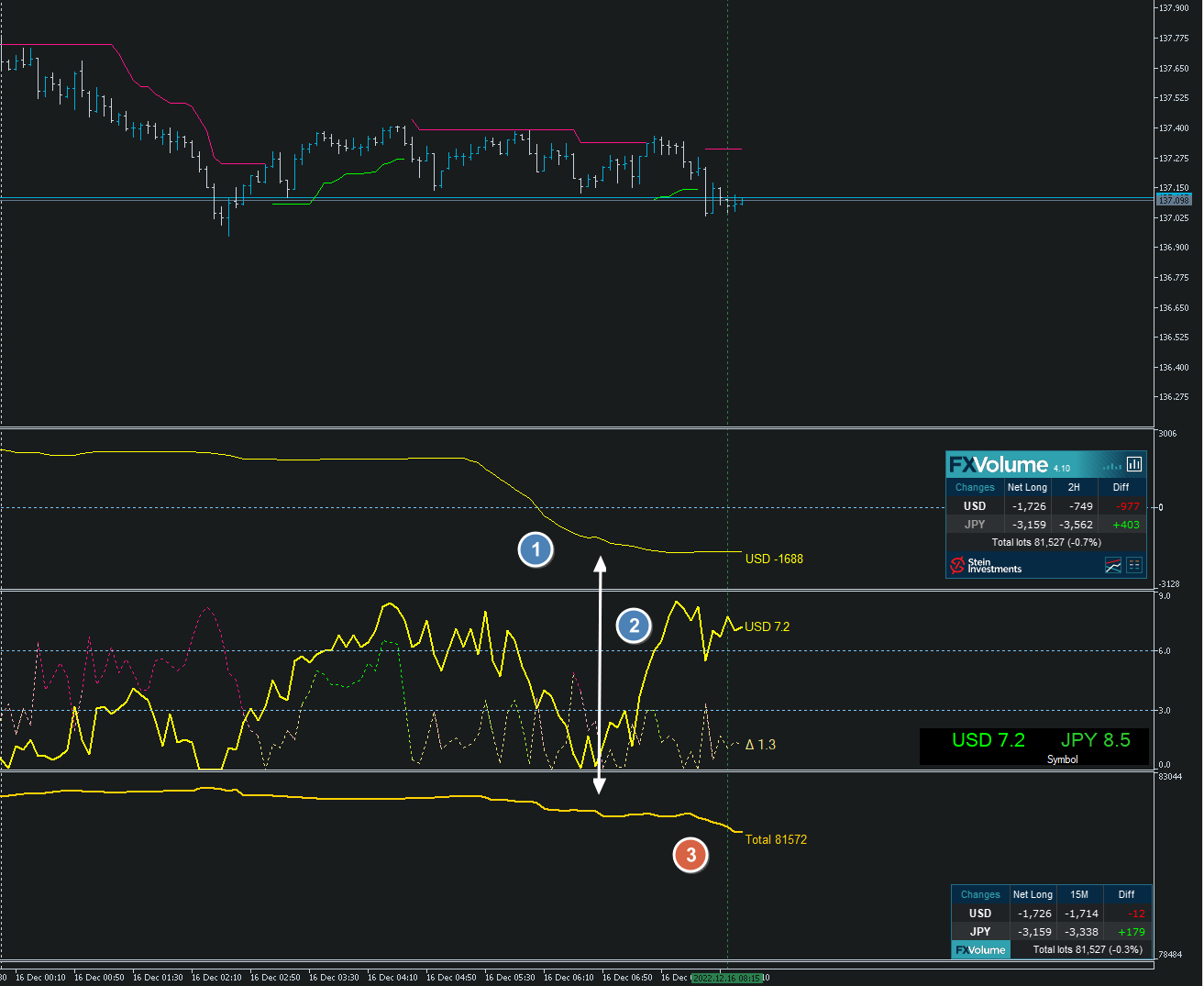
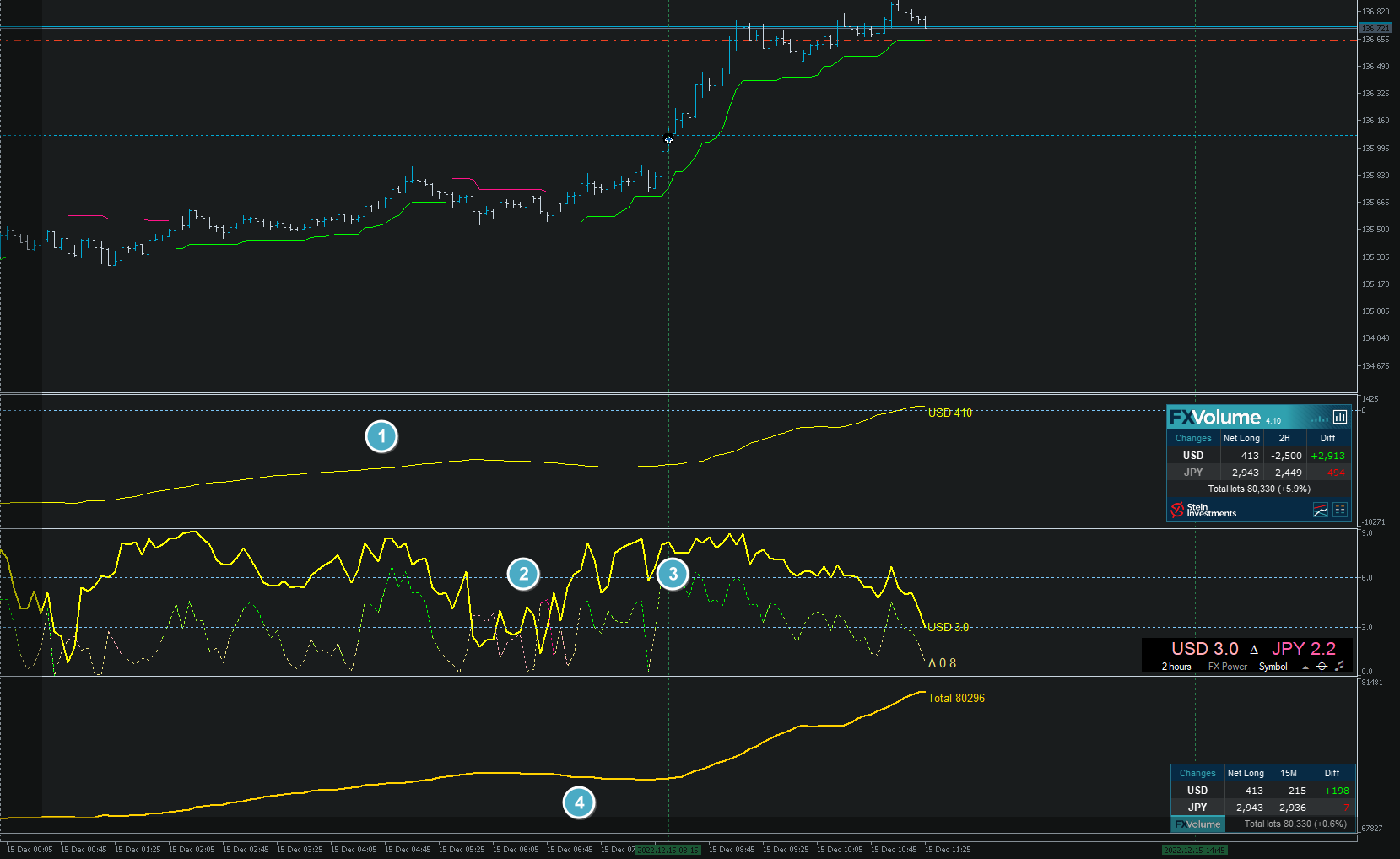
2. Inspired by our fellow trader Luke, we created a Net Long Volume view including history lines to understand better how the Net Long volume correlates with the market moves we see on the chart.
Check our Stein Investments YouTube channel to see a video of it https://youtu.be/x0dkBTpKidY
We're sure you'll like the new features.
All the best and see you soon
Daniel & Alain
‼️ EA Coders Attention please - Due to the new options we had to modify our FX Volume code snippets. Please find the latest snippets for version 4.0 in our FX Volume info channel ‼️
Version 2.0 includes the following changes:
- New settings for professional PROP traders in a separate section
- Strategical update for SIEA ZEN providing a significant performance boost
- New exit parameter
- General improvements and minor bugfixes
‼️ You'll find the new set files for SIEA PRO MT4 and SIEA PRO in the SIEA PRO BUYERS CLUB ‼️
If you don't see the update button yet, you get the update immediately by following these steps:
1. Delete your existing copy of SIEA - all trades remain open
2. Restart your terminal
3. Reinstall SIEA from the market
4. Add it to your chart, and it will continue its work as expected
We hope you'll enjoy the new features and improvements.
Daniel & Alain
-
20% (4)
-
25% (5)
-
25% (5)
-
30% (6)
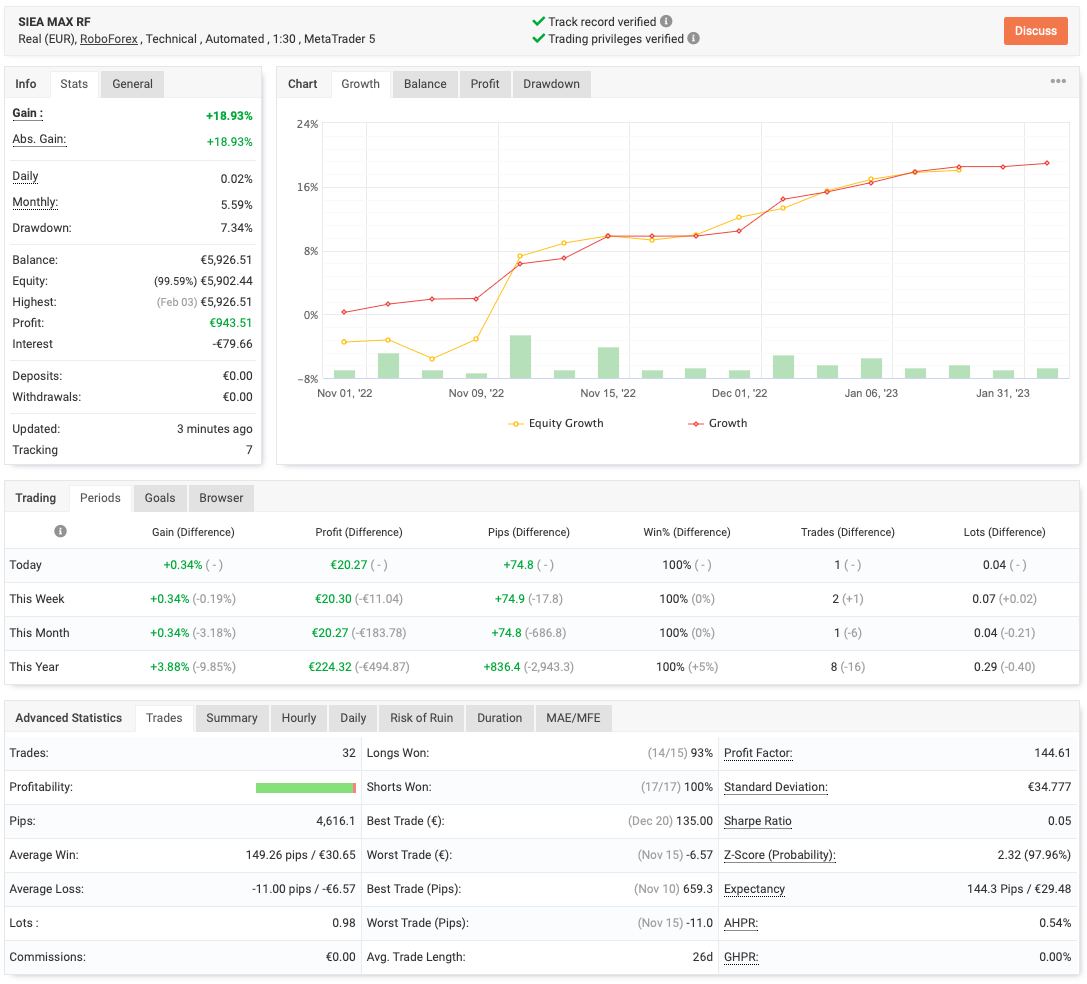
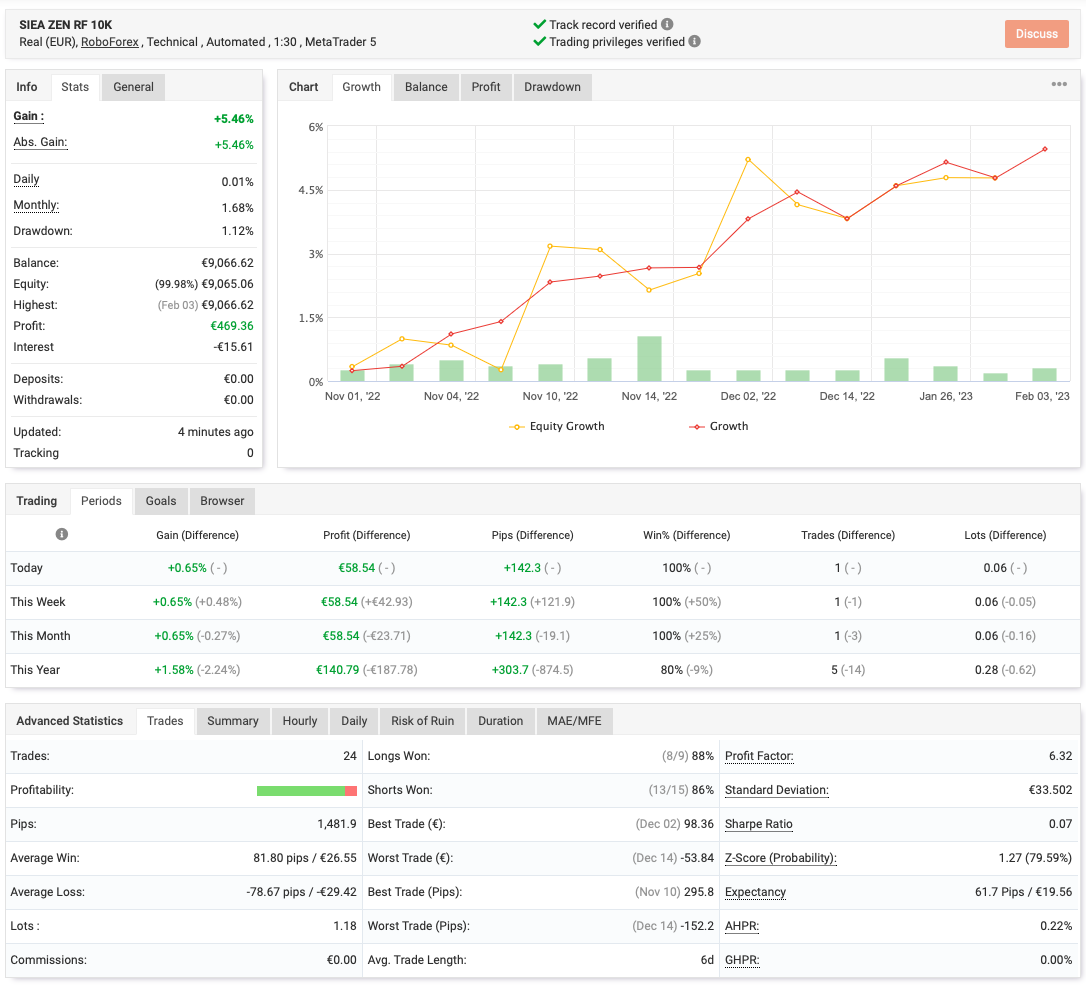
We’ve seen so many EAs struggles or kill their user’s accounts.
SIEA is different and provides a long-lasting positive experience for its users due to its outstanding risk-reward ratio.
Give it a try and benefit from our professional SIEA trading systems.
Get more information about it at https://www.mql5.com/en/blogs/post/745358.
All the best
Daniel & Alain
You want to know more about it - then have a look at our SIEA FAQ at https://www.mql5.com/en/blogs/post/745358
Link to the original post -> https://www.mql5.com/en/market/product/67757?source=Site+Profile+Seller#!tab=reviews&id=review_21109499
‼️ PLEASE UPDATE ‼️
Version 1.69 includes the following changes:
- Fixed wrong comparison price used on BUY trailing (bid instead of ask)
- Improved debug information to investigate rarely appearing memory issue
- Improved panel information message
- Improved time filter
We hope you'll enjoy the latest product improvements.
Daniel & Alain
⚠️It can take up to 24 hours until you see the UPDATE button in the Purchases section of your MT4 / MT5 terminal.
⚠️Once you did the update please restart your terminal to force the terminal to run the latest installed SIEA version on your chart.
Originally posted at https://www.mql5.com/en/market/product/67755?source=Site+Market+Main+Rating006#!tab=reviews&id=review_20931396
Originally posted at https://www.mql5.com/en/market/product/67757?source=Site+Market+Main+Rating006#!tab=reviews
If you want more action and profit just increase the risk via one central parameter.
Get more information about our SIEA series at https://www.mql5.com/en/blogs/post/745358
All the best
Daniel & Alain
‼️ PLEASE UPDATE ‼️
These updates include the following changes:
Improved communication between SIEA and SI Connect
Fixed backtest issue at the weekends
We hope you'll enjoy the latest product improvements.
Daniel & Alain
⚠️It can take up to 24 hours until you see the UPDATE button in the Purchases section of your MT4 / MT5 terminal.
⚠️Once you did the update please restart your terminal to force the terminal to run the latest installed SIEA version on your chart.