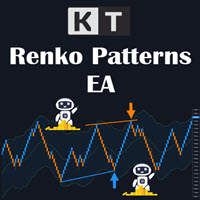
KT Renko Patterns Robot MT4
- Experts
-
KEENBASE SOFTWARE SOLUTIONS
 Keenbase Trading develops professional MetaTrader 4 and MetaTrader 5 indicators and Expert Advisors designed to help traders make more informed trading decisions.
 - Version: 2.1
- Updated: 16 June 2021
- Activations: 10
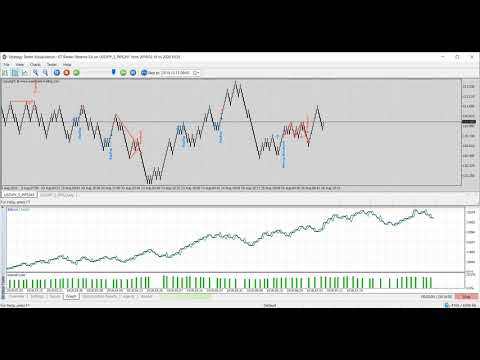
Trade Selected Patterns on a Live Renko Chart
KT Renko Patterns Robot MT4 is an Expert Advisor that opens and manages trades when its built-in pattern engine identifies a selected formation on a generated Renko chart. Use a compatible Renko generator that supports live EA trading, such as KT Renko Chart Generator, and attach the robot to the generated chart. In that chart's Properties, untick Offline Chart so the EA can operate. The separate KT Renko Patterns indicator is not required because the detection logic is included in the EA.
The EA writes the detected pattern name with each entry. It does not draw the complete pattern geometry.
Choose Which Formations Can Trigger a Trade
Enable only the formations you want the robot to evaluate:
- W-M Pattern
- Power Pennant Pattern
- AB=CD Pattern
- Triple Top/Bottom Pattern
- Double Top/Bottom Pattern
- Two-Back Brick Pattern
- ZigZag Pattern
- Swing Breakout Pattern
Min. Bars Between Patterns sets the required spacing between detected formations. Draw Pattern Names controls whether the pattern name is written beside a new trade.
Set Position, Exit and Protection Rules
Position control: limit the number of active positions in one direction and choose fixed or automatic lot sizing.
Exit control: optionally close positions when an opposite pattern appears. Stop loss and take profit can use fixed pips, volatility-based values or levels calculated from the pattern logic. Trailing can use pips or volatility.
Account protection: Max Loss Protection stops new trading when the configured loss limit is reached. Logging records EA operations in the platform Journal for setup and execution checks.
Filter and Test the Renko Workflow
Restrict operation to selected Asian, London and New York session combinations. Trend, Volatility, Vortex and MMI filters can be enabled individually to refine when a detected pattern is allowed to open a trade.
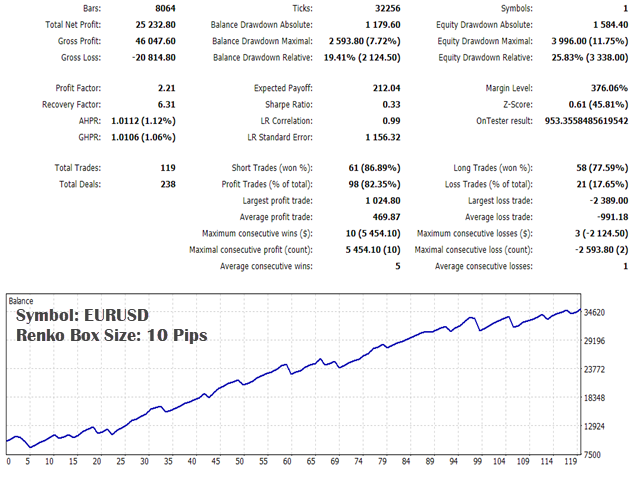
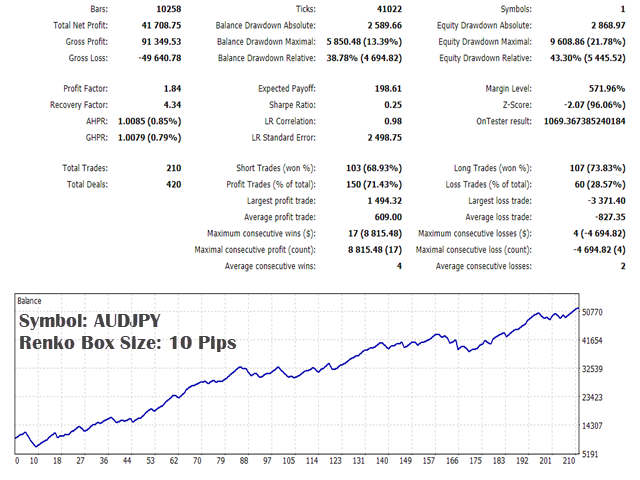
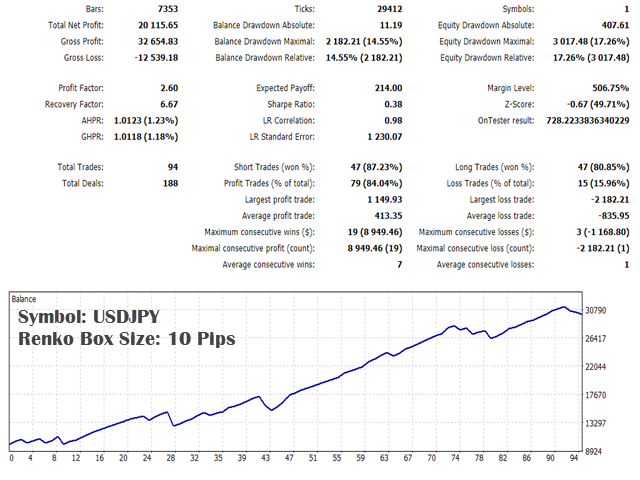
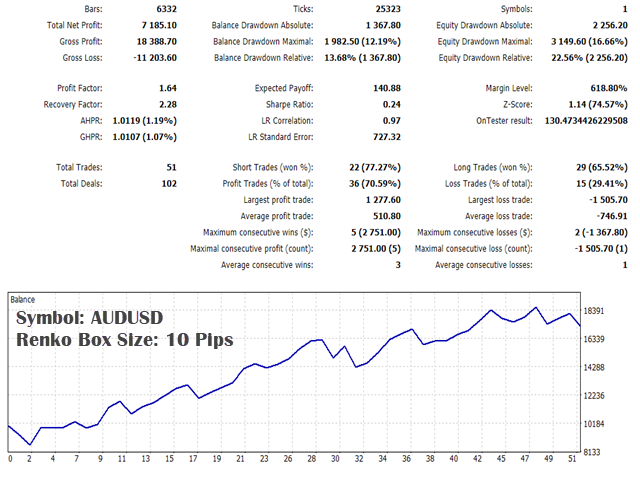
Renko backtesting in MT4 requires a compatible Renko testing library or generator setup. The available 10-pip Renko set files provide a starting configuration, while the MT5 edition supports a custom-symbol tester workflow. For live MT4 use, verify the symbol, box size, generator compatibility, Offline Chart setting, AutoTrading permission and Journal messages before evaluating operation.