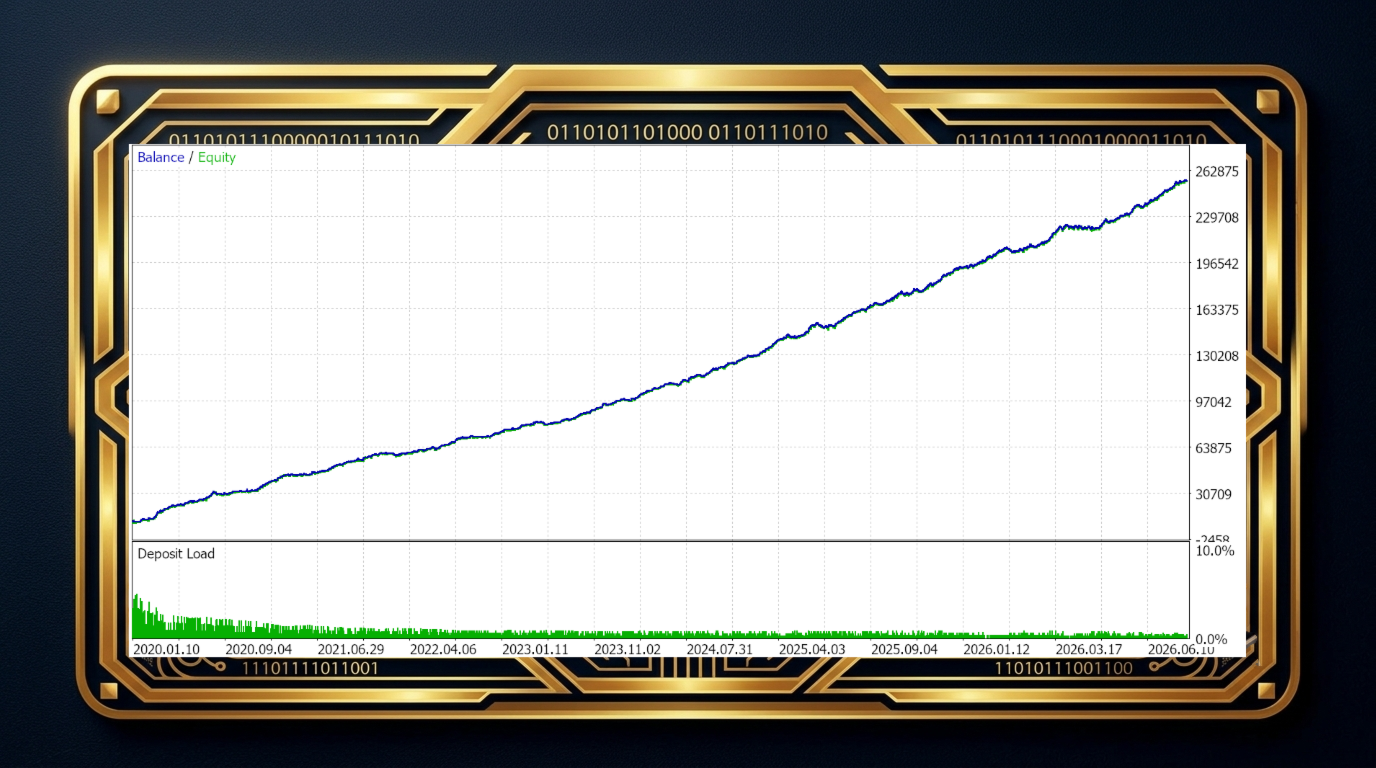
Trixter gold
- Experts
- Version: 1.0
- Activations: 15

Trixter Gold is an intelligent trading system based on gold volatility analysis.
Key points you should know before purchasing:
- The system uses gold volatility analysis across multiple timeframes and indicator periods.
- Volatility is grouped to identify effective patterns for buying and selling. These patterns can range from 100 to 3,000.
- The identified patterns undergo statistical validation: they must have a high positive expected value and be statistically significant.
- All other patterns are classified as noise, and the trading system will not open trades in such high-uncertainty situations.
- The entire system is then tested on a 2-year forward period. Only if it continues to trade consistently during this period is it deemed ready for live account deployment.
Trading system features:
- Trades are opened using limit orders placed at a selected distance from the current price. This minimizes slippage and provides more efficient entry points.
- If a limit order is not triggered because the price fails to reach it and the signal disappears, the order is cancelled, and the system waits for the next signal.
- Open positions are managed with stop-loss and take-profit levels and are closed at market price when an opposite signal appears.
- The robot does not employ high-risk strategies such as martingale or arbitrage.
- The bot performs well on timeframes from M5 to H1. The H1 timeframe for XAUUSD is recommended.
- You can adjust trading activity to your preference using a range of settings described below.
Main trading system settings:
- Allow BUY signals, Allow SELL signals — allows you to enable or disable buy or sell orders if you are confident the market will move in a specific direction.
- Signals sensitivity, Filter sensitivity — allows you to adjust the sensitivity threshold for signals and the filter that screens out noise. The default and minimum setting is 0.5. You can increase these values to 0.7 or even 0.9 to achieve cleaner signals.
- Filter by trading hours — allows you to set specific trading hours. By default, trading operates 24/7. You can select specific hours if you believe the system performs better during those times, or if you simply want to restrict trading to certain periods.
Capital management settings:
- Distance in points for limit order — the distance from the current price to the limit order placed when a signal appears. The default value is 250. If you want more trades, decrease this value; if you prefer more conservative trading, increase it.
- Max positions + orders number — the maximum number of positions allowed in the market. The bot can open and manage multiple positions simultaneously, but without averaging. This is designed to increase trading activity. By default, no more than 3 open positions are allowed at the same time.
Other settings control the delay between position openings to ensure trades are more evenly distributed on the chart and can capture intermediate market moves. There are also controls for maximum spread, stop-loss, and take-profit settings.
Default settings are pre-configured. Do not change them unless absolutely necessary, or save the default set file so you can revert to the factory settings at any time!