When undocking charts is it possible to have timeframes attached to the toolbar on the right?
When undocking charts is it possible to have timeframes attached to the toolbar on the right as they appear on docked chart?
On my high resolution widescreen monitor, the timeframes toolbar stays put regardless of docking/undocking.
That leads me to believe that your issue is a result of your specific display device/settings.
On my high resolution widescreen monitor, the timeframes toolbar stays put regardless of docking/undocking.
That leads me to believe that your issue is a result of your specific display device/settings.
So any evidence ?
As the OP is right (it's also my experience) I would report it to MetaQuotes.
Thank you.
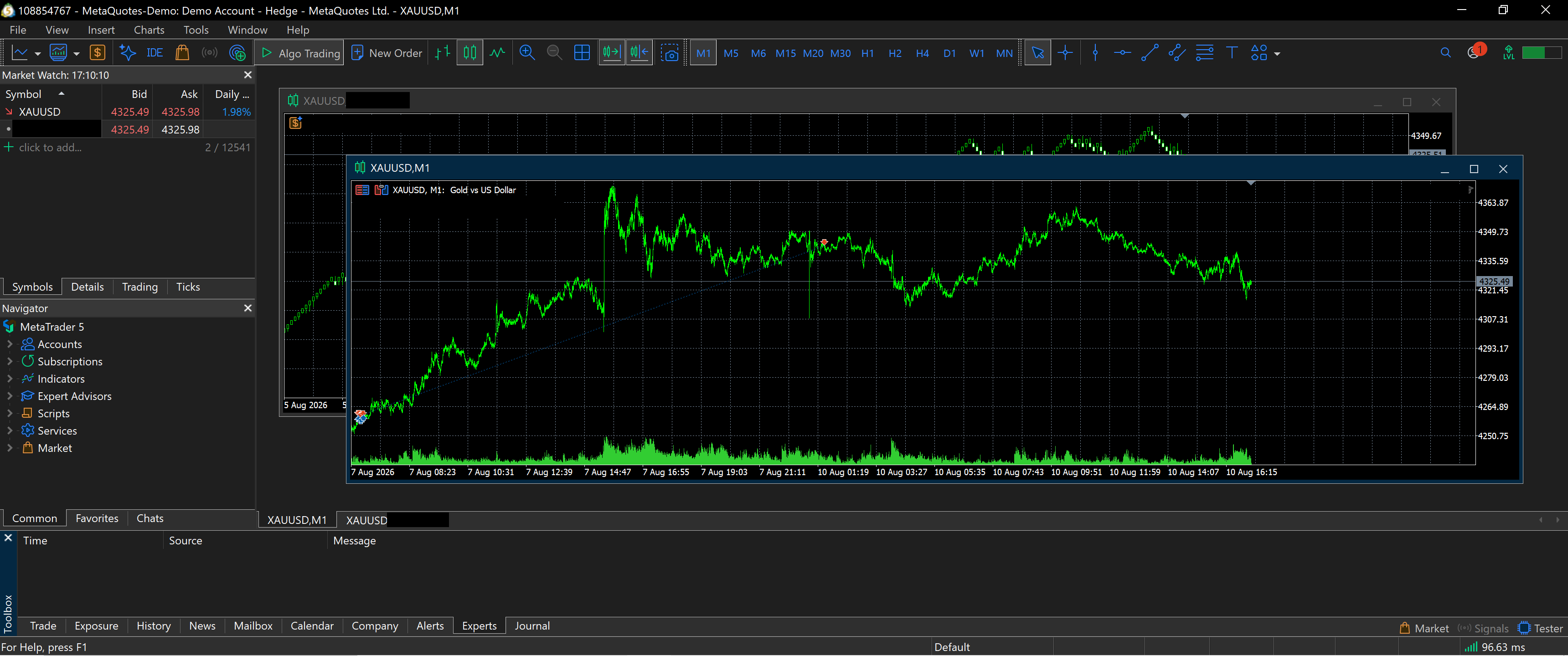
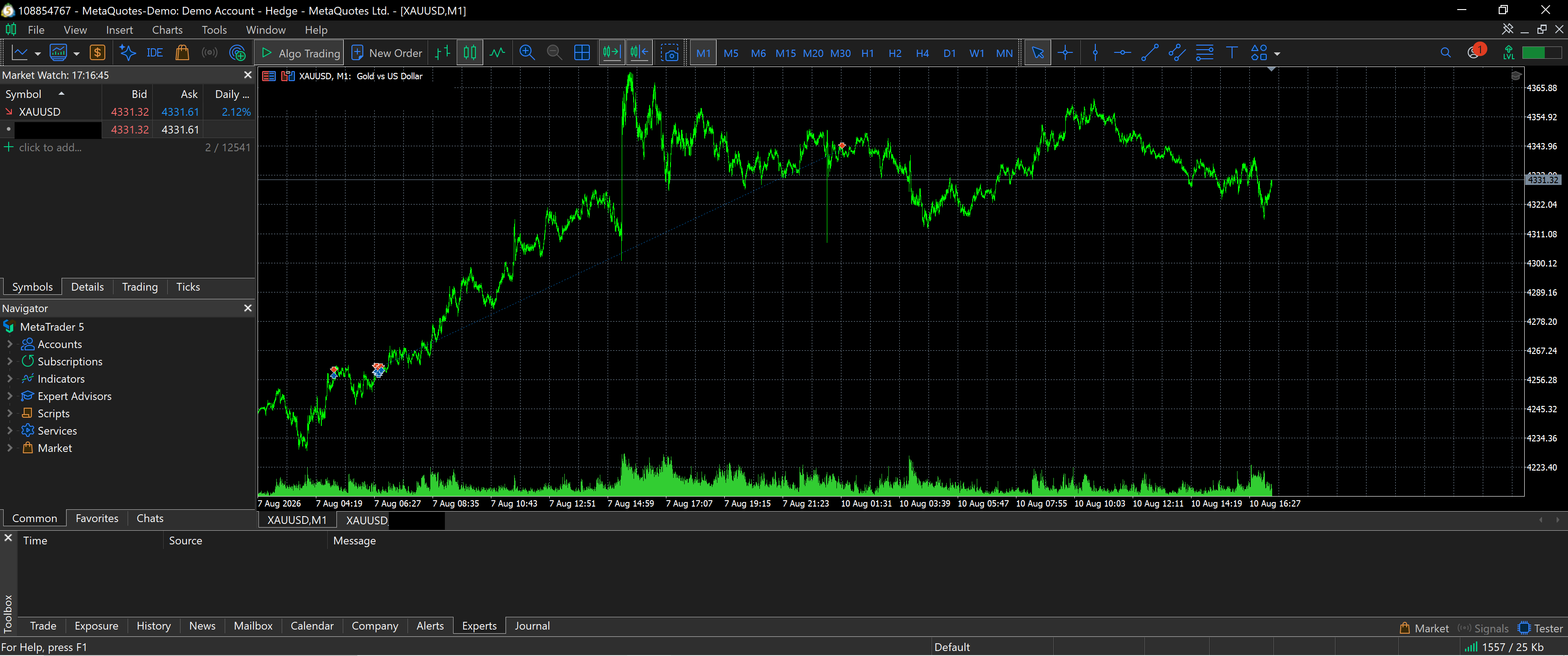
This thread got buried from the mql5.com home page for a while, so I was missing it.
Undocked:
Docked:
Thanks. So you obviously didn't understand to OP.
The timeframes toolbar IS NOT on the undocked window, if you place this window on an other monitor, it's hard to work with it.
When undocking charts is it possible to have timeframes attached to the toolbar on the right as they appear on docked chart?
Thanks. So you obviously didn't understand to OP.
You're welcome. If a 2nd monitor had been mentioned prior to your Post #6, the confusion would've been avoided.
The timeframes toolbar IS NOT on the undocked window, if you place this window on an other monitor, it's hard to work with it.
I merely evidenced an "undocked" chart versus a "docked" chart as requested.
You're welcome. If a 2nd monitor had been mentioned prior to your Post #6, the confusion would've been avoided.
I merely evidenced an "undocked" chart versus a "docked" chart as requested.
There is nothing bad to not understand something.
In a friendly manner, I would suggest you to not defend yourself like that when you were not attacked.
Additionally, please understand that my answers are (almost) always done with every possible readers in mind, not specifically or only the direct interlocutor.
There is nothing bad to not understand something.
In a friendly manner, I would suggest you to not defend yourself like that when you were not attacked.
Additionally, please understand that my answers are (almost) always done with every possible readers in mind, not specifically or only the direct interlocutor.
