MT4 programmatically resizing and positioning of current chart window
yeah, well, thanks. Of course I'm aware of this option. Still I would like to achieve this as described.
There certainly must be a way to do this, because the menu bar contains a button that plots all open charts in a grid layout.
This is basically what I need. Resizing and positioning of individual charts.
... made some progress :)
  MoveWindow(wHndParent, 0, 0, (int)(width*0.5), height, true);
  EnableWindow(wHndParent, true);
  UpdateWindow(wHndParent);
  SetForegroundWindow(wHndParent);
Using MoveWindow or SetWindowPos needs the parent window as first argument.
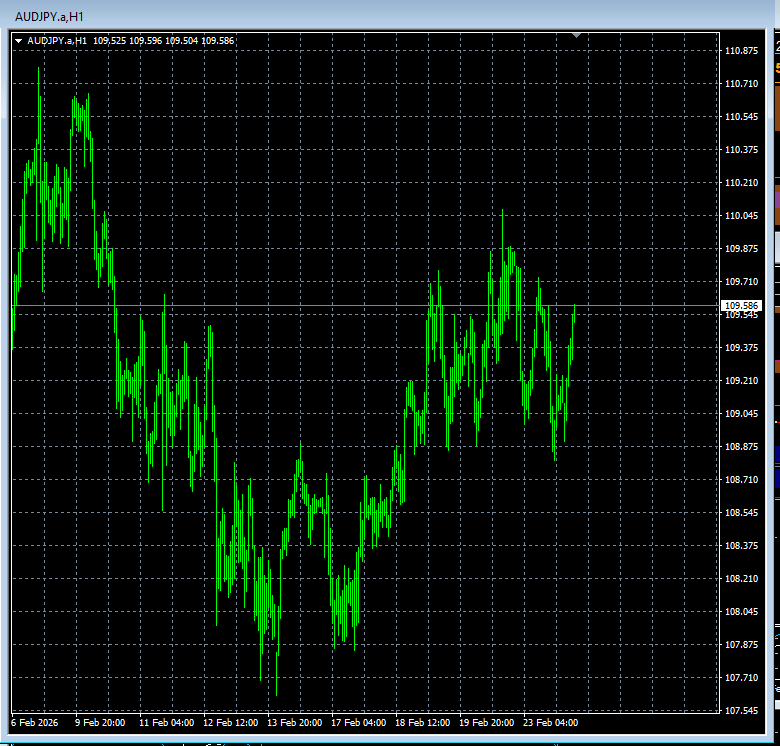
The current chart window is resized and positioned alright now and the chart itself is functional ...
BUT the title bar of the window remains disabled and I can neither manually resize nor move the window.
In the title bar of the window, to the right, the icons(minimize, maximize, close) are missing as well.
So obviously this window is somehow disabled.
... as always, any help, comment etc. highly welcome :)
thanks
Solved :)
  int wHnd = (int)ChartGetInteger(0, CHART_WINDOW_HANDLE, 0);
  int wHndParent = GetParent(wHnd);
  ShowWindow(wHndParent, SW_RESTORE); // value is 9
  EnableWindow(wHndParent, true);
  MoveWindow(wHndParent, 0, 0, (int)(ScreenWidth*0.5), ScreenHeight, true);
had to add ShowWindow with 2nd argument set to 9.
works just as desired
How did you calculate your ScreenWidth and ScreenHeight values.

- Free trading apps
- Over 8,000 signals for copying
- Economic news for exploring financial markets
You agree to website policy and terms of use
Goal: I usually have my charts(over 20) maximized but at certain times, for comparrison, I want to have only two charts filling the whole window:
one to the left with 100% height and 50% width and another one to the right with the same dimensions.
I'm aware that I can do this manually but to get it right needs a lot of fuzzing around each time.
I would prefer to have an indicator with a button in each chart to do this manipulation.
I added a screen shot for clarification.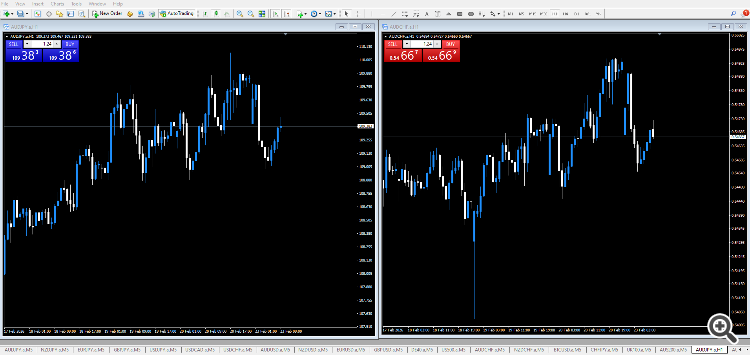
I know how to write the indicator, button and events etc. but I'm totally stuck with the resizing and positioning.
Built-in mql4 functions do not achieve this so I started using user32.dll but I totally suck at c++.
Through hours of google search I got something that at least compiles and runs without error but unfortunately does nothing:
Maybe there's some c++ guru around here willing to help me out with this.
Thanks in advance