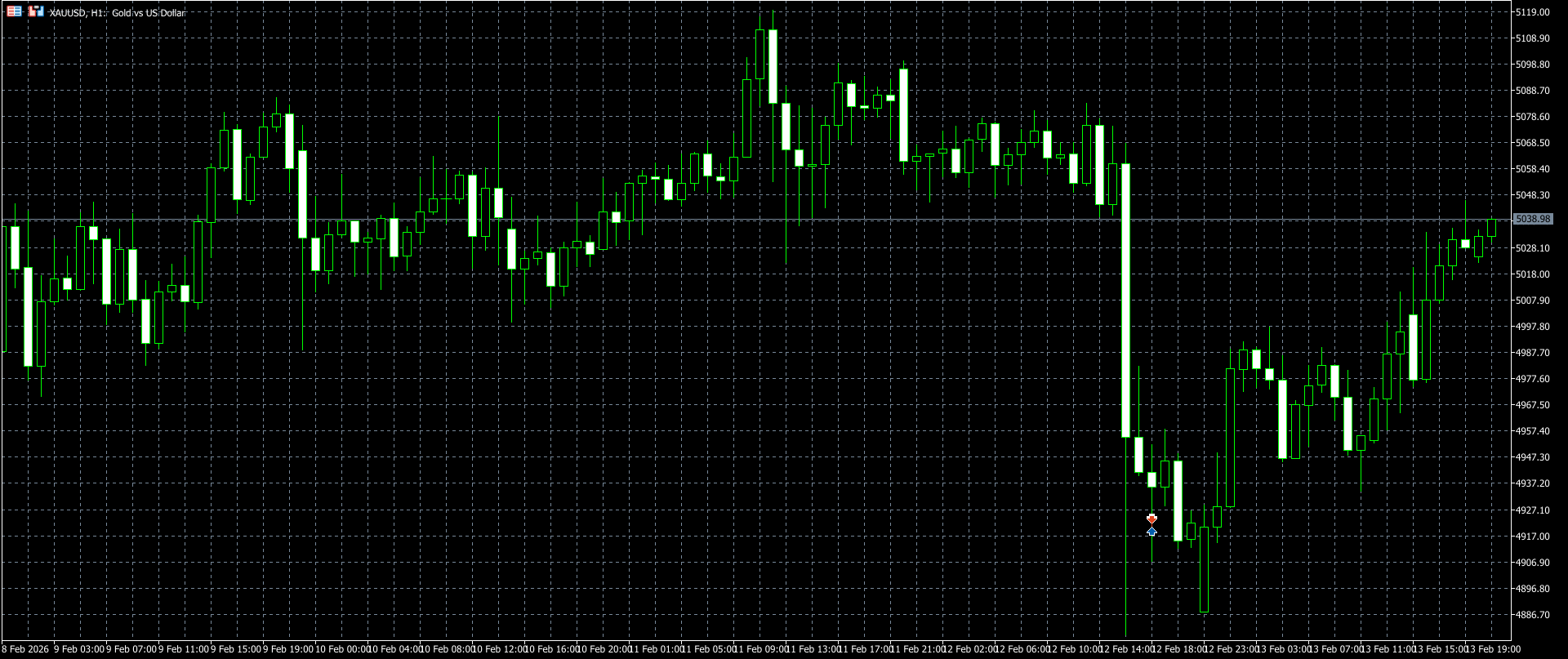
How do I change the background color of the chart and candles?
Abdulrahman Saad:
Right click on the chart >> Properties.
You can do it by using the standard procedure in Metatrader: right mouse click on the chart - Properties - Colors.
Or ... if you want to have something special so use the following: custom color schemes for MT5 - post #525 (thanks to Dmitry Fedoseev)

How automated trading systems and testing trading strategies
- 2021.08.12
- www.mql5.com
(profitable according to the equity open trades, but losing because it is losing ea). No extrapolation added to this indicator (in order to avoid fuss that shall inevitably happen when people start using it, as they should not, as signals)
If you are trying to build something with an specific color, check this script:
int OnInit()
  {
   ChartSetInteger(0, CHART_COLOR_BACKGROUND, clrWhiteSmoke);
   ChartSetInteger(0, CHART_COLOR_FOREGROUND, clrDimGray);
   ChartSetInteger(0, CHART_COLOR_ASK, clrDarkSlateGray);
   ChartSetInteger(0, CHART_COLOR_BID, clrDarkSlateGray);
   ChartSetInteger(0, CHART_COLOR_GRID, clrWhite);
   ChartSetInteger(0, CHART_COLOR_CHART_LINE, clrGold);
   ChartSetInteger(0, CHART_COLOR_VOLUME, clrWhiteSmoke);
   ChartSetInteger(0, CHART_COLOR_CHART_UP, clrBlack);
   ChartSetInteger(0, CHART_COLOR_CHART_DOWN, clrBlack);
   ChartSetInteger(0, CHART_COLOR_CANDLE_BULL, clrBlack);
   ChartSetInteger(0, CHART_COLOR_CANDLE_BEAR, clrWhite);
   ChartSetInteger(0, CHART_MODE, CHART_CANDLES);

   return(INIT_SUCCEEDED);
  }

You are missing trading opportunities:
- Free trading apps
- Over 8,000 signals for copying
- Economic news for exploring financial markets
Registration
Log in
You agree to website policy and terms of use
If you do not have an account, please register