PlaySound(xxx.wav) does not play sound?
Try System Icons → Sound Icon → Right Click → Mixer and verify it's not muted.
SalmanAlOtaibi:
anybody facing this problem ??
it was working!! ?
What is "xxx" ? Show the real code.
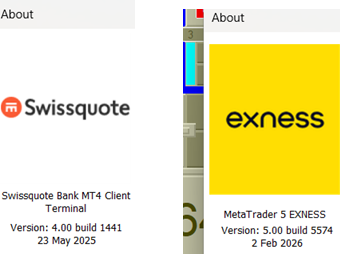
Which build are you using ?
William Roeder #:
Try System Icons → Sound Icon → Right Click → Mixer and verify it's not muted.
Try System Icons → Sound Icon → Right Click → Mixer and verify it's not muted.
i already check all of these !
for example if i open any wav file, it is ok,,,
if i open youtube , it is ok,,,
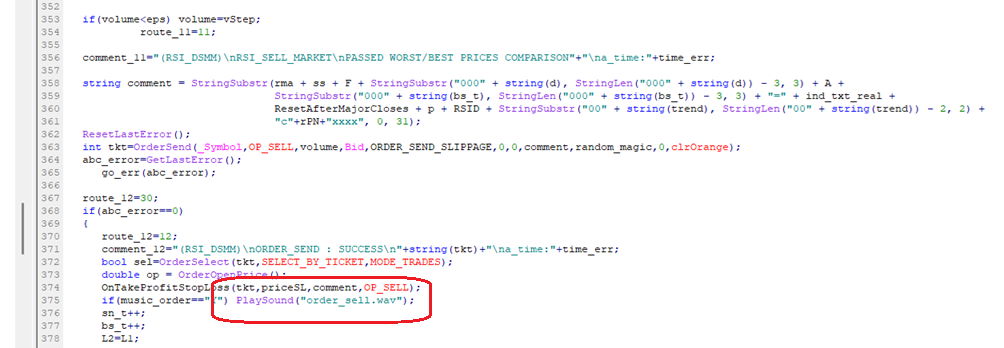
this is the part of the code .. picture
1 month ago,, it is owrking fine!
Files:
Untitled.png
131 kb
do you try it
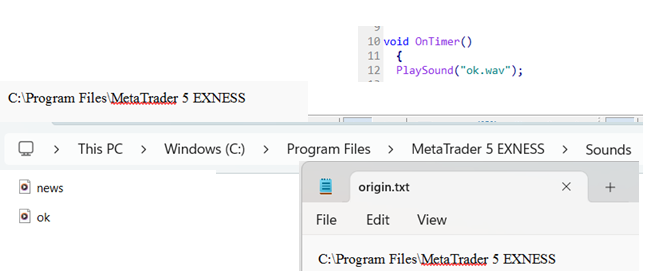
even if i put PlaySound() immediatrly after OnTimer,, without any restrictiosn/conditios. it does not play sound ?
FILE path is the path that we know since years!!! C:\\ProgramFiles\Broker\Sounds
was problem in the code
sorry

You are missing trading opportunities:
- Free trading apps
- Over 8,000 signals for copying
- Economic news for exploring financial markets
Registration
Log in
You agree to website policy and terms of use
If you do not have an account, please register
anybody facing this problem ??
it was working!! ?