Scripts: KeyFinder
Hello! Please tell me how to put it in the mt5 terminal, I tried to move it to all the folders in the MQL5 folder, updated after that nothing works, I trade on futures on Forts, I saw the script on smartlab, I will be glad to help, thanks in advance).
It can be done in different ways:
1) Loading from the terminal:
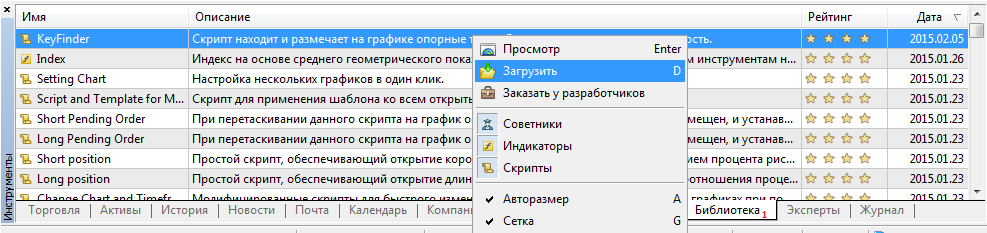
2) Copy and compile manually.
To do this you need to open the data directory (Menu "File"->"Open data directory"):
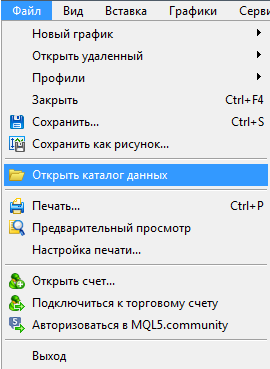
Then copy the file keyfinder.mq5 to the folder data_directory\MQL5\Scripts\, press F4 in the terminal to launch MetaEditor, find it and compile it (F7 in MetaEditor):
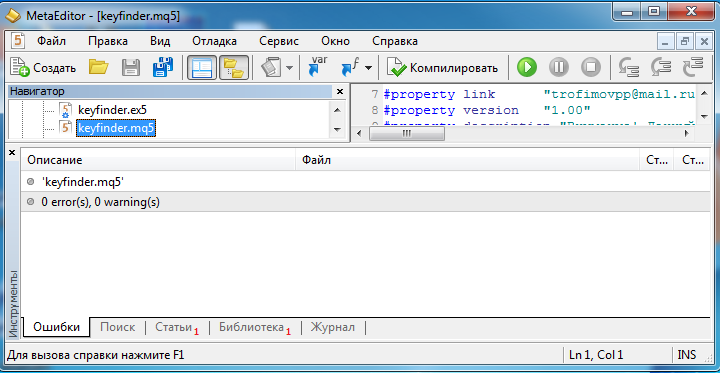
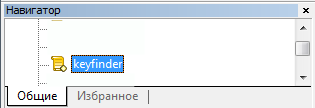
It will then appear in the terminal in the Scripts tab of the Navigator window and can be run on charts. (in variant 1 the script will be compiled automatically)
The script is good, but is it possible to make it for MT4?
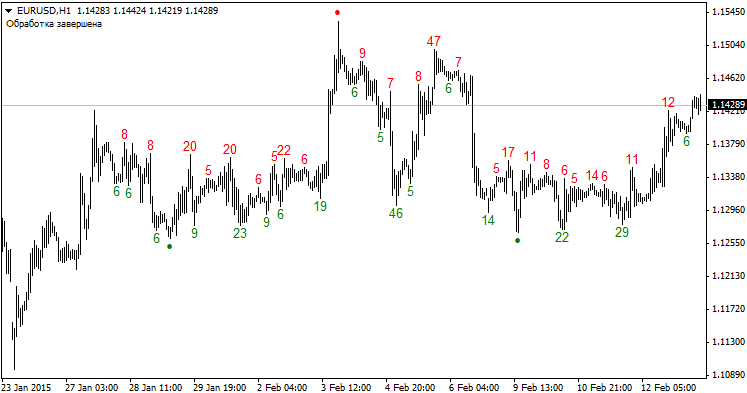
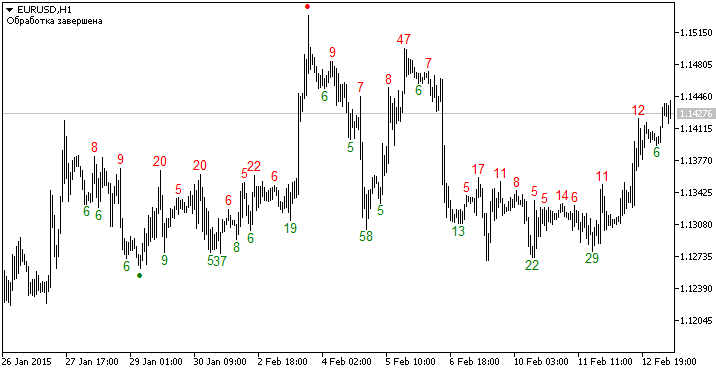
It works in both terminals (you need to rename it to .mq4):
MetaTrader 4:
MetaTrader 5:
How to make it update, I noticed that it does not write new values, I have to set it on the chart again.
Unfortunately, there is no way. The script is not an indicator, it will not be updated automatically, so we will have to periodically "reset" it on the chart. Now I am working on the second version of the script, where I will move it from the module structure to classes and add a button to delete the markup results. That is, if you decide that the results of the script interfere with the chart, you can delete them by pressing a special button that will appear in the upper left corner.
So! After the second version of the script is finished, we plan to create a Demark trend indicator, which will be based on the KeyFinder script. It will have all the "pluses": automatic updating of points, automatic building of trends on them, tracking of breakdowns, and of course the definition of breakdown targets by Demark projectors.
Dear Rubick very much waiting for your indicator like hotcakes!

- Free trading apps
- Over 8,000 signals for copying
- Economic news for exploring financial markets
You agree to website policy and terms of use
KeyFinder:
This script finds DeMark pivot points, displays them on the chart and indicates their dimensions.
Author: Pavel Trofimov