VectorTrend Pro MT5
- 指标
-
Alice Nampanya
 TradelyLabs is a software company focused on developing professional Expert Advisors, indicators, and automation tools for MetaTrader 5 .
Our mission is simple: build transparent, reliable, and well engineered trading software that helps traders automate their strategies with confidence. - 版本: 1.26
- 激活: 10
VectorTrend Pro is a visual analysis indicator for MetaTrader 5
It helps traders follow market direction, notice potential setups, and assess trade levels from a single chart. The purpose is to make the chart easier to read while leaving every trading decision with you. VectorTrend Pro does not open trades or take control of your account. It gives you a structured view of the market so you can decide whether a signal fits your own plan.
See the market more clearly
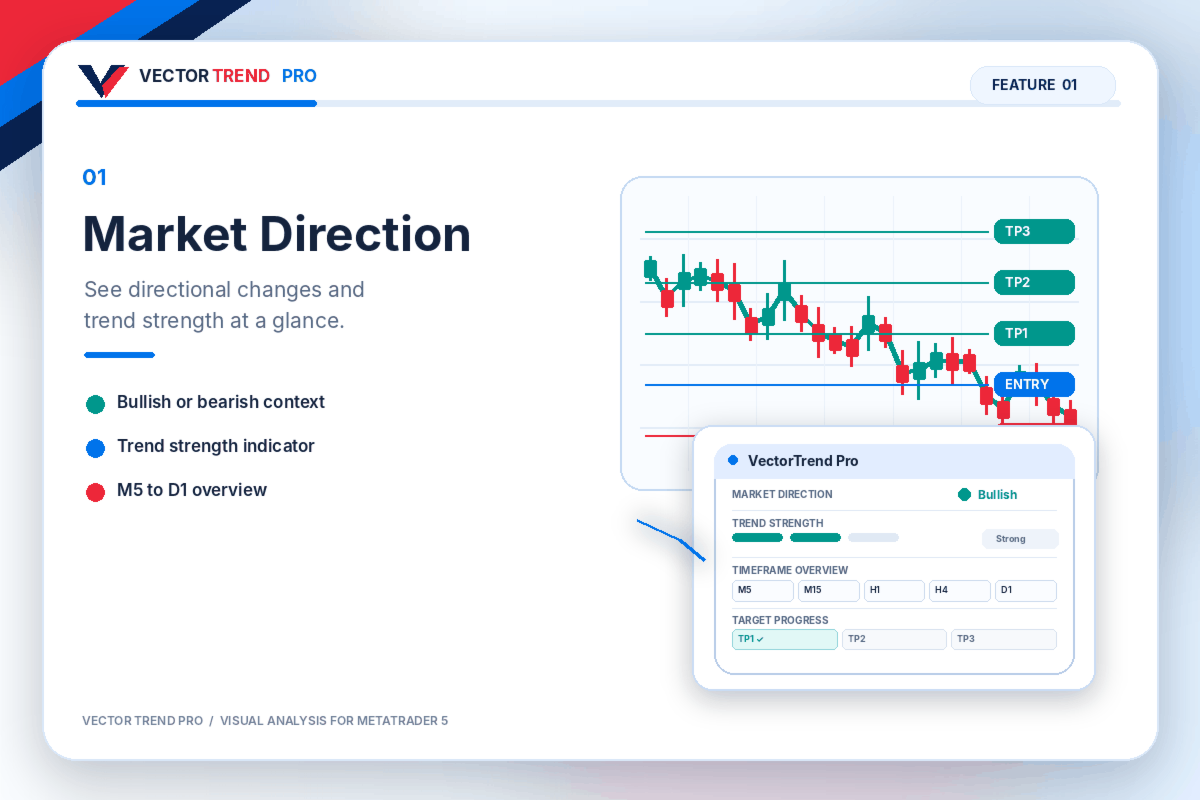
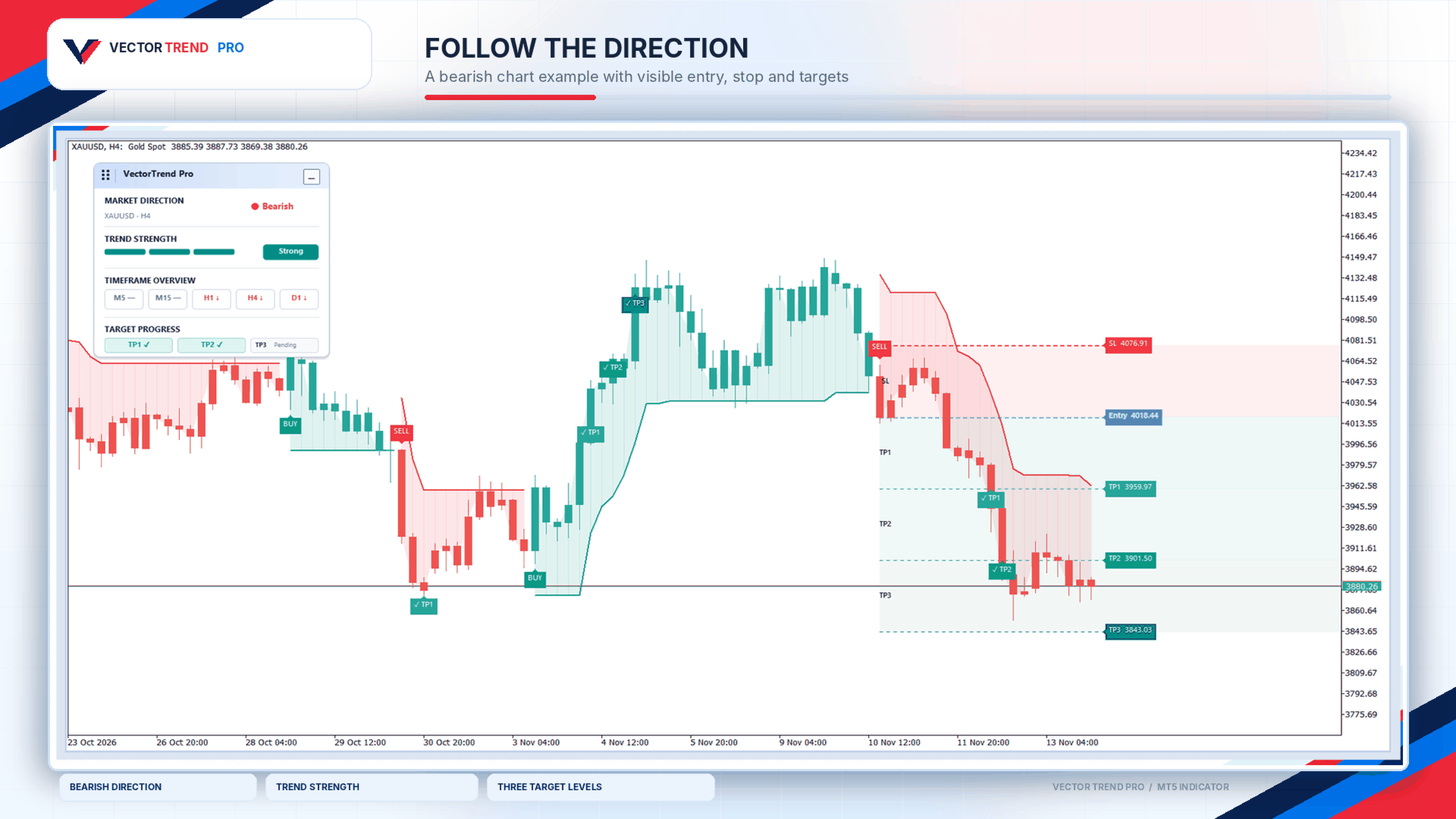
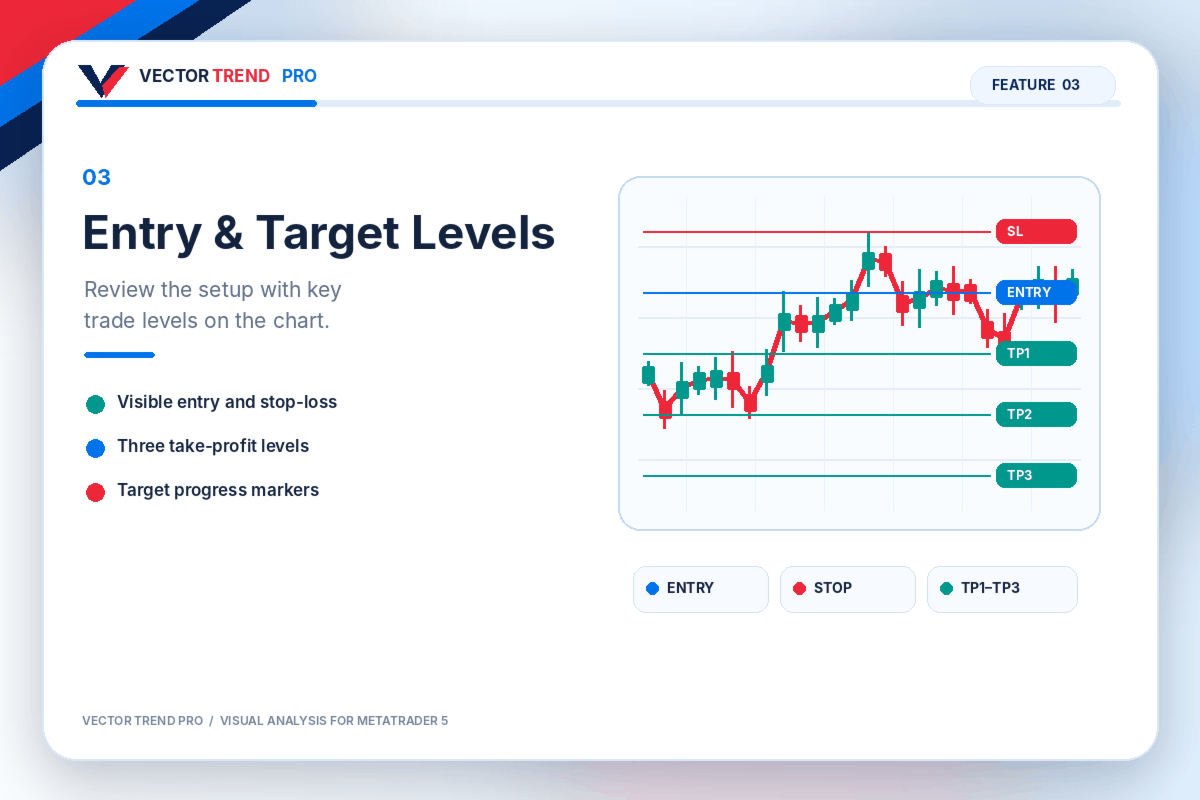
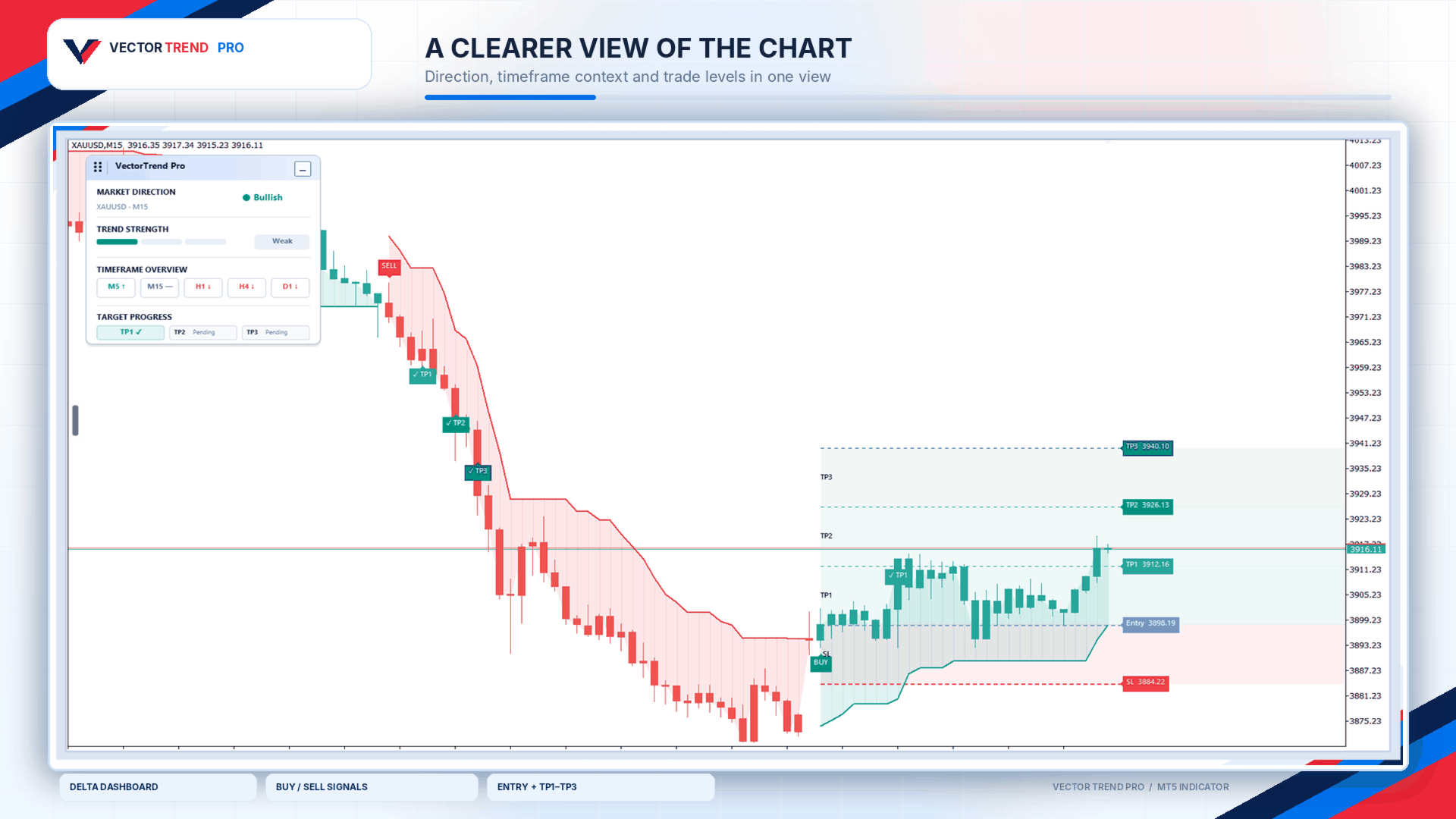
Directional lines and colored chart areas help you follow changes in market conditions. Buy and sell markers bring potential setups to your attention. When a setup is displayed, you can see its entry, stop-loss, and three take-profit levels directly on the chart.
These levels give you a starting point for reviewing a trade. You can compare the potential reward with the distance to the stop, consider the surrounding price action, and decide whether the setup makes sense to you. The indicator displays the levels; it does not send orders to your broker.
The chart uses a clean color scheme so the important information stands out. Teal and coral make directional changes easy to distinguish, while separate colors identify the entry, stop, and targets. If you prefer a simpler chart, you can hide individual elements in the settings.
A quick summary in the Delta panel
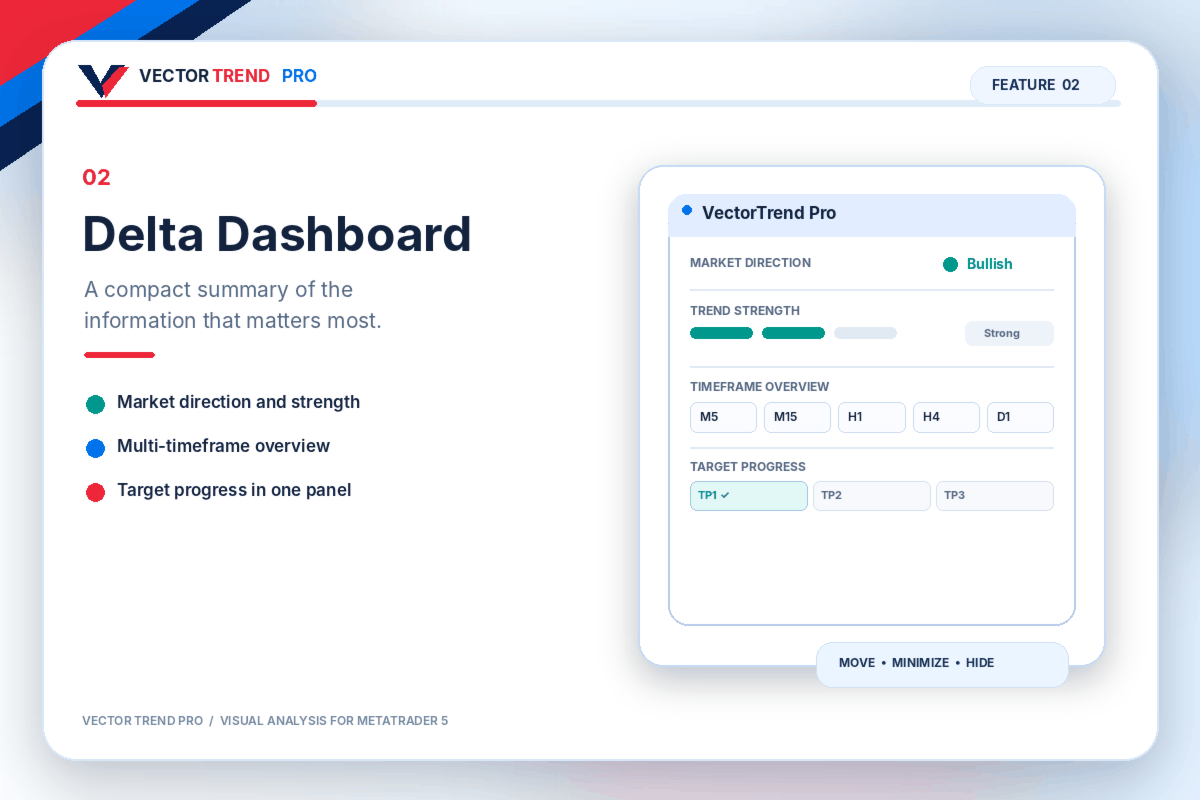
The compact Delta dashboard brings the key information together without covering much of the chart. It shows the current market direction, a plain-language view of trend strength, direction across M5, M15, H1, H4, and D1, and progress toward the latest setup’s targets.
The panel is designed to support a quick check before you study the chart in more detail. You can drag it to a convenient position, minimize it to a small header, or turn it off entirely. The dashboard shows useful conclusions without filling your screen with calculation values.
A chart that works the way you do
VectorTrend Pro includes a coordinated chart theme with a white background, teal bullish candles, and coral bearish candles. The theme is applied when you attach the indicator and can be disabled if you prefer your existing chart appearance.
You can choose whether to display signals, colored directional areas, trade zones, entry and target levels, price labels, candle colors, and chart lines. Optional popup and mobile push alerts can notify you of signal and target events. Mobile alerts require notifications to be configured in MetaTrader 5.
This flexibility lets you keep a detailed analytical view or reduce the display to the elements you use most.
How to use VectorTrend Pro
Start by checking the direction shown on the chart and in the Delta panel. The timeframe overview can help you see whether other periods show a similar or different direction. When a buy or sell marker appears, examine the nearby price action and the displayed entry, stop, and target levels.
Use that information to assess the setup against your own trading rules and risk limits. A marker is a reason to look more closely, not a command to enter a trade.
Signals on a candle that is still forming may change before it closes. Traders who prefer confirmed signals should assess the chart after the candle has closed.
Review it for yourself
You can use VectorTrend Pro on a live MetaTrader 5 chart and inspect its behavior on historical data in the Strategy Tester’s visual mode. This lets you see how its signals, levels, and dashboard appear as the chart develops.
VectorTrend Pro is an indicator, not an automated trading system. It does not open, modify, or close positions. Its signals and levels are informational, and no trading outcome is guaranteed. You remain responsible for deciding when to trade and how much risk to take.