Armada One
- 专家
-
Ninad Sanjay Kulkarni
 With more than 16 years of experience building software for financial markets, I bring an engineer’s discipline to algorithmic trading.
- 版本: 1.6
- 激活: 10
ARMADA ONE
Gold strategies. One workspace.
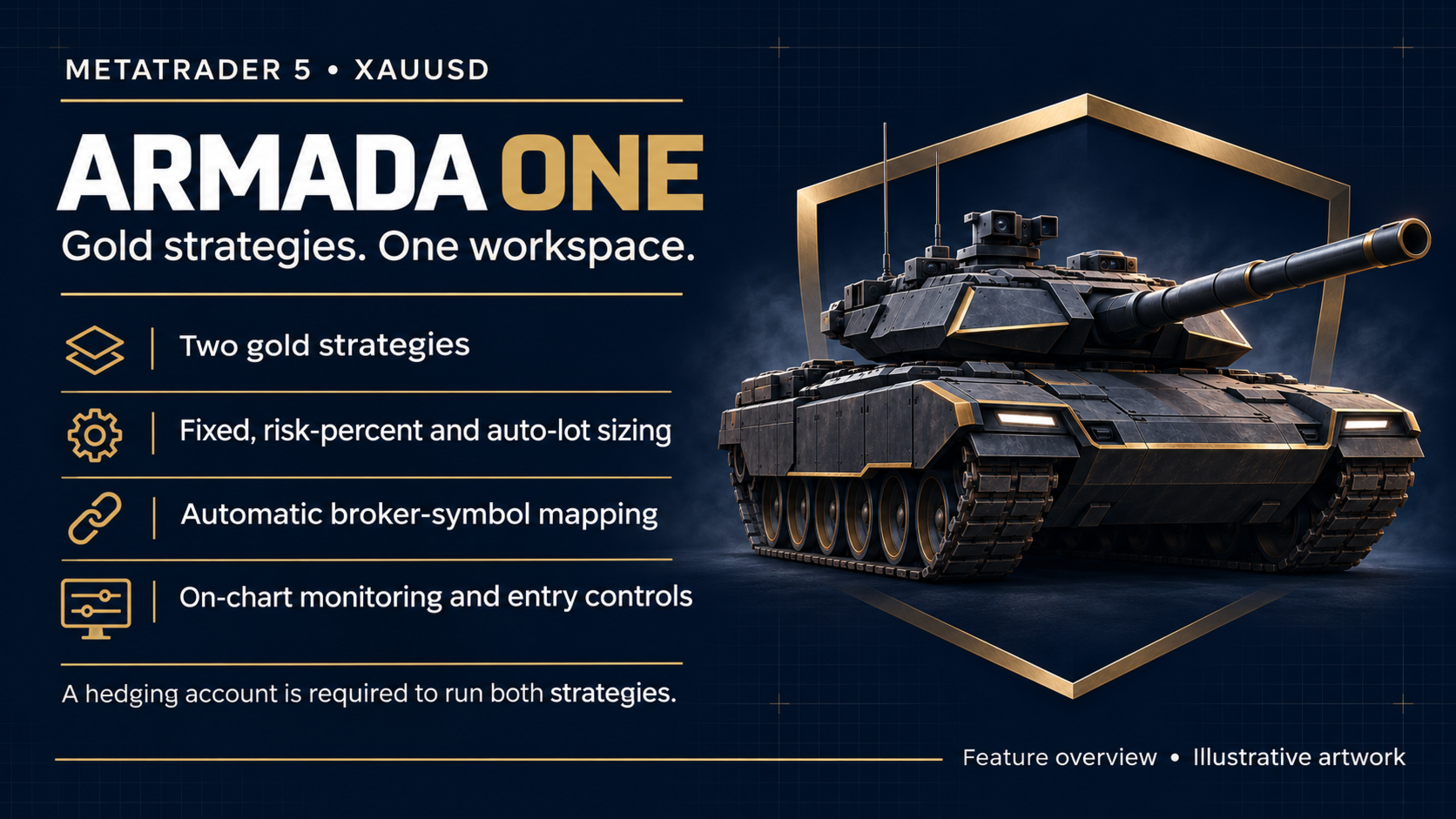
Armada One is a MetaTrader 5 Expert Advisor for XAUUSD. It brings two gold strategies into one EA, with shared lot-sizing controls, automatic broker-symbol mapping and a dashboard for monitoring and managing the EA's activity.
What This Edition Includes
Strategy 1 is enabled by default and can be disabled in the inputs.
Strategy 2 is enabled in this edition and requires a hedging account. Its new entries can be paused using the dashboard while existing trades continue to be managed.
Both strategies trade gold. FX-basket trading is not included in this edition.
Work From One Chart
Attach one instance per account. Changing the attached chart's timeframe does not change the strategy configuration. The EA searches for the broker's XAUUSD equivalent, with a manual symbol override available when needed. Verify the resolved symbol in the Experts journal before use.
Lot Sizing
Choose Fixed Lot, Risk Percent of Balance, or Auto Lot Risk Mode.
Fixed Lot applies the selected volume to each new order.
Risk Percent sizes each new order from its entry price and stop loss. It is a per-order calculation, not an account-wide loss limit. If the calculation cannot be made, the EA uses Auto Lot sizing instead.
Auto Lot scales each new order with account balance. Eight named levels are available. The default, Moderate, calculates 0.01 lot per 1,800 units of account currency before broker-volume rounding and limits. Level names describe sizing choices, not measured safety ratings.
User inputs
| Input | Default | Description |
|---|---|---|
| InpStrategy1_XAUUSD_H1 | true | Enables Strategy 1. Setting it false does not disable Strategy 2, which is enabled in this edition. |
| InpLotMode | Auto_Lot_Risk_Mode | Selects Fixed_Lot, Risk_Percent_Of_Balance or Auto_Lot_Risk_Mode for each new order. |
| InpFixedLot | 0.01 | Requested lots per new order in Fixed_Lot mode. Use a positive broker-compatible volume; broker volume limits and rounding apply. |
| InpRiskPercent | 1.0 | Requested percentage of balance for each new order in risk-percent mode. A failed stop-based calculation falls back to auto sizing. This is not an account-wide loss cap; zero does not disable trading. |
| InpAutoRiskMode | Moderate | Selects the auto-lot level, also used for risk-mode fallback. Moderate calculates 0.01 lot per 1,800 account-currency balance units before broker normalization. Available levels: Aggressive, Dynamic, Standard, Moderate, Passive, PassivePlus, Conservative and Serenity. |
| InpSymbolOverrides | empty | Optional exact broker-symbol mapping. Leave empty for automatic resolution, or use an available symbol assignment such as XAUUSD=GOLD.pro. Verify the resolved instrument in the journal. |
| InpShowDashboard | true | Shows the dashboard when true. Setting it false hides the panel; it does not disable trading. |
Strategy 2 has no enable input in this edition; its new entries can be paused using the dashboard. Internal strategy signal and exit settings are fixed in the program. The listed defaults are software defaults, not universally safe settings.
Monitoring And Controls
The dashboard shows account balance and equity, EA exposure, EA floating profit/loss, realized daily profit/loss and strategy status. Pause new entries across the EA or by strategy. Pausing also requests cancellation of owned pending orders while position management continues. The Close EA Trades control requires a second click within five seconds. All execution and cancellation requests remain subject to the broker's response.
Requirements And Setup
Use MT5 and a broker offering a suitable USD-quoted gold symbol. A hedging account is required for both strategies; a netting account runs Strategy 1 only. Load sufficient price history and wait for the strategies to become ready. Begin with Strategy Tester evaluation, then assess behavior on a demo account using your broker's symbol and trading conditions. Use one instance per account and avoid other EAs that use the same trade identifiers on gold: 222 or 909-989.
Risk And Limitations
Both strategies can contribute exposure on the same instrument. Multiple positions and filled pending orders can raise combined exposure beyond the selected per-order risk percentage. Recovery-related logic and target adjustments remain in the strategies. The selected lot-sizing mode does not remove the risk of repeated entries, accumulated exposure or loss.
Calculated volume is rounded to the broker's lot step and clamped to its minimum and maximum. A broker minimum can make actual exposure larger than the requested risk calculation. Stop orders may execute beyond their requested price during gaps or slippage, and costs affect results. Do not treat a sizing percentage as a guaranteed maximum loss.
No minimum deposit, profitability, drawdown level or performance target is established by this description. Gold trading can result in substantial loss, including loss of trading capital. Evaluate suitability and test the exact configuration before use.
Support
Use the product's MQL5 comments or MQL5 private messages for setup questions and issue reports. Include the product version, MT5 build, broker symbol, account mode, inputs and relevant journal messages. Remove account identifiers, credentials and unrelated trading details before sharing.