Trader CoPilot
- 유틸리티
-
Viktor Mitrofanov
 I turn MQL5 Expert Advisors into fully automated Preset Machines. I keep your original trading logic, split it into manageable configurations, run them through my own tester-validator, and deliver a ready-to-use system with selected working presets.
 - 버전: 10.15
X10 PRO CO-PILOT — a co-pilot for manual trading
You make the call. CO-PILOT manages the trade and shows you the market.
⚠️ CO-PILOT does not open trades on its own. It is a utility for traders who trade manually: you enter, and CO-PILOT sets the stops, manages the position, and protects the account.
Why you need a co-pilot
Manual traders usually lose money not on the entry, but after it:
- forgot to set a Stop Loss, or set it by eye;
- didn’t move the trade to break even, and a winning position closed at a loss;
- didn’t trail the stop and gave half the move back to the market;
- opened several positions and lost track of the total risk;
- didn’t stop in time after a losing streak.
CO-PILOT takes this routine off your hands. You open the trade, and everything else happens automatically and by the rules, not by mood.
What CO-PILOT does with your trades
- Stop Loss: fixed or smart. A fixed stop is placed at a set distance in points. A smart stop goes beyond the nearest market extreme: CO-PILOT looks at the latest candles on the chosen timeframe and places the stop beyond them with a buffer.
- Take Profit: fixed or smart. Works the same way: at a set distance, or at the nearest extreme with a buffer.
- Break even. Once price moves a set distance, the stop is moved to break even, locking in a few points of profit.
- Trailing stop. After activation, the stop follows price at a set distance and captures the move.
- Group exit. With several positions open, CO-PILOT can close them together based on the total result in points: group stop, group take profit, and group trailing.
- Master Stop. Whole-account protection: when a set percentage of profit or loss on balance or equity is reached, CO-PILOT closes the positions.
What CO-PILOT shows on the chart
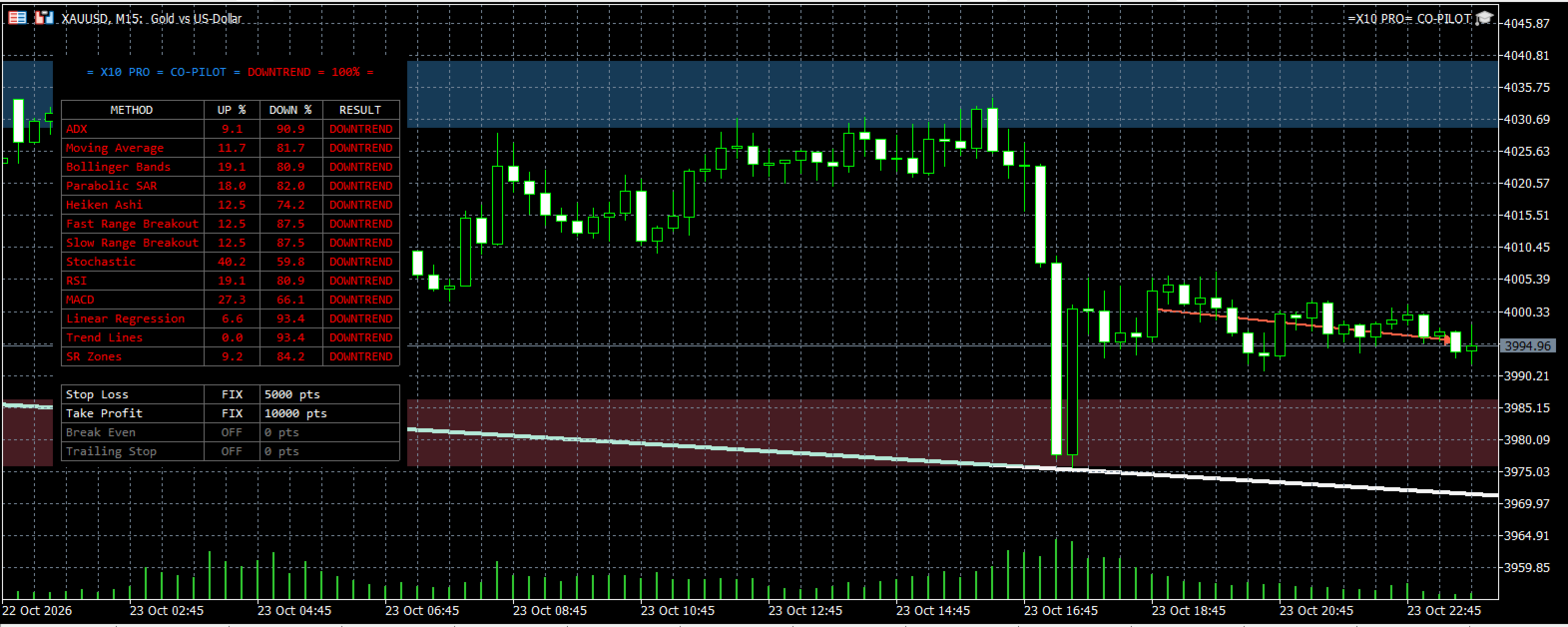
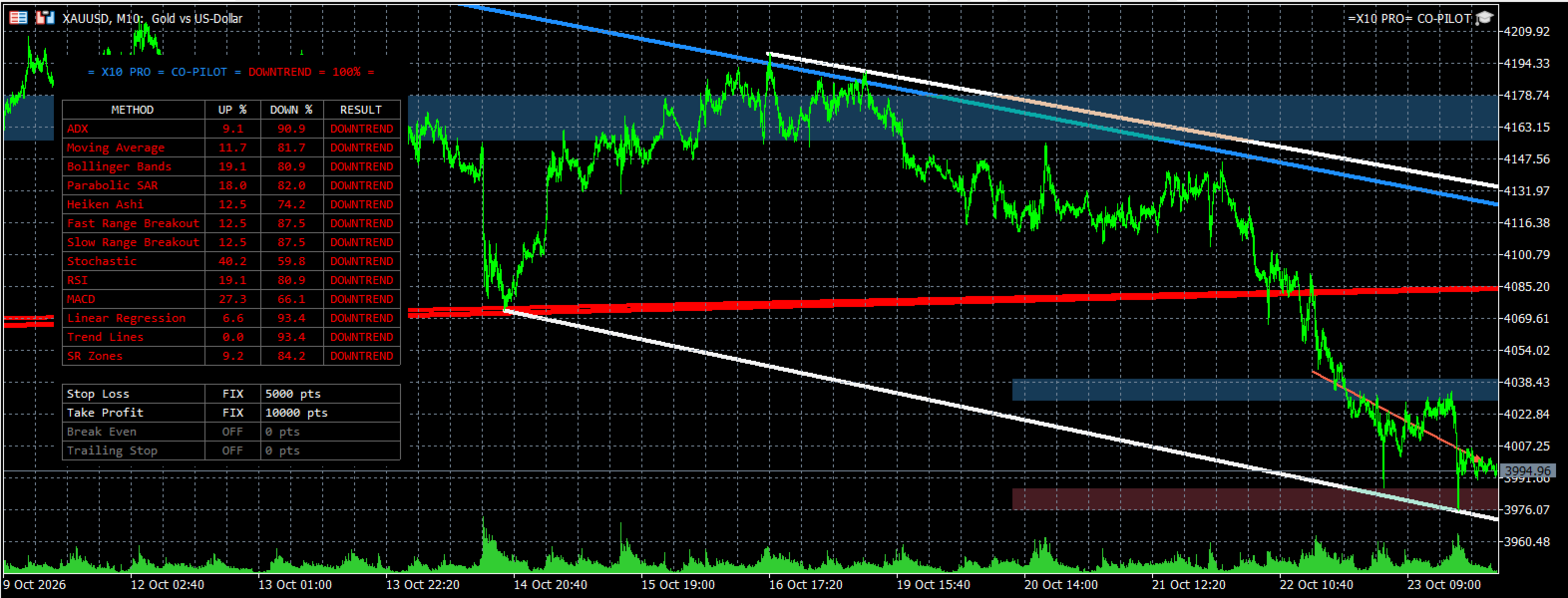
- Market state panel. UPTREND, DOWNTREND, or FLAT, with a confidence percentage. The reading is a consensus of 13 methods across timeframes from M1 to MN1: ADX, Moving Average, Bollinger Bands, Parabolic SAR, Heiken Ashi, fast and slow range breakout, Stochastic, RSI, MACD, linear regression, trend lines, and support/resistance zones. Any method can be switched off.
- Trend lines on three levels. Trading timeframe, daily, and weekly. Lines are drawn automatically from extremes and update with the market.
- Support and resistance zones. Scalping, intraday, and weekly. Zone width adapts to current volatility (ATR).
- Linear regression. The direction and slope of the current move.
Before entering, you see where the market is heading on every timeframe and where the nearest levels are. After entering, you see where the stop and target are and what they mean in money.
Getting started
- Attach CO-PILOT to the chart of the instrument you trade.
- Set your exit rules. Stop Loss and Take Profit type, break even, trailing. Turn on group exit and Master Stop if you need them.
- Trade as usual. Open trades manually, and CO-PILOT picks them up immediately and manages them by your rules.
If you only need the panel and the lines, switch off trade management with a single input. CO-PILOT then becomes a pure analysis tool.
A clean utility
- Never opens trades without your decision
- No martingale, no grid
- Every trade stays under your control
Specifications
- Type: utility
- Platform: MetaTrader 5
- Works on dollar and cent accounts