|
10+ anni
esperienza
|
20
prodotti
|
310
versioni demo
|
|
0
lavori
|
0
segnali
|
0
iscritti
|
My name is Alexander Gladkov, and I am 66 years old. I graduated from the Polytechnic Institute in St. Petersburg in 1979 and worked as a chief specialist in the creation of automated systems. For the last 6 years I have been specializing in the development of effective Expert Advisors, indicators and utilities available only through MQL5.com market at very competitive prices, providing support to all my clients.
To get in touch, click the Send Message button above and I will reply as soon as possible.
My latest developments:
✔️ Unique dynamic trend grid, GS one EA MT5: https://www.mql5.com/en/market/product/80595
✔️ Trading by News, News and Trend EA MT5: https://www.mql5.com/en/market/product/80945
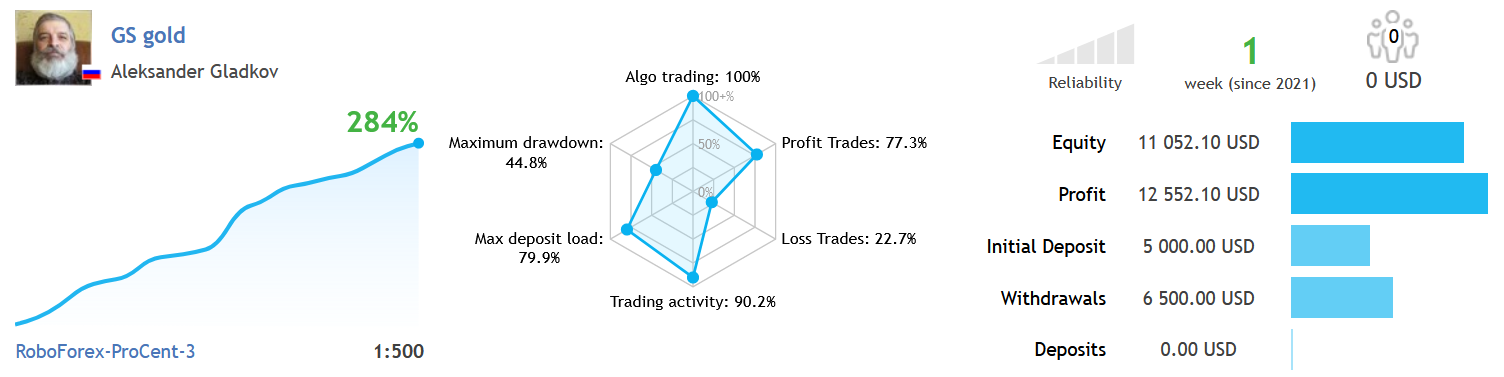
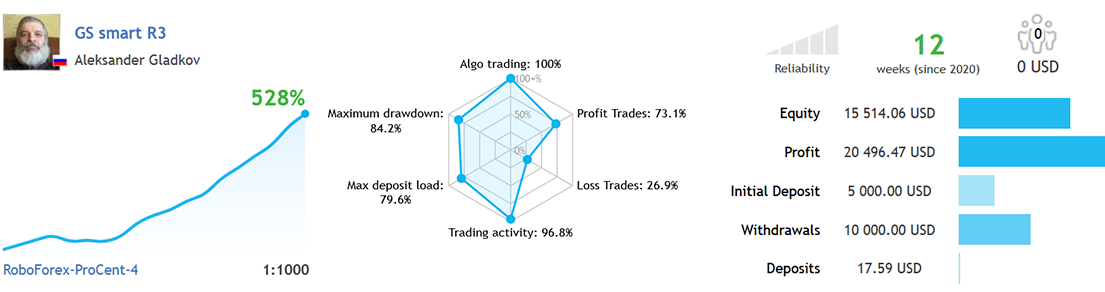
✔️ GS smart5 is 3 in 1 = Superior Grid Expert Advisor + News feed + Trend indicator EA MT5: https://www.mql5.com/en/market/product/63764
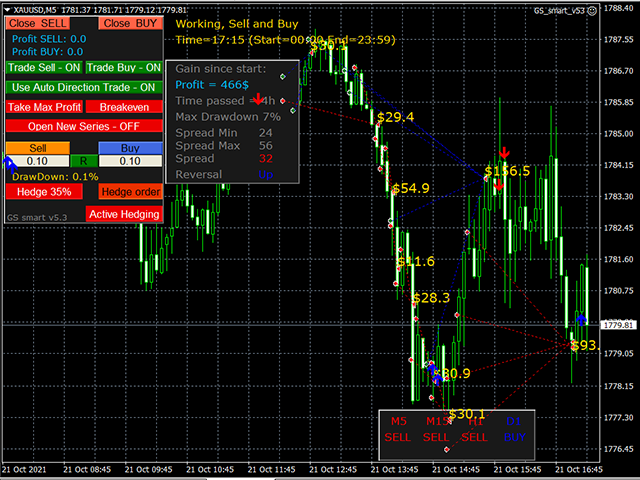
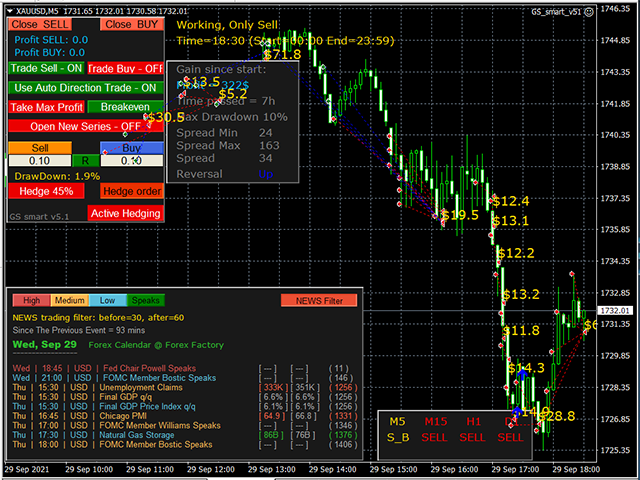
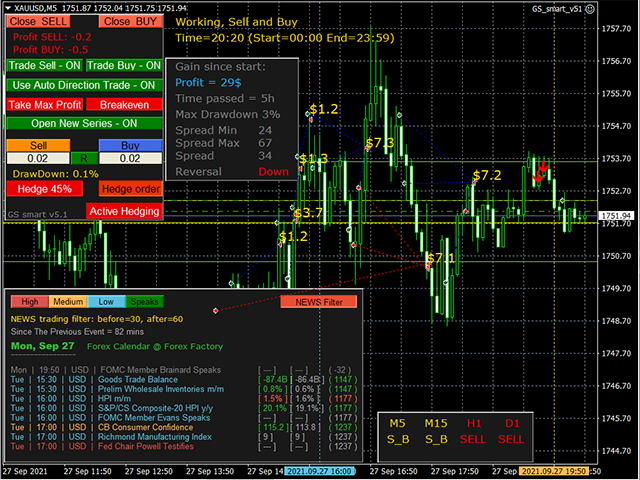
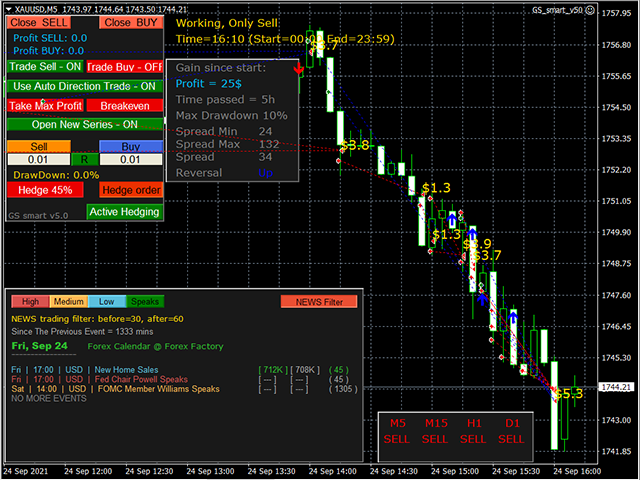
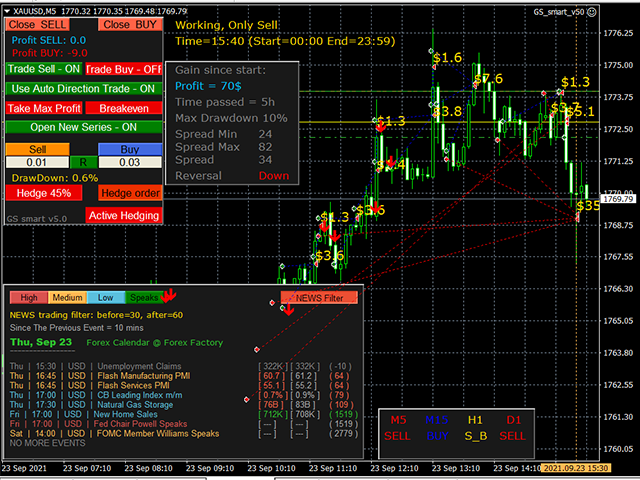
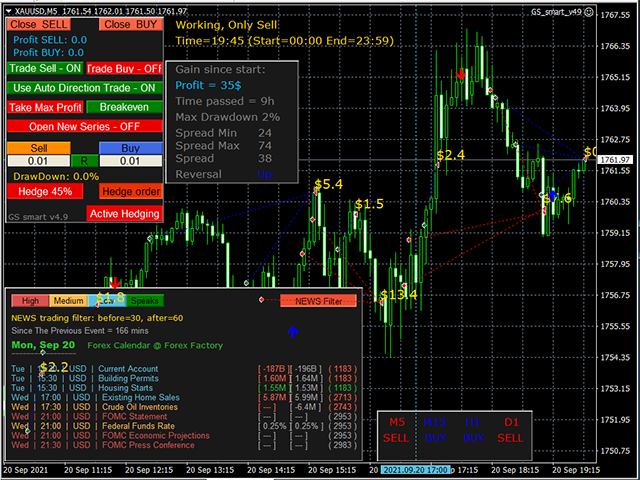
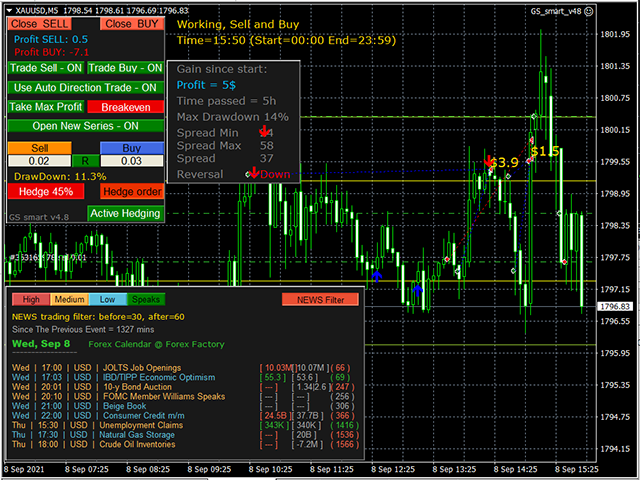
✔️ GS smart is 3 in 1 = Superior Grid Expert Advisor + News feed + Trend indicator EA MT4: https://www.mql5.com/en/market/product/50036
✔️ GS gold is 2 in 1 = Advanced Grid Expert Advisor + Trend Indicator EA MT4: https://www.mql5.com/en/market/product/74581
✔️ News impact Indicator for MT5: https://www.mql5.com/en/market/product/78957
✔️ Gain since start Indicator for MT5: https://www.mql5.com/en/market/product/77207
✔️ . . . . . . . . . . . . . . . . . . . . . . . . . . .
To see the full list of my products, follow the link: https://www.mql5.com/ru/users/alex_mt4/seller
To get in touch, click the Send Message button above and I will reply as soon as possible.
My latest developments:
✔️ Unique dynamic trend grid, GS one EA MT5: https://www.mql5.com/en/market/product/80595
✔️ Trading by News, News and Trend EA MT5: https://www.mql5.com/en/market/product/80945
✔️ GS smart5 is 3 in 1 = Superior Grid Expert Advisor + News feed + Trend indicator EA MT5: https://www.mql5.com/en/market/product/63764
✔️ GS smart is 3 in 1 = Superior Grid Expert Advisor + News feed + Trend indicator EA MT4: https://www.mql5.com/en/market/product/50036
✔️ GS gold is 2 in 1 = Advanced Grid Expert Advisor + Trend Indicator EA MT4: https://www.mql5.com/en/market/product/74581
✔️ News impact Indicator for MT5: https://www.mql5.com/en/market/product/78957
✔️ Gain since start Indicator for MT5: https://www.mql5.com/en/market/product/77207
✔️ . . . . . . . . . . . . . . . . . . . . . . . . . . .
To see the full list of my products, follow the link: https://www.mql5.com/ru/users/alex_mt4/seller


Aleksander Gladkov
· 2
Aleksander Gladkov
2021.10.23
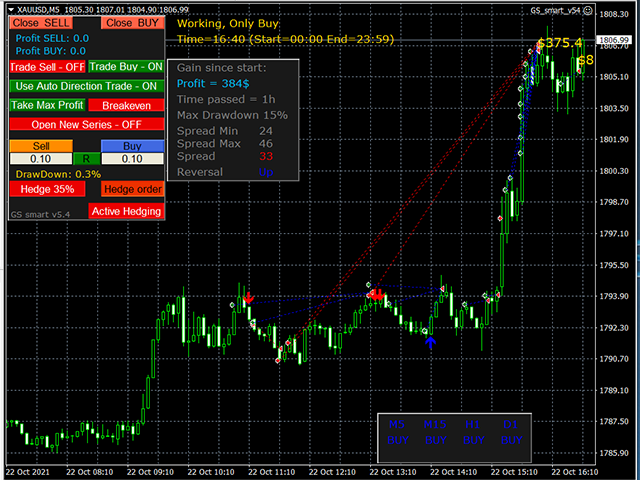
GS smart v5.3 has the same features as version 5.4 the latest is being tested and will be published soon