Fleetdeck Account Overview
- Utilità
- Versione: 1.0

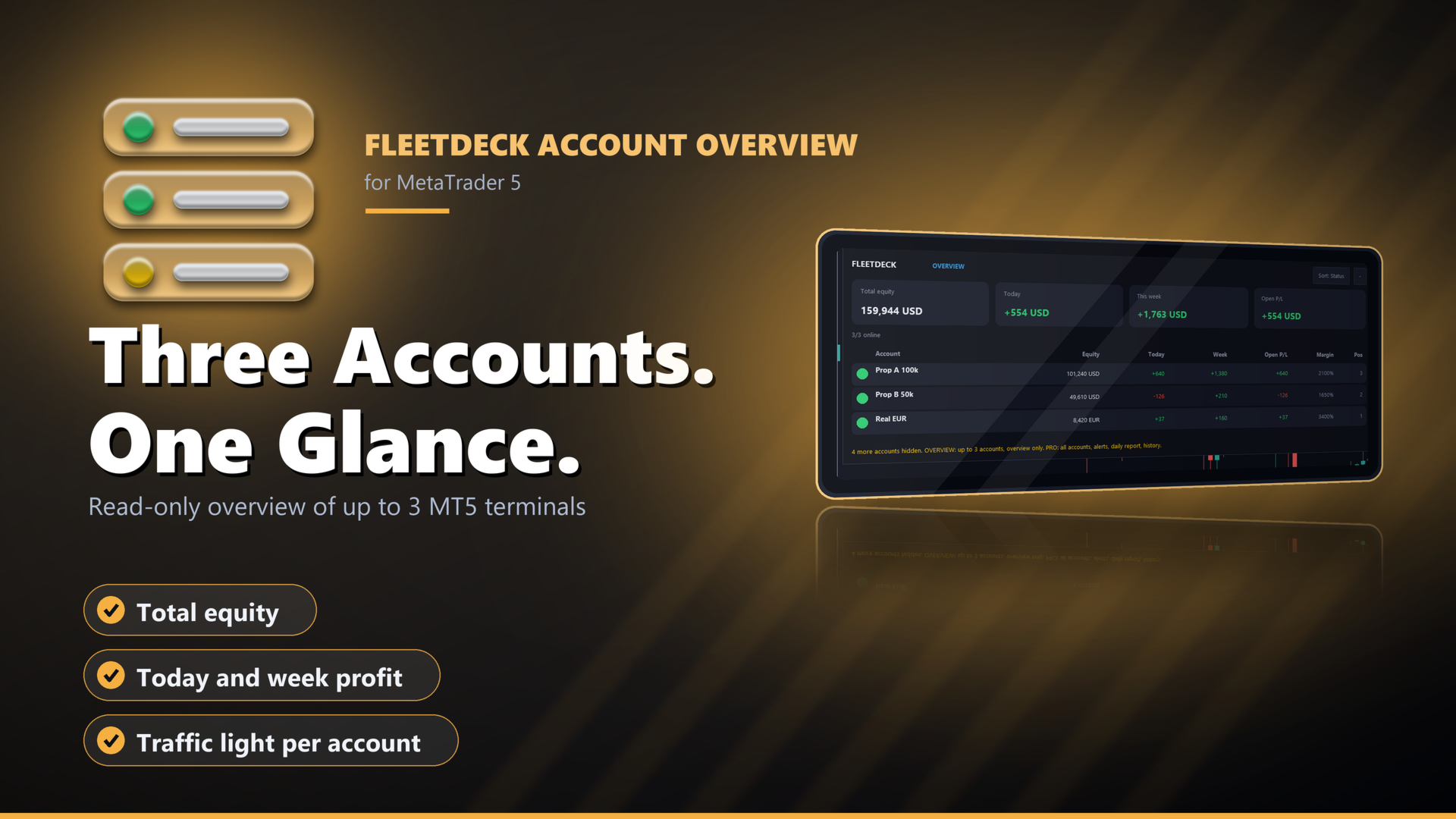
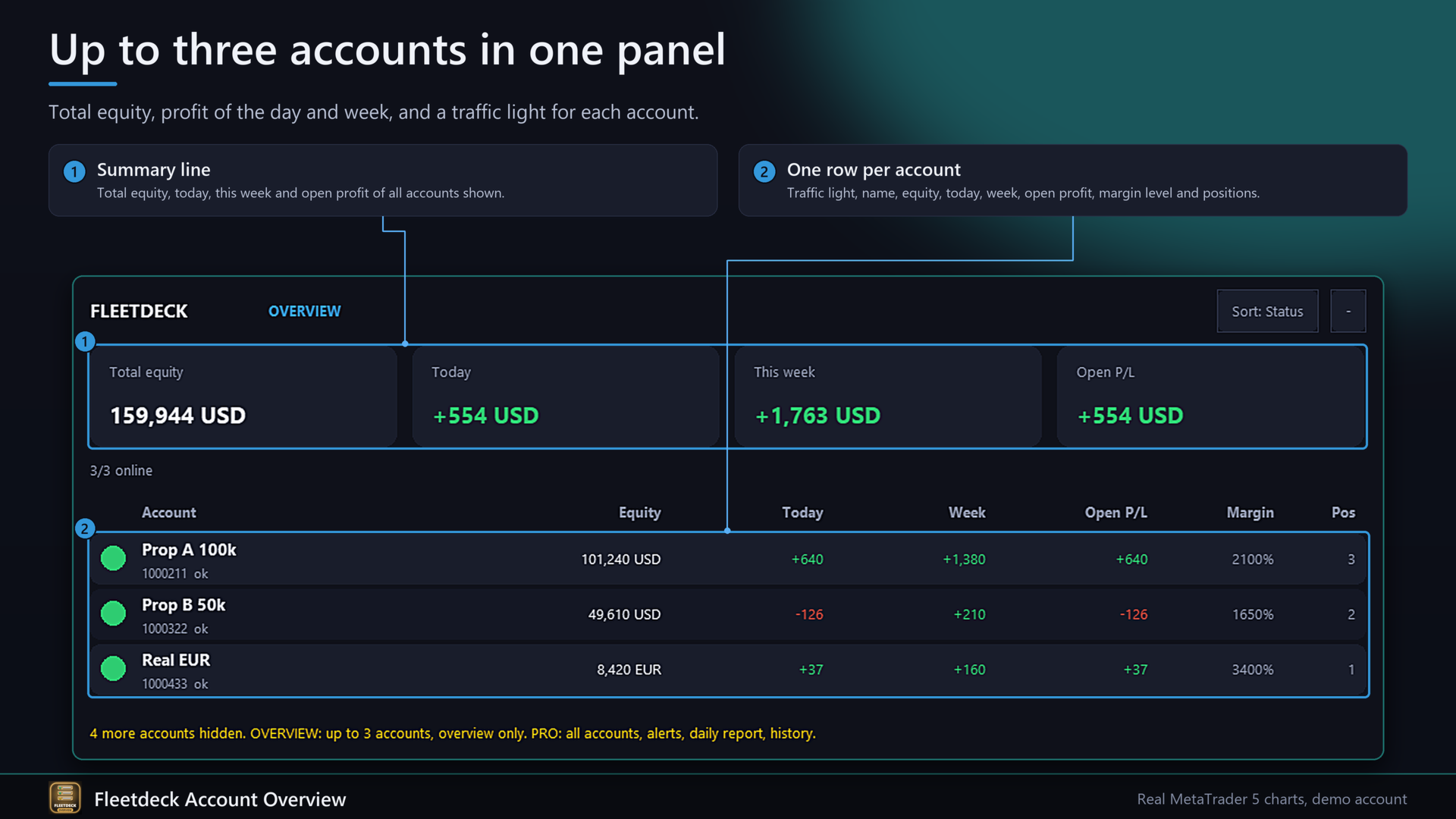
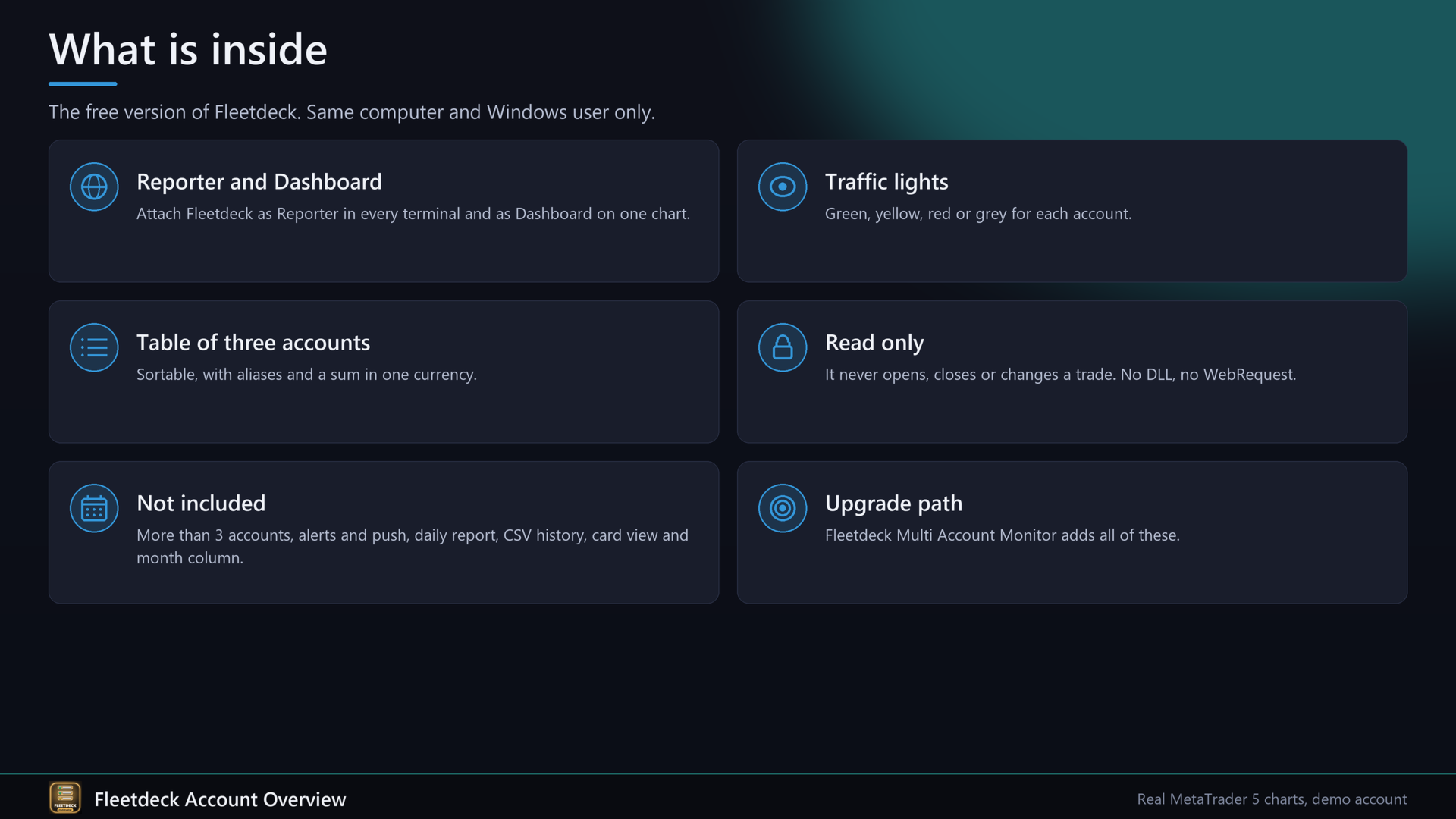
Fleetdeck Account Overview is the reduced version of Fleetdeck Multi Account Monitor. It shows up to three MetaTrader 5 accounts that run on your computer in one panel on one chart: total equity, profit of the day and week, open profit and a traffic light for each account. It only reads and never opens, closes or changes a trade.
Problems it solves
- You run several terminals and have to switch windows to see how they are doing.
- An account goes offline or Algo Trading is off after a restart, and you do not see it.
- A position without stop loss on one account goes unseen.
How it works
Attach Fleetdeck with the role Reporter to one chart in every terminal. Each Reporter writes a small status file about once per second into its own sub folder "Fleetdeck" of the common folder of MetaTrader. Attach Fleetdeck with the role Dashboard to one chart. It reads the files and draws the panel. The Dashboard can report its own account. No DLL, no WebRequest.
Functions
- Summary line and table of up to 3 accounts, sortable.
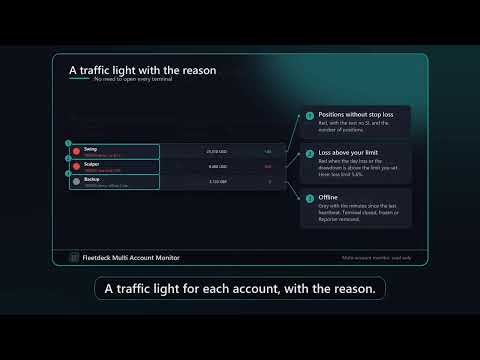
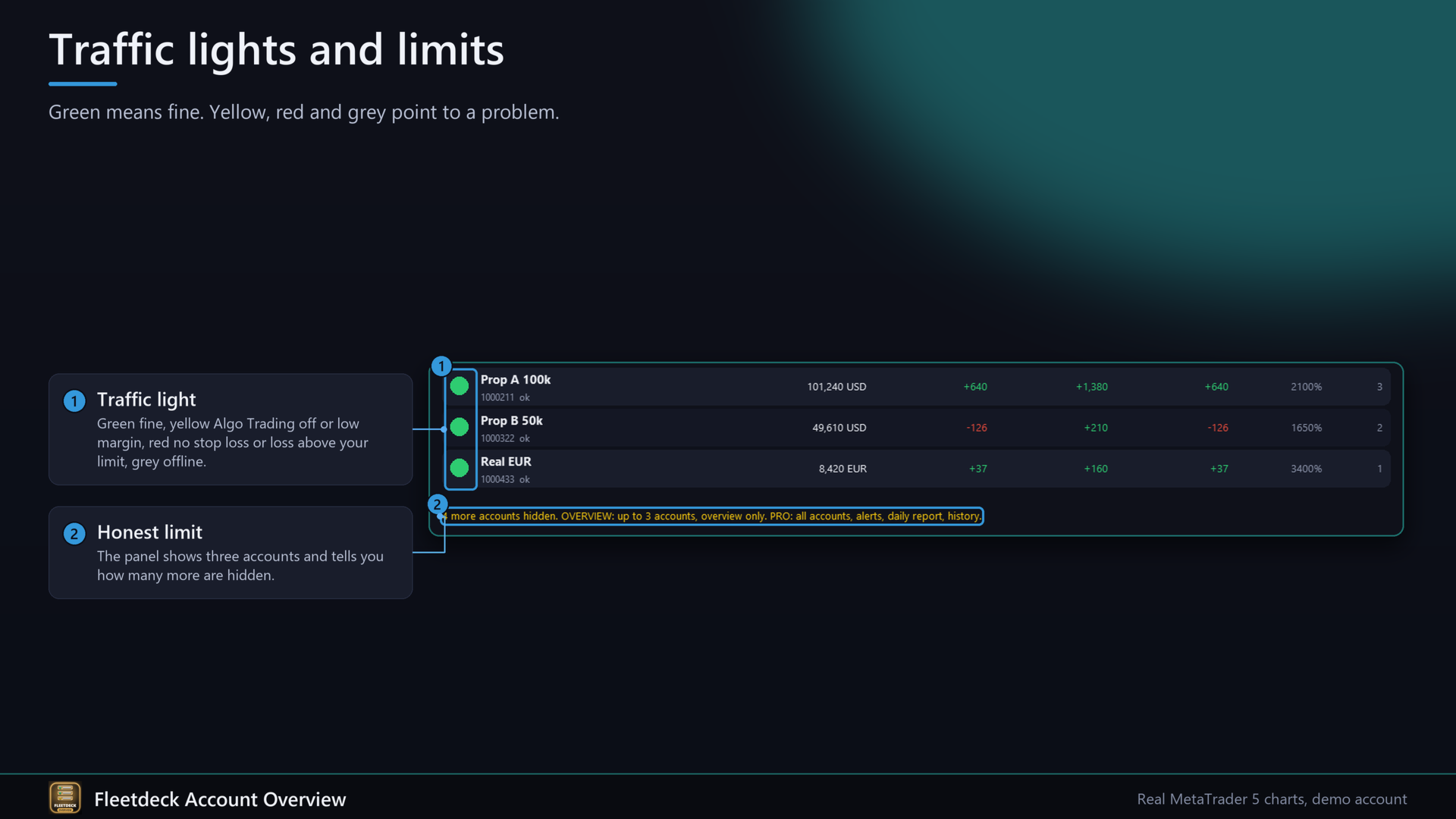
- Traffic light: green fine, yellow Algo Trading off or no connection or low margin level, red positions without stop loss or loss above your limit, grey offline.
- Equity, today, week, open profit, margin level, positions per account, aliases by input, sum in one currency with your rates.
- Collapsible panel, scale, English and German.
Not included (see Fleetdeck Multi Account Monitor): more than 3 accounts, alerts and push, daily report, CSV history, card view with day curves, month column.
Quick start
1. Attach Fleetdeck to one chart in each terminal, role Reporter.
2. Attach Fleetdeck to one chart in one terminal, role Dashboard.
3. Optionally enter account names (12345=Prop A;67890=Real).
4. Set the sum currency and rates if your accounts use different currencies.
FAQ
Same computer only? Yes, the same computer and the same Windows user.
What if I have more than 3 accounts? The panel shows three and tells you how many are hidden.
Does it trade? No.
In the Strategy Tester? A panel with simulated accounts is shown and a tiny test trade is opened for the Market check.
Input parameters
Role, Language, Account names, Write interval, Day reset hour, Own name, Dashboard also reports, Offline after seconds, Currency for the sum line, Rates, Red limit for day loss, Red when no stop loss, Yellow margin level, Rows per page, Panel scale, X and Y distance, Start collapsed.
Honest limits
- Only terminals on the same computer and Windows user. A Reporter must run in every terminal.
- Up to 3 accounts are displayed.
- Information tool only. No trading advice and no guarantee about results.