Magic Atlas Snapshot
- Utilità
- Versione: 1.0

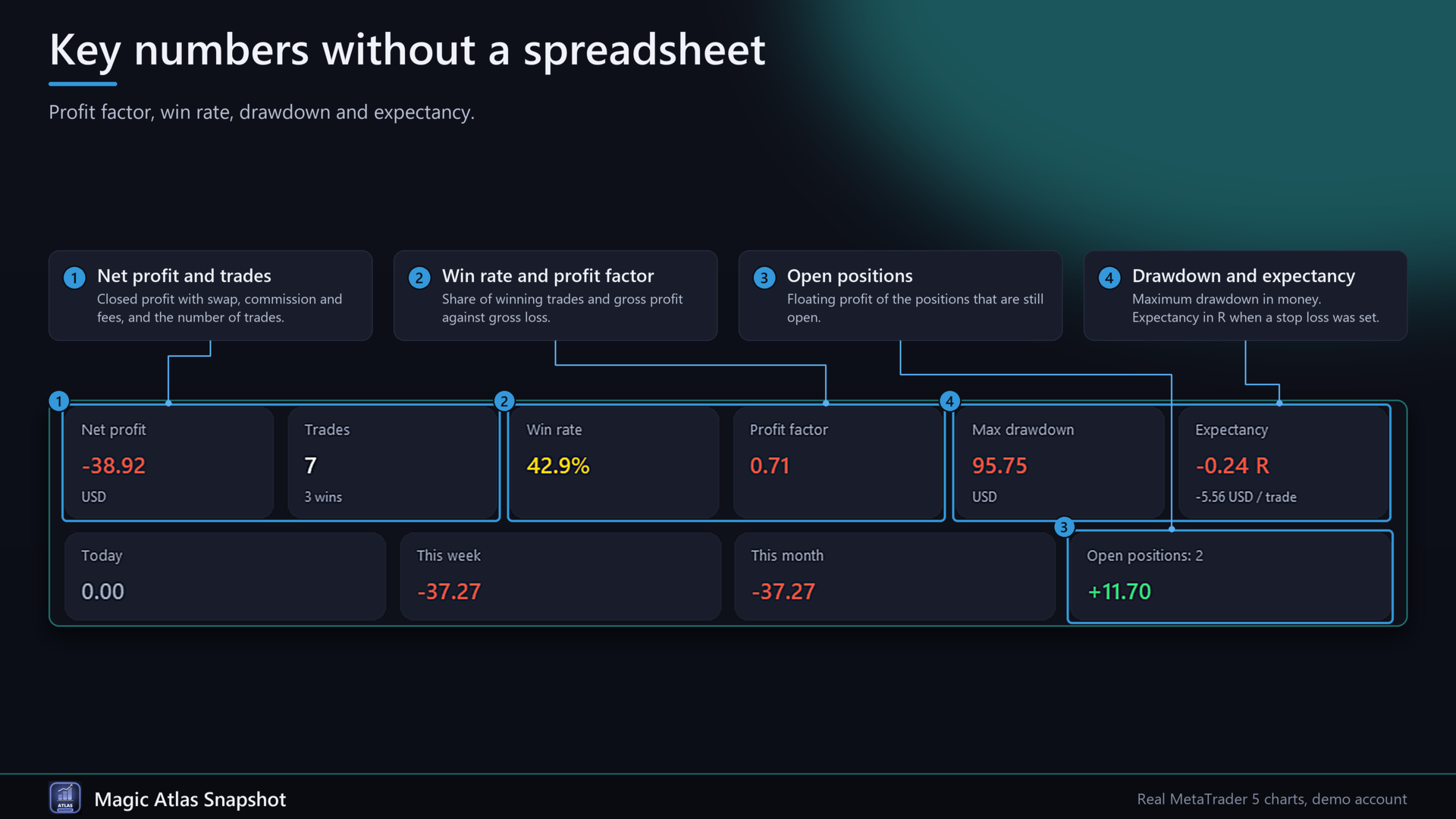
Magic Atlas Snapshot reads the closed positions of your account and shows net profit, win rate, profit factor, maximum drawdown and expectancy for each EA. It covers the three magic numbers with the most closed positions. It only reads history and places no orders on a live account.
Magic Atlas Snapshot is the reduced version of Magic Atlas Journal. Same source, with the extra views and reports removed.
Three problems it solves
1. Several EAs on one account and no idea which one earns.
2. Broker statements do not split the result per EA.
3. You want profit factor, win rate and drawdown without building a spreadsheet.
Functions
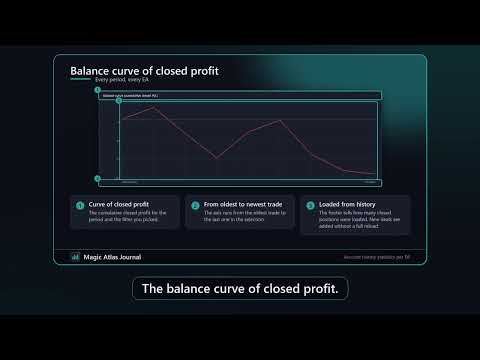
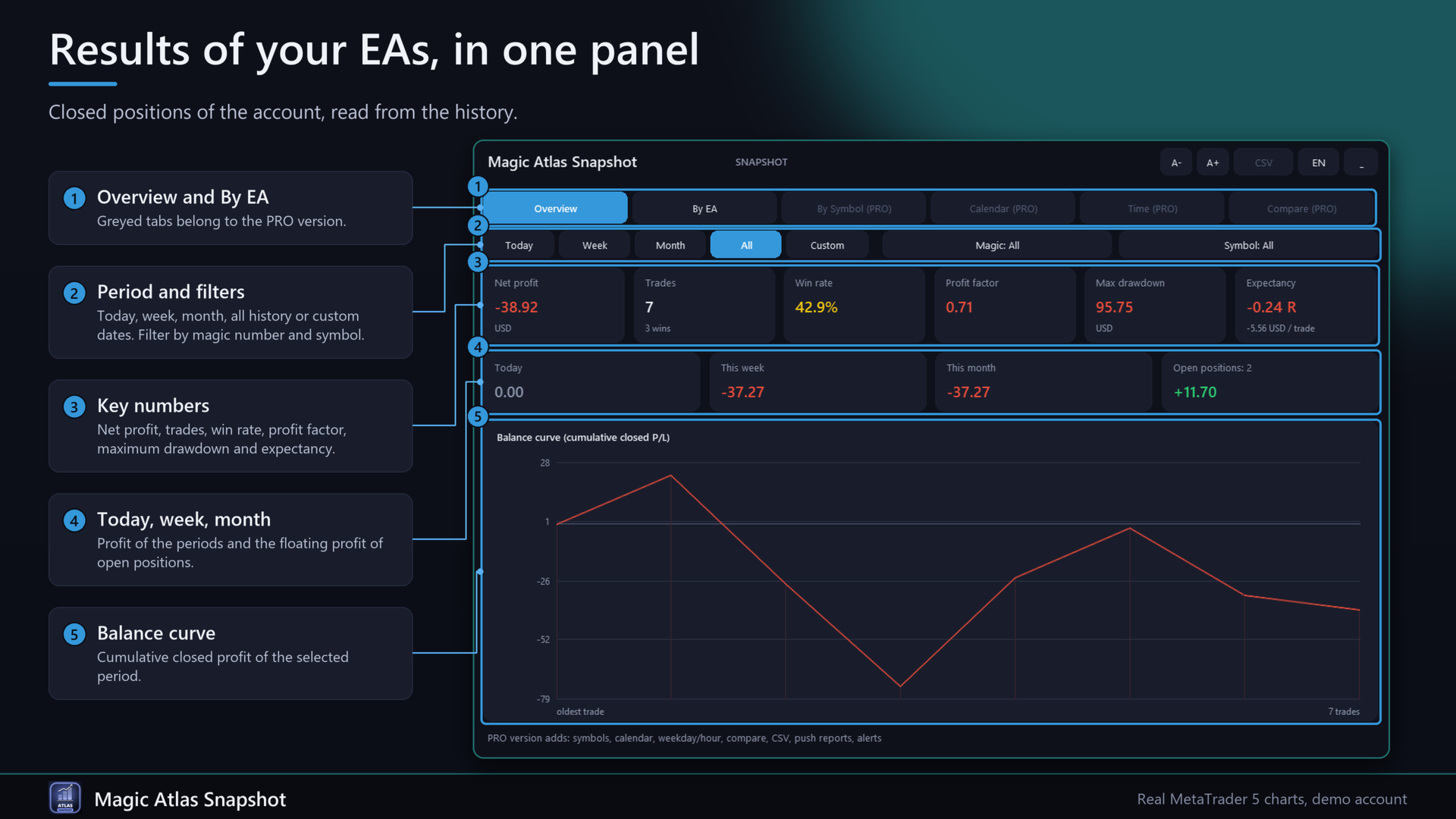
- Overview: balance curve of closed profit, net profit, trades, win rate, profit factor, maximum drawdown, expectancy (in R when a stop loss was set), profit for today, this week and this month, floating profit.
- By EA: trades, net profit, win rate, profit factor, maximum drawdown, average hold time and the last 30 days. Click a column header to sort.
- Filters: today, week, month, all history or your own dates. Filter by magic number and symbol.
- Names for magic numbers with the input MagicNames (123=Gold EA;456=Trend).
- Profit = profit + swap + commission + fee of all deals of a position, including the entry commission.
- Long histories: deals are loaded once, then only new ones are added.
- English and German, A- and A+, collapse button.
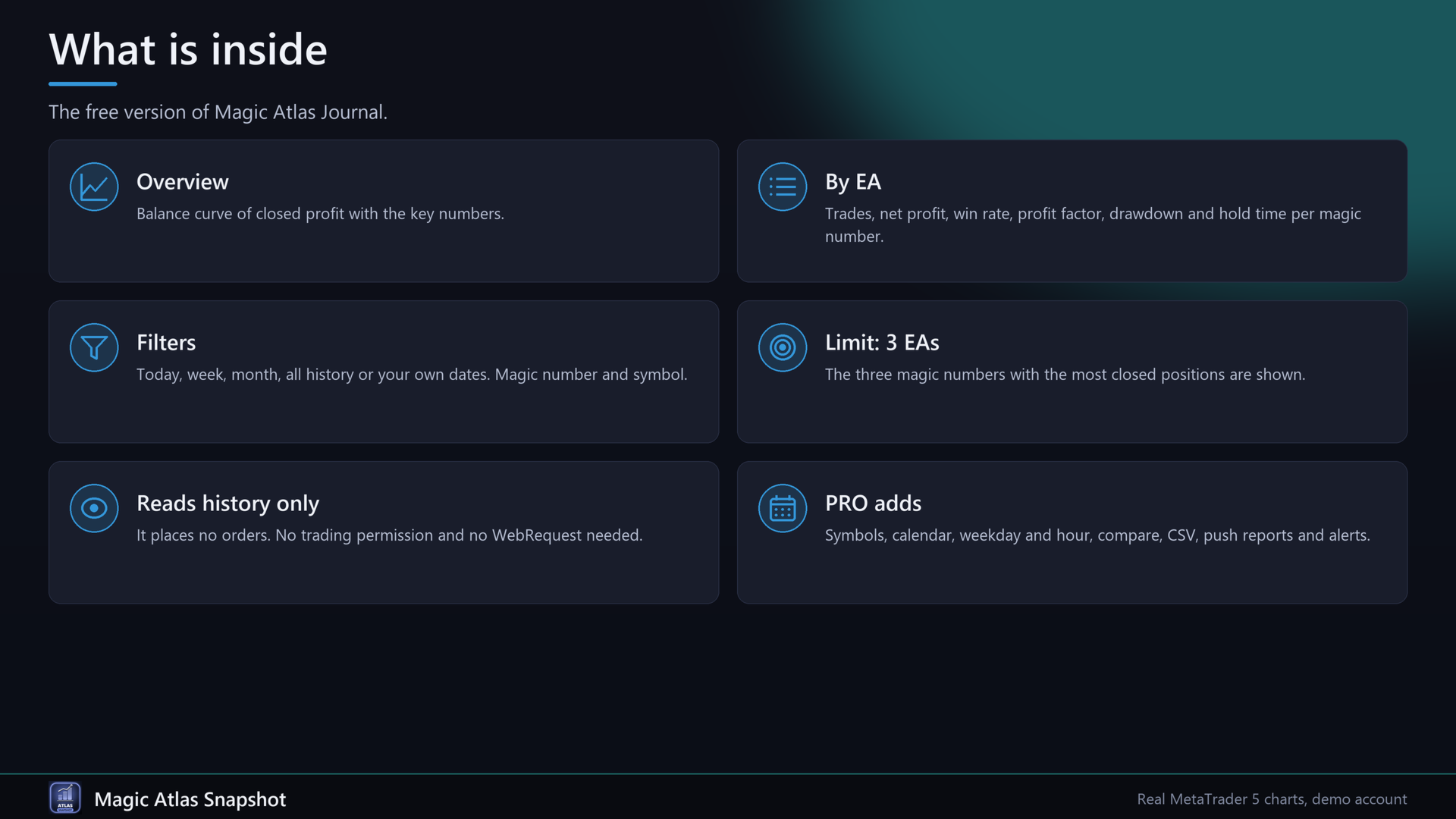
- Limit: 3 EAs. The PRO version, Magic Atlas Journal, adds symbols, calendar, weekday and hour statistics, period comparison, CSV export, a daily push report and a warning when an EA runs worse than usual.
Quick start
1. Attach the EA to any chart. No trading permission and no WebRequest are needed.
2. Wait a few seconds while the history loads.
3. Pick a period and, if you like, a magic number.
4. Enter names in MagicNames (format 123=Name;456=Name).
FAQ
Does it trade?
No. In the Strategy Tester it places a few small test trades so the panel has data.
Which 3 EAs are shown?
The three magic numbers with the most closed positions.
Which trades are counted?
Closed positions. A position counts when its volume is fully closed.
Which time is used?
Server time of your broker.
Does it need a DLL or internet?
No.
Important
Past results shown in the panel do not predict future results.
Input parameters
Display: Language, PanelScale, PanelX, PanelY, StartCollapsed. Data: MagicNames, StartPeriod, CustomFrom, CustomTo (server time), IncludeManual, RefreshSec. Strategy tester: TesterDemoTrades.