Donker Guard
- Utilità
- Versione: 1.10

Automatic Stop Loss and Take Profit for your manual trades. Choose the distance in price, points, pips, percent, ATR or money. Works on any symbol. Never opens trades.
Donker Guard makes sure every manual position gets a Stop Loss and a Take Profit, even when you open trades in a hurry from your phone, the one-click panel or the order window. Attach it to a chart once, and every new position is protected within a fraction of a second.
The EA is completely passive: on a live or demo account it never opens, closes or reverses positions. It only sets SL and TP.
Six distance modes
- Price distance: e.g. 25 on XAUUSD = Stop Loss $25 away from entry.
- Points or Pips: pips are detected automatically (10 points on 3- and 5-digit symbols).
- Percent: a percentage of the entry price.
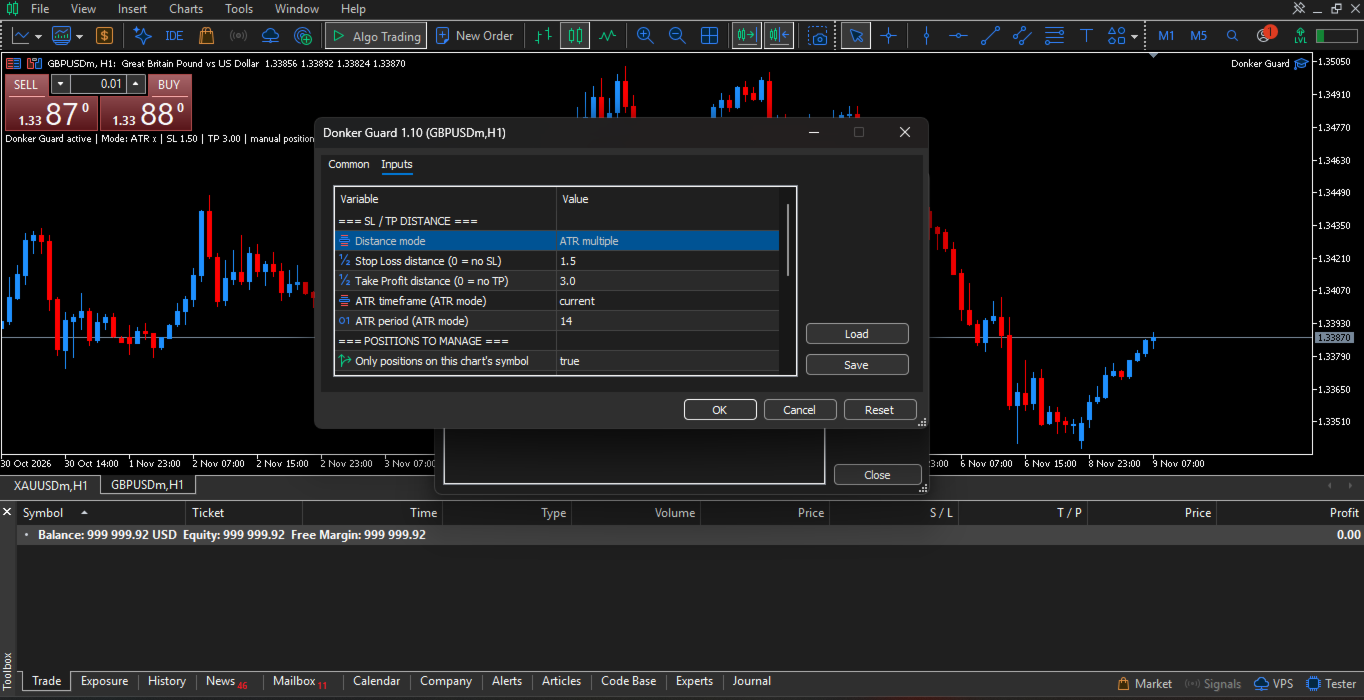
- ATR multiple: adapts automatically to the volatility of each symbol (default: SL 1.5 x ATR, TP 3 x ATR).
- Money: maximum loss and target profit in your account currency, calculated from the position's lot size.
Which positions are managed
- Manual positions only (magic 0), all positions, or positions with a specific magic number.
- Current chart symbol only, or all symbols from one chart.
Behaviour
- By default only empty SL / TP are filled. Levels you set or move by hand are kept.
- Optional re-check mode: SL / TP removed later are filled again, or always enforced.
- Levels are rounded to the symbol's tick size and checked against the broker's stops and freeze levels and the correct side of the current price, so the broker does not reject the modification.
- If a level cannot be set yet (for example, price is too close), the EA reports it once in the log and retries silently.
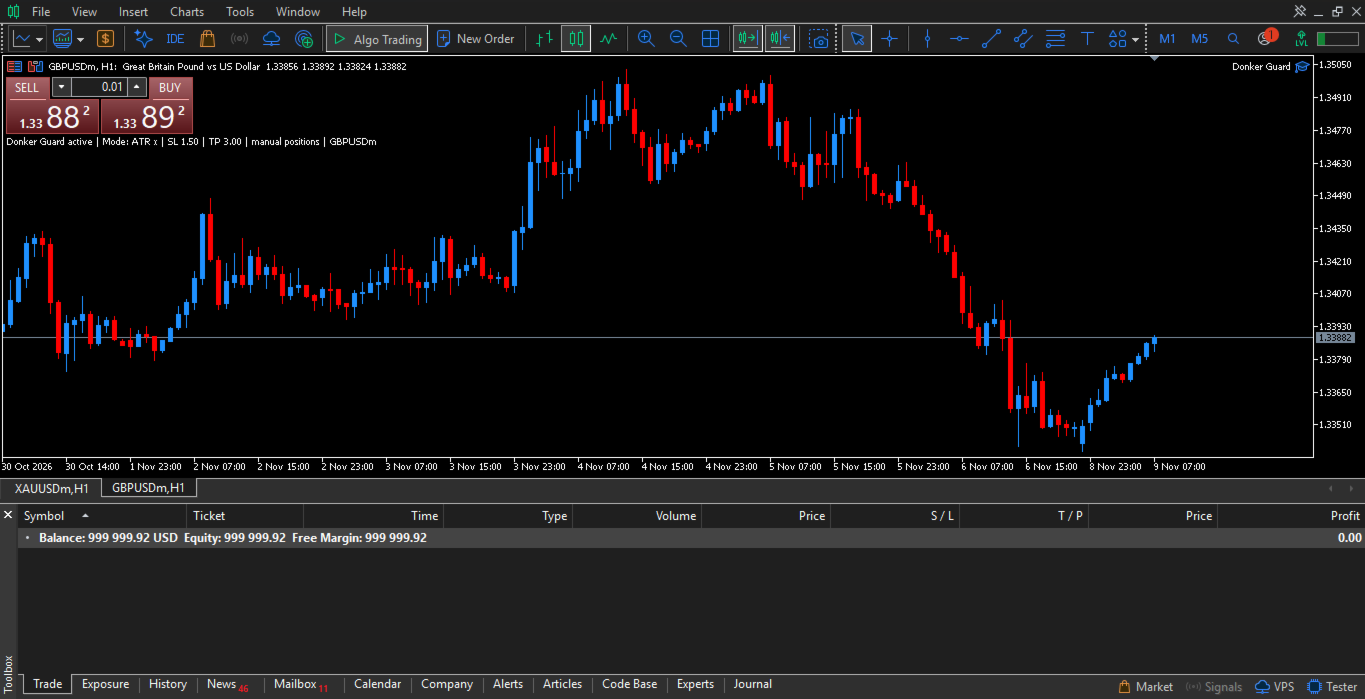
- A short summary of the active settings is shown in the chart corner.
Strategy Tester demo
There are no manual trades in the Strategy Tester, so in the tester only, Donker Guard opens small sample positions (minimum lot, no SL / TP) to show how SL and TP are applied. This never happens on a live or demo account and can be switched off.
Notes
- Enable Algo Trading in the terminal. The EA must be running for new positions to be protected. Once SL and TP are set, they are stored on the broker's server and remain active even if the terminal is closed.
- Distances are measured from the entry price of each position.
- Run one copy per account (or per symbol when "only current symbol" is enabled) to avoid two guards with different settings.
Donker Guard is a risk management tool. It does not guarantee results. Always test your settings on a demo account first.