Volume Key Levels
- Indicatori
- Part-time Day Trader
- Versione: 1.0
- Attivazioni: 15
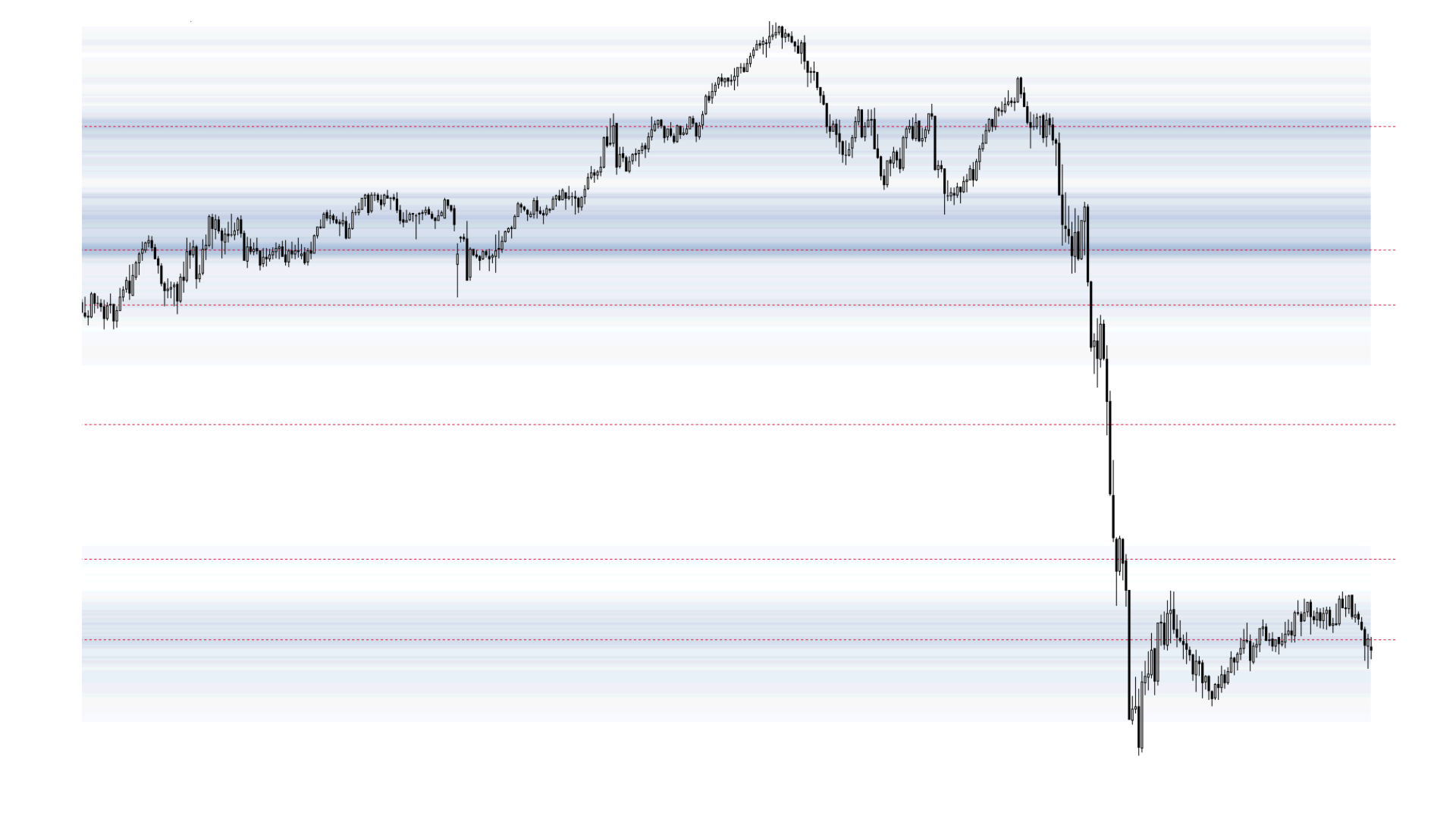
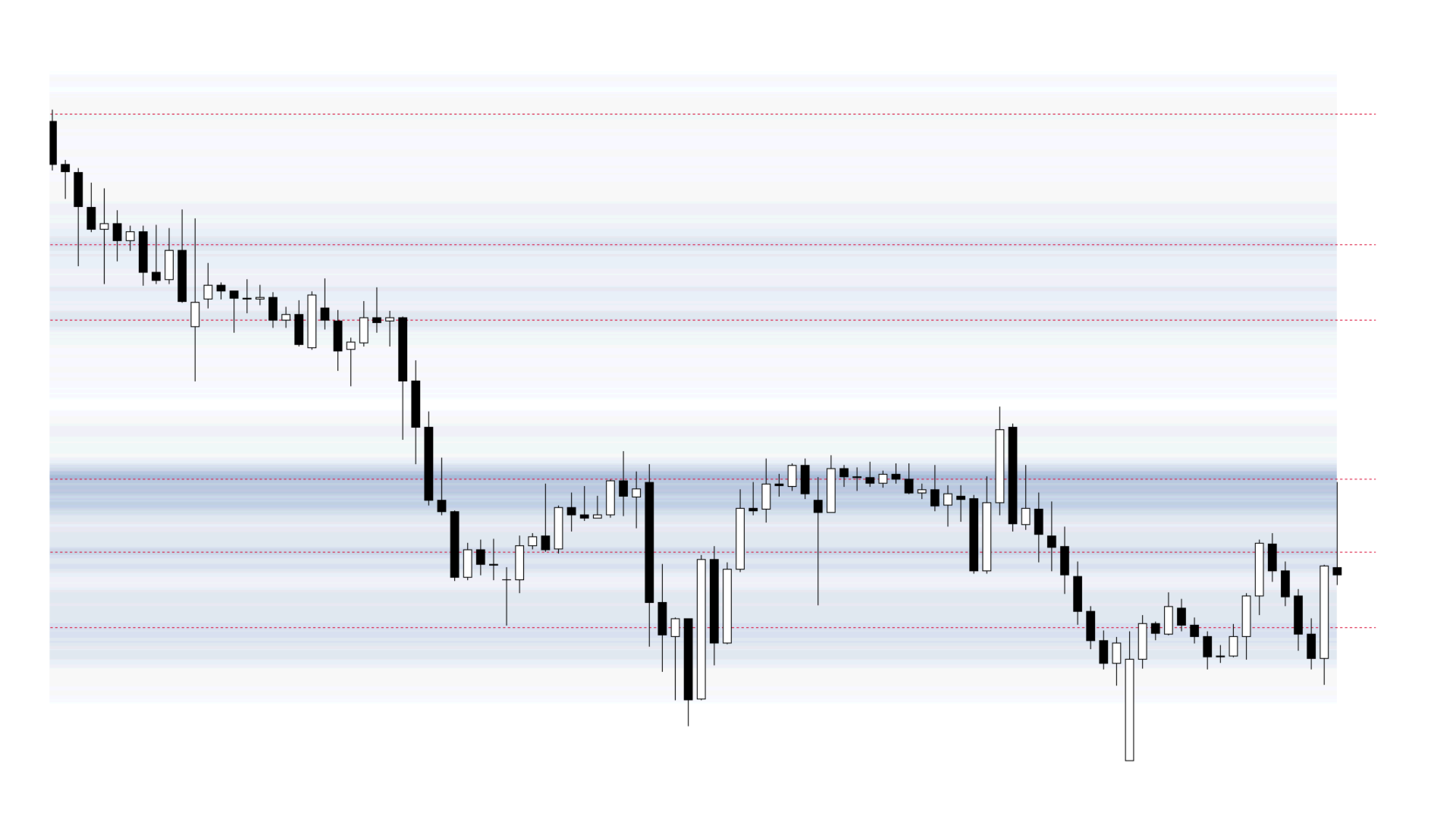
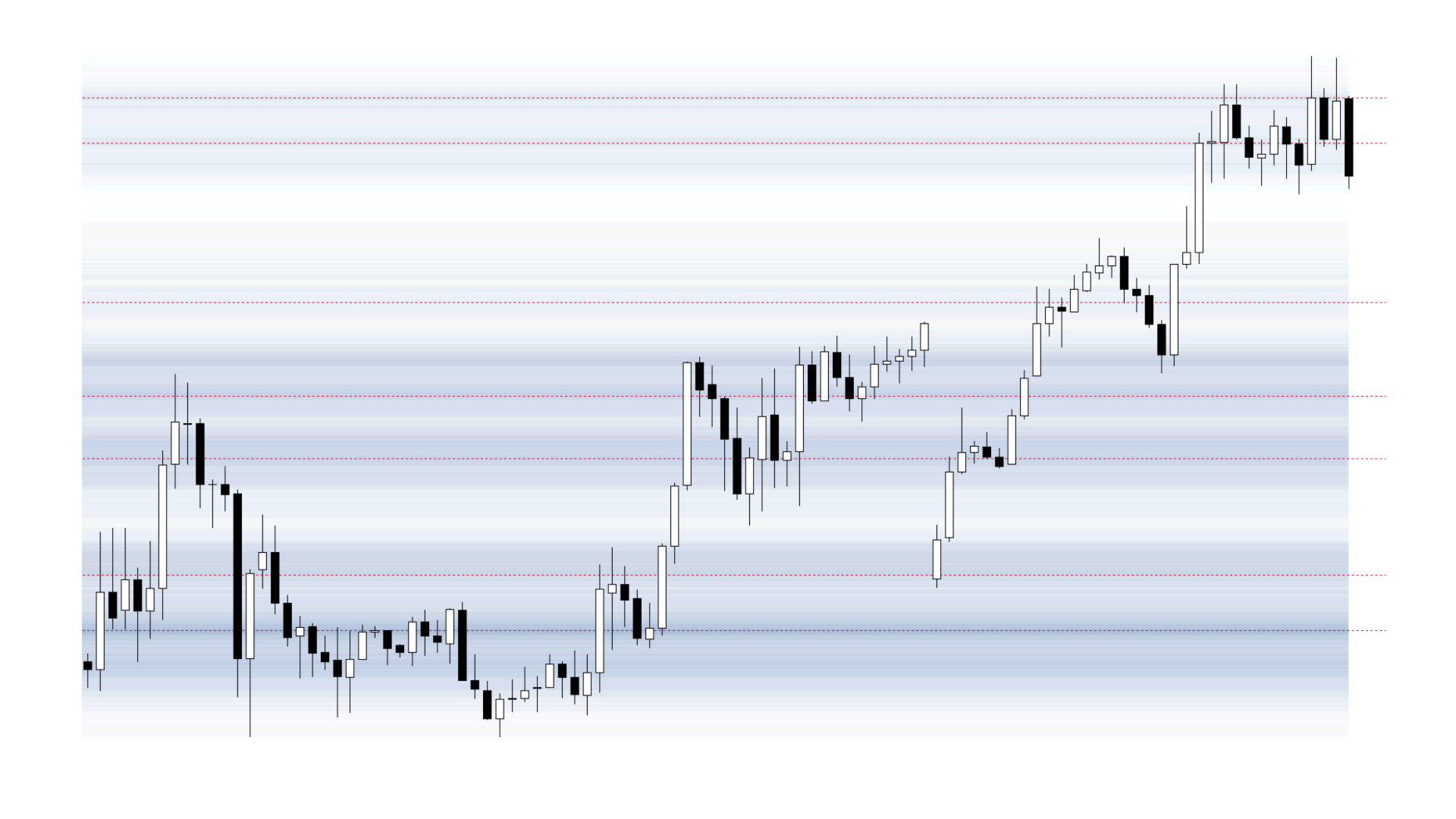
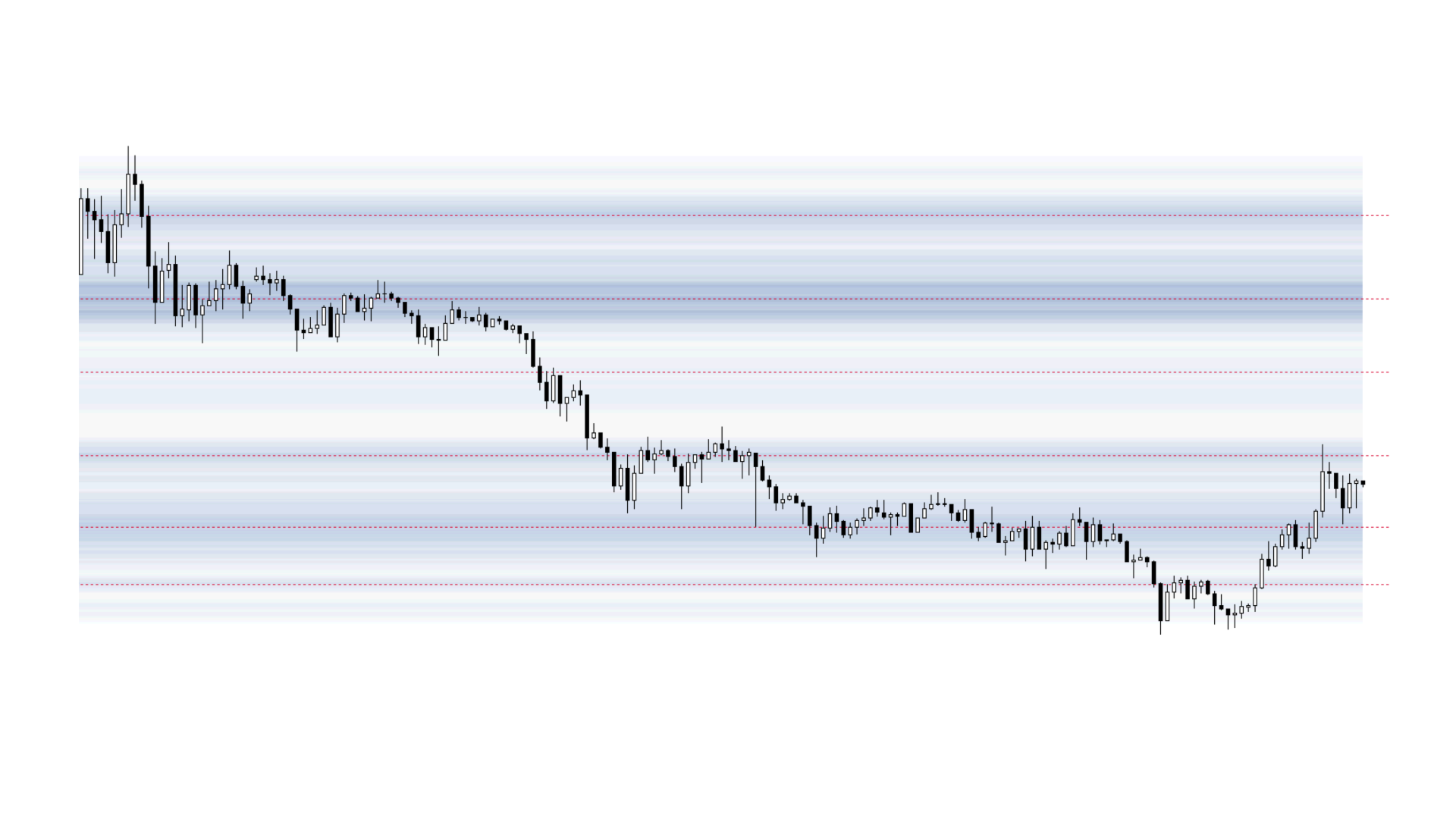
Volume Key Levels displays volume-based zones and highlights price areas where the market may be more likely to react, stall, or reverse.
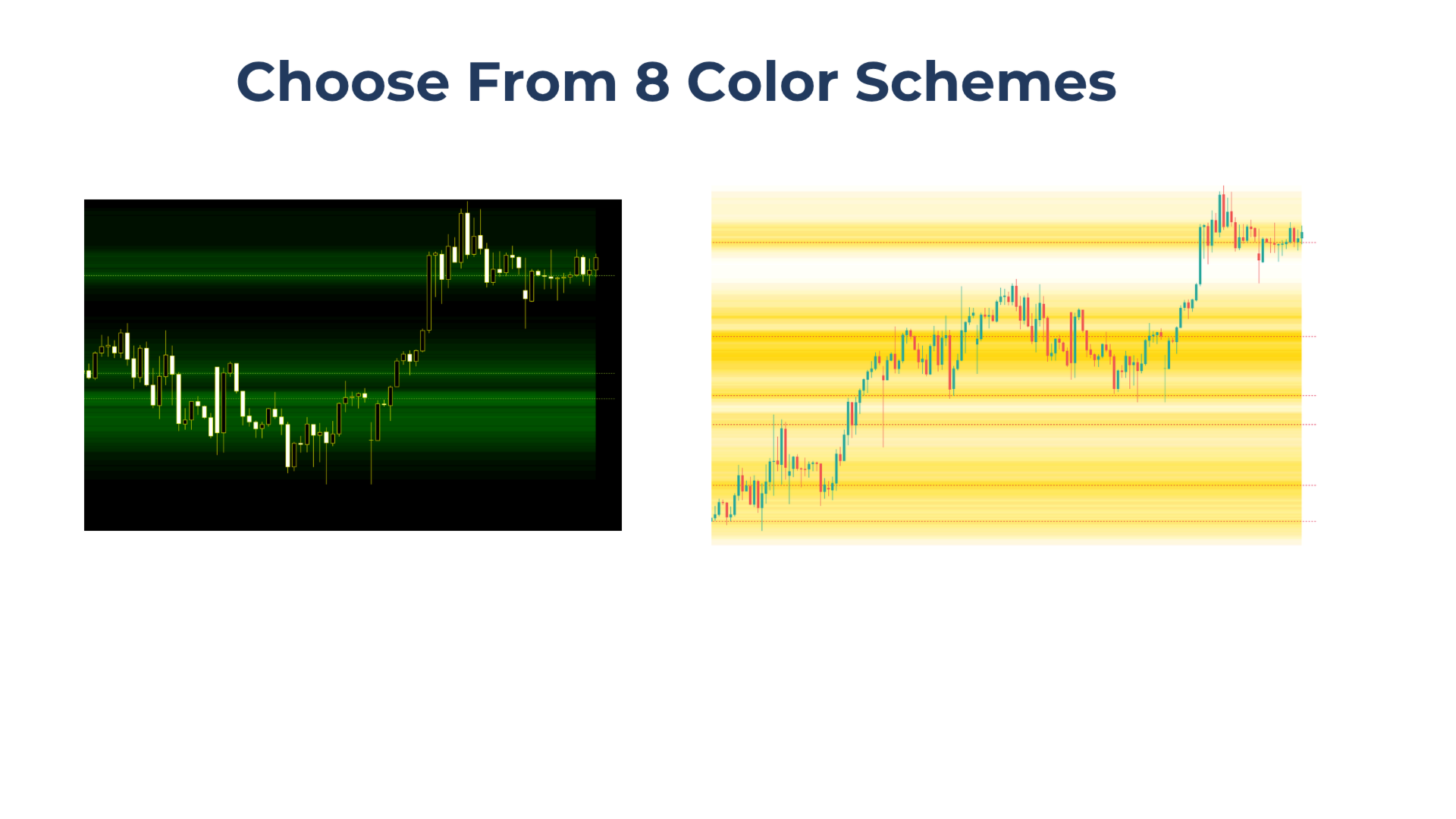
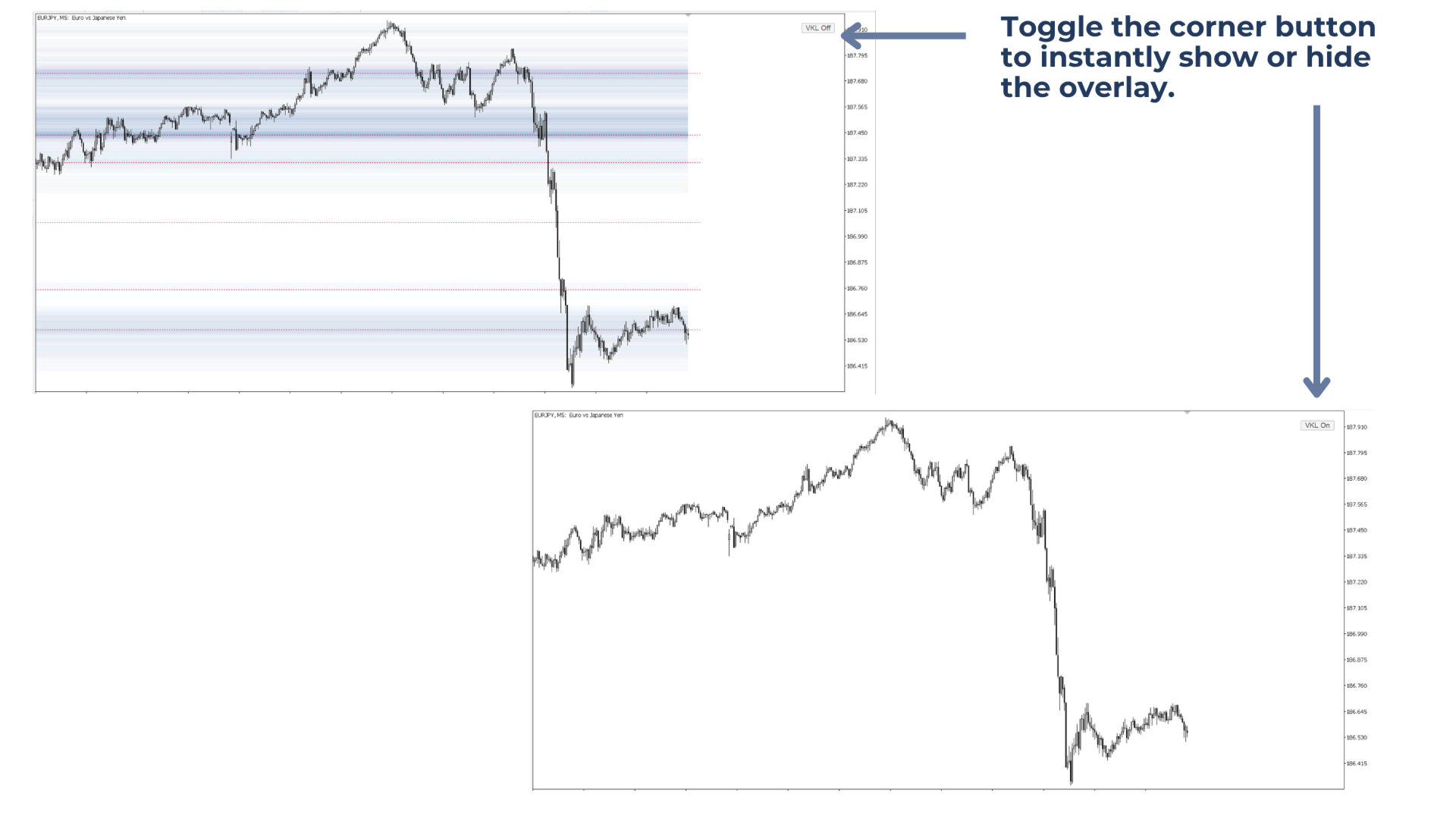
The heatmap-style overlay can be shown or hidden instantly using the corner button on the chart. It includes 8 color schemes.
Built for traders who focus on:
Market reversals
Volume Profile levels
Support and resistance
Supply and demand zones
Smart Money Concepts
What Does Volume Key Levels Do?
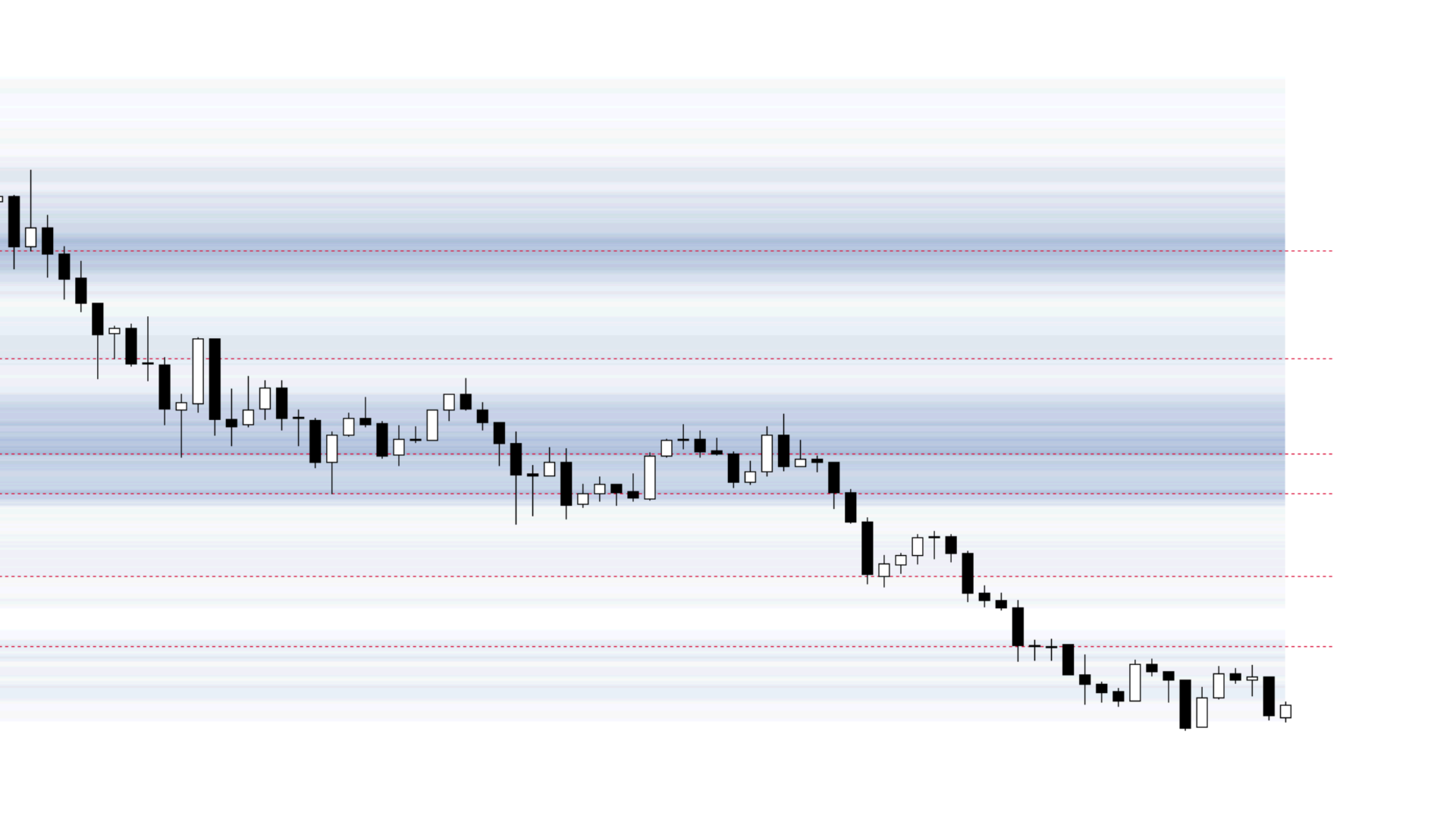
Volume Key Levels displays a chart-wide heatmap of volume zones and marks key levels at major volume peaks.
With one click on the corner button, the overlay can be shown or hidden whenever needed.
Key benefits
- Makes stronger support and resistance areas easier to spot
- Helps identify zones where price may react, stall, or reverse
- Always keep the chart clean by showing or hiding the overlay with one click
Main features of Volume Key Levels
Lightweight performance: Updates only when needed, to keep CPU usage low and chart performance smooth.
8 Color schemes: Choose from 8 profile colors to better match different candle colors and zone saturation preferences.
Works on all symbols and timeframes: Can be used across all symbols in Market Watch and on any timeframe.
Flexible button placement: The on/off button can be placed in any of the four chart corners.
How to use Volume Key Levels
1. Attach Volume Key Levels to the chart.
2. Use the corner button to switch the heatmap overlay on or off.
3. Zoom in or out to adjust the visible range. The zones and levels update instantly to the new chart scale.
4. The tool updates automatically with each new candle.
Dynamic Levels
Volume Key Levels analyzes the full visible chart range to identify volume-based price areas.When the visible range changes or new candle volume is added, the heatmap and key levels are updated.
Key levels should therefore be viewed as dynamic reference levels, as they may adjust based on the visible volume data and the selected chart scale.
Limitations
The tool is not supported in the Strategy Tester.