ATR Position Manager BASIC
- Utilità
- Andras Bessenyei
- Versione: 1.0
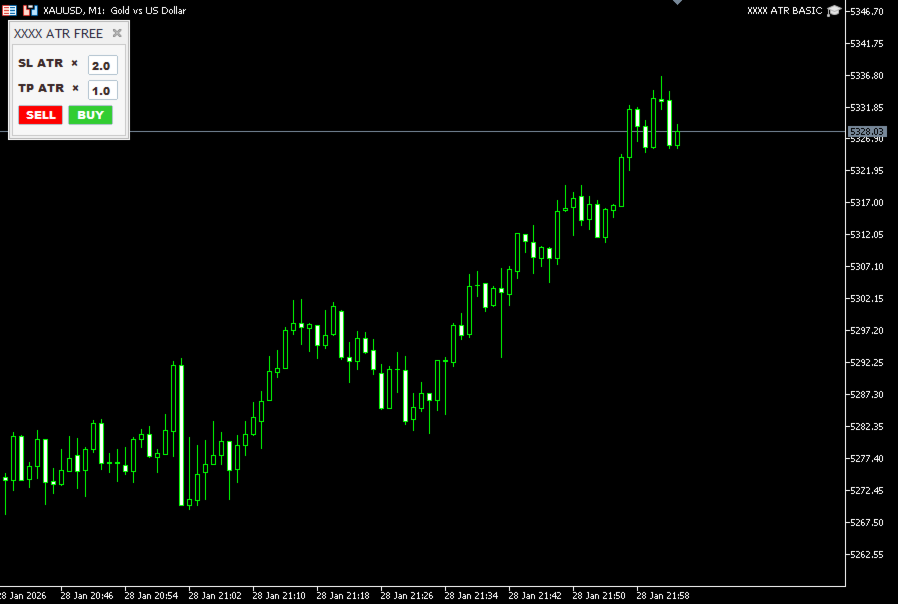
ATR Basic Trade Assistant – Simple ATR Stop Loss & Take Profit Panel
The ATR Basic Trade Assistant is a lightweight and easy-to-use trading panel designed to help traders place Stop Loss and Take Profit levels based on ATR (Average True Range).
This tool is a basic, free version of the advanced Trade Assistant, created to let traders experience how ATR-based targets work in real trading conditions.
It is ideal for traders who use fixed ATR stops and targets, such as
“2 ATR stop loss and 1 ATR take profit”, exactly like the strategy shown in the videos:
👉 https://www.youtube.com/@atr-trading-com
🔧 Main Features
-
Set Stop Loss based on ATR
-
Set Take Profit based on ATR
-
SL and TP values can be changed directly from the trading panel
-
Works with any symbol, broker, and timeframe
-
Perfect for manual trading
-
Clean and simple trading panel
-
Great for learning and testing ATR-based exits
⚙️ How it works
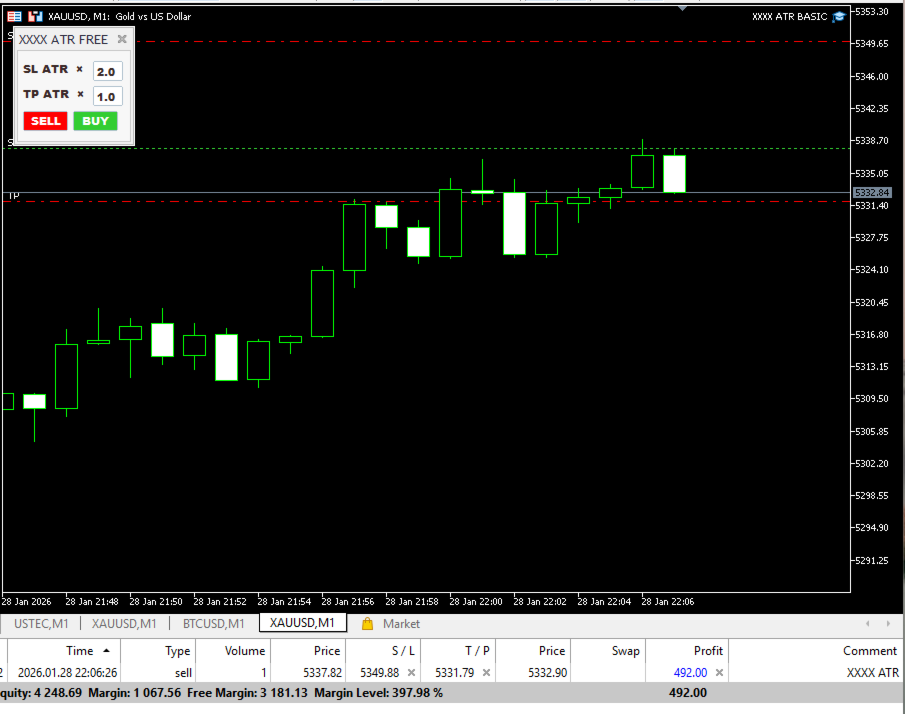
The panel calculates Stop Loss and Take Profit automatically using the current ATR value.
You simply choose the ATR multipliers in the panel, for example:
-
2 ATR Stop Loss
-
1 ATR Take Profit
When you open a trade, the EA places SL and TP automatically at the correct ATR distance.
This allows you to focus on entries and market structure, while the tool handles precise, volatility-based exits.
▶️ How to use the ATR Basic Trade Assistant
-
Attach the EA to any chart.
-
Open the Inputs settings by double-clicking the small blue cap icon in the top right corner of the panel, where the tool name is displayed
(XXXX ATR BASIC). -
In the Inputs menu, you can set:
-
Lot size
-
ATR period
-
-
On the trading panel, set your desired values, for example:
-
2 ATR Stop Loss
-
1 ATR Take Profit
-
-
Use the Buy or Sell buttons to open trades.
The EA will automatically place the ATR-based Stop Loss and Take Profit.
📌 What this BASIC version includes
-
ATR-based Stop Loss
-
ATR-based Take Profit
-
Panel-based input control
-
Automatic placement of SL and TP
🚫 What this BASIC version does NOT include
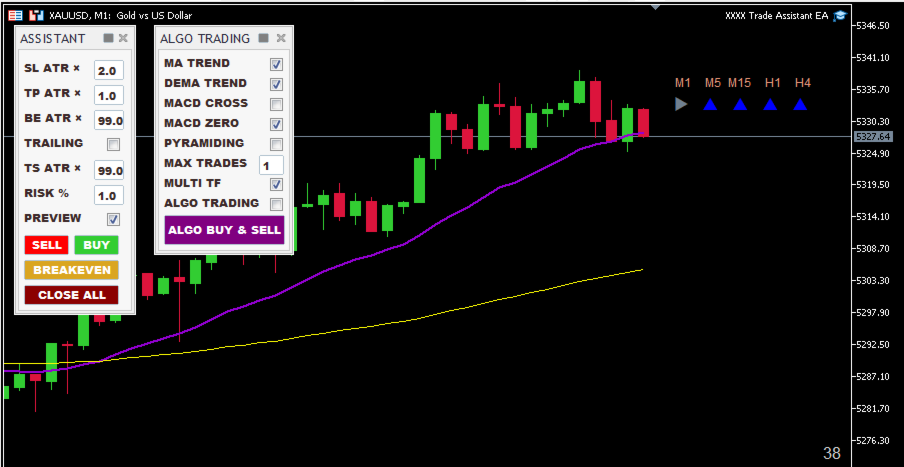
This is a preview version. It does not include the advanced features such as:
-
Risk manager (risk % per trade)
-
Breakeven
-
Trailing stop
-
Position sizing by risk
-
Advanced preview lines before entry
-
Trade management automation
These features are available in the Advanced Trade Assistant.
🎯 Who this tool is for
-
Traders who use ATR exits
-
Traders who want a simple ATR trading panel
-
Beginners who want to understand how ATR targets behave
-
Advanced traders who want a fast manual execution tool
⚠️ Recommendation
This tool is not a trading strategy.
It is designed to be used together with your own technical analysis and trading plan.
If you experience any issue or have suggestions, feel free to message me.
I’m constantly improving the tools based on trader feedback.
Thank you,
András Bessenyei