Magic Atlas Journal
- Utilitaires
- Version: 1.0
- Activations: 10

Magic Atlas Journal reads the closed positions of your account and sorts them by magic number, symbol, calendar day, weekday and entry hour. You see profit factor, win rate, drawdown and expectancy for each EA without a spreadsheet. It only reads history and places no orders on a live account.
I use it when several EAs run on one account and the broker statement only gives one total. A profitable account can hide one EA that has been losing for weeks, and a flat account can hide one that works. The panel shows which is which.
Three problems it solves
1. Several EAs, one account, one number. You cannot tell which EA earns and which one costs money.
2. Tester reports do not show live results. Broker statements do not split them per EA, weekday or hour.
3. You notice a bad phase too late. The optional warning tells you when an EA's current losing streak or drawdown is larger than anything in its older history.
Functions
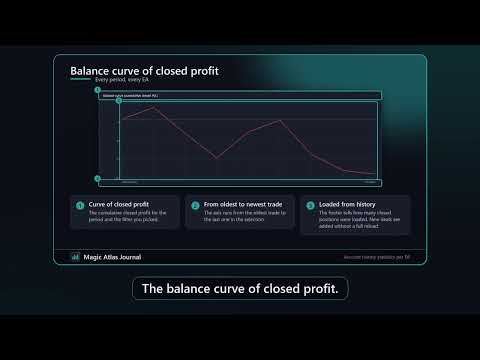
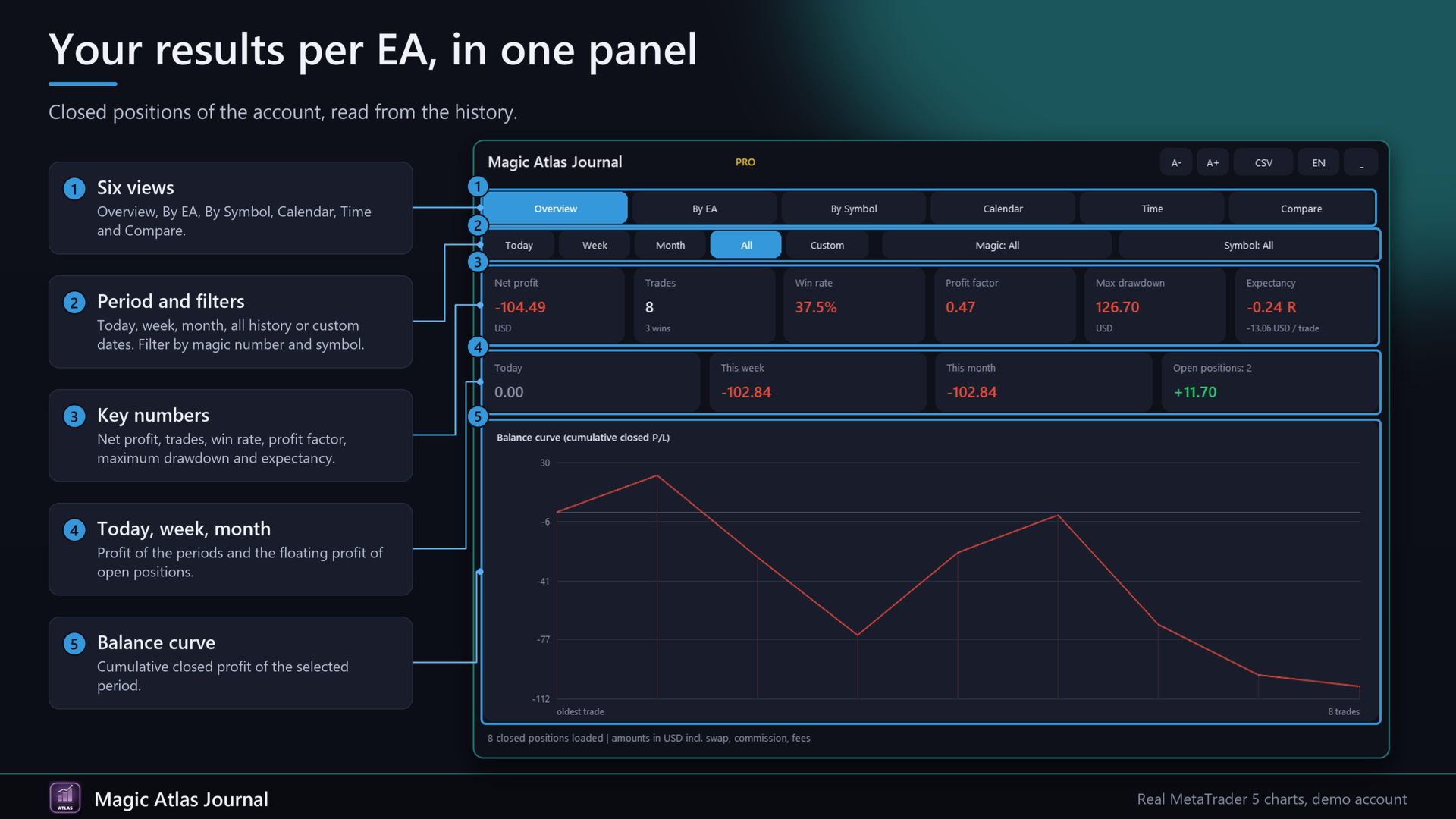
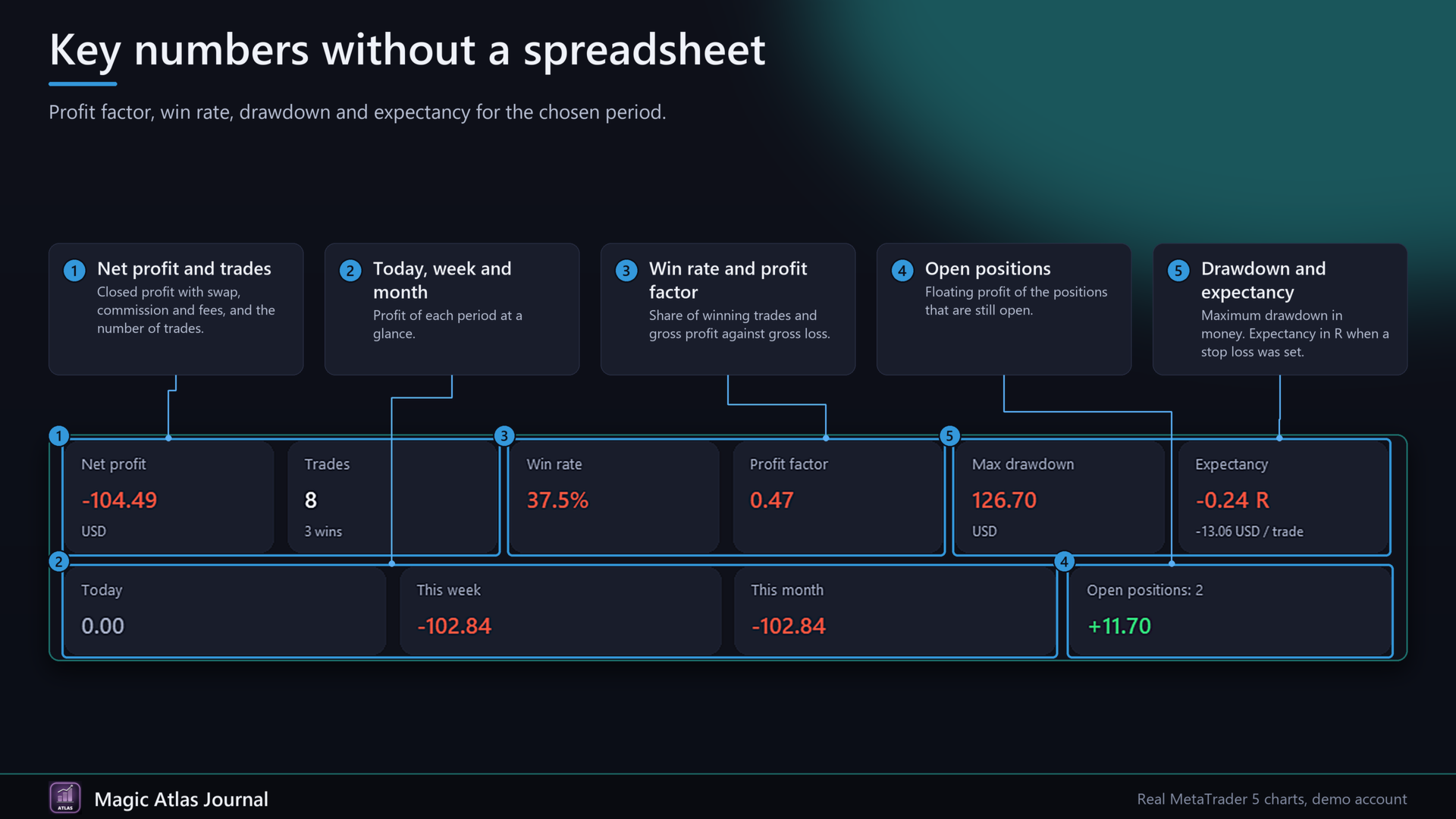
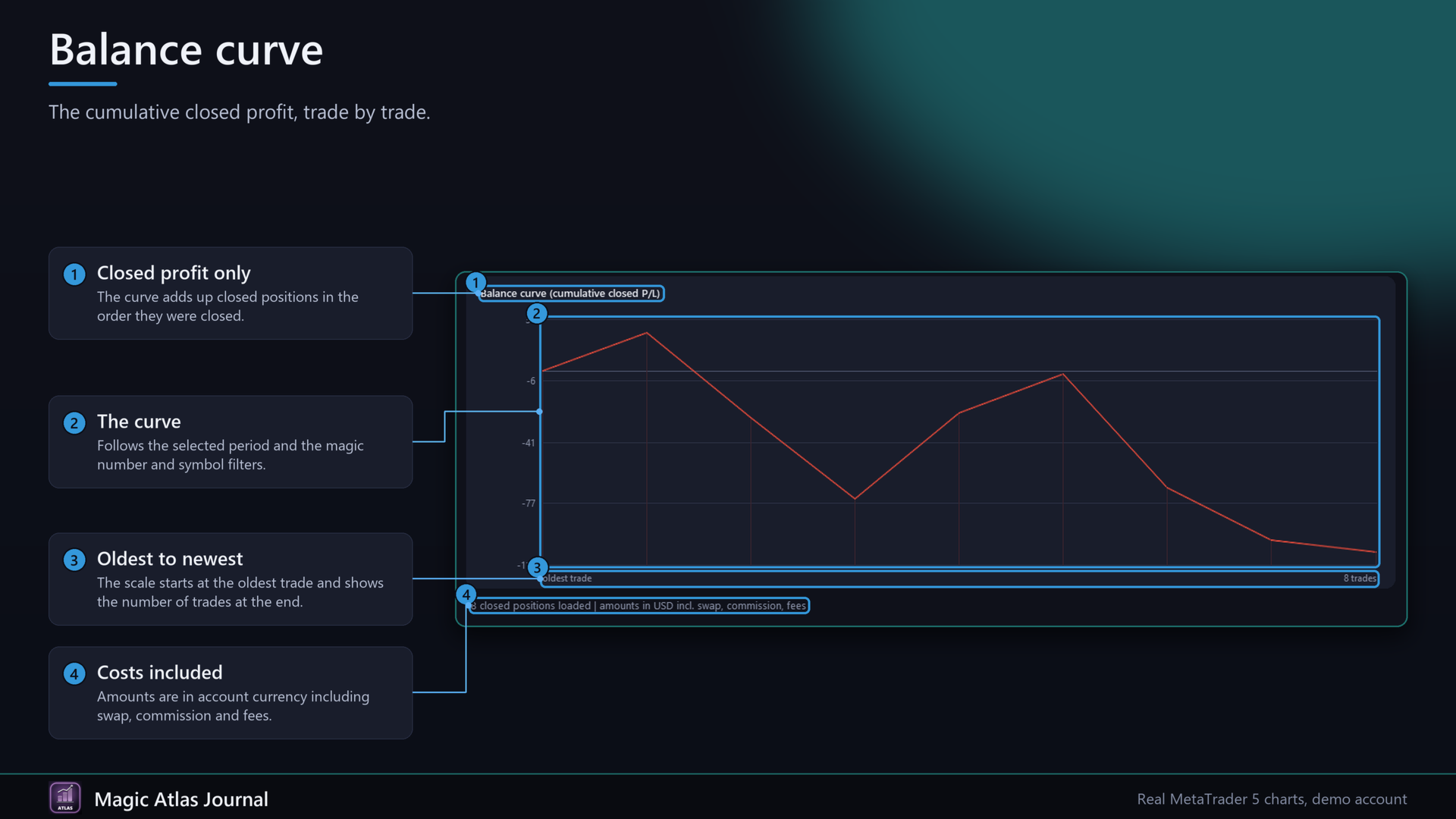
- Overview: balance curve of closed profit, net profit, trades, win rate, profit factor, maximum drawdown, expectancy (in R when a stop loss was set, otherwise per trade), profit for today, this week and this month, floating profit of open positions.
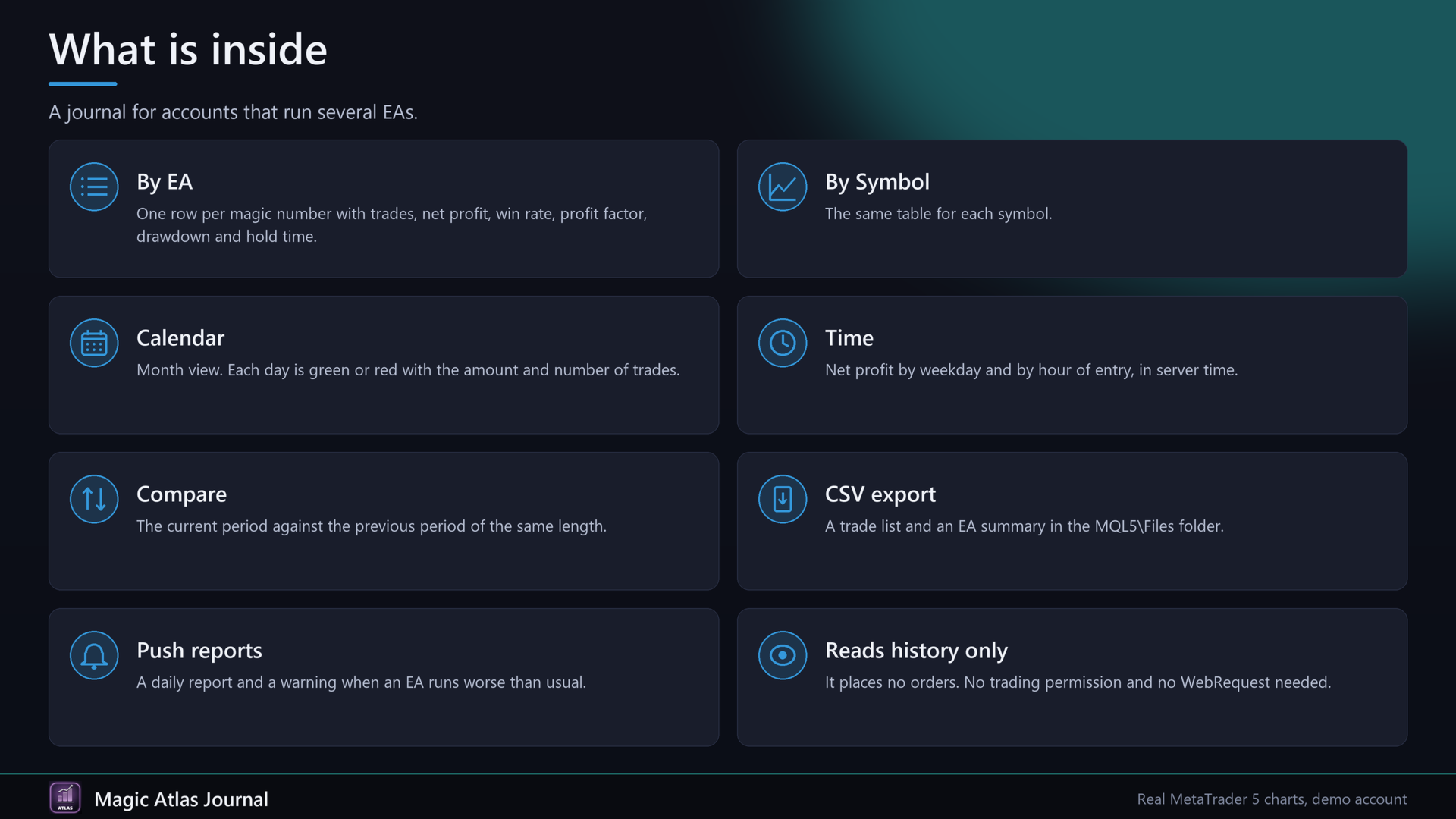
- By EA: one row per magic number with trades, net profit, win rate, profit factor, maximum drawdown, average hold time and the last 30 days. Click a column header to sort, click again to reverse. Mouse wheel scrolls long lists.
- By Symbol: the same table per symbol.
- Calendar: month view, each day green or red with amount and number of trades.
- Time: net profit by weekday and by hour of entry (server time).
- Compare: current period against the previous period of the same length.
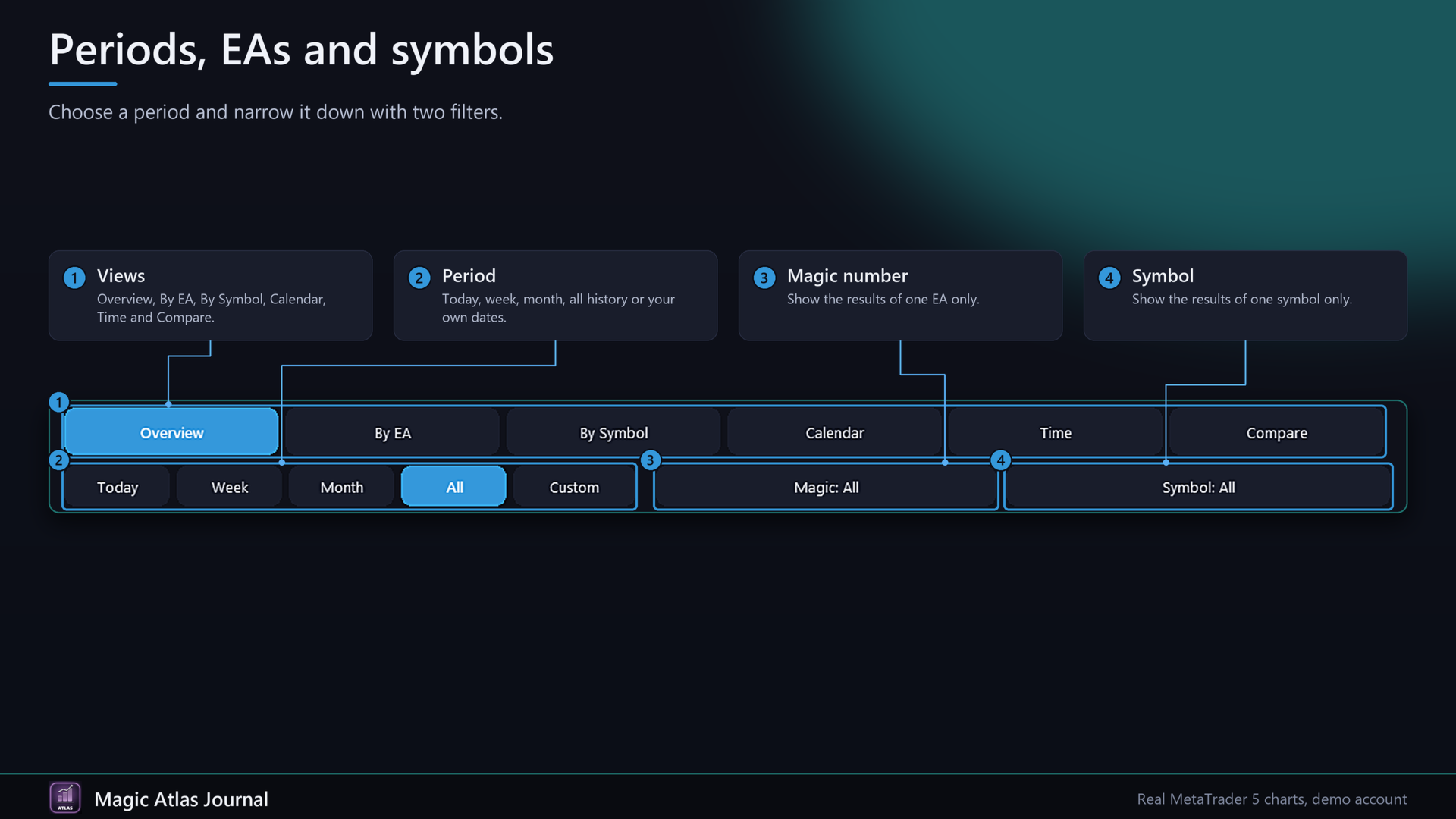
- Filters: today, week, month, all history or your own dates. Filter by magic number and symbol.
- Names: readable names for magic numbers with the input MagicNames, for example 123=Gold EA;456=Trend.
- CSV export: a trade list and an EA summary in the MQL5\Files folder.
- Daily report by push notification at a server hour you choose.
- Warning by push when an EA runs worse than usual.
- A position is built from all its deals (position ID). Profit = profit + swap + commission + fee of all deals, including the entry commission.
- Long histories: deals are loaded once, then only new ones are added.
- English and German, A- and A+ for the panel size, collapse button. Settings are remembered.
Quick start
1. Attach the EA to any chart. No trading permission and no WebRequest are needed.
2. Wait a few seconds while the history loads. Pick a period, a magic number or a symbol with the buttons.
3. Enter names in MagicNames (format 123=Name;456=Name).
4. For alerts, allow push notifications in the terminal (Tools, Options, Notifications), then switch on PushDailyReport or WarnWorseThanUsual.
FAQ
Does it trade?
No. In the Strategy Tester it places a few small demo trades so the panel has data. That never happens on a live or demo chart.
Which trades are counted?
Closed positions. A position counts when its volume is fully closed. Balance operations are ignored.
Why does an EA show as magic 0 or Manual?
It opened its trades without a magic number, or you traded by hand. Untick IncludeManual to hide magic 0.
Two EAs share one magic number?
They appear in one row. Use different magic numbers to separate them.
Which time is used?
Server time of your broker.
Netting accounts?
Deals are grouped by position ID. Hedging accounts are the main case. On netting accounts a reversed position may appear as one position.
Why does R show nothing?
R needs a stop loss on the entry. Trades without one are left out of R.
Does it need a DLL or internet?
No.
What does the Basic version lack?
Basic is free and shows the overview and a table for up to 3 EAs. PRO adds symbols, calendar, weekday and hour statistics, period comparison, CSV export, the daily report and the warning.
Important
The panel shows what has happened. Past results do not predict future results.
Input parameters
Display: language (auto, English, Deutsch), PanelScale (50 to 200), PanelX and PanelY, StartCollapsed.
Data: MagicNames, StartPeriod, CustomFrom and CustomTo (server time), IncludeManual, RefreshSec.
PRO reports and alerts: PushDailyReport, ReportHour, WarnWorseThanUsual, WarnLookbackDays, WarnMinTrades, ExportPrefix.
Strategy tester: TesterDemoTrades.