Mike Pascal Plavonil / Perfil
- Información
|
5+ años
experiencia
|
11
productos
|
117
versiones demo
|
|
218
trabajos
|
0
señales
|
0
suscriptores
|
create job for me: https://www.mql5.com/en/job/new?prefered=mike94
Experienced and fast working programmer.
Feedbacks: https://www.mql5.com/en/users/mike94/feedbacks
EA Goldlytic utiliza un indicador de tendencia incorporado. Está diseñado específicamente para el comercio de la XAUUSD (ORO), pero se puede utilizar con otros activos (divisas, cripto ...). El Asesor Experto abre una orden basada en una señal de los indicadores y fija el beneficio en un cierto nivel con la capacidad de abrir cesta de la orden. Para obtener mejores resultados, se recomienda cancelar la dirección del comercio en el panel de EA en el gráfico Dado que se trata de un Asesor Experto
The Moving Average Dashboard indicator allows you to see the relationship between a fast and a slow moving average. This indicator is working on multiple symbols and up to 21 timeframes. It's allows you to configure the fast and slow moving averages to whatever period, method or price is appropriate The Moving Average Dashboard saves you time as you can use the indicator to scan multiple currency pairs or other symbols in just one window. Installation Download the Indicator in your MT5 terminal
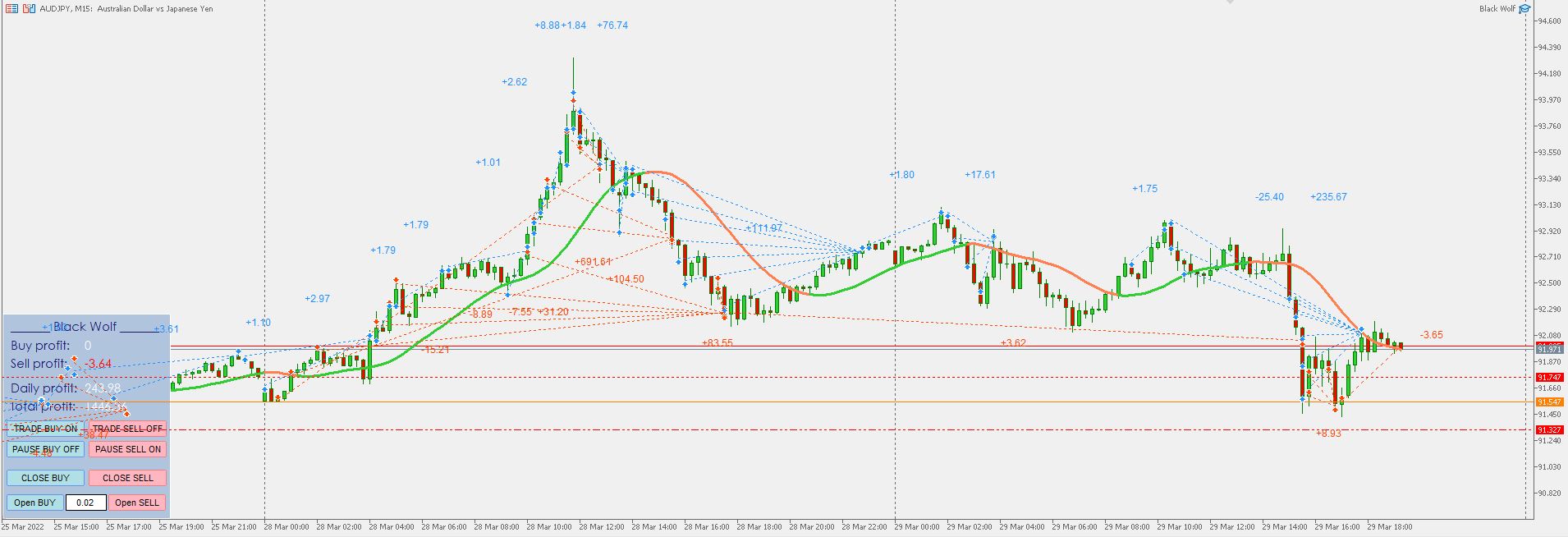
EA Black Wolf initiate a cycle of buy or sell depending of the trend of a built-in indicator, thus the EA works according to the "Trend Follow" strategy, which means following the trend. Recommend pairs EURUSD,GBP USD, EURAUD,AUDJPY,GBPAUD,CADJPY Time Frame M15 Recommend deposit 1000 usd or 1000 cents Recommend settings Default SETTINGS Lot type - lot type calculation (can be Constant, based on risk or Constant size per 1000) Lot size - lot size Trade Buy -