Igor Zizek / Profile
- Information
|
6+ years
experience
|
14
products
|
377
demo versions
|
|
0
jobs
|
0
signals
|
0
subscribers
|
Advanced trading tools mt4 mt5: https://www.mt4tradingbox.com/
YouTube: https://youtube.com/Tradingbox
Facebook: https://www.facebook.com/TradingBoxTools
E-mail: mt4tradingboxea@gmail.com
All my links at one place: https://znap.link/tradingbox
Order management: https://www.mt4tradingbox.com/order-management/
Technical analysis tool mt4 mt5: https://www.mt4tradingbox.com/technical-analysis/
Rectangle indicator: https://www.mt4tradingbox.com/rectangle-extender/
YouTube: https://youtube.com/Tradingbox
Facebook: https://www.facebook.com/TradingBoxTools
E-mail: mt4tradingboxea@gmail.com
All my links at one place: https://znap.link/tradingbox
Order management: https://www.mt4tradingbox.com/order-management/
Technical analysis tool mt4 mt5: https://www.mt4tradingbox.com/technical-analysis/
Rectangle indicator: https://www.mt4tradingbox.com/rectangle-extender/
Igor Zizek
Trading box Order Management UPDATE 3.4+
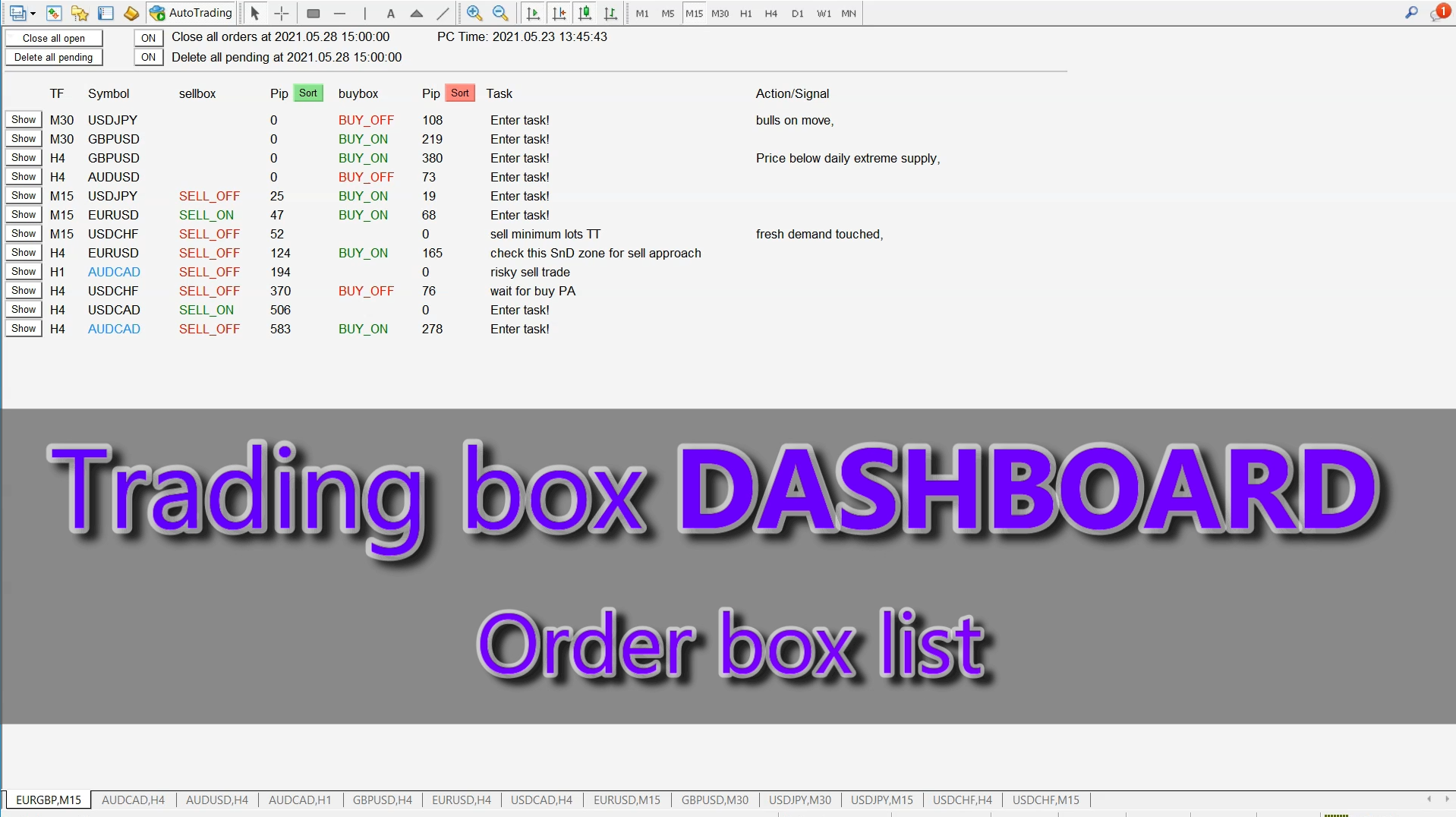
- NEW "D" button in right upper corner for switching to chart with Trading box Dashboard
- NEW "Execute LQ" button that will activate Order box when Liquidity is detected
- Order box info text is now visible all the time even when you zoom in the level and scroll chart to the left
- renewed Spread filter value input
- renewed Rebuy and Resell value input and position lot size bug solved at order execution
- renewed Surender value input
- Order box Account Free Margin Check notification:
1. Warning if Account Free margin will be below Stopout level after Order box execution
2. Warning if StopLoss free margin level is below Stopout level
- NEW input variable "Show Order box Margin required"
- NEW input variable "Bring Alerted chart to the top"
***UPDATE 3.4 video overview: https://www.youtube.com/watch?v=WwAVD8-BQo4
- NEW "D" button in right upper corner for switching to chart with Trading box Dashboard
- NEW "Execute LQ" button that will activate Order box when Liquidity is detected
- Order box info text is now visible all the time even when you zoom in the level and scroll chart to the left
- renewed Spread filter value input
- renewed Rebuy and Resell value input and position lot size bug solved at order execution
- renewed Surender value input
- Order box Account Free Margin Check notification:
1. Warning if Account Free margin will be below Stopout level after Order box execution
2. Warning if StopLoss free margin level is below Stopout level
- NEW input variable "Show Order box Margin required"
- NEW input variable "Bring Alerted chart to the top"
***UPDATE 3.4 video overview: https://www.youtube.com/watch?v=WwAVD8-BQo4
Igor Zizek
Support Resistance key levels and Supply Demand zones with fresh unfilled orders. Major Supply Demand zones - unfilled orders
https://www.youtube.com/watch?v=s8l7zXOkra8
Igor Zizek
- NEW "Show" button at the start of each row. This button will bring Symbol chart to the top
- NEW "Close all open" button that will close all opened orders
- NEW "Delete all pending" button that will delete all pending orders
- NEW input "Close all orders at Date Time" with ON/OFF button to control this function
- NEW input "Delete all pending at Date Time" with ON/OFF button to control this function
- NEW input "Text font size"
- NEW input "Background color"
UPDATE VIDEO: https://www.youtube.com/watch?v=BfFUBO9O7zY
- NEW "Close all open" button that will close all opened orders
- NEW "Delete all pending" button that will delete all pending orders
- NEW input "Close all orders at Date Time" with ON/OFF button to control this function
- NEW input "Delete all pending at Date Time" with ON/OFF button to control this function
- NEW input "Text font size"
- NEW input "Background color"
UPDATE VIDEO: https://www.youtube.com/watch?v=BfFUBO9O7zY
Igor Zizek
Trading box Technical analysis upgrade 3.3+
- NEW "Text" button that gives options to display rectangle or trendline text in all possible spots around or inside object. This works for non-extended rectangles and trendlines where we would like to have object name displayed in suitable place around or inside object. This is custom show object name function.
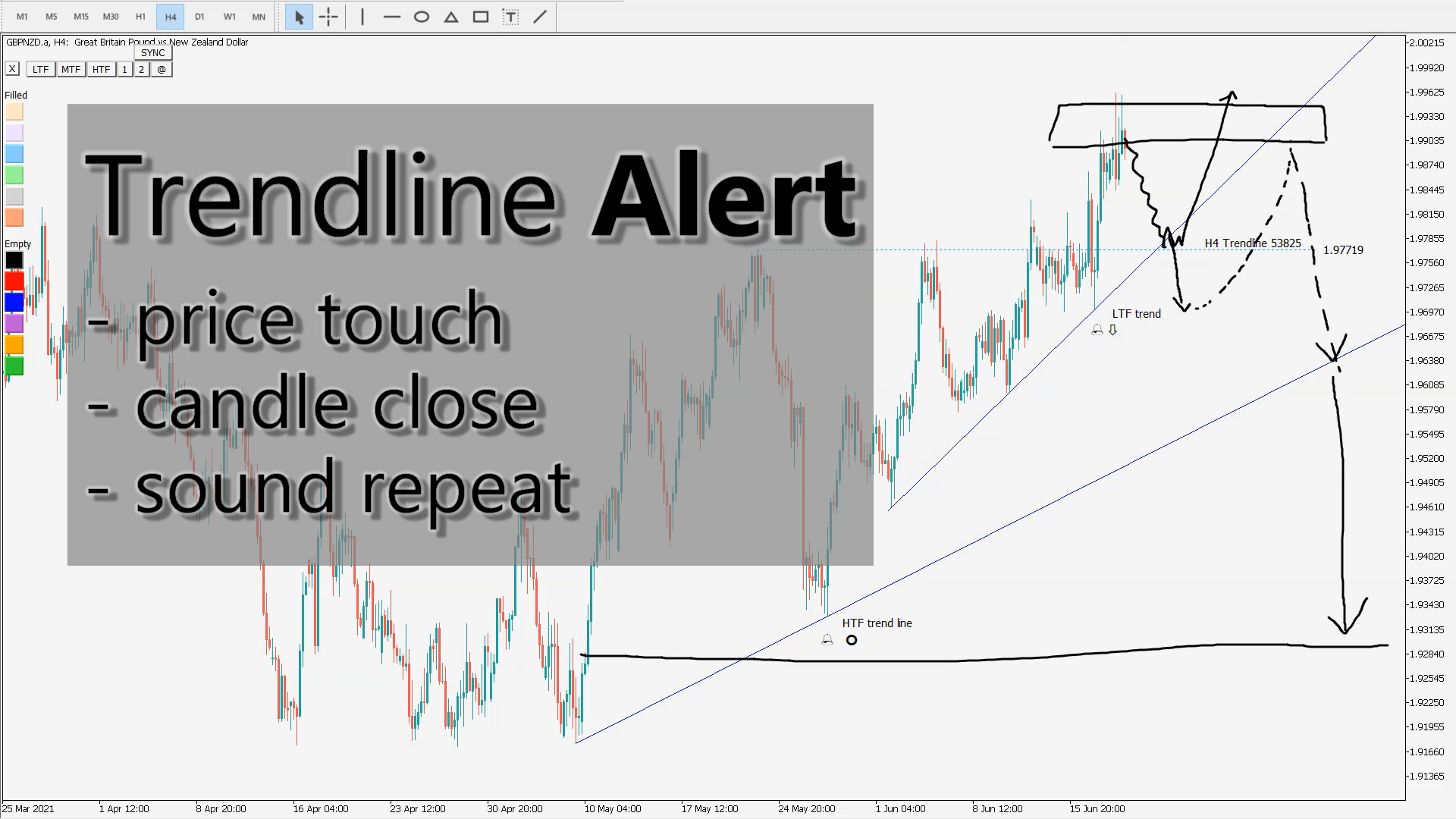
- NEW "SYNC" button (sync chart object or chart sync object) function for selected rectangle, trendline and horizontal line object chart synchronization on the same symbol (charts synchronizer, object sync)
The selected master object is copied to other charts of the same symbol.
Object position location and color style is updated from master to slave object and vice versa.
When you delete master object then slave objects will be deleted and NOT vice versa.
If you rename master object then you broke connection with slave objects. If you rename slave object then is no longer synced with master object.
"SYNC" button can also remove synchronization from selected master or slave object.
- NEW input "Show extra color buttons" that will display 6 "Filled" color and 6 "Empty" color buttons
- Bug fix: if you click on tickness buton "1" or "2", it will change object from filled to unfilled
- Safety check warning for too many objects on chart (performance issues) + warning for incompatible indicators
UPGRADE VIDEO: https://www.youtube.com/watch?v=asGmONlI4EY
- NEW "Text" button that gives options to display rectangle or trendline text in all possible spots around or inside object. This works for non-extended rectangles and trendlines where we would like to have object name displayed in suitable place around or inside object. This is custom show object name function.
- NEW "SYNC" button (sync chart object or chart sync object) function for selected rectangle, trendline and horizontal line object chart synchronization on the same symbol (charts synchronizer, object sync)
The selected master object is copied to other charts of the same symbol.
Object position location and color style is updated from master to slave object and vice versa.
When you delete master object then slave objects will be deleted and NOT vice versa.
If you rename master object then you broke connection with slave objects. If you rename slave object then is no longer synced with master object.
"SYNC" button can also remove synchronization from selected master or slave object.
- NEW input "Show extra color buttons" that will display 6 "Filled" color and 6 "Empty" color buttons
- Bug fix: if you click on tickness buton "1" or "2", it will change object from filled to unfilled
- Safety check warning for too many objects on chart (performance issues) + warning for incompatible indicators
UPGRADE VIDEO: https://www.youtube.com/watch?v=asGmONlI4EY
Igor Zizek
NEW function in ORDER MANAGEMENT to help you catch a reversal trade
Reversal trading from supply demand level
What Is a Reversal trade?
A reversal trading is a change in the price direction of an asset. A reversal trade can occur to the upside or downside. Following an uptrend, a reversal would be to the downside. Following a downtrend, a reversal would be to the upside. Reversals are based on overall price direction and are not typically based on one or two periods/bars on a chart. It usually start from supply demand level.
https://www.youtube.com/watch?v=SxokALeF4mk
Reversal trading from supply demand level
What Is a Reversal trade?
A reversal trading is a change in the price direction of an asset. A reversal trade can occur to the upside or downside. Following an uptrend, a reversal would be to the downside. Following a downtrend, a reversal would be to the upside. Reversals are based on overall price direction and are not typically based on one or two periods/bars on a chart. It usually start from supply demand level.
https://www.youtube.com/watch?v=SxokALeF4mk
Igor Zizek
NEW youtube tutorials for Order management tool:
Trading pullback with price action confirmation: https://www.youtube.com/watch?v=IGNPYeQqqNU
How to trade breakouts: Trading breakout strategy: https://www.youtube.com/watch?v=qq1IQRmn0VE
Reversal trading from supply demand level: https://www.youtube.com/watch?v=SxokALeF4mk
Position size calculator: https://www.youtube.com/watch?v=_-igjs6E4fM
Automatic Lock in profit & Move stoploss to breakeven: https://www.youtube.com/watch?v=m_QoxpirEa8
Multiple timeframe analysis trading tool: https://www.youtube.com/watch?v=pPc_bYXn9dc
Liquidity detection tool: https://www.youtube.com/watch?v=4LxWNqE0GFk
Trading box Order management - Tool overview: https://www.youtube.com/watch?v=iTBMCduY6Sk
Trading pullback with price action confirmation: https://www.youtube.com/watch?v=IGNPYeQqqNU
How to trade breakouts: Trading breakout strategy: https://www.youtube.com/watch?v=qq1IQRmn0VE
Reversal trading from supply demand level: https://www.youtube.com/watch?v=SxokALeF4mk
Position size calculator: https://www.youtube.com/watch?v=_-igjs6E4fM
Automatic Lock in profit & Move stoploss to breakeven: https://www.youtube.com/watch?v=m_QoxpirEa8
Multiple timeframe analysis trading tool: https://www.youtube.com/watch?v=pPc_bYXn9dc
Liquidity detection tool: https://www.youtube.com/watch?v=4LxWNqE0GFk
Trading box Order management - Tool overview: https://www.youtube.com/watch?v=iTBMCduY6Sk
Igor Zizek
Trading box Rectangle extender / Version 4.5
- NEW "Text" button that gives options to display rectangle or trendline text in all possible spots around or inside object. This works for non-extended rectangles and trendlines where we would like to have object name displayed in suitable place around or inside object. This is custom show object name function.
MT4:https://www.mql5.com/en/market/product/49982
MT5: https://www.mql5.com/en/market/product/62297
- NEW "Text" button that gives options to display rectangle or trendline text in all possible spots around or inside object. This works for non-extended rectangles and trendlines where we would like to have object name displayed in suitable place around or inside object. This is custom show object name function.
MT4:https://www.mql5.com/en/market/product/49982
MT5: https://www.mql5.com/en/market/product/62297
Igor Zizek
How to draw support and resistance on naked chart: https://www.youtube.com/watch?v=2FH5Z2kizR4
Igor Zizek
Bitcoin market manipulation explained | trapped traders
https://www.youtube.com/watch?v=F-4sl2cGCFY
Igor Zizek
Trading pullback with price action confirmation using Trading box Order management tool for MT4 and MT5. Automate your price action with order box functions for pullback trading strategy. Trading pullback is also known as trading price correction when trend reversal is confirmed by technical chart analysis. What is a Pullback?
A pullback is a pause or moderate drop in a stock or commodities pricing chart from recent peaks that occur within a continuing uptrend. A pullback is very similar to retracement or consolidation, and the terms are sometimes used interchangeably. The term pullback is usually applied to pricing drops that are relatively short in duration - for example, a few consecutive sessions - before the uptrend resumes.
https://www.youtube.com/watch?v=IGNPYeQqqNU
A pullback is a pause or moderate drop in a stock or commodities pricing chart from recent peaks that occur within a continuing uptrend. A pullback is very similar to retracement or consolidation, and the terms are sometimes used interchangeably. The term pullback is usually applied to pricing drops that are relatively short in duration - for example, a few consecutive sessions - before the uptrend resumes.
https://www.youtube.com/watch?v=IGNPYeQqqNU
Igor Zizek
Published post Trading box Order management VIDEO tutorials
Complete manuals on our official website HERE BONUS: Trading box Dashboard for MT4 here and MT5 here How to install Order management DEMO Trading box Order management MT4 download HERE Trading box Order management MT5 download HERE 1. Open Data Folder 2...
Share on social networks · 3
5921
8
Igor Zizek
NEW VIDEO: https://www.youtube.com/watch?v=_-igjs6E4fM
Position size calculator mt4 and mt5 (risk lot size indicator)
mt4 mt5 lot size calculator inside Trading box Order management MT4 & MT5 tool
forex lot size calculator for metatrader 4 and metatrader 5
FREE download: https://www.mql5.com/en/market/product/47888
Paid download: https://www.mql5.com/en/market/product/47892
Position size calculator mt4 and mt5 (risk lot size indicator)
mt4 mt5 lot size calculator inside Trading box Order management MT4 & MT5 tool
forex lot size calculator for metatrader 4 and metatrader 5
FREE download: https://www.mql5.com/en/market/product/47888
Paid download: https://www.mql5.com/en/market/product/47892
Igor Zizek
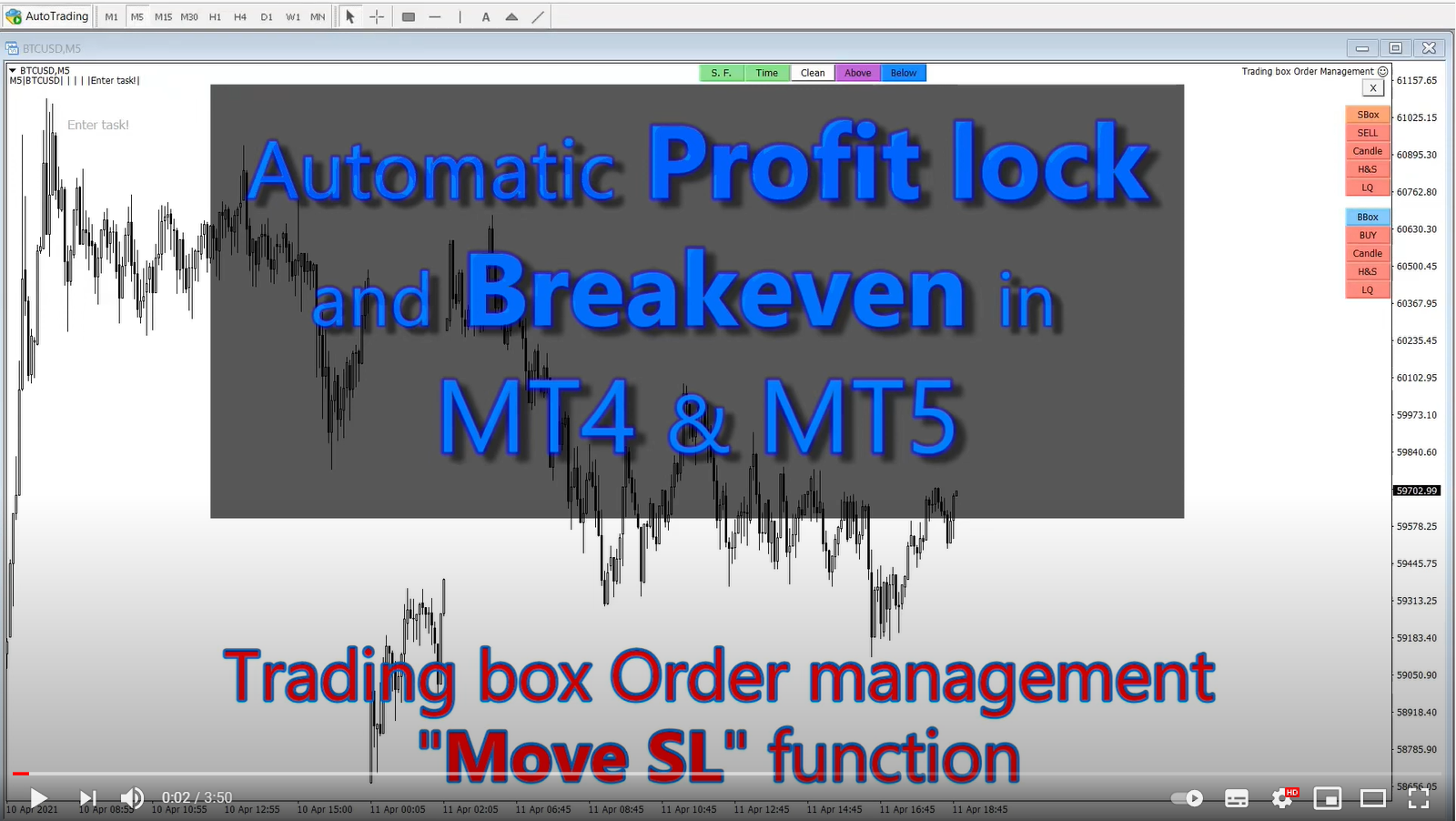
Automatic lock in profit and breakeven tool MT4 & MT5
Break Even & Trade Management EA for MT4
Auto Breakeven MT4 & Move stop to breakeven tool
https://www.youtube.com/watch?v=m_QoxpirEa8
Break Even & Trade Management EA for MT4
Auto Breakeven MT4 & Move stop to breakeven tool
https://www.youtube.com/watch?v=m_QoxpirEa8
Igor Zizek
I justs updated Trading box Order management version 3.2 with new function called Multiple timeframe analysis support: Order box visibility setting is copied to all related objects. For naked chart traders.
https://www.youtube.com/watch?v=pPc_bYXn9dc
https://www.mql5.com/en/market/product/47888
https://www.youtube.com/watch?v=pPc_bYXn9dc
https://www.mql5.com/en/market/product/47888
Igor Zizek
EURUSD sniper trade explained - zero float entry forex liquidity
How to entry with no drawdown precise entry in supply demand level with liquidity detection Trading box Order management tool for Metatrader
https://www.youtube.com/watch?v=4LxWNqE0GFk
How to entry with no drawdown precise entry in supply demand level with liquidity detection Trading box Order management tool for Metatrader
https://www.youtube.com/watch?v=4LxWNqE0GFk
: