Evgenii Aksenov / Profile
- Information
|
7+ years
experience
|
50
products
|
2197
demo versions
|
|
0
jobs
|
2
signals
|
0
subscribers
|
📈 signals: https://robomarket.org/product-category/signals
📧 email: admin@robomarket.org
👨🏻🏫 telegram: https://t.me/robomarket_org
How it works: 🎥 VIDEO: https://youtu.be/2RqYXsQknzQ
🔴MT4: https://www.mql5.com/en/market/product/55226
🔵MT5: https://www.mql5.com/en/market/product/55190
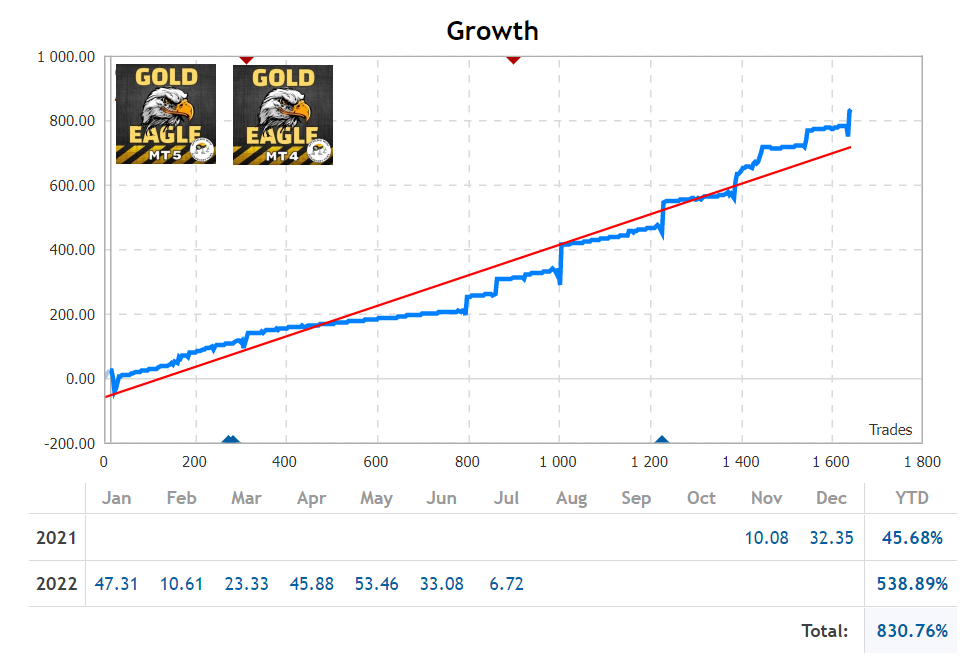
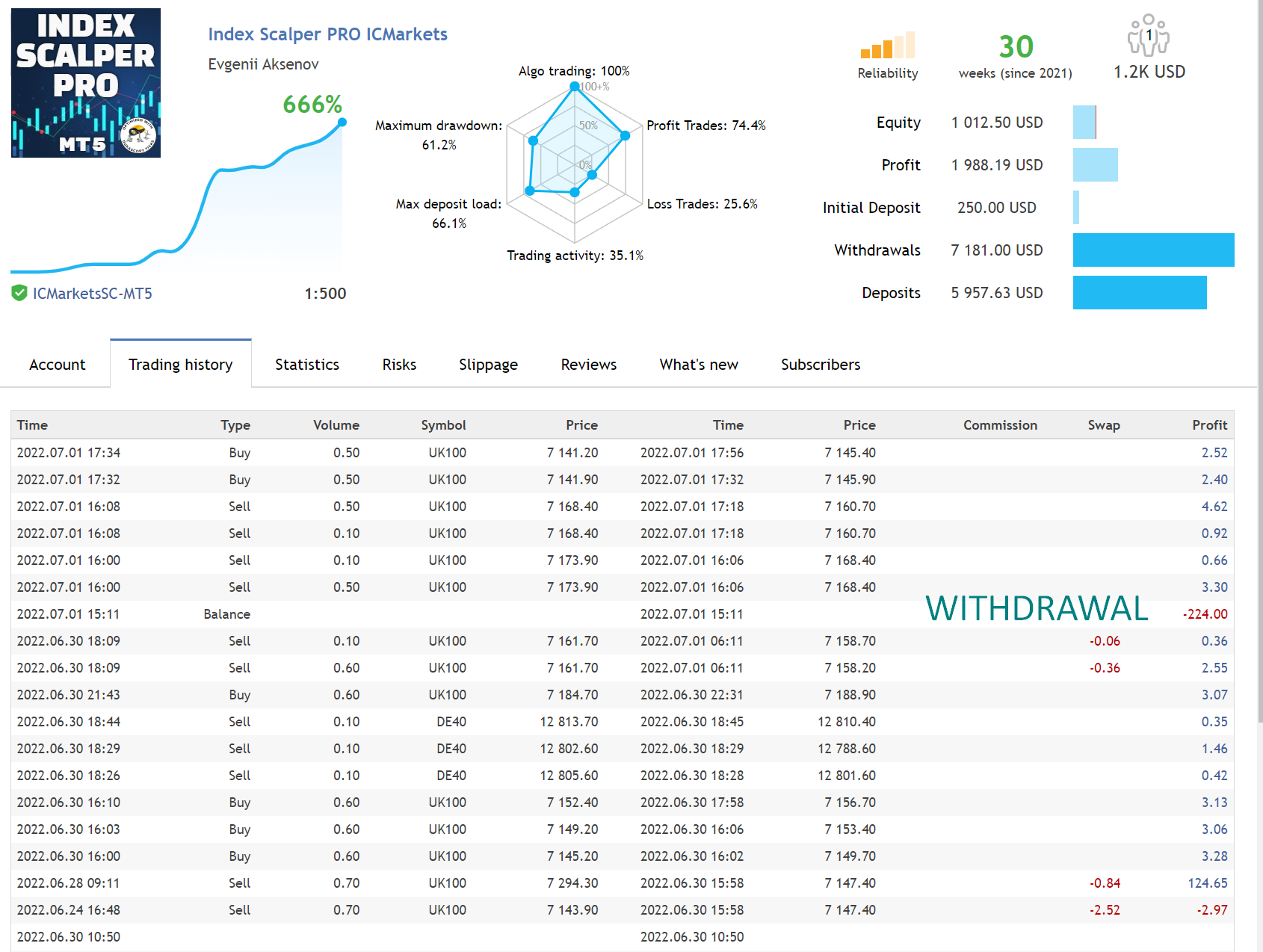
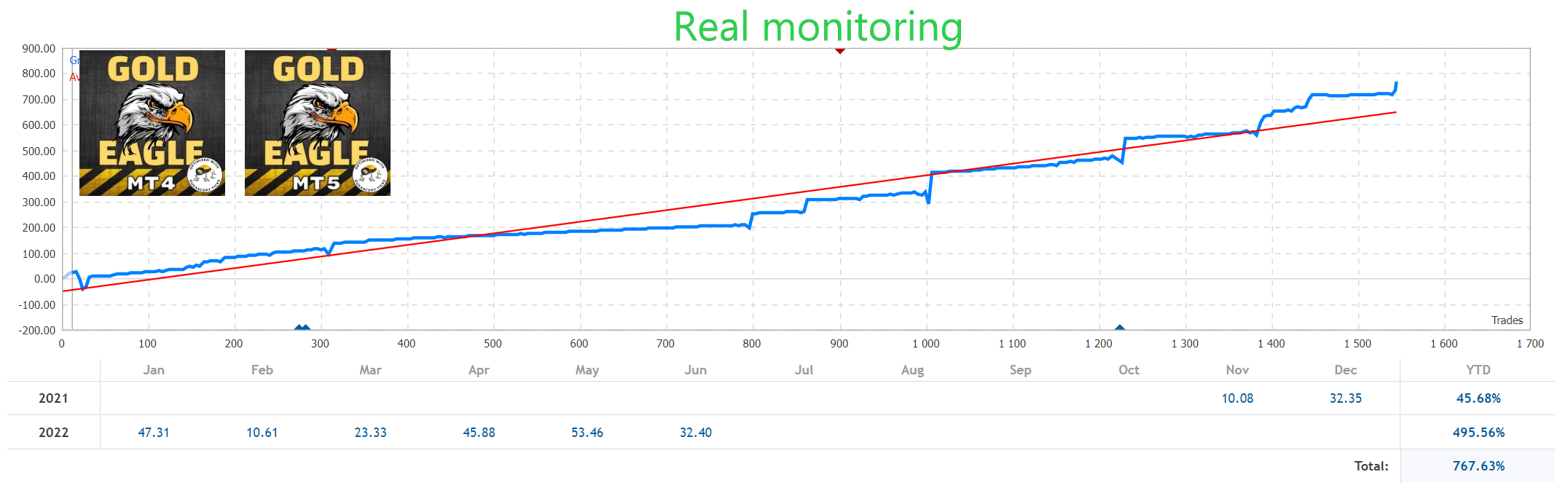
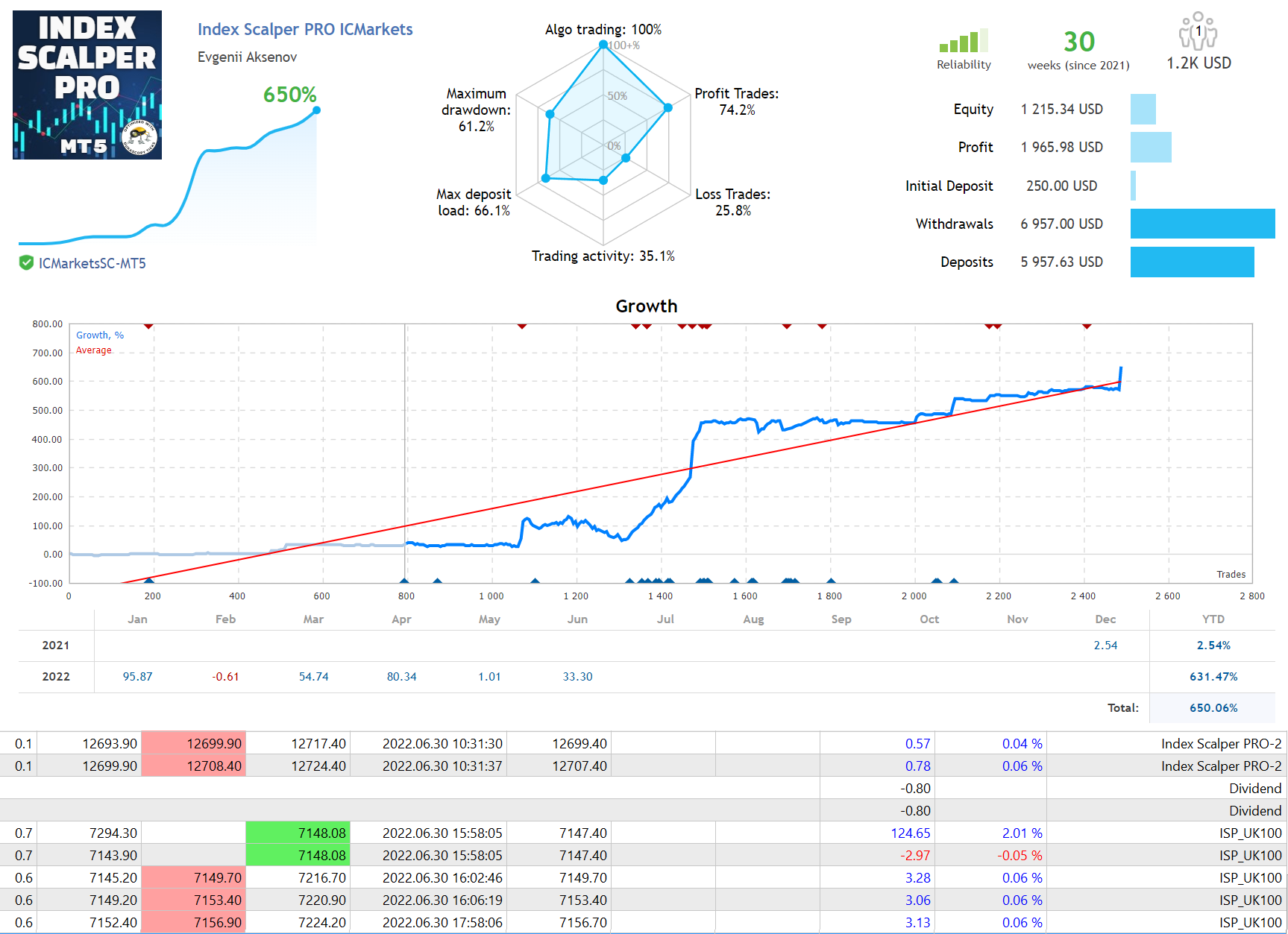
📈 Monitoring Live Signal: https://www.mql5.com/en/signals/1069418
Not many beginners know that spreads on a demo account and a real account are very different. The difference of several points in the spread can often be fatal. And while your signal provider shows excellent results on a demo account, you get losses on the real account again and again. Even choosing the right broker contributes to the success. So, before buying an Expert Advisor make sure that it has a real account. If there is no live signal for several months, do not rush to purchase this trading system because you risk losing not only money it costs, but also your deposit. Even my EAs, which I am 100% sure of, need to be tested )). If you follow this advice and manage money sensibly, you will soon enjoy success.
🤖 Expert Advisors: https://www.mql5.com/en/users/neurofx/seller#products
📈 Monitoring my accounts: https://www.mql5.com/en/signals/author/neurofx?orderby=gain
The indicator allows you to track the dynamics of price changes relative to the strength of the local trend of the intraday range Recommended period: M5-H1 The Price Channel PRO indicator does not redraw and does not change levels Trading using the indicator is very simple How to open a SELL deal: 1. Wait for a new local price maximum 2. The price should roll back to the middle of the channel (green line) 3. Open the Sell mark on a new candle 4. Set the Stop Loss above the
The indicator allows you to track the dynamics of price changes relative to the strength of the local trend of the intraday range Recommended period: M5-H1 The Price Channel PRO indicator does not redraw and does not change levels Trading using the indicator is very simple How to open a SELL deal: 1. Wait for a new local price maximum 2. The price should roll back to the middle of the channel (green line) 3. Open the Sell mark on a new candle 4. Set the Stop Loss above the upper limit of the
🔵 MT4: https://www.mql5.com/en/market/product/36087
🔴 MT5: https://www.mql5.com/en/market/product/42399
🔵 MT4: https://www.mql5.com/en/market/product/36087
🔴 MT5: https://www.mql5.com/en/market/product/42399
🔵 MT4: https://www.mql5.com/en/market/product/36087
🔴 MT5: https://www.mql5.com/en/market/product/42399
How it works: 🎥 VIDEO: https://youtu.be/2RqYXsQknzQ
🔴MT4: https://www.mql5.com/en/market/product/55226
🔵MT5: https://www.mql5.com/en/market/product/55190
📈 Monitoring Live Signal: https://www.mql5.com/en/signals/1069418
🔵 MT4: https://www.mql5.com/en/market/product/36087
🔴 MT5: https://www.mql5.com/en/market/product/42399
🔵 MT4: https://www.mql5.com/en/market/product/72411
🔴 MT5: https://www.mql5.com/en/market/product/72409
INFINITY robots 🤖: https://www.mql5.com/en/users/neurofx/seller#products
🔴MT4: https://www.mql5.com/en/market/product/55226
🔵MT5: https://www.mql5.com/en/market/product/55190
📈 Monitoring Live Signal: https://www.mql5.com/en/signals/1069418
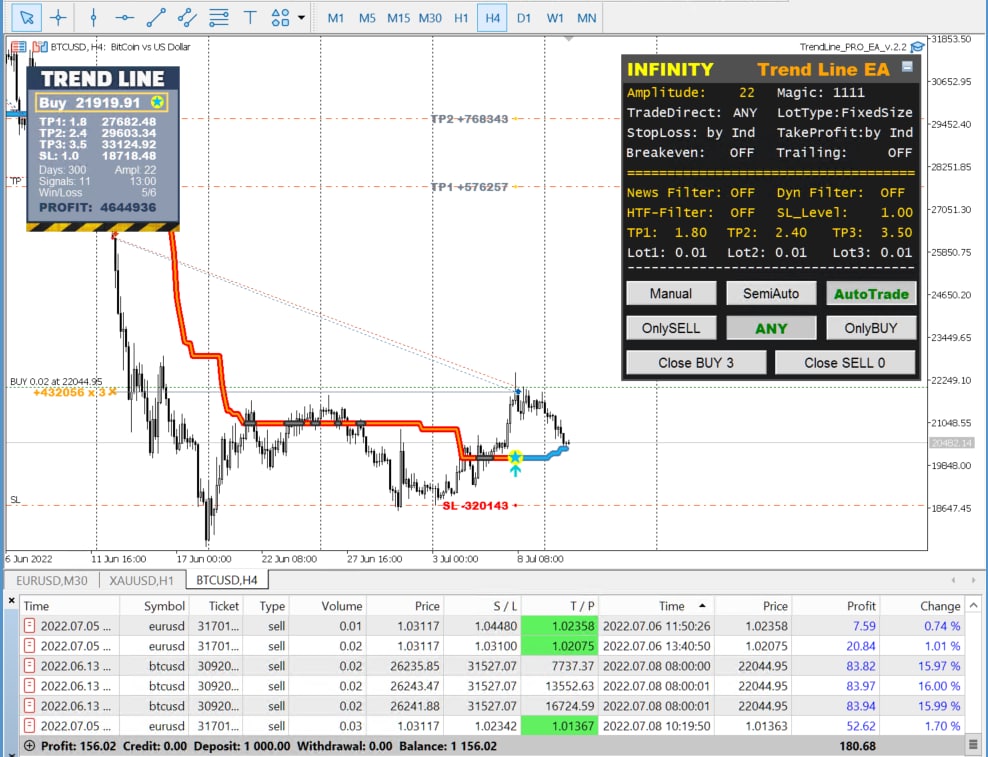
TP1: +101320 (hit)
TP2: +861220 (hit)
TP3: +1089190 (hit)
🔵 MT4: https://www.mql5.com/en/market/product/36087
🔴 MT5: https://www.mql5.com/en/market/product/42399
INFINITY robots 🤖: https://www.mql5.com/en/users/neurofx/seller#products
🔵 MT4: https://www.mql5.com/en/market/product/56690
🔴 MT5: https://www.mql5.com/en/market/product/56696
🎥 VIDEO: https://youtu.be/M7BTDvCz78g
📈 Monitoring Live Signal: https://www.mql5.com/en/signals/877424
🔵 MT4: https://www.mql5.com/en/market/product/54532
🔴 MT5: https://www.mql5.com/en/market/product/54533