Downloading indicator problem
I’m having a big problem downloading an indicator when I click on the ‘Yes, I have MetaTrader 4, open MetaTrader 4’ button.
Nothing happens,
I have MT4 open all the time and the indicator won’t download or install.
- Live Update - For Advanced Users - Getting Started
- Getting Started - MetaTrader 5 for Android
- Instant notifications and alerts in MetaTrader 5
Try to locate and install it from your MT4 terminal's side.
Login into your MQL5 account in MT4 >> Tools >> Options >> Community first.
I’m logged in, but that hasn’t made any difference – I still can’t download the indicator
Jens #:
I’m logged in, but that hasn’t made any difference – I still can’t download the indicator
There is no any problem to download any indicator in case you filled Community tab of Metatrader with confirmation of it in Metatrader journal.I’m logged in, but that hasn’t made any difference – I still can’t download the indicator
It may be some issue in case you are using some VPS or old Windows version for example.
I don’t know where this journal is, and where to find this confirmation
Jens #:
I don’t know where this journal is, and where to find this confirmation
MetaTrader 4 Help → Market
I don’t know where this journal is, and where to find this confirmation

MetaTrader 4 Help
- www.metatrader4.com
Client Terminal is a part of the online trading system. It is installed on the trader's computer and intended for: receiving quotes and news in the...
I wrote in my first post about the problem I’m having
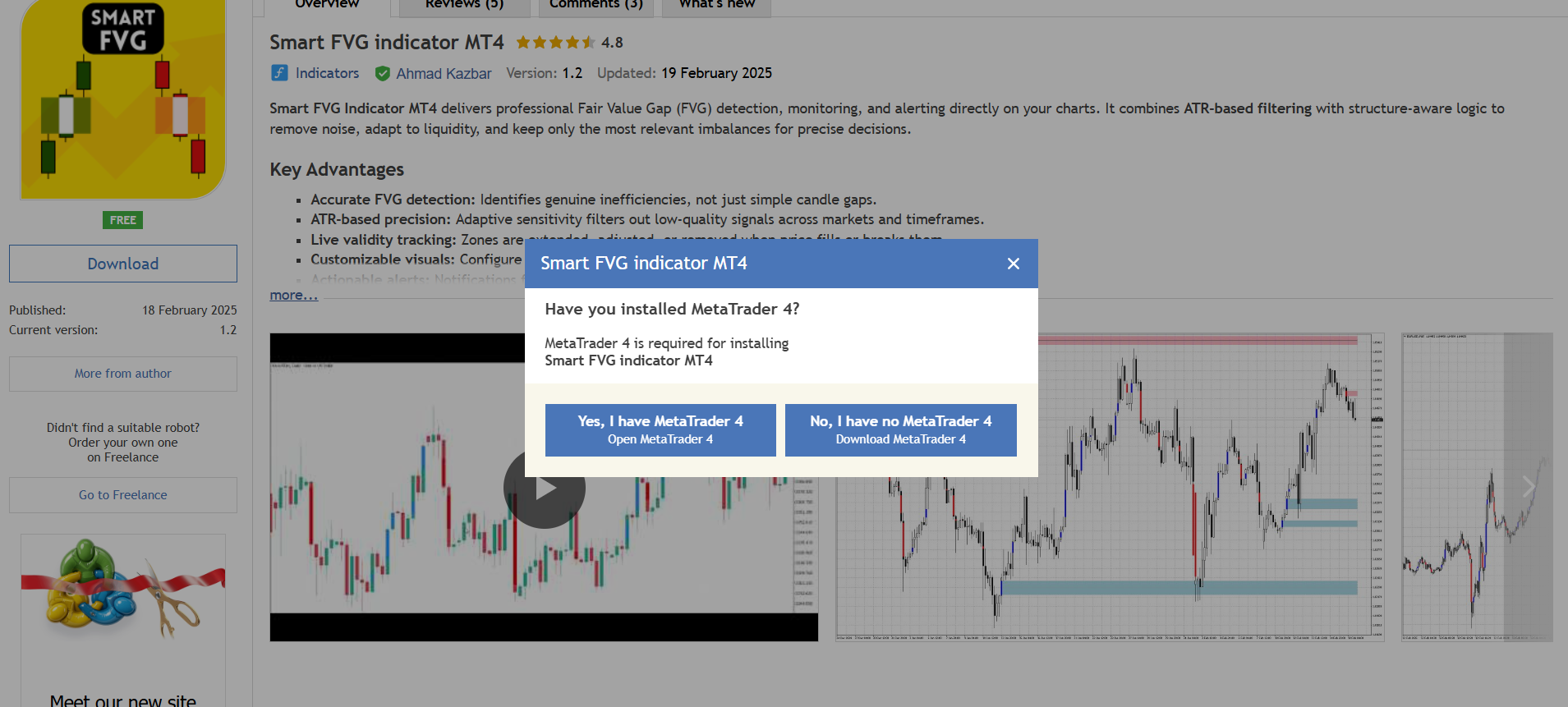
when I click on the ‘Yes, I have MetaTrader 4, open MetaTrader 4’ button.
Nothing happens,
I try download indicator smart FVG
Files:
MT4.png
188 kb
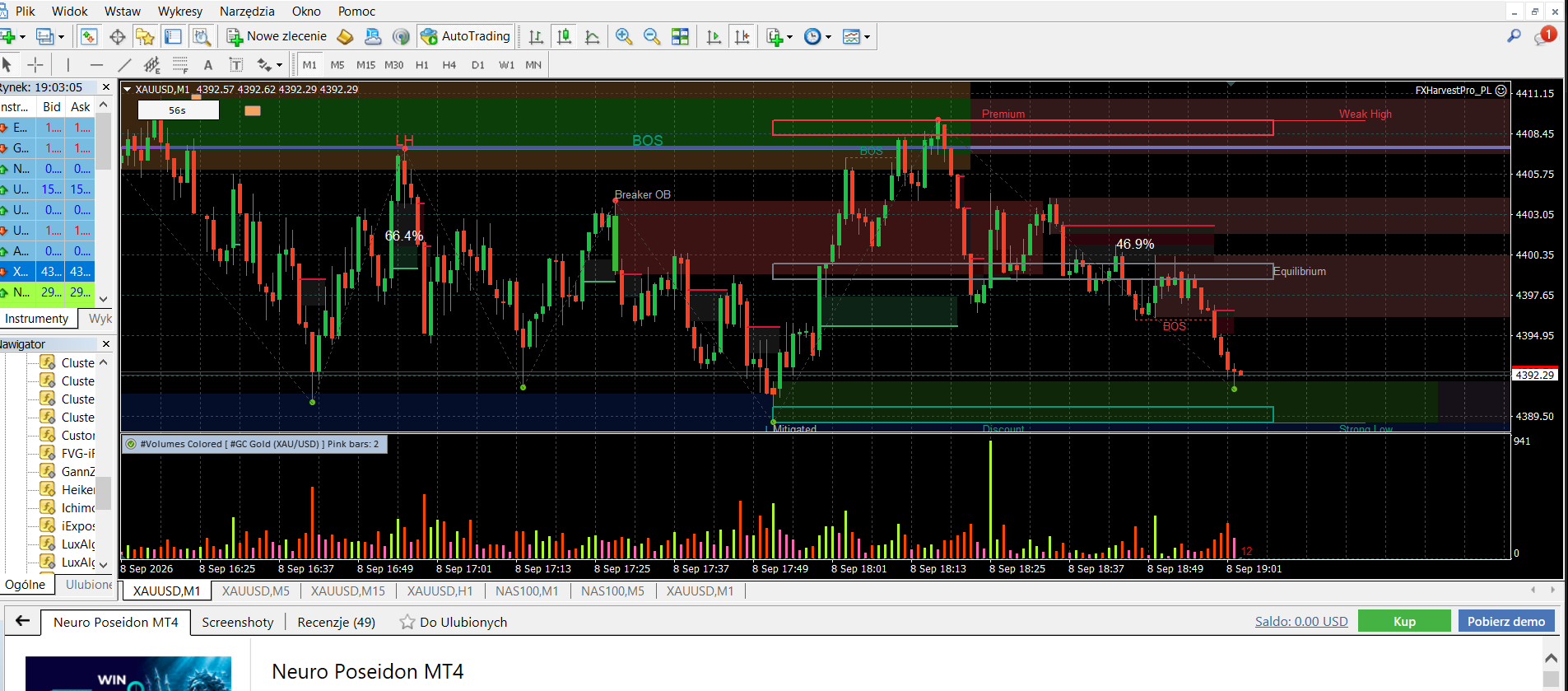
mql5_problem.png
472 kb
Jens #:
I wrote in my first post about the problem I’m having
when I click on the ‘Yes, I have MetaTrader 4, open MetaTrader 4’ button.
Nothing happens,
I try download indicator smart FVG
I've told you to find and install it through your MT4 terminal, but you keep trying through the MQL5.com website.
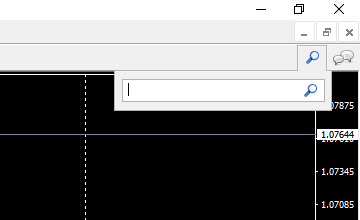
Search for the indicator in the top right corner of your MT4 terminal, click the result in the 'Search results' down in the Terminal window and install it.
Problem solved
Thanks for your help

You are missing trading opportunities:
- Free trading apps
- Over 8,000 signals for copying
- Economic news for exploring financial markets
Registration
Log in
You agree to website policy and terms of use
If you do not have an account, please register