Play/Pause, Speed settings bar has disappeared, how to get it back in the tester?
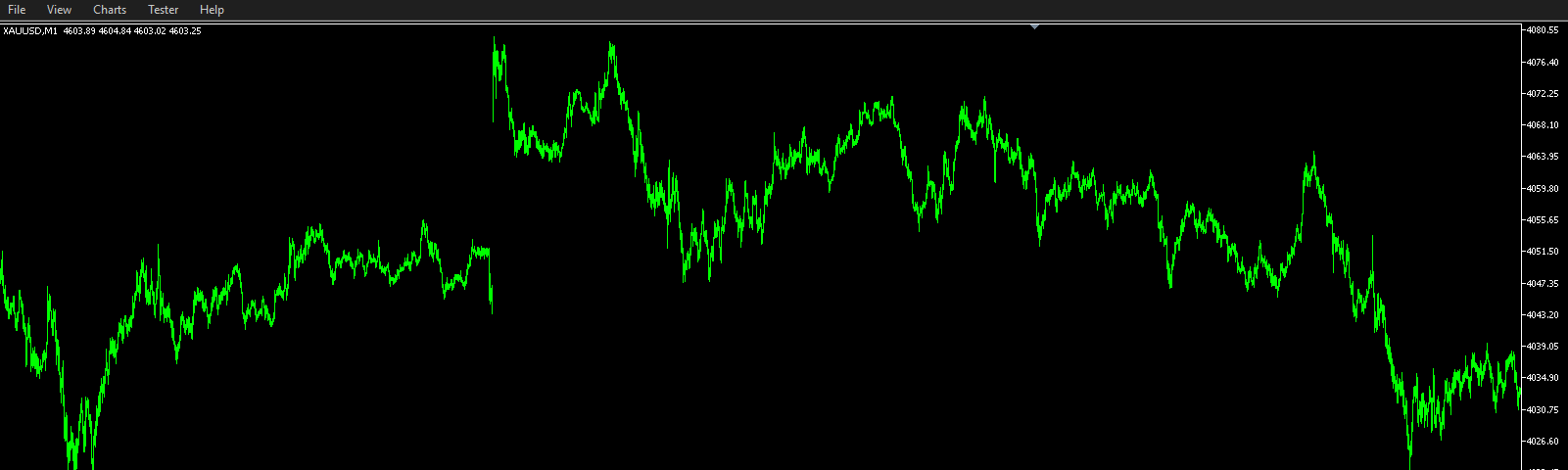
Type F11 key.
Nazil Amin Sayed #:
I've tried that but it only hides/unhides the toolbox, the upper toolbar with the controls is missing
I've tried that but it only hides/unhides the toolbox, the upper toolbar with the controls is missing
Then I don't know. How did you come to hide the toolbar ?!?
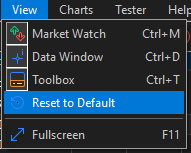
Did you try Reset to Default ?
What is your config ?

How to report technical issues?
- 2023.06.20
- www.mql5.com
To get good and efficient help you need to provide all the relevant technical informations about your context when using the application (MT5 deskt...
Ok found it.
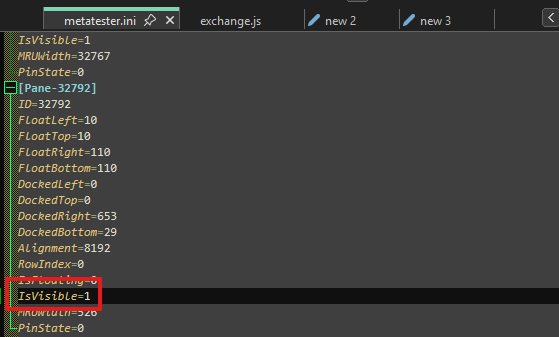
Open the metatester.ini file from this folder x:\[xxx]\AppData\Roaming\MetaQuotes\Tester\config
Then find [Pane-32792] and set IsVisible to 1.

You are missing trading opportunities:
- Free trading apps
- Over 8,000 signals for copying
- Economic news for exploring financial markets
Registration
Log in
You agree to website policy and terms of use
If you do not have an account, please register