Help Please! I have 2 EAs on 2 seperate accounts, each with their own MT5 VPS. One is working fine but the other has stopped working.
Hi All,
Can anyone help me with this issue? I dont know if it is a VPS issue or the EA issue, but an EA does nt seem to be allowing me to get to the properties box to change some inputs. All I hear is like an error sound after I right click on the EA name, as though I was trying to open something that is already open. Obviously I have checked that nothing is open behind the chart etc but nothing is. I have to p0ress ESC to get out of it giving me the error sound. Has anyone else had this? Or does anyone know how to fix it? I fully accept that it is potentially 100% operator error but I just can't work it out! Any help appreciated, thanks in advance!
MT5 VPS (MQL5 VPS) does not have remote desktop connection so you/we can not go to be inside this VPS to change the settings of the EA.
The changing the settings of the EA is doing as the following:
- you change everything in your home MT5, and after that - provide the migration/synchronization;
- check everything in thhe MT5 journals (migrated sucessfully or not);
- check everything in MQL5 VPS journals/logs (there are two logs in MQL5 VPS).
Your home Metatrader has nothing to do woth any settings etc after that migration.
MT5 VPS (MQL5 VPS) does not have remote desktop connection so you/we can not go to be inside this VPS to change the settings of the EA.
The changing the settings of the EA is doing as the following:
- you change everything in your home MT5, and after that - provide the migration/synchronization;
- check everything in thhe MT5 journals (migrated sucessfully or not);
- check everything in MQL5 VPS journals/logs (there are two logs in MQL5 VPS).
Your home Metatrader has nothing to do woth any settings etc after that migration.
Thank you for your reply, I think I have not explained it correctly. The VPS side is working correctly as migration of EA was successful etc. The issue is that I now can not right click on the EA name on mt5 chart and access the EA settings. That is what is making the error warning sound, but nothing pops up message box wise. It just "freezes in a loop of error sounds" until I hit ESC and then it just removes the EA from my mt5 chart. Hopefully that makes more sense. I tried loading the other EA onto a seperate chart and same thing happens, you can not access the input settings, even when I stopped the VPS, same issue. I have enabled and disabled the algo trading, but that made no difference. Could it possibly be a broker issue?
Your home Metatrader (with EA attached on the chart) has nothing to do with VPS after migration.
Because MQL5 VPS is the other Metatrader but in cloud.
So, as I understand - what you are describing is the following:
some bug/issue with your home Metatrader or your PC or your EA ...
The issue is that I now can not right click on the EA name on mt5 chart and access the EA settings.
EA is attached to the chart?
I am using two left mouse click (to open EA settings).
Your home Metatrader (with EA attached on the chart) has nothing to do with VPS after migration.
Because MQL5 VPS is the other Metatrader but in cloud.
So, as I understand - what you are describing is the following:
some bug/issue with your home Metatrader or your PC or your EA ...
EA is attached to the chart?
I am using two left mouse click (to open EA settings).
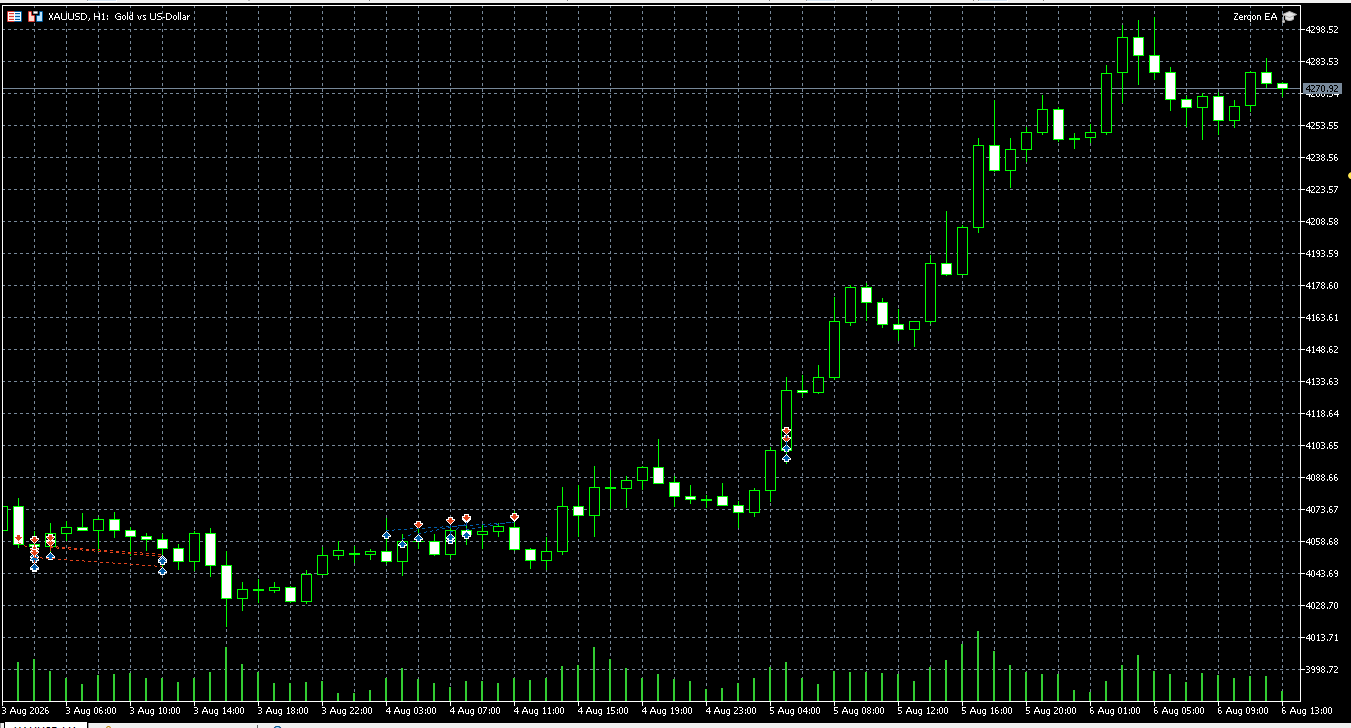 yes the EA is on the chart but if I try to right click it once or twice, it just starts the error sound. Do you think it is an mt5 issue or a broker issue? It was fine until today when I tried to change the settings and realised I cant!
I am using two left mouse click (to open EA settings)
there has been a new MT5 recently
The repeated warning sound is a strong sign that an Expert Properties window is already open but not visible (often off-screen after a monitor or scaling change), rather than a broker or VPS problem.

- Free trading apps
- Over 8,000 signals for copying
- Economic news for exploring financial markets
You agree to website policy and terms of use
Hi All,
Can anyone help me with this issue? I dont know if it is a VPS issue or the EA issue, but an EA does nt seem to be allowing me to get to the properties box to change some inputs. All I hear is like an error sound after I right click on the EA name, as though I was trying to open something that is already open. Obviously I have checked that nothing is open behind the chart etc but nothing is. I have to p0ress ESC to get out of it giving me the error sound. Has anyone else had this? Or does anyone know how to fix it? I fully accept that it is potentially 100% operator error but I just can't work it out! Any help appreciated, thanks in advance!