MetaEditor Color Settings Resets After PC Restart
Good day, MQL5 community.
After updating MT5, the color settings in my MetaEditor changed. I customized them to my preferred theme, but every time I restart my PC, MetaEditor reverts to a default color setting shown below, which I find quite distracting.
Has anyone experienced this issue before? How can I make my customized color settings permanent so I don't have to reconfigure them after every shutdown or restart?
Any suggestions would be greatly appreciated.
Kudos to the MetaQuotes team for the new features in MetaEditor 5!
I'm experiencing the same issue. I haven't tried other colors in different functions, but I'm having trouble with the exact "Gray" color in the "Comment" function. Strangely, only the "Gray" color isn't saved, changing to a different color allows it to be saved.
Good day, MQL5 community.
After updating MT5, the color settings in my MetaEditor changed. I customized them to my preferred theme, but every time I restart my PC, MetaEditor reverts to a default color setting shown below, which I find quite distracting.
Has anyone experienced this issue before? How can I make my customized color settings permanent so I don't have to reconfigure them after every shutdown or restart?
Any suggestions would be greatly appreciated.
Kudos to the MetaQuotes team for the new features in MetaEditor 5!
Not reproducible.
1. Please post your config (see top of Journal log).
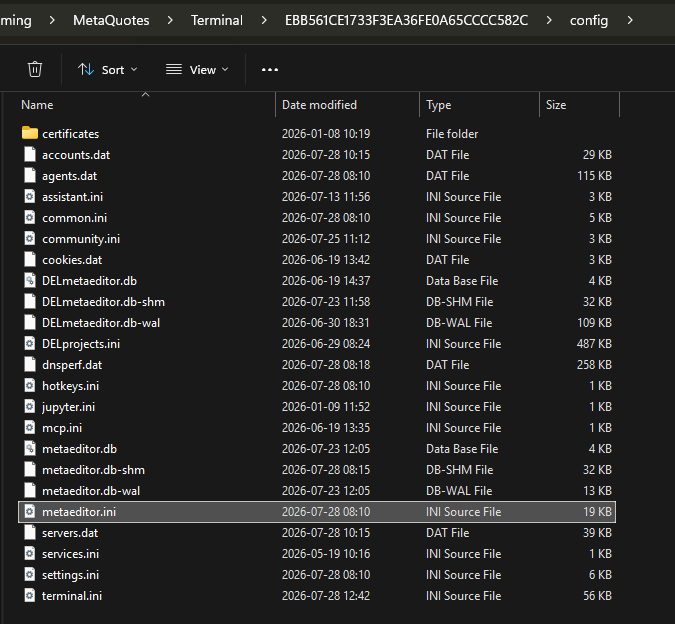
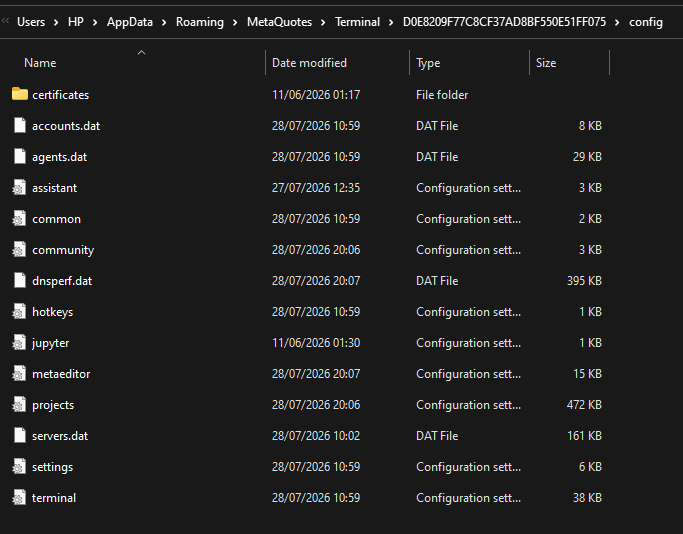
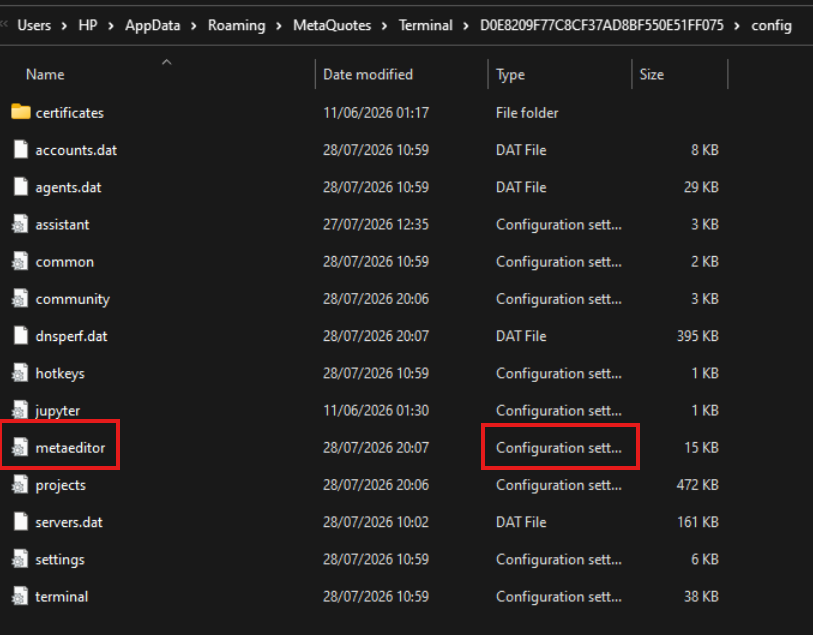
2. Try to delete (make a backup) metaeditor.ini in config folder.

- Free trading apps
- Over 8,000 signals for copying
- Economic news for exploring financial markets
You agree to website policy and terms of use
Good day, MQL5 community.
After updating MT5, the color settings in my MetaEditor changed. I customized them to my preferred theme, but every time I restart my PC, MetaEditor reverts to a default color setting shown below, which I find quite distracting.
Has anyone experienced this issue before? How can I make my customized color settings permanent so I don't have to reconfigure them after every shutdown or restart?
Any suggestions would be greatly appreciated.
Kudos to the MetaQuotes team for the new features in MetaEditor 5!