Contrast
Hello, I reinstalled MT5 on my mobile, but now is the contrast of the candles much lower and the settings are doing exactly the same thing... how do I get them right again?
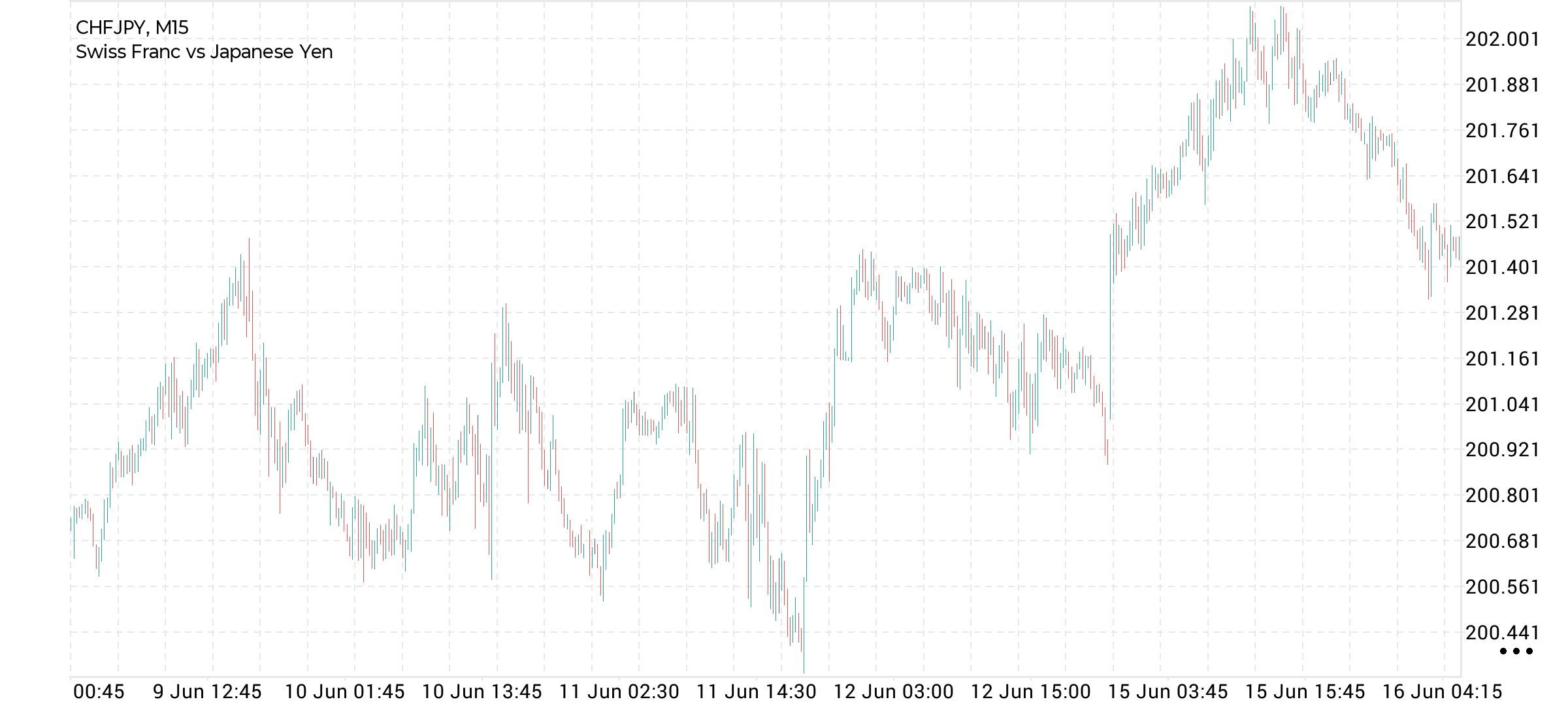
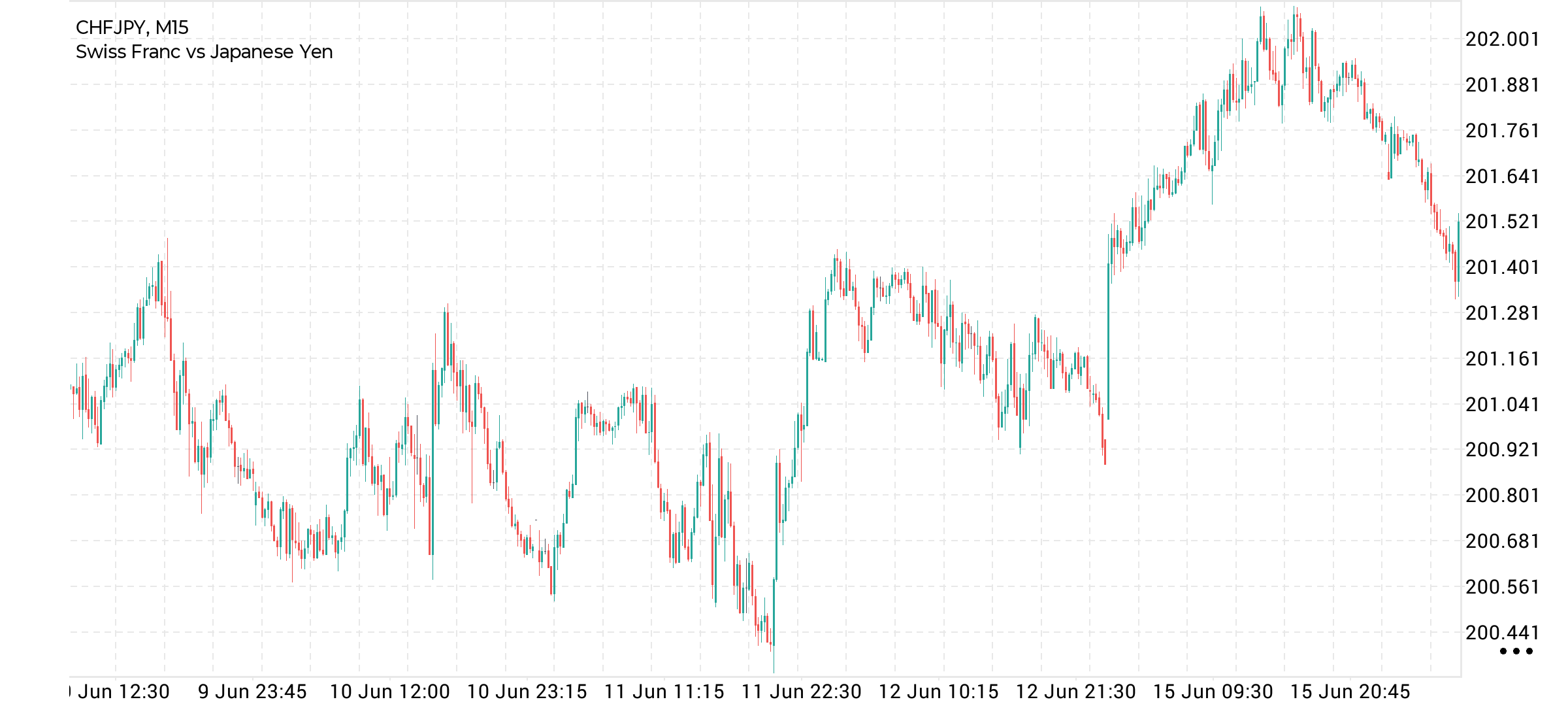
First screenshot is the new one and not good and second one is good
Files:
Screenshot_20260619-113454_MetaTrader_5.png
83 kb
Screenshot_20260618-224632_MetaTrader_5.png
99 kb
- Machine learning in trading: theory, models, practice and algo-trading
- Questions from Beginners MQL4 MT4 MetaTrader 4
- save settings
raymond willemen:
Hello, I reinstalled MT5 on my mobile, but now is the contrast of the candles much lower and the settings are doing exactly the same thing... how do I get them right again?
Hello, I reinstalled MT5 on my mobile, but now is the contrast of the candles much lower and the settings are doing exactly the same thing... how do I get them right again?
First screenshot is the new one and not good and second one is good
First screenshot is not good and second one is good when you zoom in
raymond willemen:
I reinstalled MT5 on my mobile, but now is the contrast of the candles much lower and the settings are doing exactly the same thing... how do I get them right again?
I reinstalled MT5 on my mobile, but now is the contrast of the candles much lower and the settings are doing exactly the same thing... how do I get them right again?
Please post your device/operating system and your MT5 Build number. In this way, someone having the same setup might be able to give you an apples-to-apples answer.
Generally speaking, it sounds like a device related issue. Make sure that your device is not in battery saver mode, and check your device's storage and memory usage. Simply restarting your device should clean your device cache.
For large candlesticks, displaying bar borders is a priority. For very small candlesticks, displaying the color of ascending and descending candlesticks is important, so the borders have to be hidden or reduced. This can result in a blurry image. For now, we can only fix this by limiting the zoom level or removing some color schemes. We'll likely do so.
This issue didn't occur with older charts due to the significantly narrower zoom range.
This issue didn't occur with older charts due to the significantly narrower zoom range.
In the new Mt5 Android 5871 release, it will be possible to set a zoom limit for a chart.


You are missing trading opportunities:
- Free trading apps
- Over 8,000 signals for copying
- Economic news for exploring financial markets
Registration
Log in
You agree to website policy and terms of use
If you do not have an account, please register