EA getting Removed
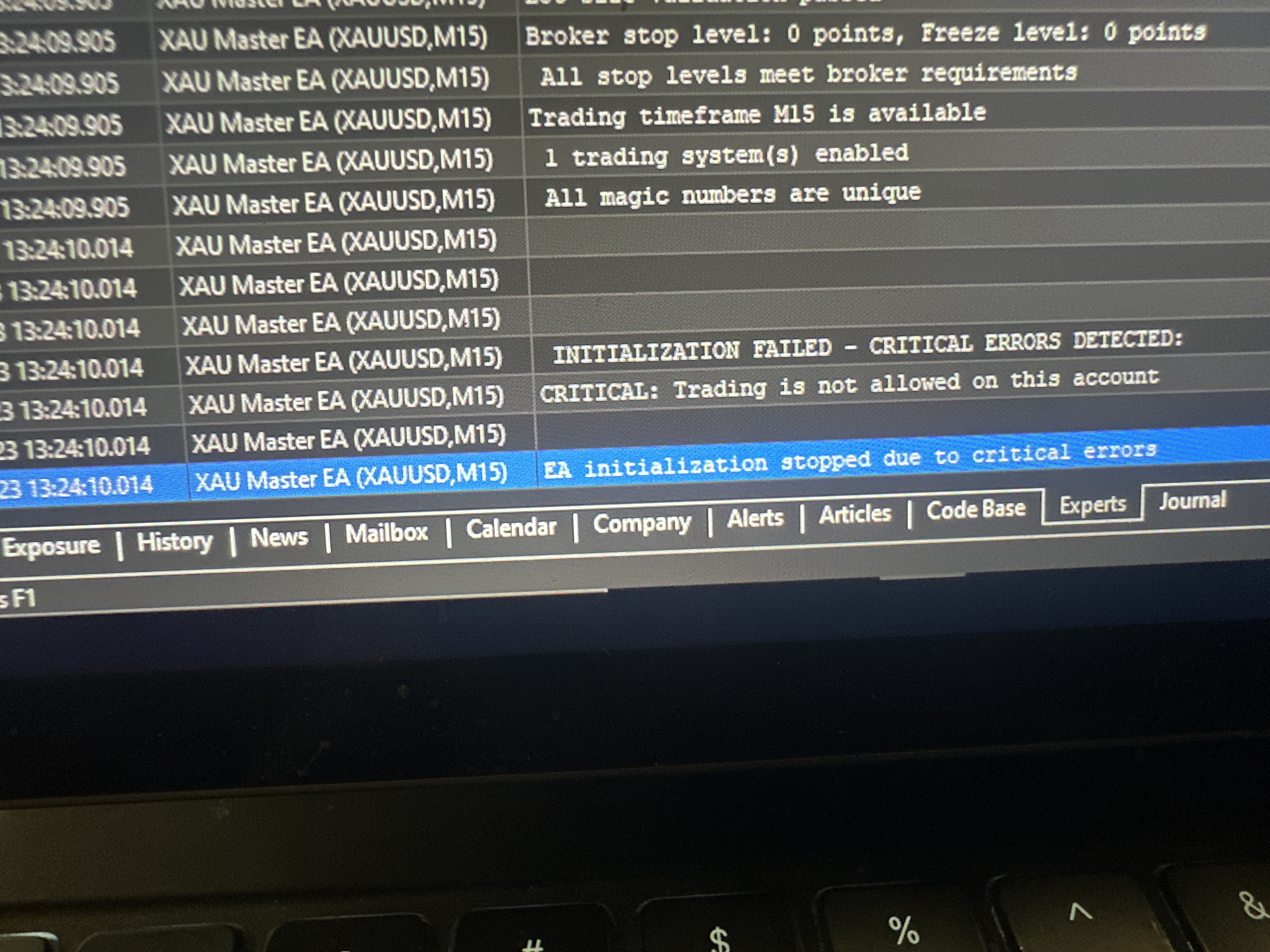
Not able to add EA to my charts.
Not able to add EA to my charts.
Make sure that you are logged into your MQL5 account first and then that you installed everything, through your MQL5 account, in the Navigator window >> Market >> My Purchases in MT5 and not by copy/paste of the ex5 file from another terminal.
You must be kept logged into your MQL5 account at all times, in order your MQL5.com Market purchases to work properly.
Then restart your MT5 terminal and try your setup again.
If the problem persists, then something is wrong with your MT5 terminal, so uninstall it, then download the custom branded MT5 terminal from your broker's website, install it and install your MQL5.com Market purchases again and perform the EA setup again.
Make sure that you are logged into your MQL5 account first and then that you installed everything, through your MQL5 account, in the Navigator window >> Market >> My Purchases in MT5 and not by copy/paste of the ex5 file from another terminal.
You must be kept logged into your MQL5 account at all times, in order your MQL5.com Market purchases to work properly.
Then restart your MT5 terminal and try your setup again.
If the problem persists, then something is wrong with your MT5 terminal, so uninstall it, then download the custom branded MT5 terminal from your broker's website, install it and install your MQL5.com Market purchases again and perform the EA setup again.
Not able to add EA to my charts.
Your log says you are not connected to a trading account (invalid account).
And this EA seems to not start in such situation.

- Free trading apps
- Over 8,000 signals for copying
- Economic news for exploring financial markets
You agree to website policy and terms of use