Discussion of article "Library for easy and quick development of MetaTrader programs (part XX): Creating and storing program resources"
You have 1 byte encoded with 5 characters ("0xNN,").
Base64 is used to densely pack binary data into text. I got 1.36 characters per byte in my test.
Here is an example
void
OnStart() {
        uchar result[], result2[];
        uchar key[] = { 0 };
        uchar data[];
        int len1 = StringToCharArray("The quick brown  fox  jumps  over  the  lazy  dog", data);

        int len2 = CryptEncode(CRYPT_BASE64, data, key, result);
        Print("len1=", len1, ", len2=", len2, ", result=", CharArrayToString(result));

        CryptDecode(CRYPT_BASE64, result, key, result2);
        Print("result2=", CharArrayToString(result2));
}
len1=50, len2=68, result=VGhlIHF1aWNrIGJyb3duICBmb3ggIGp1bXBzICBvdmVyICB0aGUgIGxhenkgIGRvZwA=
You have 1 byte encoded with 5 characters ("0xNNN,").
Base64 is used to densely pack binary data into text. In my test I got 1.36 characters per byte.
Here is an example
len1=50, len2=68, result=VGhlIHF1aWNrIGJyb3duICBmb3ggIGp1bXBzICBvdmVyICB0aGUgIGxhenkgIGRvZwA=
That's not what we're talking about here...
Ah, you mean that you have data for compilation and in ex5 will occupy 1:1. Yes, there is no need to pack here.
Ah, you mean that you have data for compilation and in ex5 will occupy 1:1. Yes, there is no need to pack it here.

- Free trading apps
- Over 8,000 signals for copying
- Economic news for exploring financial markets
You agree to website policy and terms of use
New article Library for easy and quick development of MetaTrader programs (part XX): Creating and storing program resources has been published:
The article deals with storing data in the program's source code and creating audio and graphical files out of them. When developing an application, we often need audio and images. The MQL language features several methods of using such data.
After compiling the EA, it displays file creation results in the journal, plays the falling coin sound and displays the LED picture consisting of two images in the lower right corner of the screen. You can switch images by clicking on the LED. In fact, this is a button having two states (on/off).
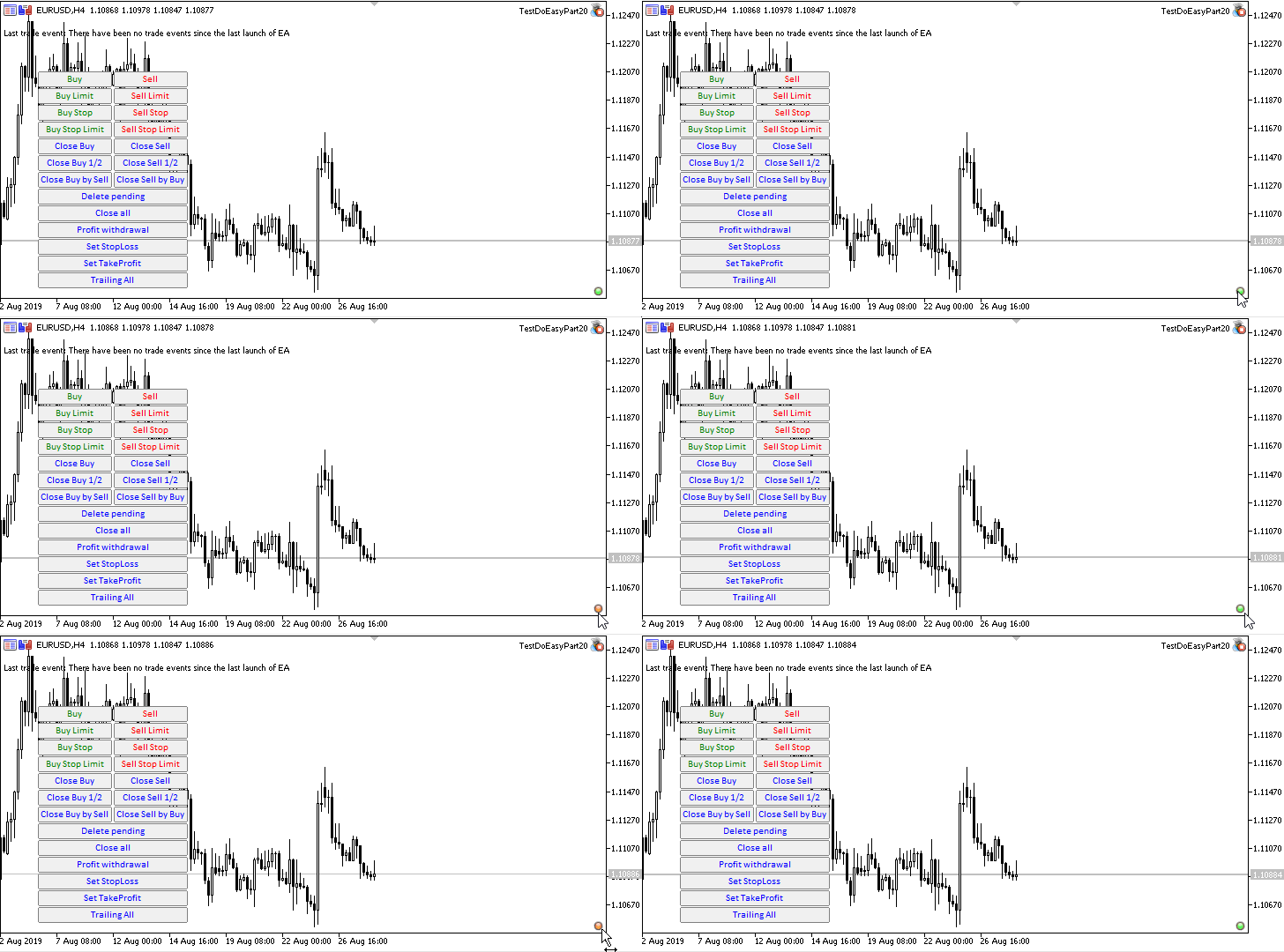
As we can see, everything works as it is supposed to. The messages about successful file generation appear in the journal, the LED changes its color when clicking on it, and if we open the terminal data folder (File --> Open Data Folder) and enter MQL5\Files\DoEasy\Resource\, we can see the Images and Sounds subfolders where all the newly created files are located.Author: Artyom Trishkin