Igor Zizek / Profil
- Information
|
6+ Jahre
Erfahrung
|
14
Produkte
|
377
Demoversionen
|
|
0
Jobs
|
0
Signale
|
0
Abonnenten
|
YouTube: https://youtube.com/Tradingbox
Facebook: https://www.facebook.com/TradingBoxTools
E-mail: mt4tradingboxea@gmail.com
All my links at one place: https://znap.link/tradingbox
Order management: https://www.mt4tradingbox.com/order-management/
Technical analysis tool mt4 mt5: https://www.mt4tradingbox.com/technical-analysis/
Rectangle indicator: https://www.mt4tradingbox.com/rectangle-extender/
Video: https://www.youtube.com/watch?v=OwfjWmBzPG8
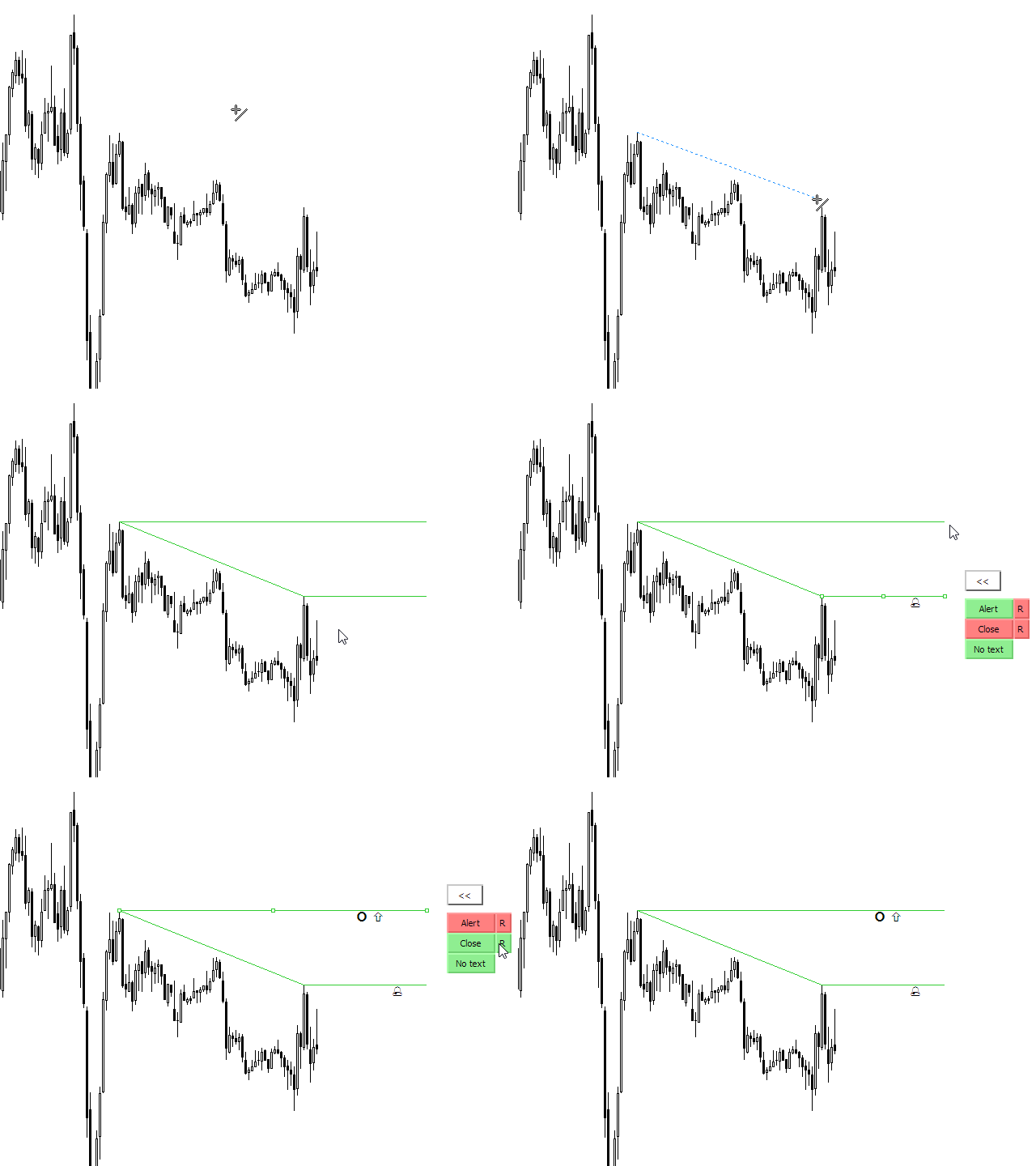
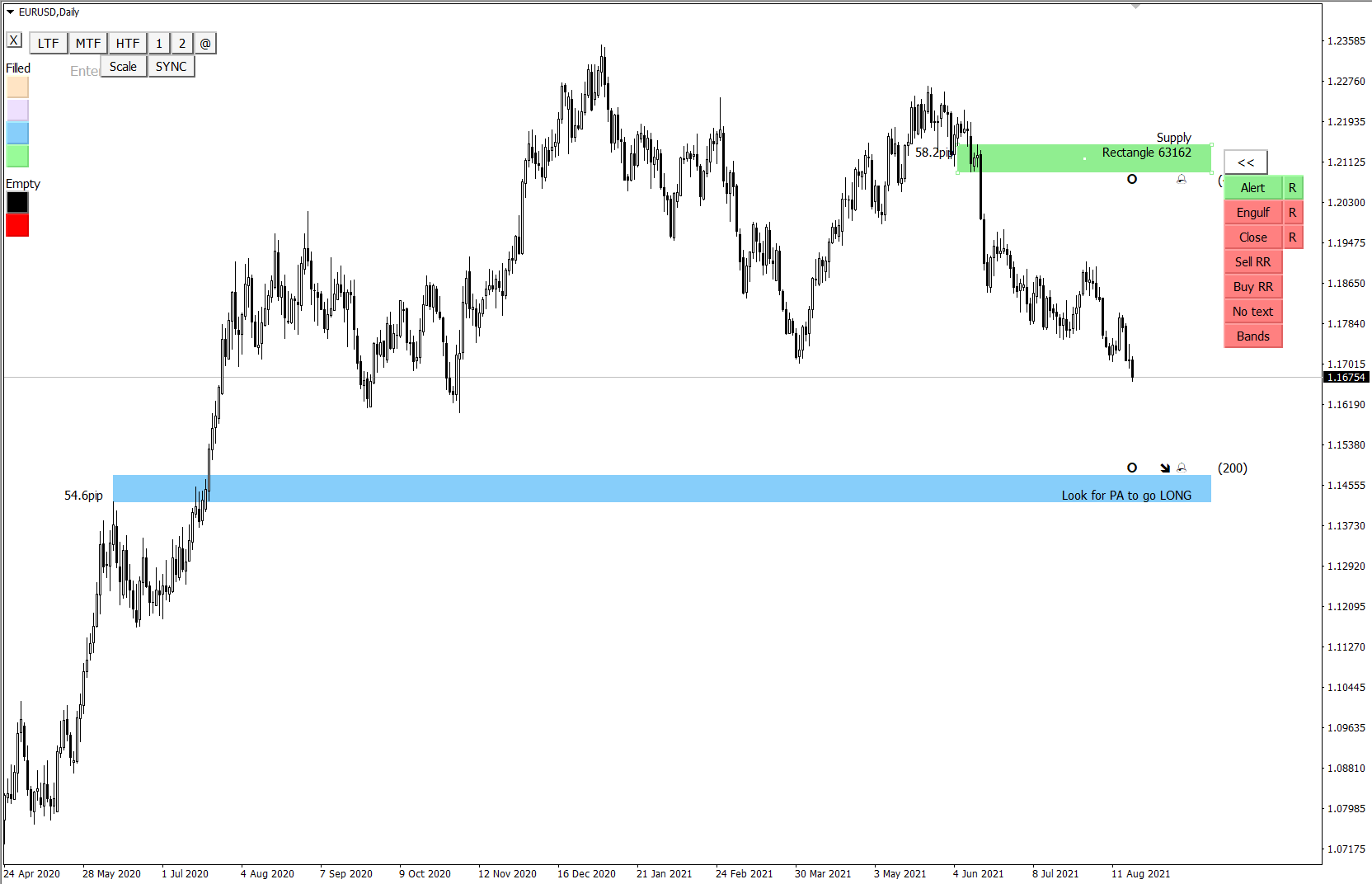
- NEW "Bands" button will create top and bottom rectangle lines visible on all TF but filled rectangle will be visible only on current TF. This will help you to see HTF levels on lower timeframes.
Rectangle top and bottom lines will be dashed for higher timeframes and solid for lower timerames.
When you disable "Bands" button it will restore rectangle TF visibility.
- NEW "Scale" button that will switch chart to "Fixed scale mode" that gives you option to move freely around the chart vertical and horizontal. It also gives you opportunity to get feeling for price movements
Trading box technical analysis TBTA
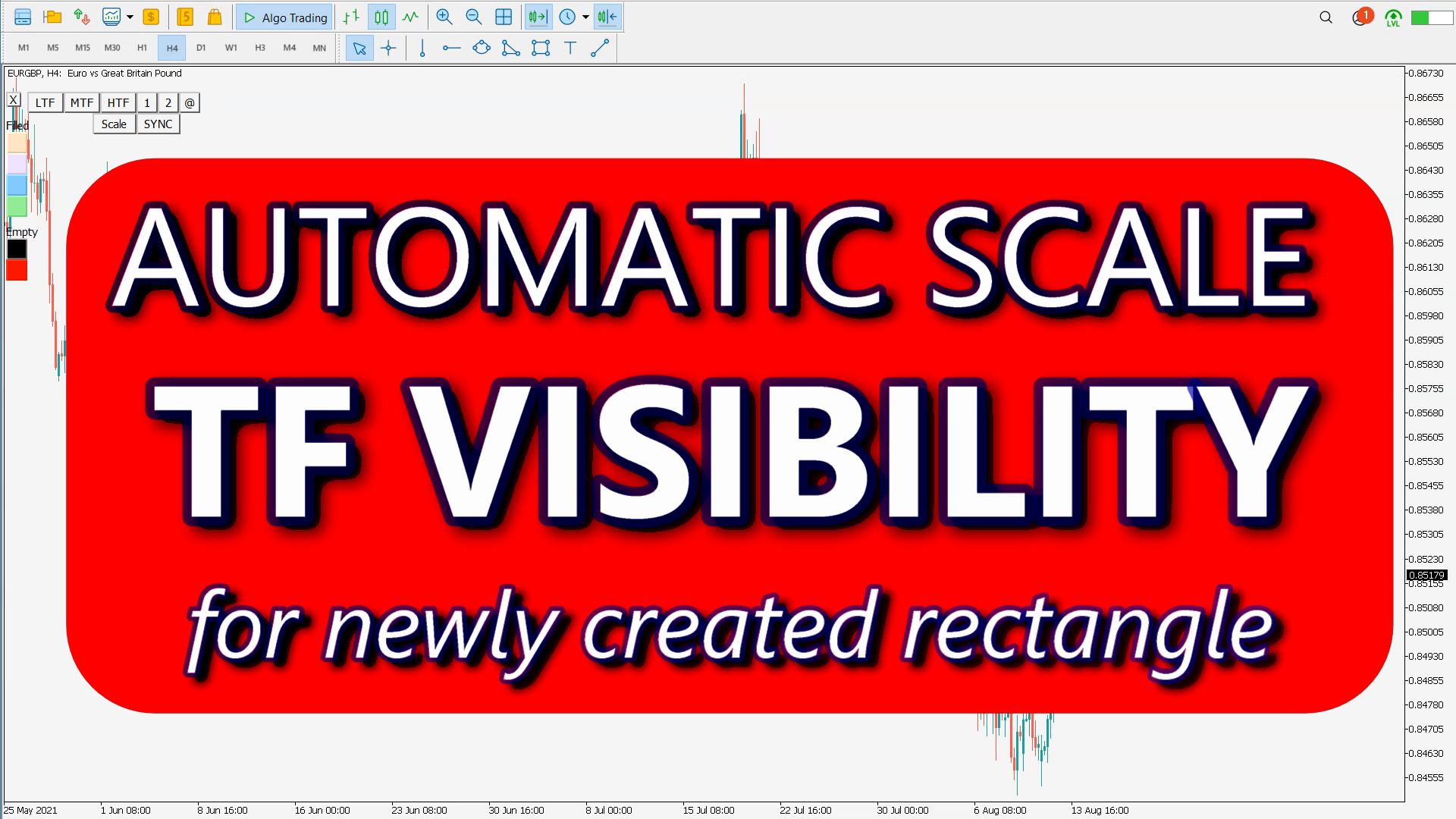
- NEW input "TF visibility for newly created rectangle & trendline"
Visibility for current and lower timeframes
timeframe scale indicator
https://www.youtube.com/watch?v=6EyXt2b6sFk
https://www.youtube.com/watch?v=ZCrqTA3_v7M
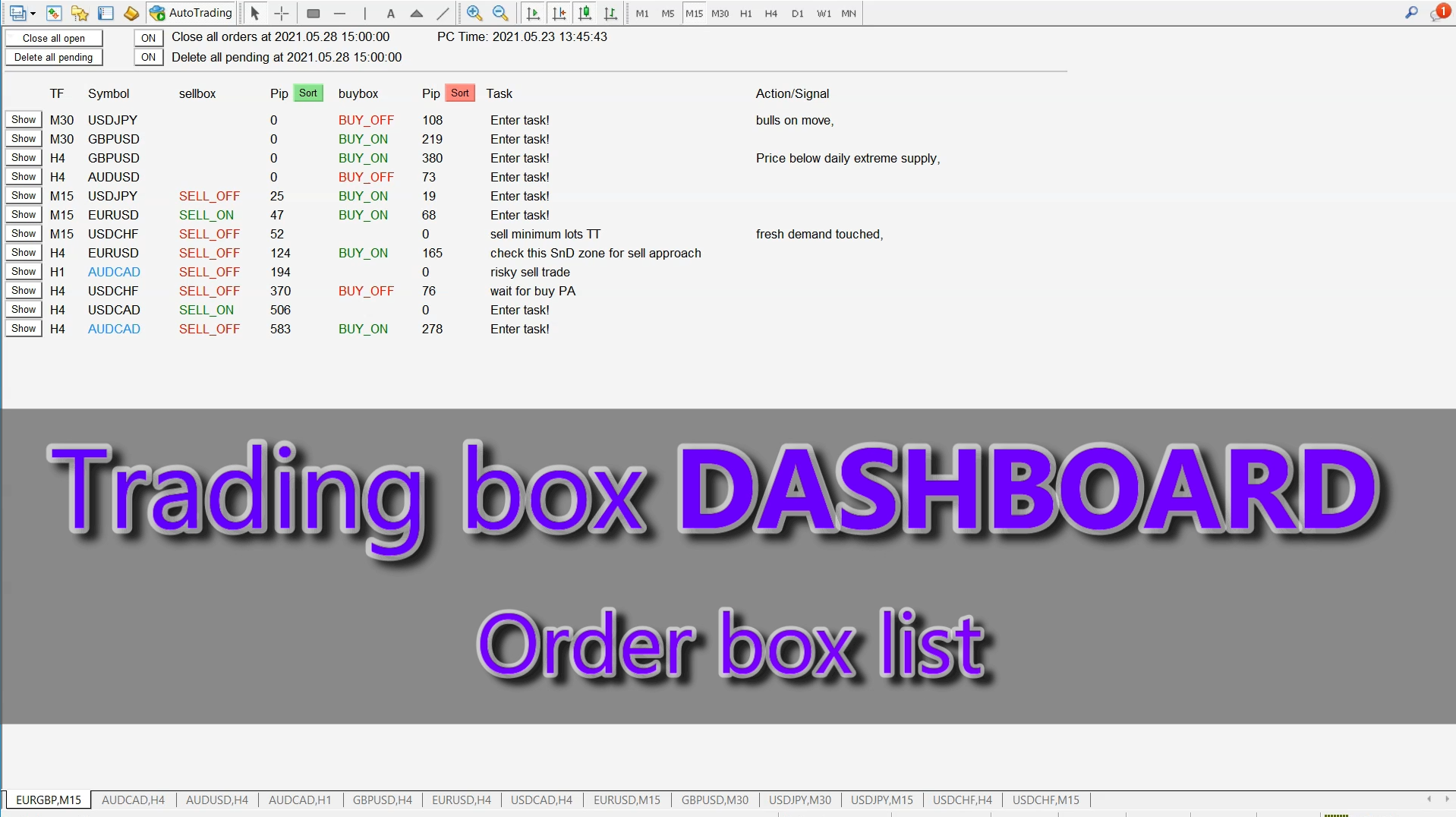
Anzeige der Orderbox-Liste aus dem Trading Box Order Management Tool. Kontakte und manuelle Links finden Sie in meinem Profil . Dieses Dashboard verschafft Ihnen einen Vorteil beim Devisenhandel, denn Sie können in wenigen Sekunden entscheiden, welches Paar und welcher Zeitrahmen es wert ist, genauer beobachtet zu werden. Auf diese Weise werden Sie nicht von den anderen Devisenpaaren, die Sie handeln, abgelenkt und verpassen keine großartigen Gelegenheiten, den besten Preis zu handeln. Trading
Fortgeschrittenes Handelswerkzeug: Intelligente Aufträge mit einem Klick, die unter Ihren Bedingungen ausgeführt werden Entwickelt von Händlern für Händler: Positionsgrößenrechner (Lotgröße), Positionseröffnung nach Kursentwicklung, Strategieerstellung, "Set and Forget", mobile Benachrichtigungen Risikomanagement - Positionsgrößenrechner mit Risikoprozentsatz, Gewinnprozentsatz, Ziel-Risiko-Belohnungs-Verhältnis, Spread und Kommissionen sind in den Berechnungen enthalten 7 fortgeschrittene
VIDEO: https://www.youtube.com/watch?v=STh5yjRPmTA
Download: https://www.mql5.com/en/market/product/47888
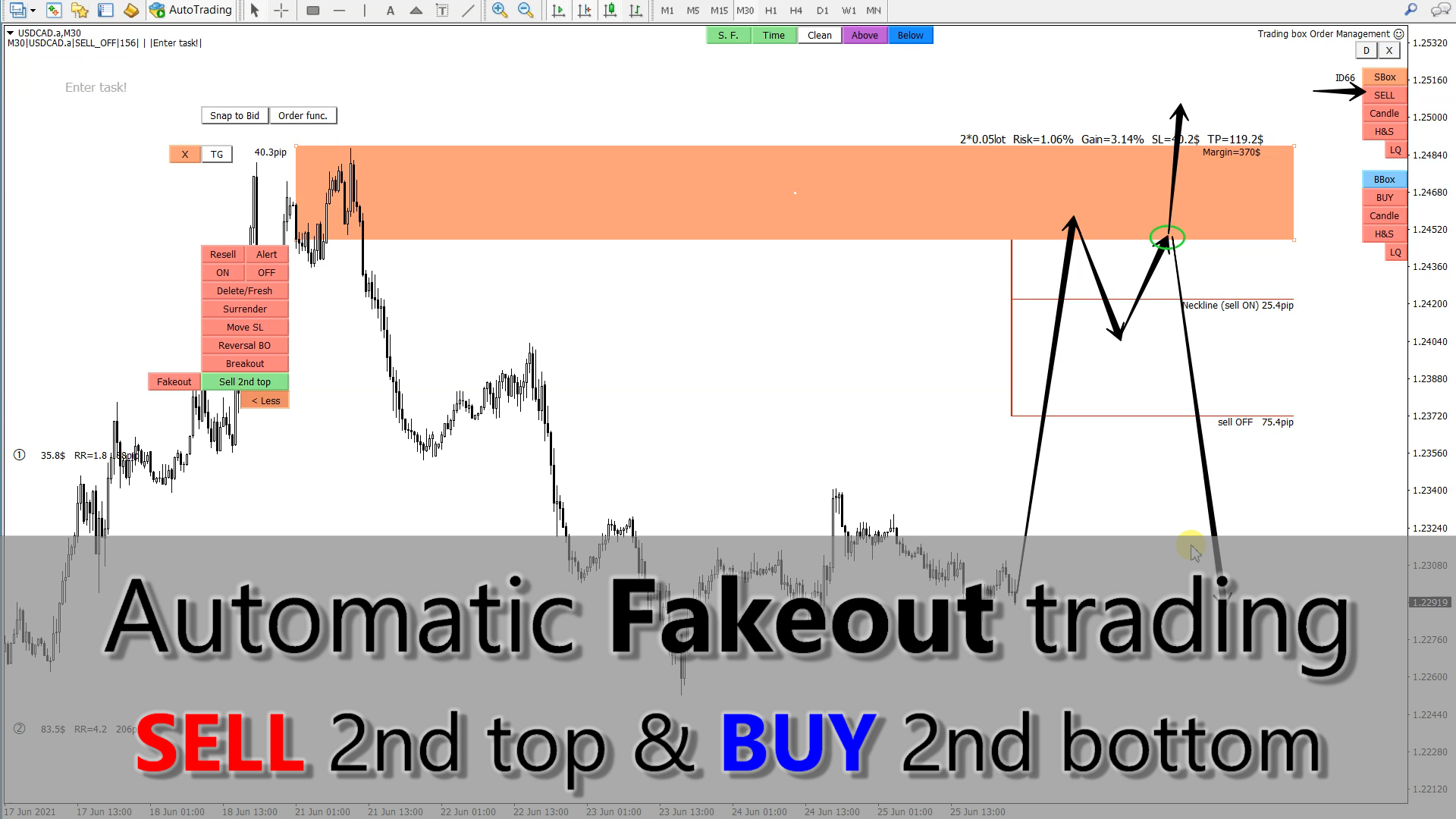
- NEW button "Sell 2nd top" that will give you price action lines to capture double top creation. Orders will be opened when second top will be created (price second time back to Order box supply zone)
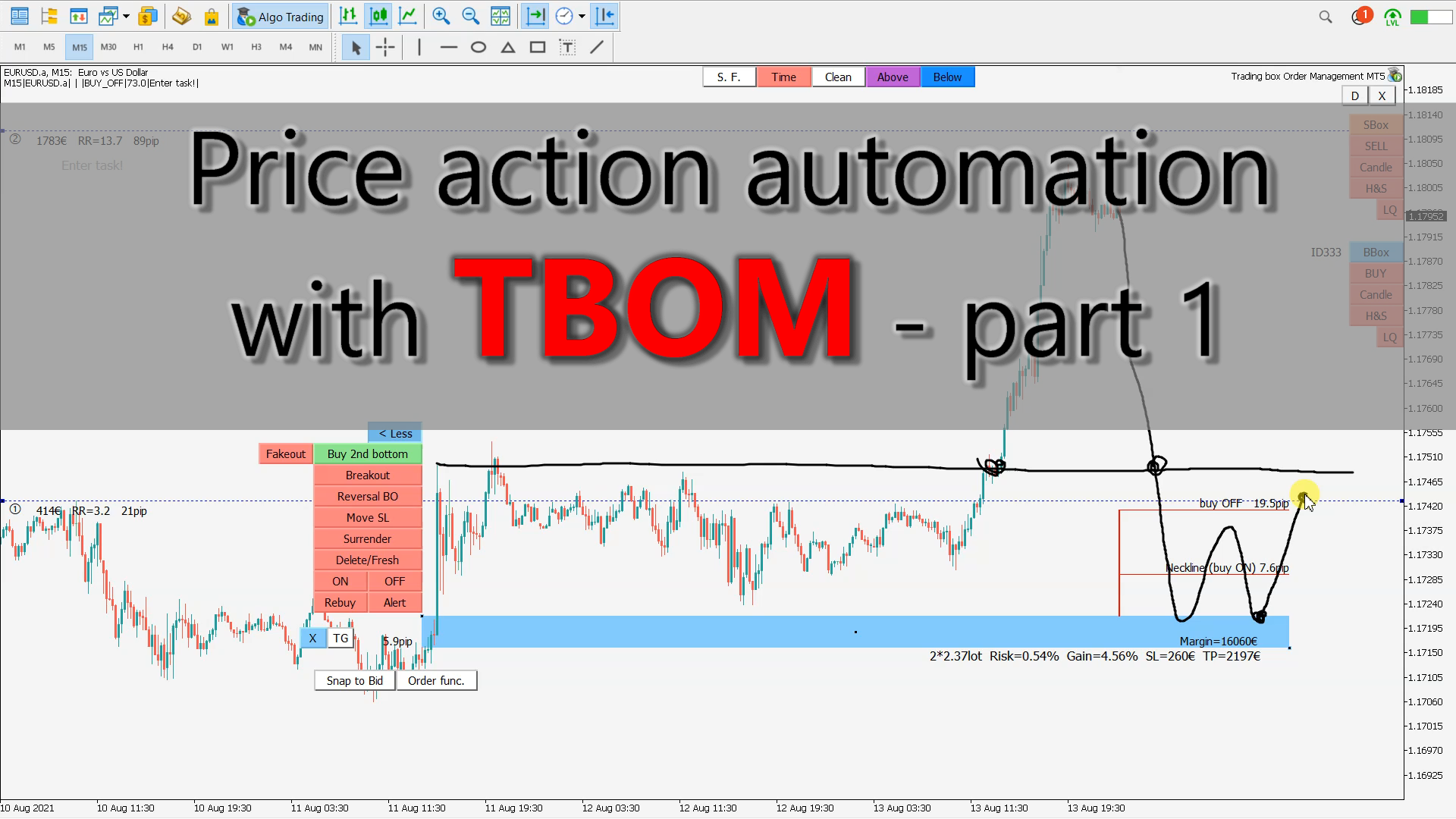
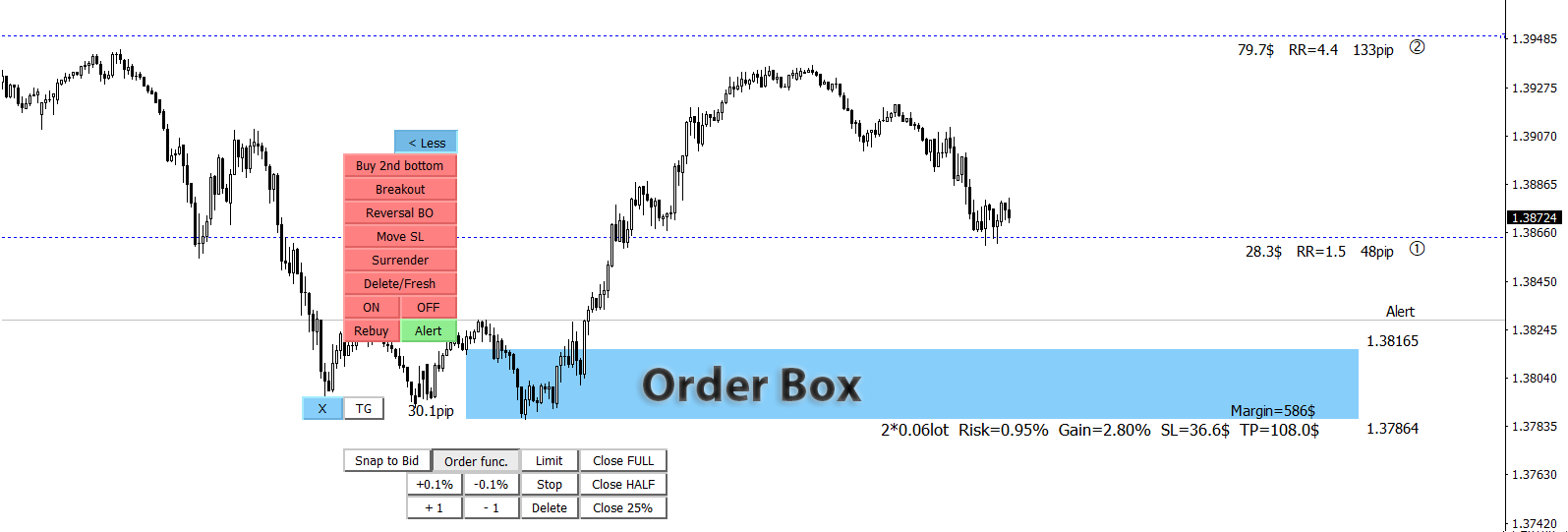
- NEW button "Buy 2nd bottom" that will give you price action lines to capture double top creation. Orders will be opened when second bottom will be created (price second time back to Order box demand zone)
- NEW "Fakeout" button that will appear when "Sell 2nd top" or "Buy 2nd bottom" will be activated. This Fakeout function will open order above first top or below first bottom. If this price action will happened then Order box will be shrinked and thinner Order box means bigger lot size and larger profits.
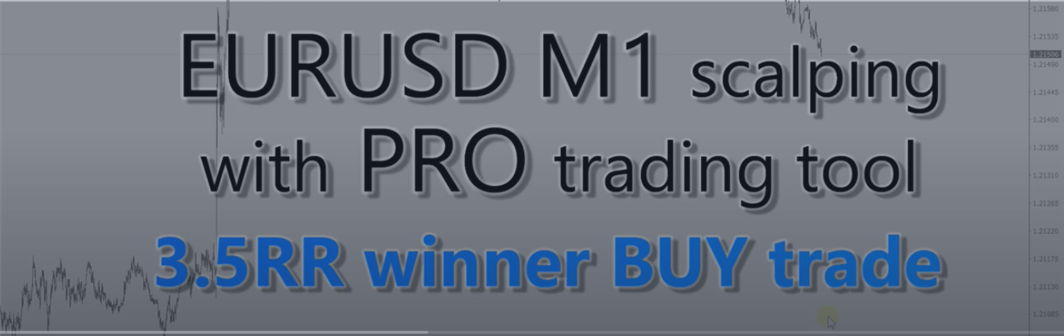
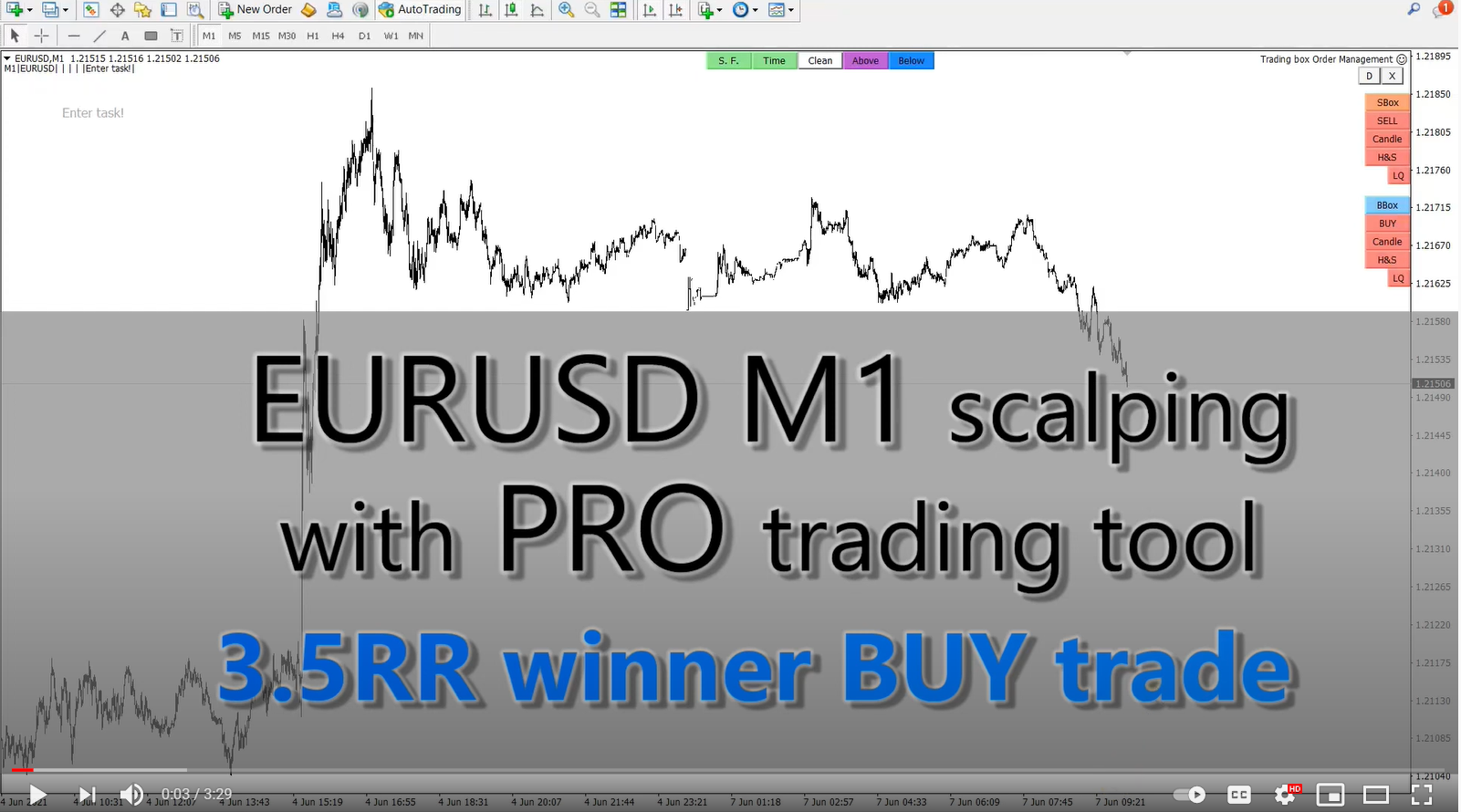
Live EURUSD M1 scalping trading lower time frame (automated entry tool)
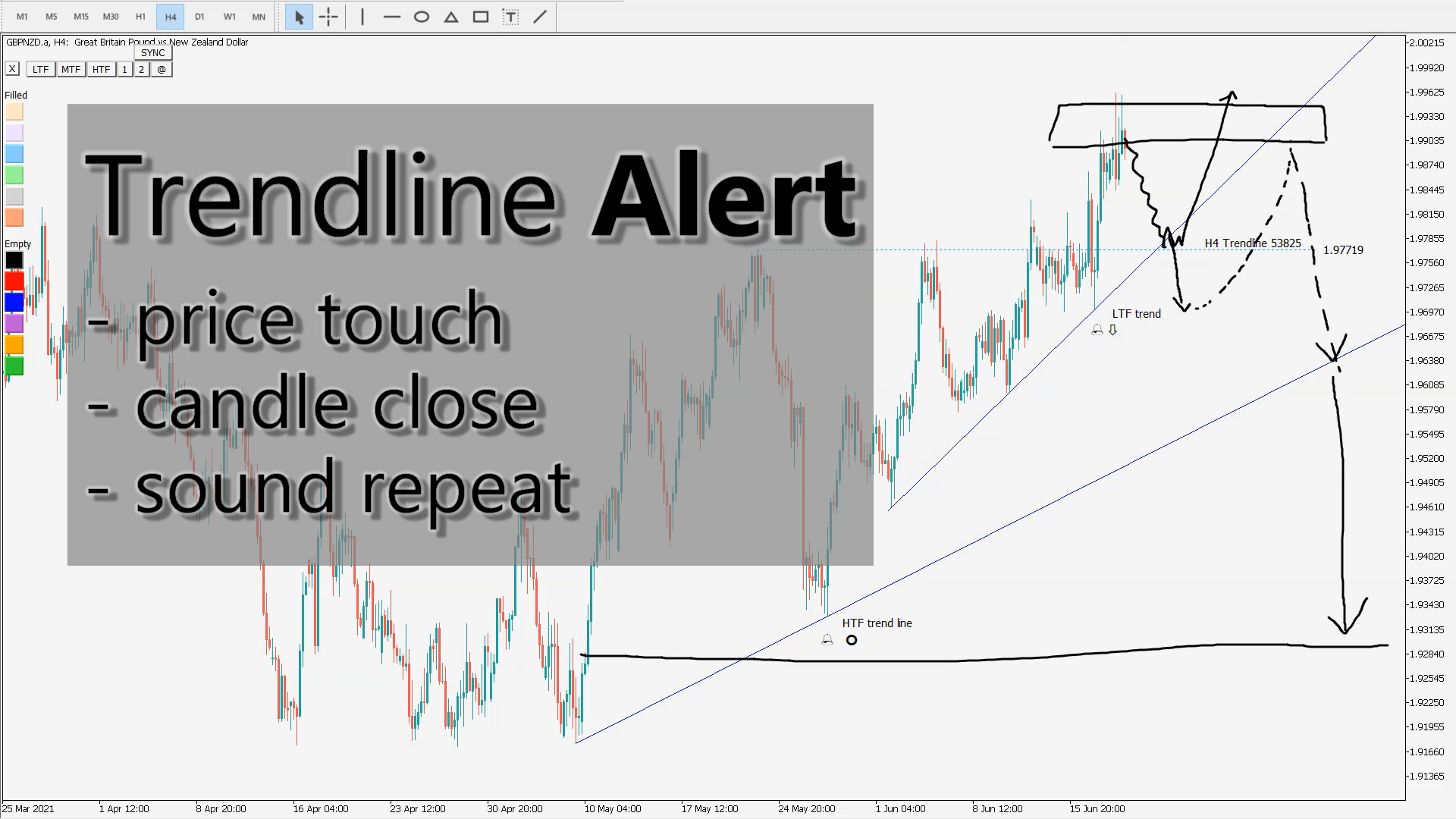
Metatrader trendline alert indicator (price touch, close, break)
Live trading eurusd scalping with professional trader
scalping forex in metatrader 4
forex scalping tools intraday trading, and even swing trading.
https://www.youtube.com/watch?v=tH68_8LDPsU
- NEW "D" button in right upper corner for switching to chart with Trading box Dashboard
- NEW "Execute LQ" button that will activate Order box when Liquidity is detected
- Order box info text is now visible all the time even when you zoom in the level and scroll chart to the left
- renewed Spread filter value input
- renewed Rebuy and Resell value input and position lot size bug solved at order execution
- renewed Surender value input
- Order box Account Free Margin Check notification:
1. Warning if Account Free margin will be below Stopout level after Order box execution
2. Warning if StopLoss free margin level is below Stopout level
- NEW input variable "Show Order box Margin required"
- NEW input variable "Bring Alerted chart to the top"
***UPDATE 3.4 video overview: https://www.youtube.com/watch?v=WwAVD8-BQo4
https://www.youtube.com/watch?v=s8l7zXOkra8
- NEW "Close all open" button that will close all opened orders
- NEW "Delete all pending" button that will delete all pending orders
- NEW input "Close all orders at Date Time" with ON/OFF button to control this function
- NEW input "Delete all pending at Date Time" with ON/OFF button to control this function
- NEW input "Text font size"
- NEW input "Background color"
UPDATE VIDEO: https://www.youtube.com/watch?v=BfFUBO9O7zY
- NEW "Text" button that gives options to display rectangle or trendline text in all possible spots around or inside object. This works for non-extended rectangles and trendlines where we would like to have object name displayed in suitable place around or inside object. This is custom show object name function.
- NEW "SYNC" button (sync chart object or chart sync object) function for selected rectangle, trendline and horizontal line object chart synchronization on the same symbol (charts synchronizer, object sync)
The selected master object is copied to other charts of the same symbol.
Object position location and color style is updated from master to slave object and vice versa.
When you delete master object then slave objects will be deleted and NOT vice versa.
If you rename master object then you broke connection with slave objects. If you rename slave object then is no longer synced with master object.
"SYNC" button can also remove synchronization from selected master or slave object.
- NEW input "Show extra color buttons" that will display 6 "Filled" color and 6 "Empty" color buttons
- Bug fix: if you click on tickness buton "1" or "2", it will change object from filled to unfilled
- Safety check warning for too many objects on chart (performance issues) + warning for incompatible indicators
UPGRADE VIDEO: https://www.youtube.com/watch?v=asGmONlI4EY
Reversal trading from supply demand level
What Is a Reversal trade?
A reversal trading is a change in the price direction of an asset. A reversal trade can occur to the upside or downside. Following an uptrend, a reversal would be to the downside. Following a downtrend, a reversal would be to the upside. Reversals are based on overall price direction and are not typically based on one or two periods/bars on a chart. It usually start from supply demand level.
https://www.youtube.com/watch?v=SxokALeF4mk
Trading pullback with price action confirmation: https://www.youtube.com/watch?v=IGNPYeQqqNU
How to trade breakouts: Trading breakout strategy: https://www.youtube.com/watch?v=qq1IQRmn0VE
Reversal trading from supply demand level: https://www.youtube.com/watch?v=SxokALeF4mk
Position size calculator: https://www.youtube.com/watch?v=_-igjs6E4fM
Automatic Lock in profit & Move stoploss to breakeven: https://www.youtube.com/watch?v=m_QoxpirEa8
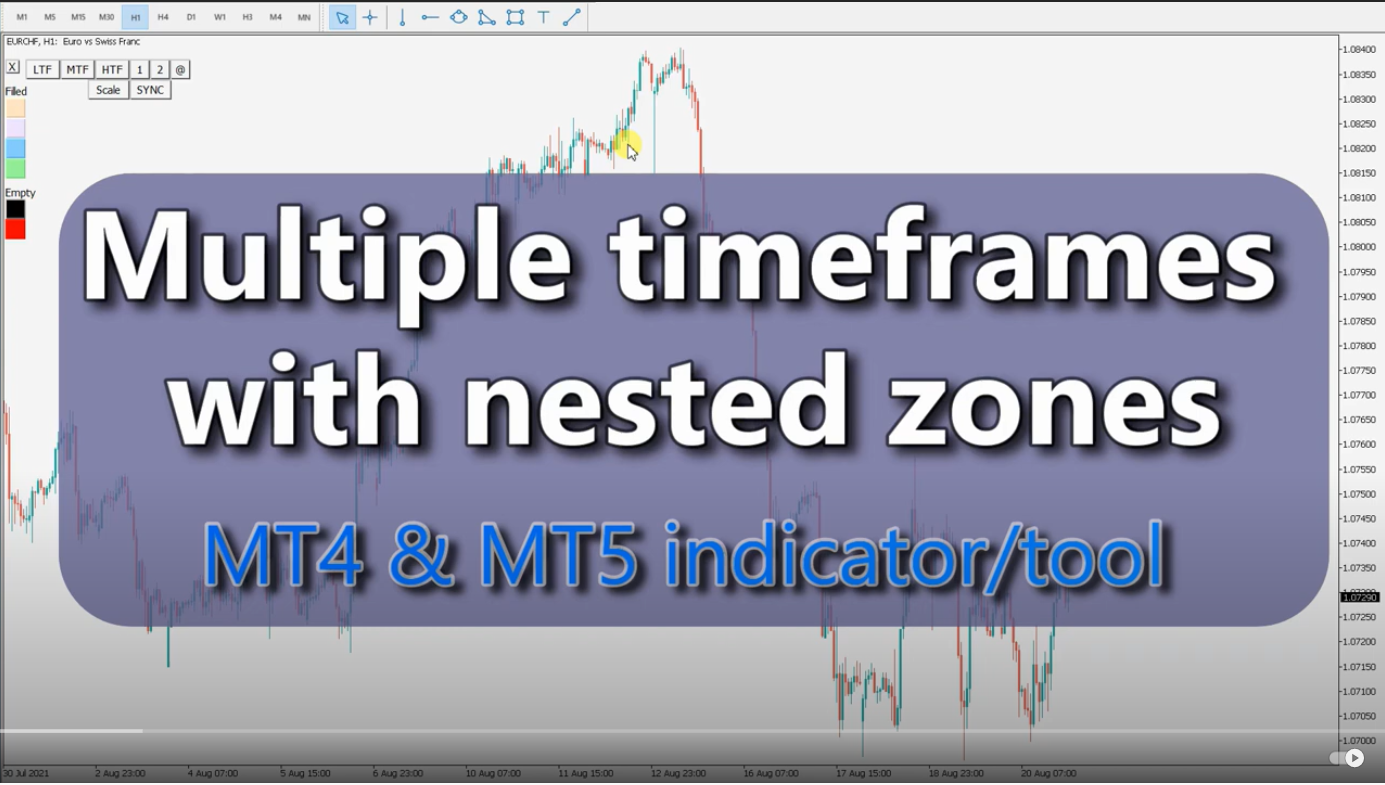
Multiple timeframe analysis trading tool: https://www.youtube.com/watch?v=pPc_bYXn9dc
Liquidity detection tool: https://www.youtube.com/watch?v=4LxWNqE0GFk
Trading box Order management - Tool overview: https://www.youtube.com/watch?v=iTBMCduY6Sk