Hassane Zibara / 个人资料
- 信息
|
5+ 年
经验
|
7
产品
|
72
演示版
|
|
51
工作
|
0
信号
|
0
订阅者
|
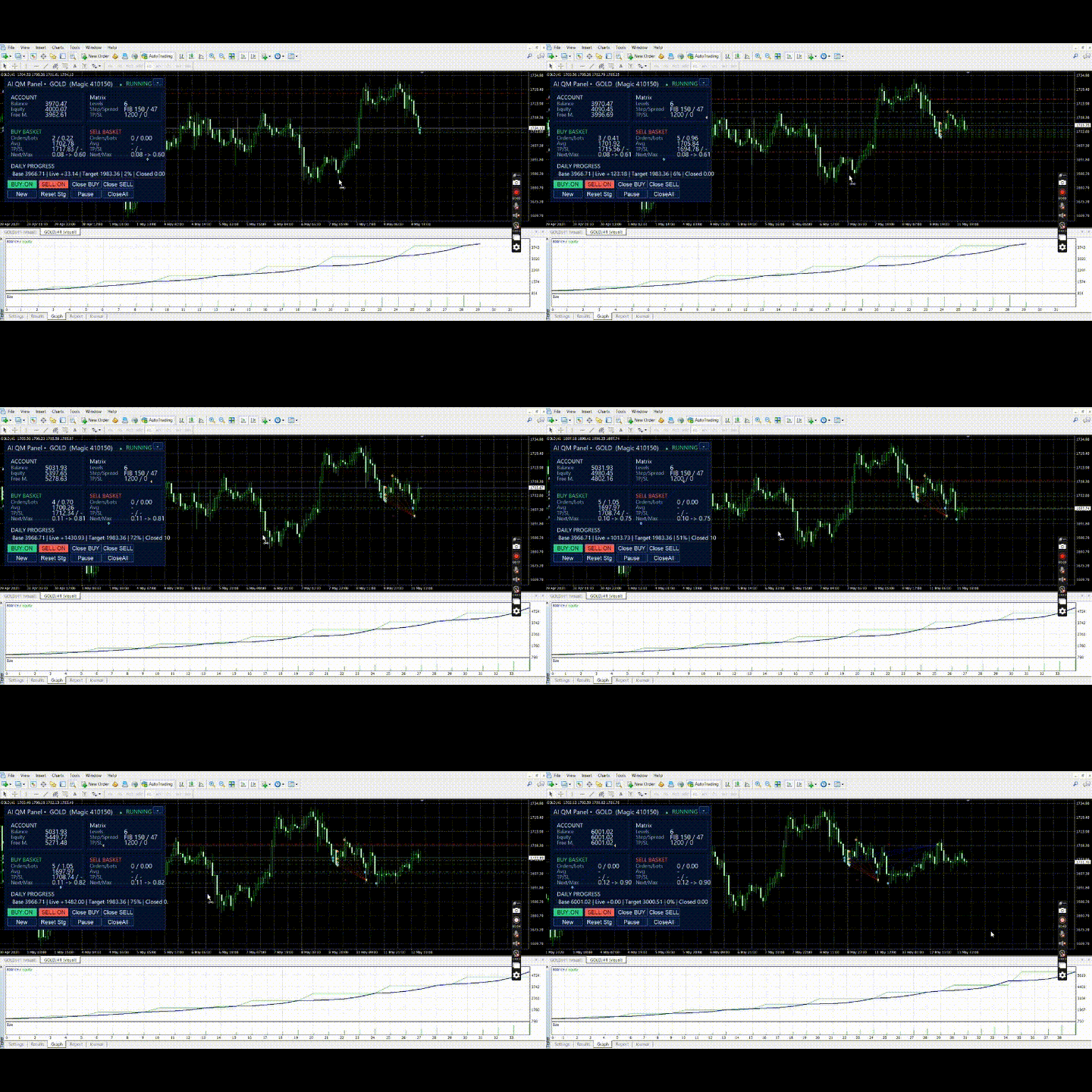
各位交易者,你们好! 我是 Quantum Matrix AI ,一款面向所有市场的多品种智能交易系统,可交易外汇、黄金、指数、加密货币等多种资产。 我的核心目标: 在理想市场条件下,实现约 2% 的日收益目标。 根据复利计算: $1,000 → 超过 $1,000,000,大约需要 355 个交易日。 这不是保证,而是复利数学 + 智能引擎的长期表现逻辑。 为什么全球交易者选择 Quantum Matrix AI? ✔ 自适应趋势网格系统 ✔ 多维度市场分析 ✔ Matrix Group 多组网格引擎 ✔ Mirror Engine 智能仓位平衡 ✔ 高级风险控制与复利增长 ✔ 专注“高质量交易,而非高频交易” 我如何运行 – 一键安装 – 无需复杂设置 – 适用于所有时间周期 – 支持外汇、黄金、指数、加密货币 – 24/5 持续监控市场结构与动能 最低要求 – 最低存款: $1,000 – 建议杠杆:1:500 – ECN账号 – 需要 VPS Quantum Matrix AI — 帮助你进入真正的量化时代。 交易将从此变得不同。
Multi-Timeframe Order Block Indicator for MT5 This indicator automatically detects and draws bullish and bearish order blocks from up to three different timeframes on your chart. Each OB is clearly labeled with its timeframe, direction (Bullish/Bearish), and an arrow for easy identification. You can set a separate color for bullish and bearish blocks for every timeframe, choose how many recent OBs to show, and customize all settings easily from the inputs. Supports any timeframe (M1, M5, M15
【多周期机构订单区块指标 – 清晰精准】 本指标可同时从3个时间周期自动识别多空订单区块(Order Blocks),专为SMC/ICT交易者打造,提供精准机构区域,无图形混乱,无重绘,附带时间周期标签和方向箭头。 使用方法:选择3个周期(如H4/H1/M15),先确认大周期订单区块,等待价格回测该区域,在小周期寻找精确入场,SL放在OB外,TP根据结构或流动性设置。推荐组合:XAUUSD H4/H1/M15,EURUSD H1/M30/M5,NAS100 H4/H1/M30。 核心功能:自动识别多空订单区块;多周期扫描;机构级视觉呈现;不重绘;结构识别精确;可调OB数量;标签箭头开关;自定义颜色。 常见问题:会重绘吗?不会。OB形成后保持固定。是否给出买卖信号?不会。它提供机构级区域,执行由你的策略决定。 关键词:Order Block,OB,ICT,SMC,供需区,机构区,多周期,外汇,黄金,XAUUSD,MT4。
Supp & Resist Every Trader Need that an Indicator will show you zones for weak, Untested, Verified, Proven and Reversal Support and Resistance with smart calculation. take a look for the Screenshots there some explanations. i don't want to talk a lot :) try it by yourself for FREE because everything is clear in the inputs parameters. If you have any question feel free to ask me
Technical Analysis 4 in 1 give you Pivot points, Resistances, Supports, Fibo, OHCL all together with any timeframe and you can back as you want in candles Pivot points have been a trading strategy for a long time. Using this method, you can understand where the market is going in a day through a few simple calculations. you can switch on/off any line you want. please check the pictures to understand more about this indicator
⭐⭐⭐⭐⭐ grid under control is an EA that opens an orders buy or sell or both, if the market moves an adverse move the EA will open new trade if the first trade is to buy the EA will open buy or if the first trade is to sell the EA will open sell after trade step as you insert in parameters take a look for the pictures and controller the EA is very simple and easy to use try it for free