|
13+ 년도
경험
|
50
제품
|
850
데모 버전
|
|
0
작업
|
0
거래 신호
|
0
구독자
|
👋 제 이름은 블라디미르 파스투샤크(Vladimir Pastushak)입니다. 저는 트레이더이자 프로그래머로서 20년 이상 금융시장과 트레이딩 자동화를 위한 소프트웨어 솔루션 개발에 종사해 왔습니다.
💻 그동안 MetaTrader 4 및 MetaTrader 5를 위한 다양한 트레이딩 알고리즘, Expert Advisor(EA) 및 도구를 개발했으며, 제가 구상한 아이디어를 지속적으로 실제 환경에서 테스트해 왔습니다.
📊 저는 과장된 약속보다 알고리즘의 논리, 코드의 품질, 트레이딩 시스템을 세부적으로 설정할 수 있는 기능, 그리고 다양한 시장 상황에서 시스템의 동작을 객관적으로 평가할 수 있는 것을 중요하게 생각합니다.
🔍 제가 개발하는 모든 제품은 저의 실제 경험을 바탕으로 만들어지며, 공개 전에 테스트를 진행합니다.
⚙️ 트레이더가 작동 원리를 이해하고, 사용 가능한 설정을 확인하며, 특정 솔루션이 자신의 거래에 적합한지 직접 판단할 수 있는 도구를 개발하는 것을 목표로 합니다.
Set 파일 및 30일 동안 사용할 수 있는 제품 데모 버전을 제공합니다.
VR Proton - https://trading-go.net/mqp_proton_zip
VR Smart Grid - https://trading-go.net/mqp_smart_grid_zip
VR Lollipop - https://trading-go.net/mqp_lollipop_zip
VR Locker - https://trading-go.net/mqp_locker_zip
VR Black Box - https://trading-go.net/mqp_black_box_zip
VR Watch list and Linker – https://trading-go.net/mqp_watch_list_and_linker_zip
VR Trade Panel - https://trading-go.net/mqp_trade_panel_zip
내가 함께 일하는 브로커:
RoboForex https://trading-go.net/mqrb
🔥 트레이딩에 관한 모든 것 + Telegram 교육: https://t.me/tgforexen
💥 공식 채널을 통해 제품을 구매하시면 다음 혜택을 받으실 수 있습니다:
1️⃣ 선물, 보너스 및 기타 프로그램.
2️⃣ 프로그램을 무료로 사용할 수 있는 기회.
3️⃣ 설정 및 Set 파일 무료 제공.
4️⃣ 무료 기술 지원.
5️⃣ 모든 업데이트 무료 제공.
💥 제 공식 웹사이트를 방문해 주세요: https://trading-go.net/
💻 그동안 MetaTrader 4 및 MetaTrader 5를 위한 다양한 트레이딩 알고리즘, Expert Advisor(EA) 및 도구를 개발했으며, 제가 구상한 아이디어를 지속적으로 실제 환경에서 테스트해 왔습니다.
📊 저는 과장된 약속보다 알고리즘의 논리, 코드의 품질, 트레이딩 시스템을 세부적으로 설정할 수 있는 기능, 그리고 다양한 시장 상황에서 시스템의 동작을 객관적으로 평가할 수 있는 것을 중요하게 생각합니다.
🔍 제가 개발하는 모든 제품은 저의 실제 경험을 바탕으로 만들어지며, 공개 전에 테스트를 진행합니다.
⚙️ 트레이더가 작동 원리를 이해하고, 사용 가능한 설정을 확인하며, 특정 솔루션이 자신의 거래에 적합한지 직접 판단할 수 있는 도구를 개발하는 것을 목표로 합니다.
Set 파일 및 30일 동안 사용할 수 있는 제품 데모 버전을 제공합니다.
VR Proton - https://trading-go.net/mqp_proton_zip
VR Smart Grid - https://trading-go.net/mqp_smart_grid_zip
VR Lollipop - https://trading-go.net/mqp_lollipop_zip
VR Locker - https://trading-go.net/mqp_locker_zip
VR Black Box - https://trading-go.net/mqp_black_box_zip
VR Watch list and Linker – https://trading-go.net/mqp_watch_list_and_linker_zip
VR Trade Panel - https://trading-go.net/mqp_trade_panel_zip
내가 함께 일하는 브로커:
RoboForex https://trading-go.net/mqrb
🔥 트레이딩에 관한 모든 것 + Telegram 교육: https://t.me/tgforexen
💥 공식 채널을 통해 제품을 구매하시면 다음 혜택을 받으실 수 있습니다:
1️⃣ 선물, 보너스 및 기타 프로그램.
2️⃣ 프로그램을 무료로 사용할 수 있는 기회.
3️⃣ 설정 및 Set 파일 무료 제공.
4️⃣ 무료 기술 지원.
5️⃣ 모든 업데이트 무료 제공.
💥 제 공식 웹사이트를 방문해 주세요: https://trading-go.net/


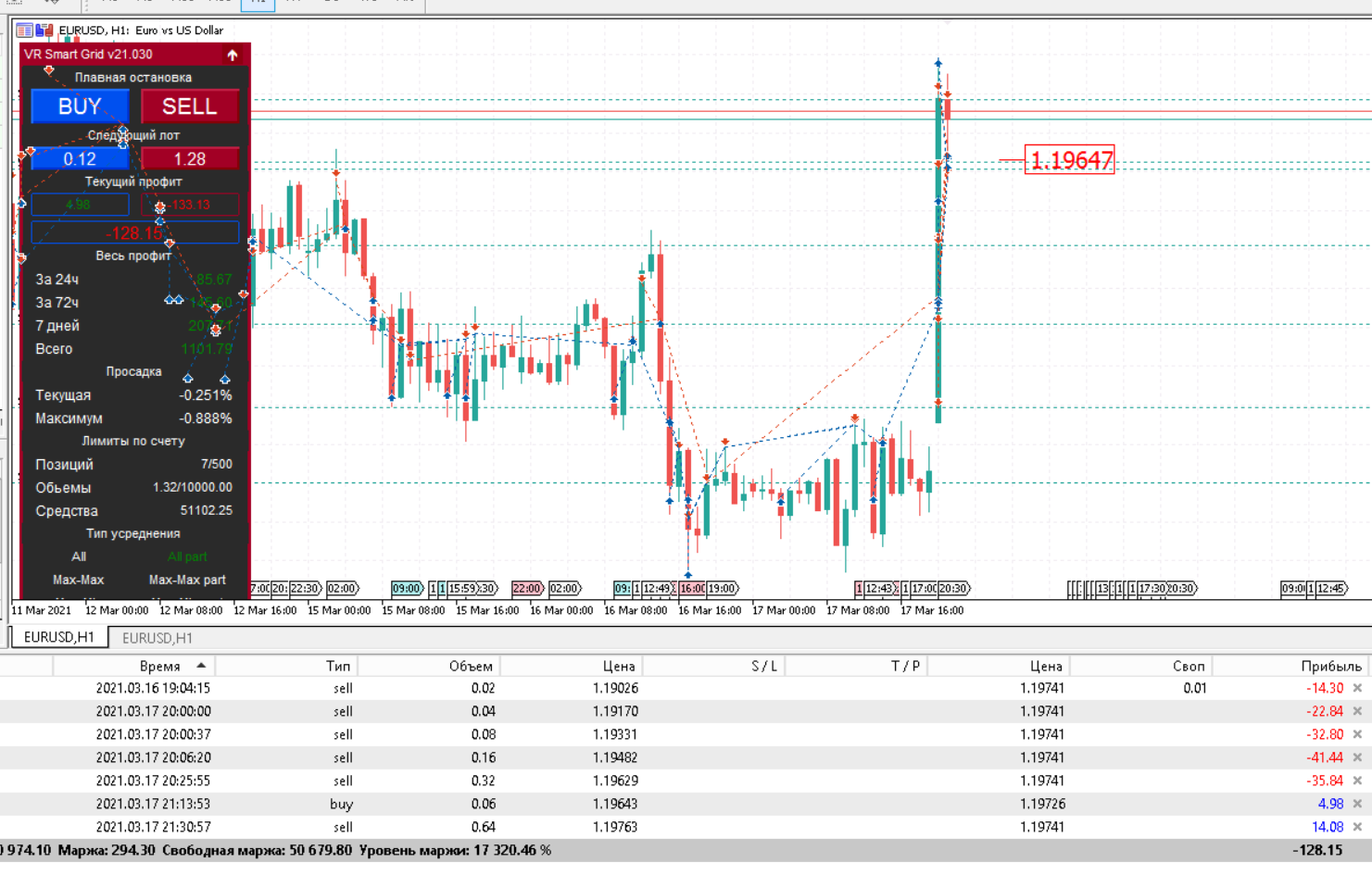
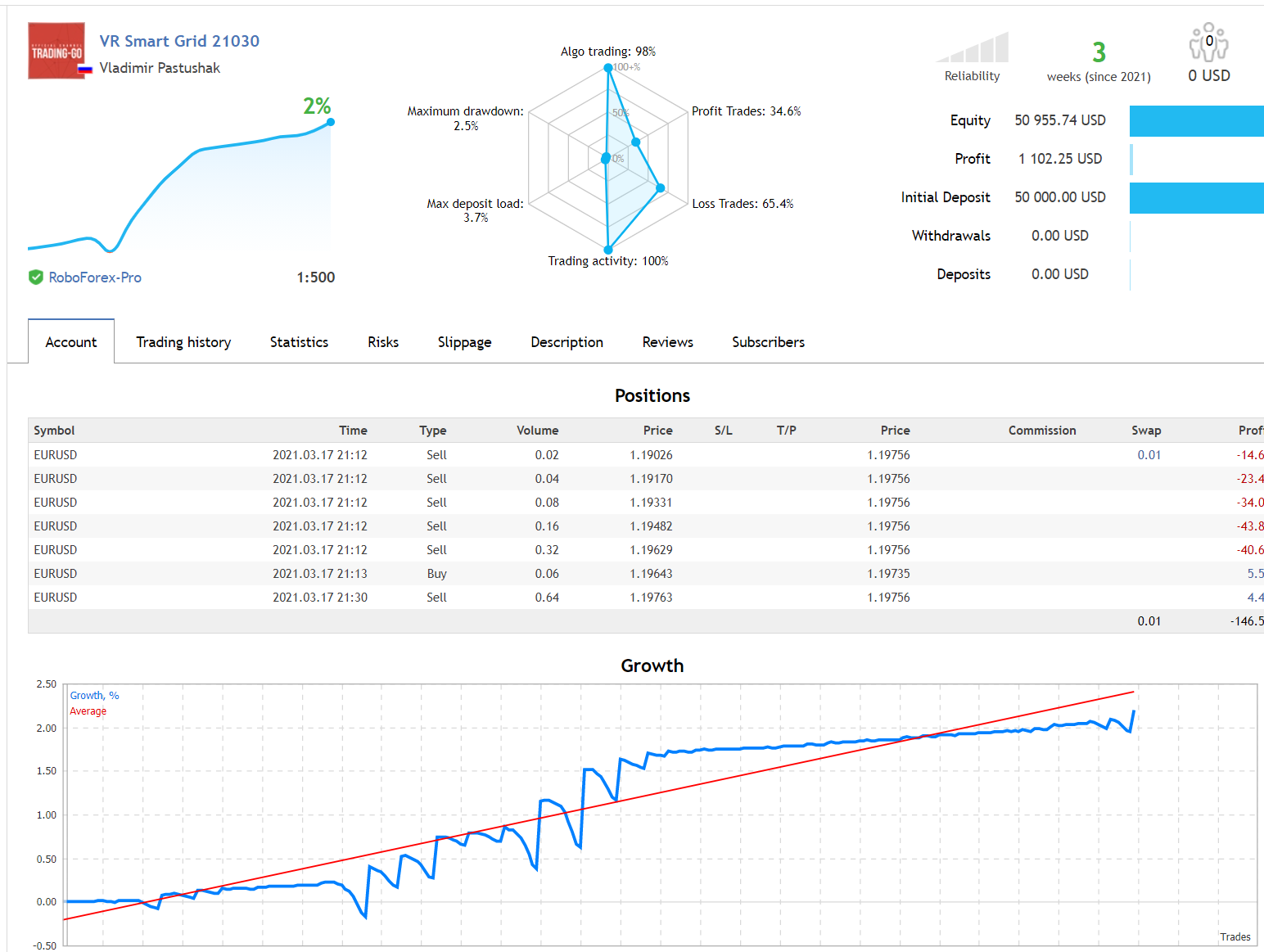
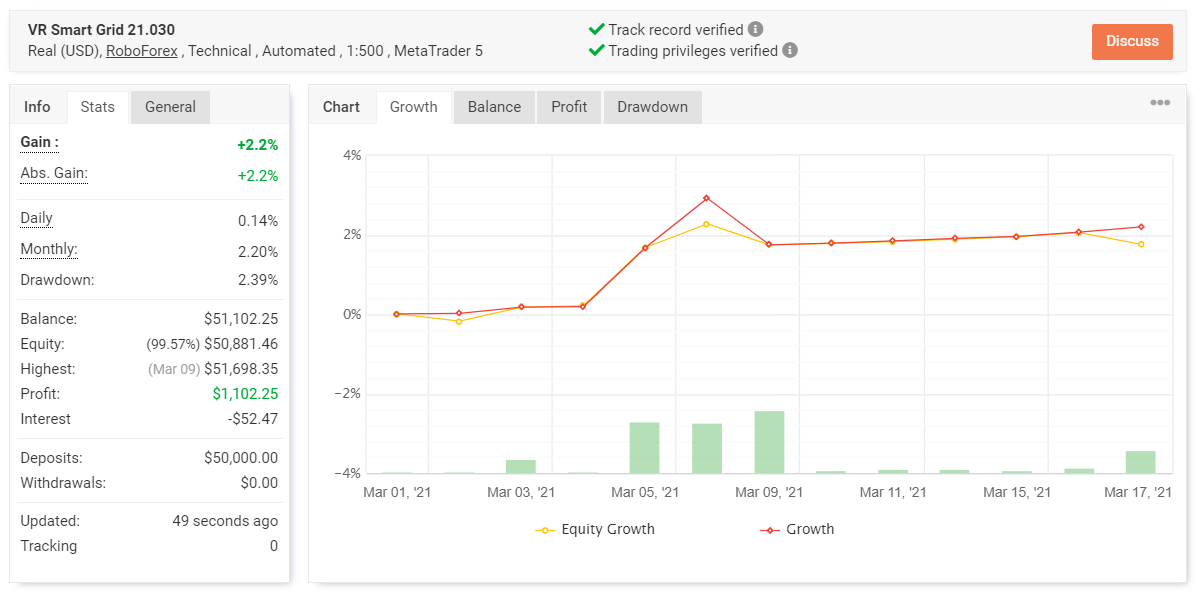








Vladimir Pastushak

·
1
RobotGrail
2021.03.01
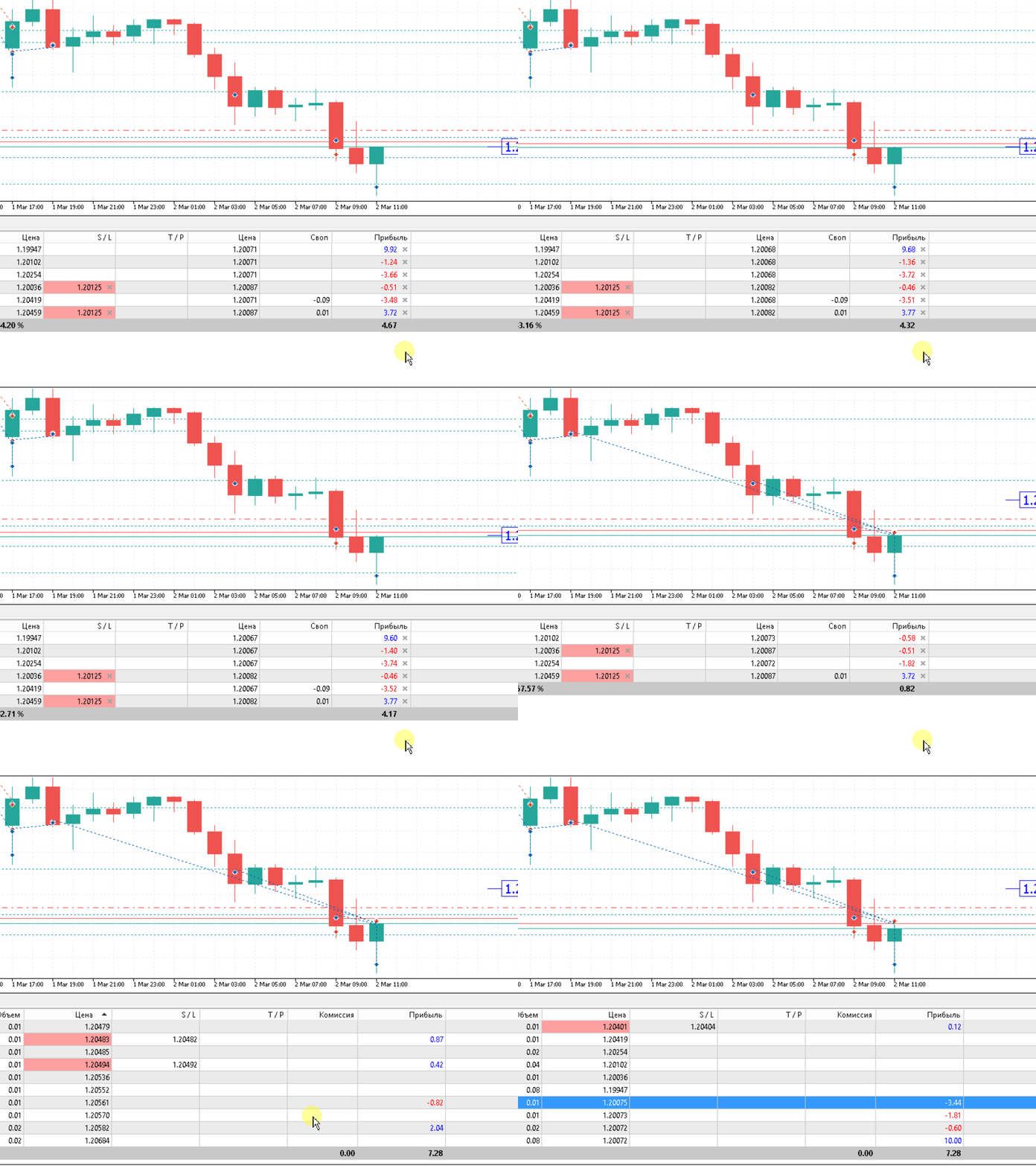
Очень люблю твой советник ! Запускаю по тренду который по своему определяю. Правда сделай кнопки на панели для указания тренда пожалуйста :)