Common Folder Copier
- 유틸리티
-
Augusto Martin D'anna
 MQL5 & Pine Script developer | Trader since 2019 | Strategy validation
As a trader, I know a bot is only as good as the logic behind it. I bridge
trading concepts and clean code: I don't just follow instructions, I make
sure your EA behaves exactly the way your strategy intends. - 버전: 1.0
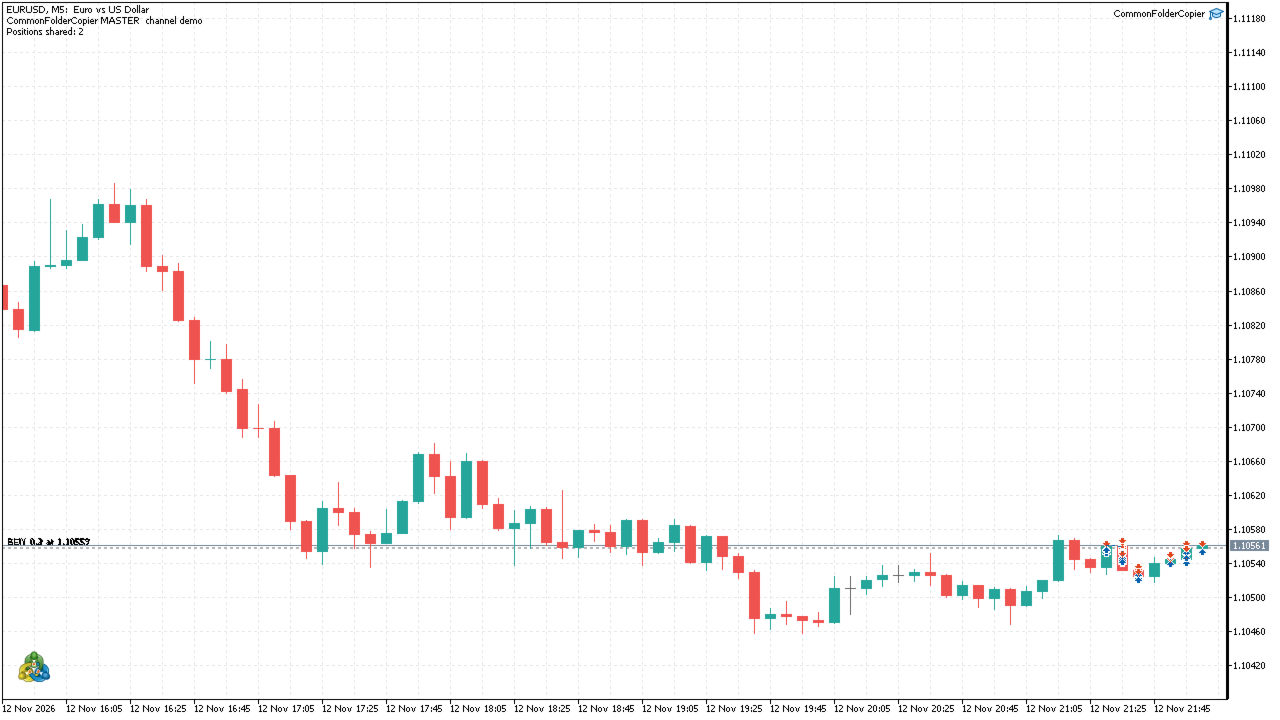
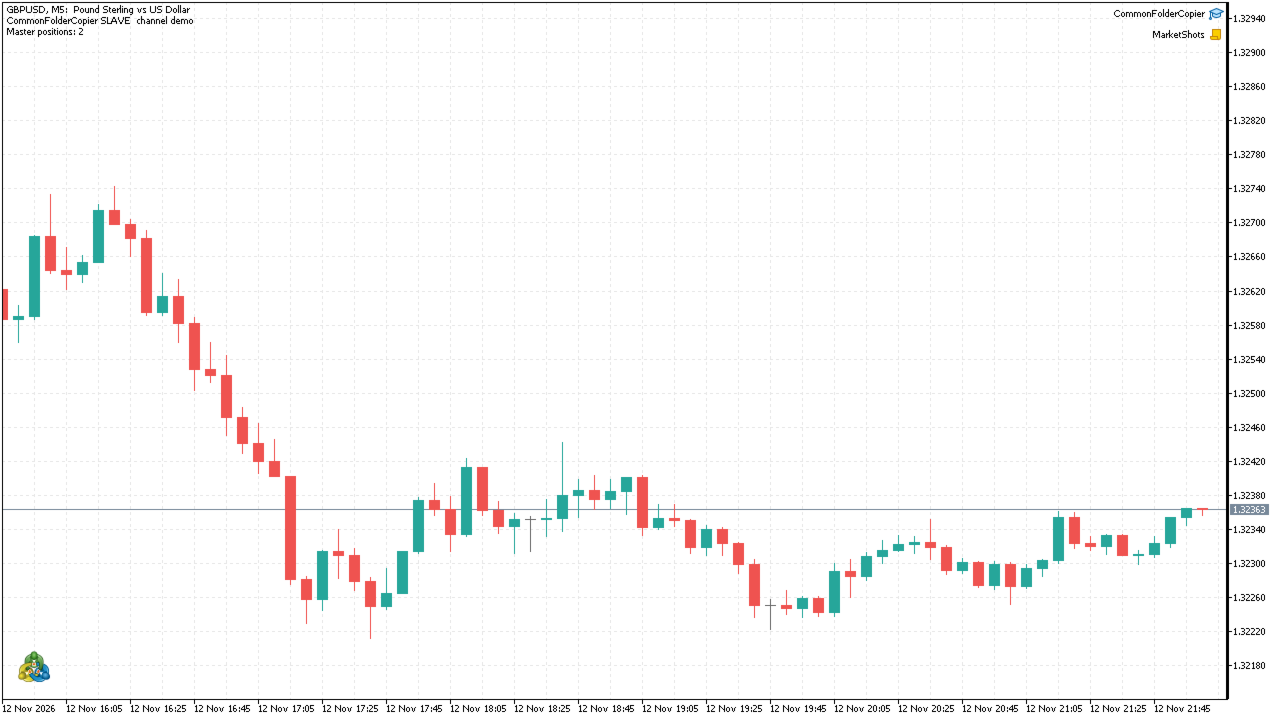
Common Folder Copier copies trades between MetaTrader 5 terminals running on the same computer or VPS. It is one EA with two modes: Master on the source account and Slave on each receiving account. They talk through a small file in the terminals' shared Common\Files folder, so no internet service, DLL or account password is needed.
What it does
- Master: writes the open positions of its account several times per second.
- Slave: opens the positions that are missing, keeps SL, TP and volume in sync (partial closes included) and closes the copies when the master position is closed.
- Lot size: master lot times a multiplier, or a fixed lot.
- Symbol mapping: prefix and suffix for brokers with different symbol names (for example EURUSD on the master and EURUSD.m on the slave).
- Reverse mode (optional): the slave opens the opposite direction.
- Channels: several masters and slaves can run side by side using different channel names.
- Safety: if the master file is older than a set number of seconds, the slave waits and does not trade on stale data.
Inputs
- Mode (Master or Slave)
- Channel name (the same in master and slaves)
- Update interval, ms
- Master: copy only this magic number (-1 = all)
- Slave: lot mode (multiplier or fixed lot) and its value
- Slave: symbol prefix and suffix on this broker
- Slave: copy in the opposite direction
- Slave: copy SL and TP
- Slave: magic number of the copies
- Slave: ignore the master file if older than this, seconds
Notes
- All terminals must run on the same computer or VPS under the same Windows user, because they share the Common\Files folder.
- Slave accounts should be hedging accounts; on netting accounts opposite positions on one symbol net out.
- Copies are opened at market, so the fill price can differ slightly from the master.
- Allow algo trading in the slave terminals.