EWFX Quantum Prime
- Experts
- 버전: 3.64
- 활성화: 10

EWFX QUANTUM PRIME
Automated XAUUSD trading for MetaTrader 5
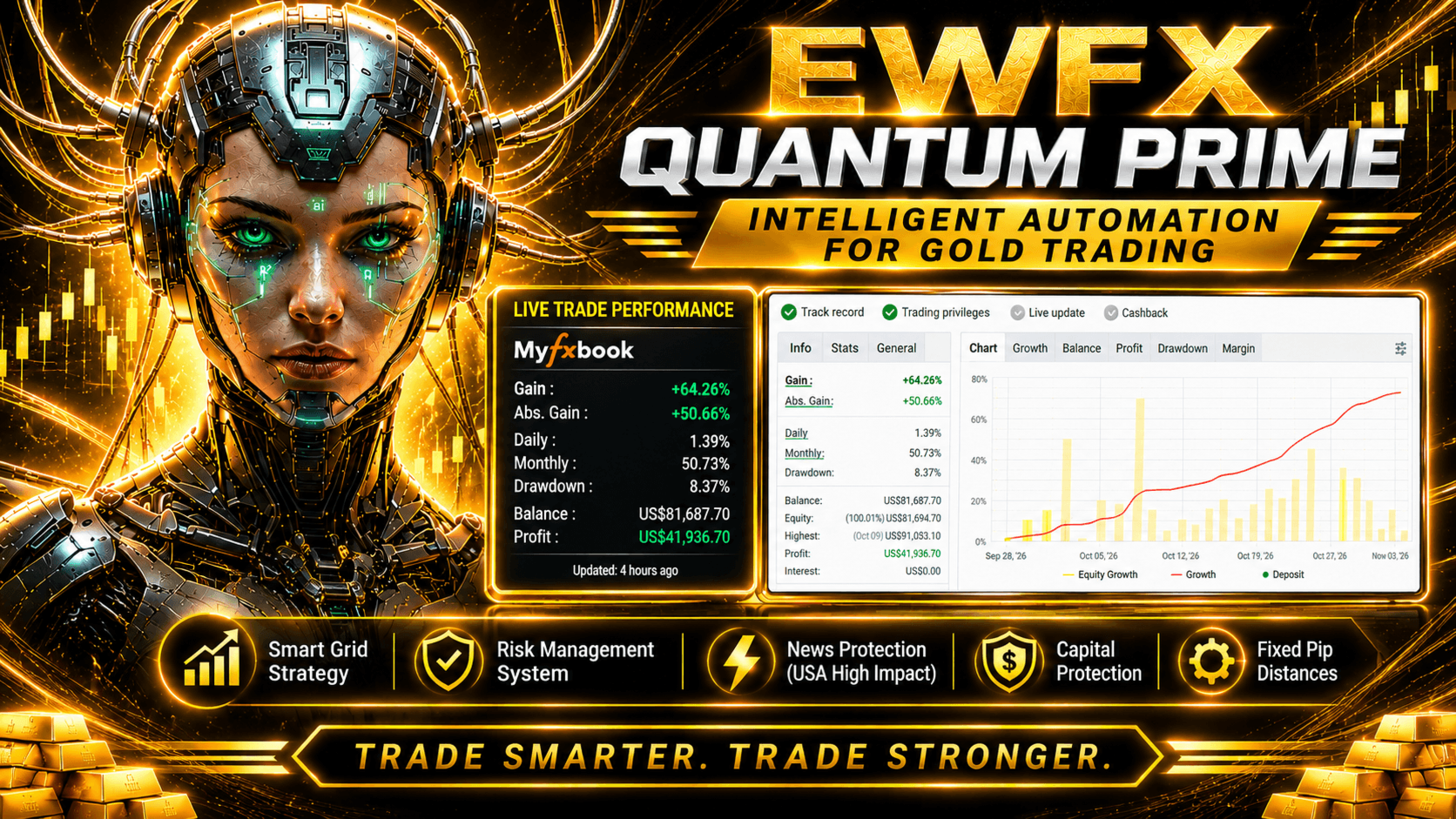
EWFX QUANTUM PRIME is an Expert Advisor designed specifically for trading XAUUSD (Gold) on MetaTrader 5. It provides two selectable trading modes, automated trade management, configurable risk settings, an economic calendar filter, and a dashboard for monitoring account and EA status.
Trading Modes
FOLLOW TREND
An automated mode designed to identify market direction and follow its movement.
GOLD TRAP
An alternative trading mode with a different market-entry approach.
The trading mode can be selected in the EA input settings.
Main Features
- Automated XAUUSD trading: The EA monitors market conditions and manages its trading operations automatically.
- Two selectable entry modes: Choose FOLLOW TREND or GOLD TRAP.
- Risk management settings: Includes an Equity Risk Limit and a configurable Daily Profit Target.
- Daily target control: When the configured daily target is reached, the EA performs its target-handling procedure and stops opening a new trading cycle for the day.
- Economic news filter: Uses the built-in MetaTrader 5 Economic Calendar to monitor scheduled high-impact events from the United States.
- Custom trading hours: Configure the trading start time, end time, and GMT offset.
- Broker quote precision detection: Detects supported quote formats used by the trading symbol, including common 2-digit, 3-digit, and 5-digit formats.
- Monitoring dashboard: Displays account balance, equity, free margin, margin level, EA status, trading direction, active positions, risk settings, daily target, news information, and trading schedule.
- Dashboard controls: RUN, PAUSE, and RESET controls are provided for convenient operation.
- VPS recommended for live trading: A continuously running MetaTrader 5 terminal helps the EA monitor and manage trades during market hours.
Default Settings
- Trading instrument: XAUUSD.
- Default entry mode: FOLLOW TREND.
- Daily Profit Target: 1% of the starting daily balance. This setting can be changed.
- News pause duration: 60 minutes before and after a scheduled event. This setting can be changed.
- Trading time window: 09:15 to 22:00, GMT+7. The schedule and GMT offset can be changed.
The displayed defaults are initial settings and can be adjusted by the user. Any change should be evaluated against the account balance, broker conditions, and personal risk tolerance.
Broker and Account Recommendations
Recommended Broker
Choose a broker that offers a Cent Account, tight and competitive XAUUSD spreads, reliable order execution, and suitable leverage. A broker with low spreads is recommended because spread and execution conditions can affect automated trading results.
Cent Account - Recommended for Smaller Capital
A Cent Account is the primary recommendation for users with limited trading capital.
- 80,000 USC: baseline capital example.
- 100,000 USC or higher: provides more comfortable margin room than the baseline example.
These amounts are examples for Cent Account planning only. They are not guaranteed safe balances and do not prevent floating losses, drawdown, or margin calls.
USD Standard Account - Optional for Larger Capital
A USD-denominated Standard Account may be considered by users with substantially larger trading capital. It has a different margin and risk profile from a Cent Account and must be assessed separately. Do not apply Cent Account capital assumptions or presets directly to a Standard Account.
Other Account Considerations
- Recommended account mode: Hedging.
- Netting mode: Verify compatibility with the broker and test the intended setup on a demo account before live use.
- Account categories offered by brokers may include Cent, Standard, Zero, Premium, RAW, and ECN. Availability and trading conditions depend on the broker.
- Suggested leverage: up to 1:2000 where available. Higher leverage increases risk and does not make an account safer.
Product Specifications
- Product: EWFX QUANTUM PRIME
- Version: 3.51
- Platform: MetaTrader 5
- Instrument: XAUUSD (Gold)
- Chart timeframe: Any chart timeframe
- Trading modes: FOLLOW TREND and GOLD TRAP
- Trading operation: Automated
- Economic calendar: MetaTrader 5 Economic Calendar
- News events monitored: United States high-impact events
- Trading schedule: User-configurable
- Risk settings: User-configurable
Frequently Asked Questions
Do I need a VPS?
A Virtual Private Server (VPS) is strongly recommended for live trading. EWFX QUANTUM PRIME needs the MetaTrader 5 terminal to remain running and connected to the internet during market hours so the EA can perform its automated trading and position-management tasks. If your PC or laptop is turned off, enters sleep mode, restarts, or loses its internet connection, the EA cannot run its management logic during that time. A VPS can help keep the terminal running continuously, but it does not eliminate internet, server, broker, or execution risks. A VPS is recommended, not a guarantee of uninterrupted operation.
Which instrument does the EA trade?
EWFX QUANTUM PRIME is designed for XAUUSD (Gold).
Which platform is required?
The EA requires MetaTrader 5.
Can I attach the EA to any chart timeframe?
Yes. It can be attached to any chart timeframe. The selected chart timeframe does not change the EA's internal operating logic.
Which trading modes are available?
FOLLOW TREND and GOLD TRAP. Select the preferred mode in the EA input settings.
Which account type is recommended?
A Cent Account is recommended for users with smaller capital. A USD Standard Account is an option for users with substantially larger capital and requires a separate assessment of balance, margin, and risk settings.
Is 80,000 USC or 100,000 USC guaranteed to be safe?
No. These are Cent Account planning examples only. No capital amount can be considered 100% safe. Floating losses and drawdown depend on market conditions, trading exposure, spread, leverage, and execution.
Does the EA have an economic news filter?
Yes. It uses the native MetaTrader 5 Economic Calendar to monitor United States high-impact events. The filter requires usable calendar data from the broker. If that data is unavailable, the news filter may not provide protection.
Can I change the trading schedule?
Yes. The start time, end time, and GMT offset can be configured in the EA settings.
Does the EA guarantee profits or a specific win rate?
No. The EA does not guarantee profits, a specific win rate, or protection against losses. Trading results depend on market conditions, account configuration, and broker execution.
How can I receive product support?
For product-related questions, use the MQL5 Market product comments or the MQL5 messaging system.
Are product updates provided?
Updates are distributed through the MQL5 Market platform. Check the product page and your MetaTrader terminal for available updates.
Risk Disclaimer
Trading XAUUSD involves significant financial risk. Automated trading does not eliminate the possibility of losses.
No capital amount can be considered 100% safe when using EWFX QUANTUM PRIME. The EA may experience floating losses and drawdown depending on market dynamics. A larger account balance does not eliminate trading risk.
The suggested 80,000 USC baseline and 100,000 USC or higher example apply to Cent Account planning only. They are not guarantees of safety, maximum drawdown, or protection against a margin call. USD Standard Accounts require substantially larger capital and a separate risk assessment.
Before live trading, match the account balance and configuration with the account type, leverage, XAUUSD spread, trading volume, EA settings, broker execution conditions, and your personal risk tolerance.
Trading results may be affected by market volatility, floating losses, spread widening, slippage, execution delays, leverage, margin requirements, broker conditions, and unexpected economic or geopolitical events. The economic news filter also depends on the availability of usable calendar data from the broker.
Always test the EA on a demo account under your intended broker conditions before using it on a live account. Use only capital you can afford to lose. You are responsible for selecting your account, capital allocation, EA settings, and risk level.