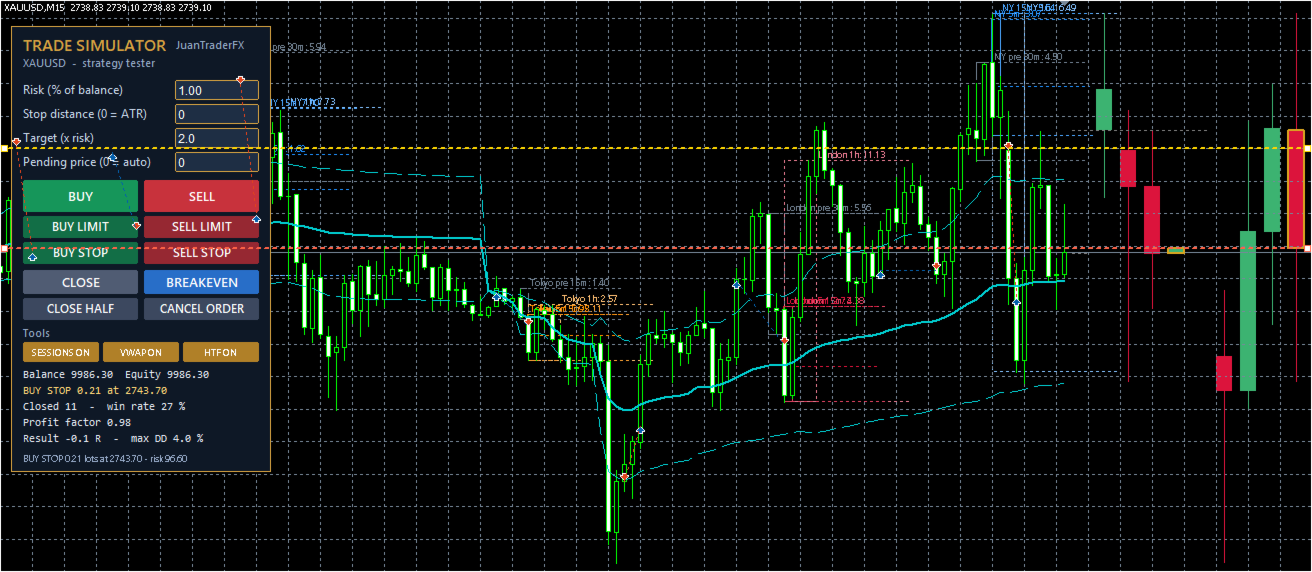
JuanTraderFX Trade Simulator Panel
- 유틸리티
- 버전: 1.1
- 업데이트됨: 28 10월 2026
- 활성화: 5

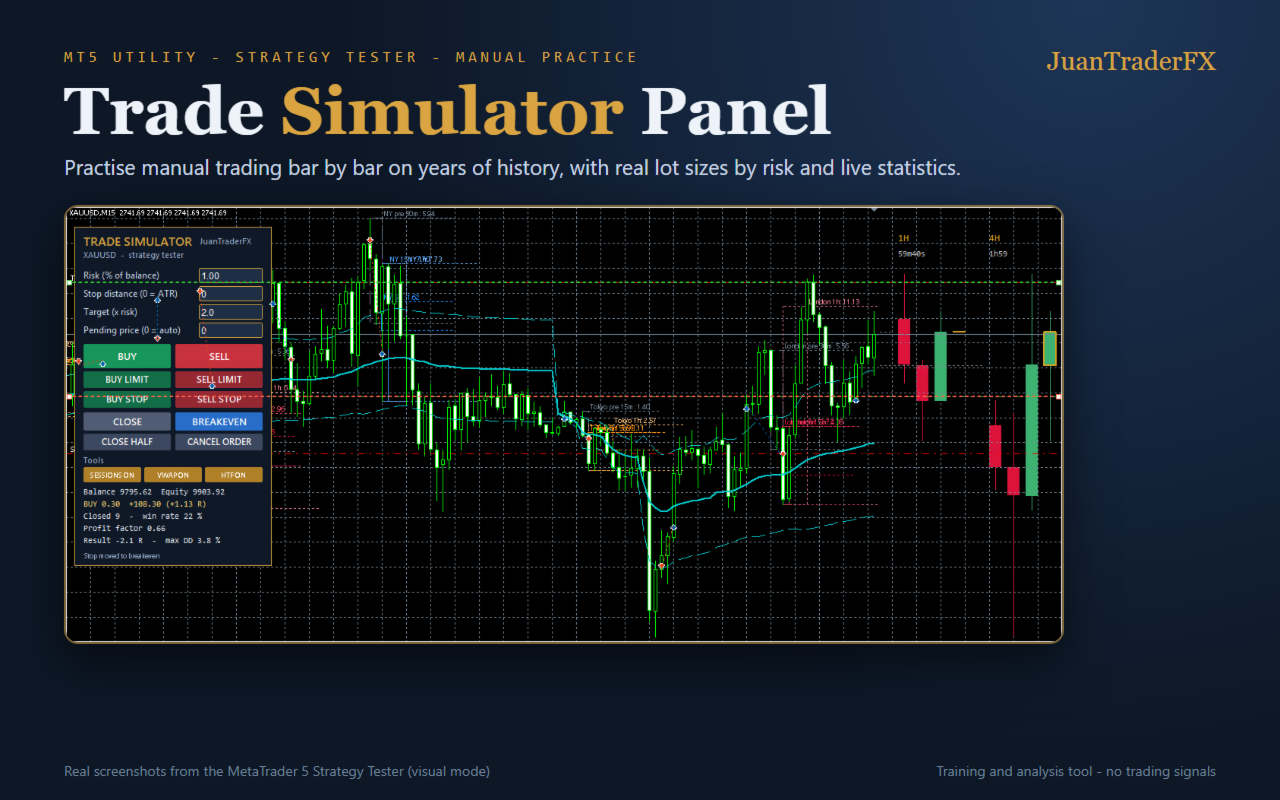
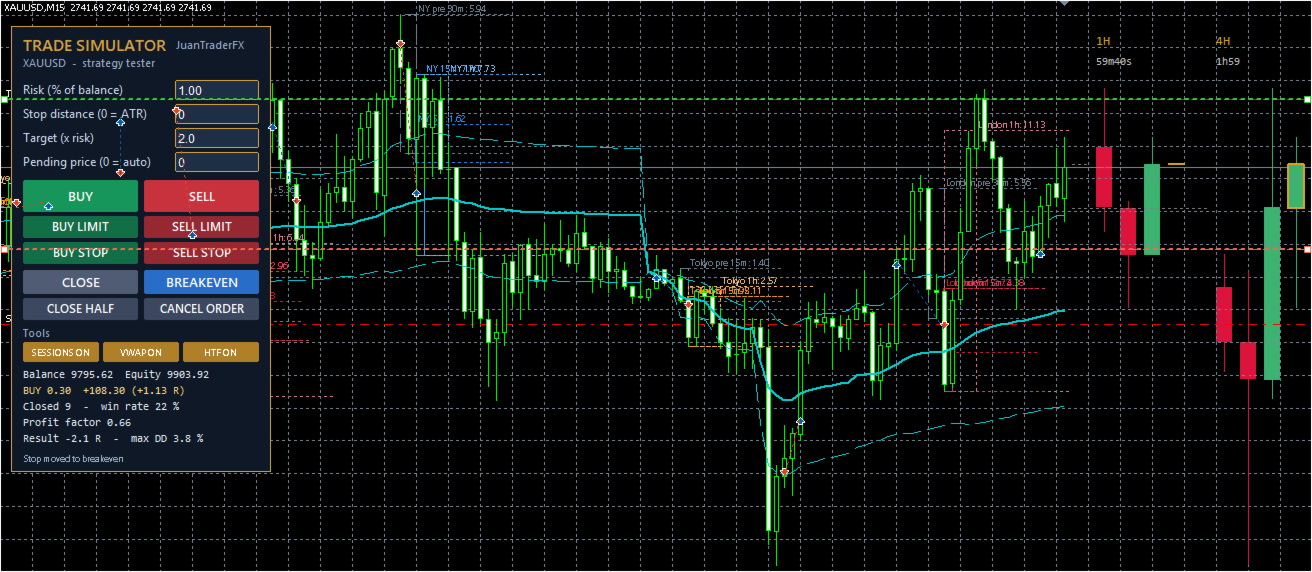
Trade Simulator Panel turns the MetaTrader 5 Strategy Tester (visual mode) into a manual trading simulator. Move the chart bar by bar over years of history and practise your entries as if trading live, with real lot sizes calculated from risk and instant statistics.
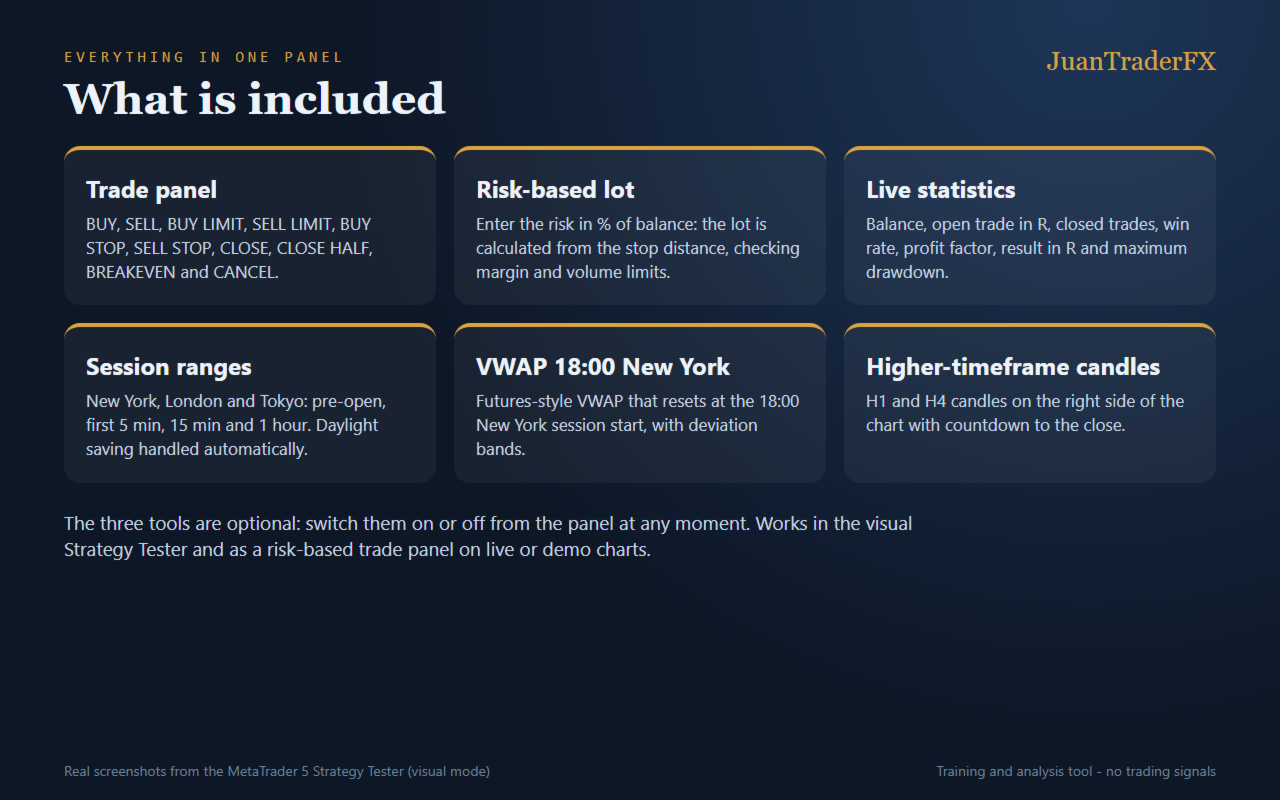
Trade panel
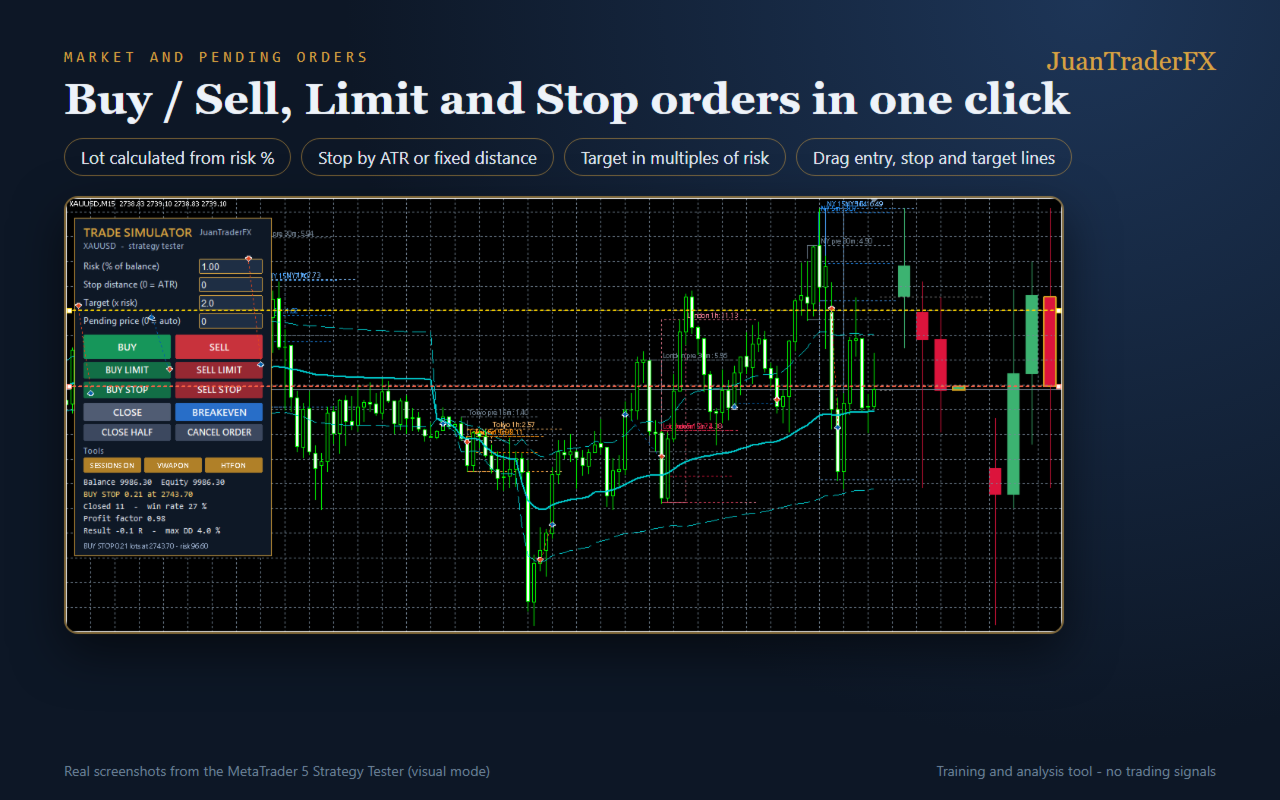
- BUY and SELL at market.
- BUY LIMIT, SELL LIMIT, BUY STOP and SELL STOP (manual price or automatic, one stop distance away).
- CLOSE, CLOSE HALF, BREAKEVEN and CANCEL ORDER.
- Entry, stop and target lines that can be dragged with the mouse.
Risk management
- Lot calculated from the risk % of balance and the stop distance.
- Stop by ATR (automatic) or fixed distance; target in multiples of risk (R).
- Checks margin, minimum and maximum volume, stops level and market hours.
Live statistics
- Balance and equity, open trade in R, closed trades, win rate, profit factor, result in R and maximum drawdown.
Optional tools (switch them on or off from the panel)
- New York, London and Tokyo session ranges: pre-open, first 5 minutes, 15 minutes and 1 hour. Daylight saving handled automatically.
- Futures-style VWAP that resets at 18:00 New York, with deviation bands.
- Higher-timeframe candle drawn behind the chart (15m, 30m, 1H, 4H or daily, chosen on the panel): body and wicks build up bar by bar.
- Candle clock: time left for the candle to close next to the price, and the hour and minute in the corner of the chart.
How to use
1. Open the Strategy Tester (Ctrl+R), choose Trade Simulator Panel, the symbol and the dates.
2. Enable "Visual mode" and press Start.
3. Trade with the panel buttons; use the tester speed or pause to move at your own pace.
On a demo or live chart it works as a trade panel with risk-based lot.
Inputs
- RiskPercent: risk per trade (% of balance).
- StopDistance: stop distance in price (0 = 1 ATR of 14 bars).
- TargetR: target in multiples of risk (0 = no target).
- ShowSessions / ShowVWAP / ShowHTF / ShowClock: tools switched on at start.
- HTFTimeframe: higher candle timeframe at start.
- ClockHourShift: hours added to server time on the clock (e.g. -7 = New York).
- PanelX / PanelY: panel position. Magic: magic number.
- AutoDemo: automatic demo (the panel presses its own buttons).
This is a practice and analysis tool: it gives no signals and promises no results.