FX Impact MT5
- Experts
-
Sigit Pramono
 I’m not just the seller of these EAs — I’m also a user. I actively use the products I develop and continuously refine them as market conditions evolve. This hands-on experience allows me to identify areas for improvement, optimize performance, and keep developing the EAs rather than simply selling
 - 버전: 2.0
- 활성화: 15
SIMPLE BUT SURE. That's FX IMPACT
No Grid, No Martingale, No Averaging, No Hedging, No Recovery After Losses, No Backtest Manipulation, No complicated setup.
Just five independent strategies, structured risk management, and automated execution.
FX Impact is an Expert Advisor specifically optimized for XAUUSD (Gold)
Instead of relying on a single trading strategy, FX Impact runs five independent strategies, each operating with its own trading logic and individual Stop Loss for every trade. Each strategy operates independently, allowing the EA to execute its trading approach without relying on a complex, interconnected system.
FX Impact — 5 Independent Strategies
FX Impact runs five independent strategies simultaneously, each with its own trading logic and individual Stop Loss for every trade. This multi-strategy approach allows each strategy to operate independently within a single Expert Advisor.
5 Independent Strategies — Your Choice
Each strategy has its own ON/OFF switch, allowing you to enable or disable individual strategies easily. You can also test each strategy separately to evaluate its behavior and determine which combination best suits your trading preferences.
Automatic Weekly ResetFX Impact automatically resets every Friday before the market closes and resumes operation on the following Monday when the market reopens. This helps maintain a consistent weekly trading cycle.
No News Filter — Trading Opportunities During News Events
FX Impact does not use a news filter to avoid trading during economic news releases. Based on extensive research, major economic news events have been identified as potential trading opportunities that can contribute to the EA's overall performance.
However, news events can also cause increased volatility, wider spreads, and slippage. Actual trading results will depend on market conditions and execution quality.
Simple Setup — No Complicated ConfigurationFX Impact is designed to be simple to use.
-
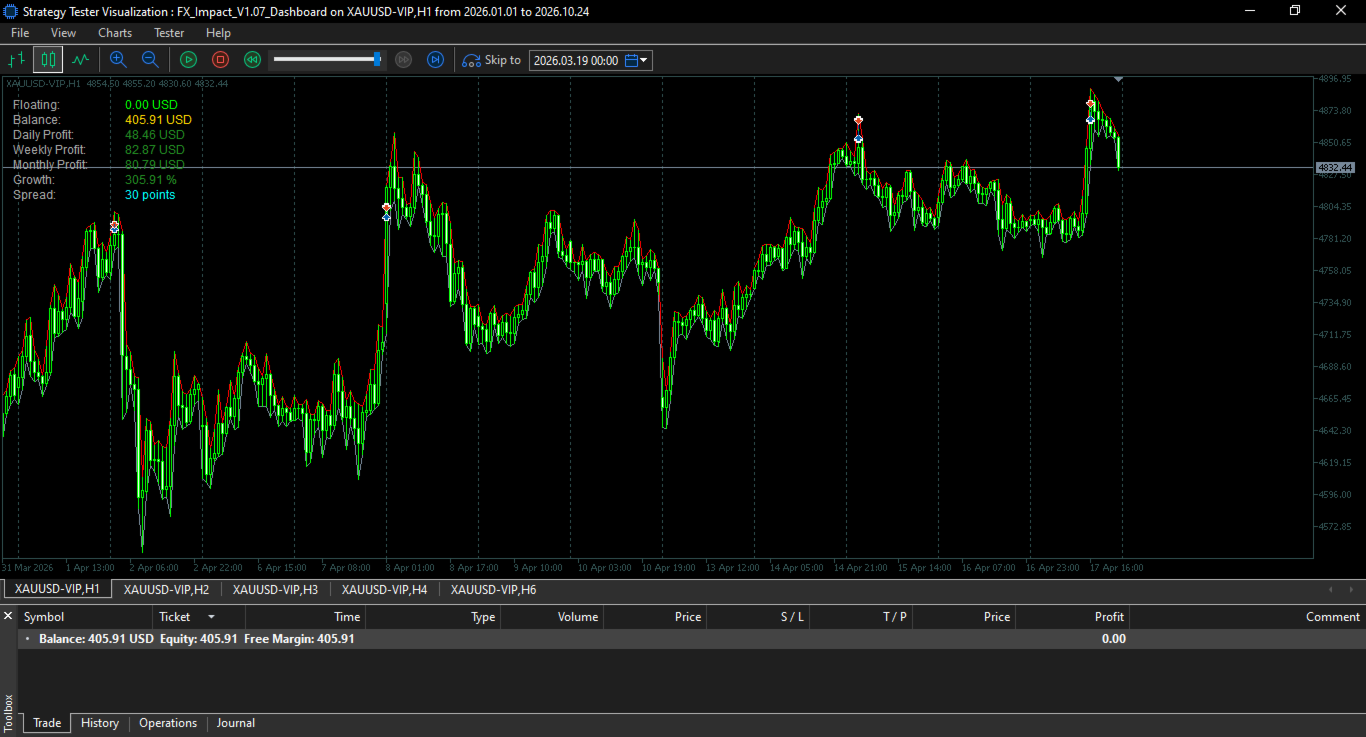
Attach the EA to XAUUSD on the H1 timeframe.
-
Use the default settings to get started.
-
Allow the EA to execute its strategies automatically without interpretation.
For the initial setup, installing the EA on Sunday before the market opens or early Monday is recommended.
You can also adjust the risk percentage according to your own risk tolerance and trading plan.
Important: Choose your risk percentage carefully. Higher risk settings increase potential profits but also increase potential losses. Always select a risk level appropriate for your account and financial circumstances. Simple But Sure — That's FX Impact.Five independent strategies. Individual Stop Losses. Flexible strategy controls. Fully automated execution.
No complicated setup. Just a straightforward approach to automated XAUUSD trading.
Execution & Live Performance
FX Impact is designed to capture price momentum, making execution quality an important factor in live trading performance.
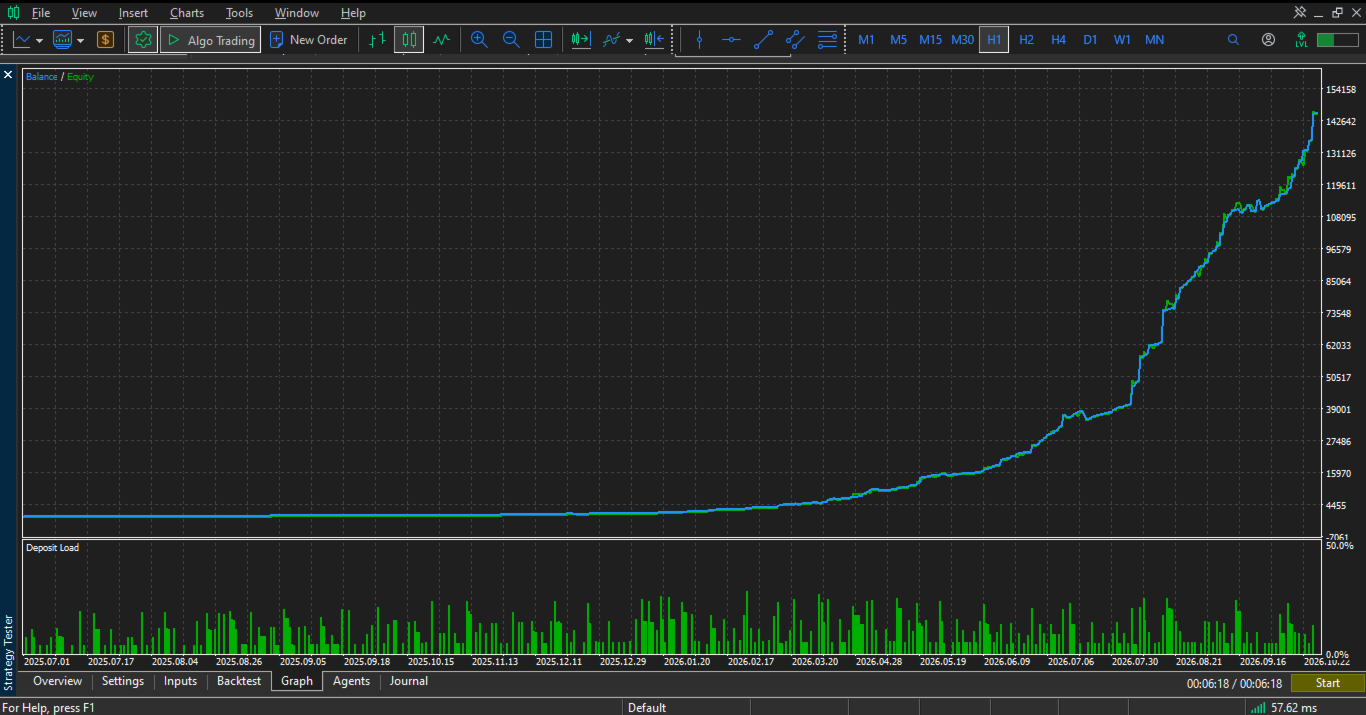
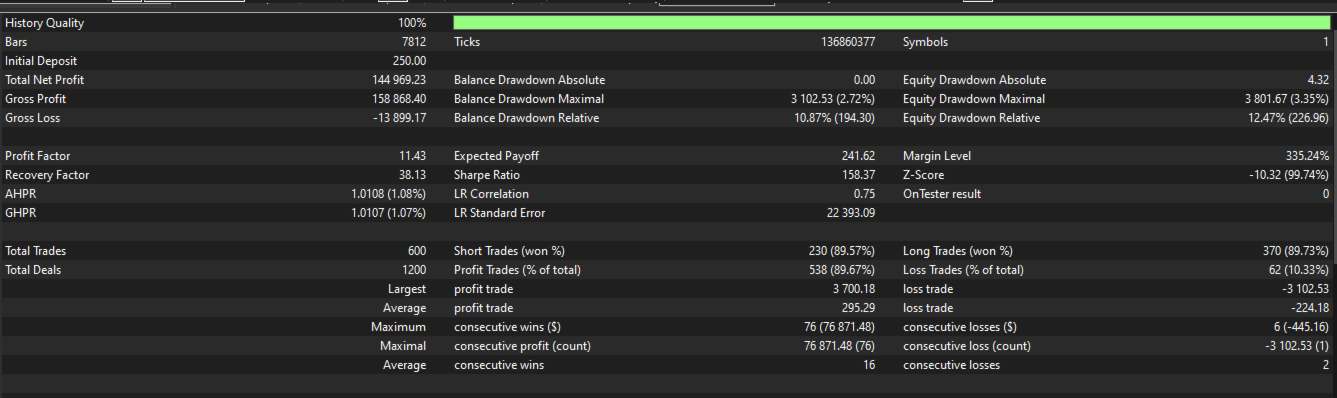
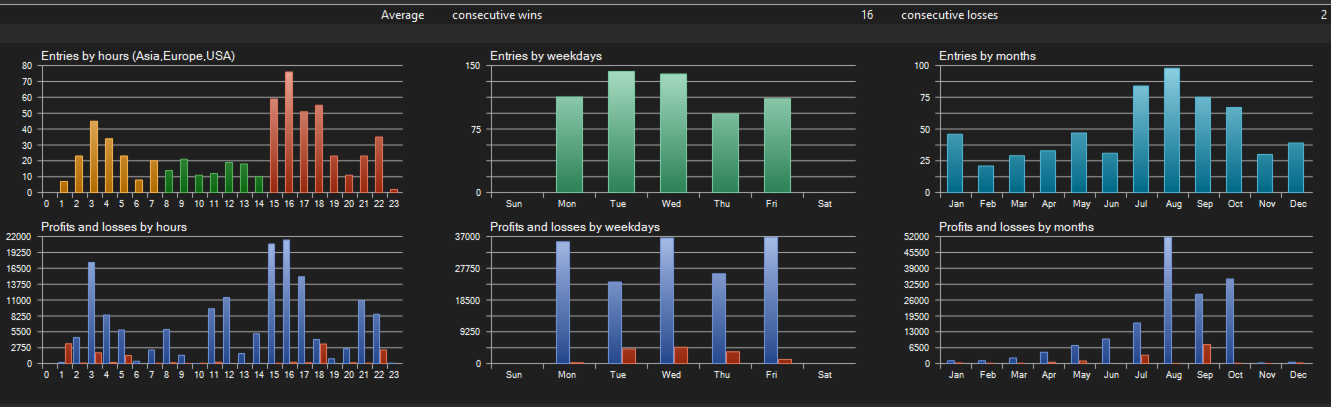
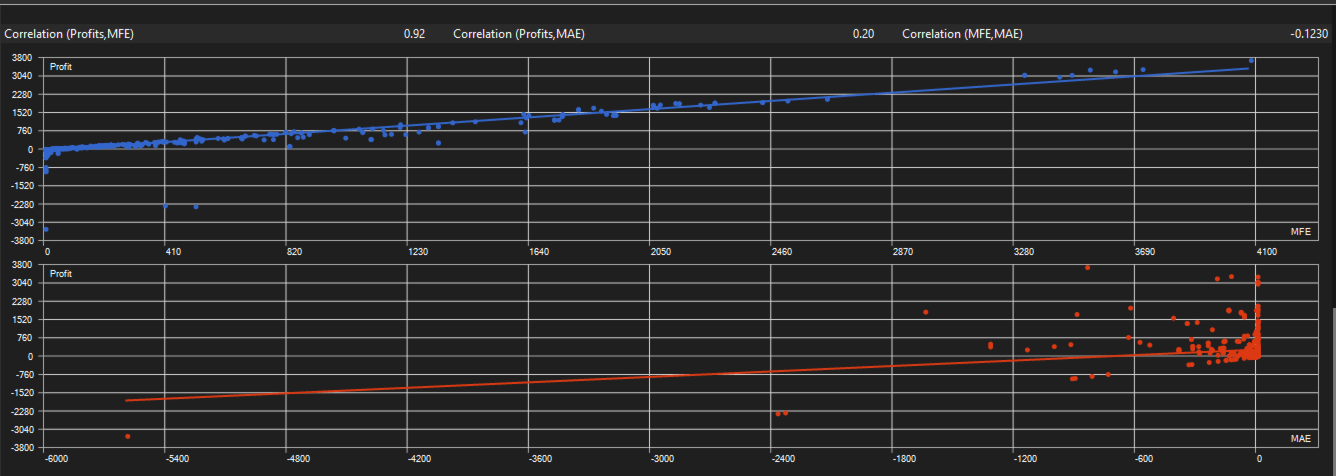
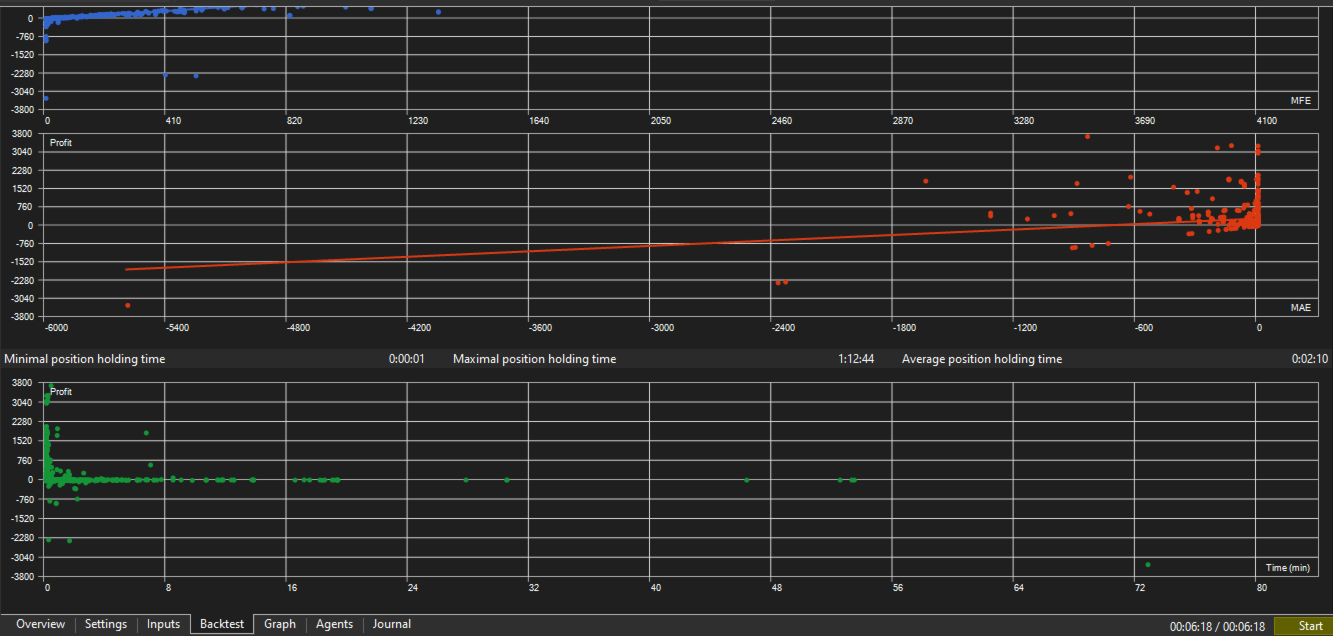
Backtests are performed under simulated conditions and cannot fully reproduce real-world factors such as broker latency, slippage, liquidity, order execution, and the speed of position management.
Backtest results should therefore be viewed as a reference, while live performance reflects the actual trading environment.
Recommended Setup
- Symbol: XAUUSD
- Timeframe: H1
- Minimum balance: $250
- Laverage: 1:500
- Account Mode: Hedging, Netting
- Account Type: Standard, Cent, RAW or ECN — (RAW/ECN highly recommended)
- Recommended Broker: VT Markets, TMGM and brokers offering competitive ECN/RAW spreads
- VPS: Low-latency VPS Recommended for Optimal Execution (Ping ≤ 50 ms)
For optimal execution, ECN/RAW accounts are recommended, particularly when trading strategies that are sensitive to spreads and execution costs.
Always test the EA on a demo account first and use appropriate risk settings for your account size and trading objectives.
Trading Forex and CFDs involves substantial risk. Past performance and backtest results do not guarantee future results.
Trade responsibly and use appropriate risk management.