Daniel Stein / Profilo
- Informazioni
|
12+ anni
esperienza
|
32
prodotti
|
2014
versioni demo
|
|
9
lavori
|
0
segnali
|
0
iscritti
|
per ottenere le ultime informazioni, gli aggiornamenti e le strategie di trading.
Cliccare su https://www.mql5.com/en/blogs/post/755375
Se avete domande, contattateci e saremo lieti di aiutarvi.
Auguri e buon trading
Daniel
The new SI coders chat room is available via this link https://t.me/+WR3k27W79PU4YmY6
All the best and see you there
Daniel & Alain
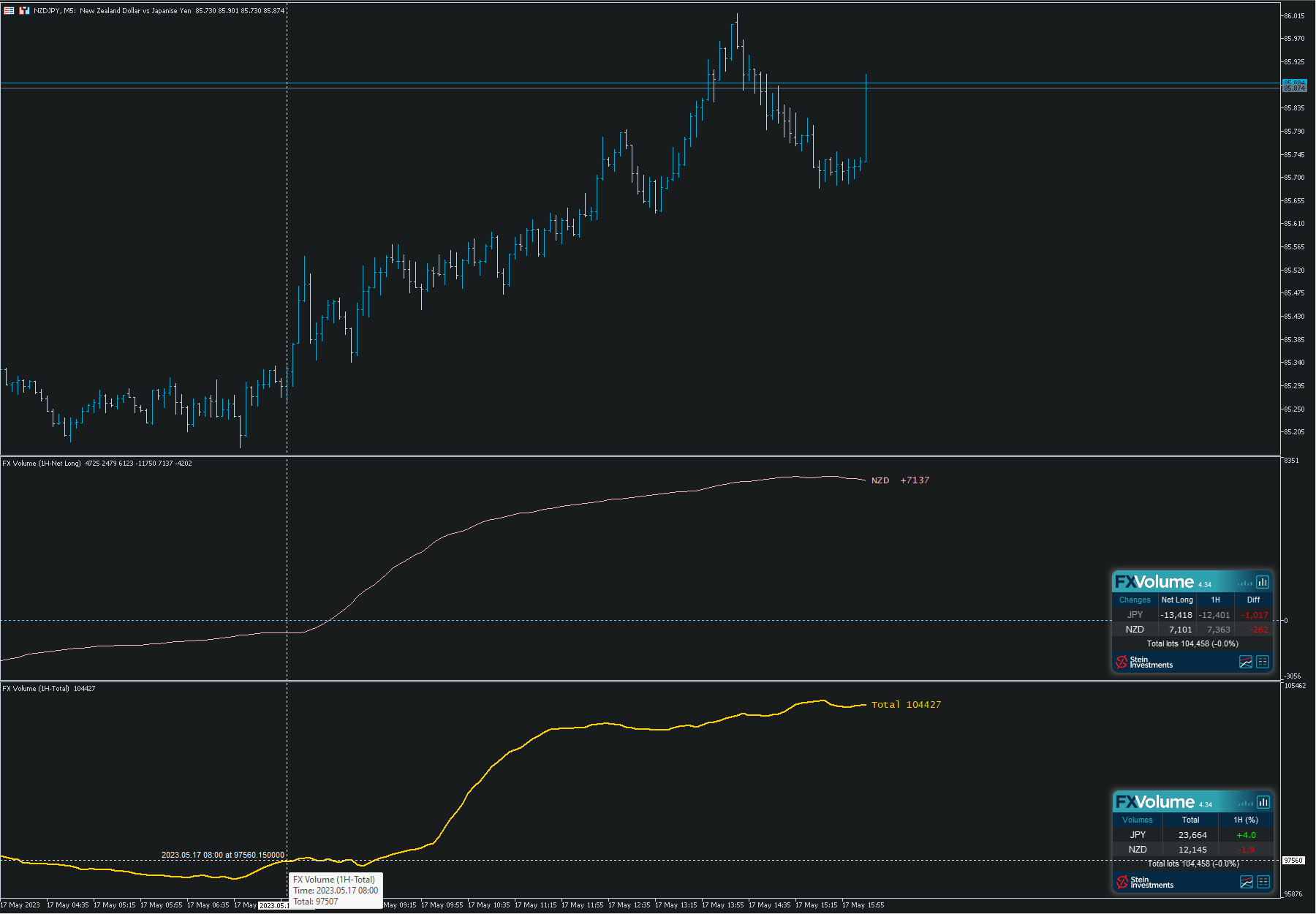
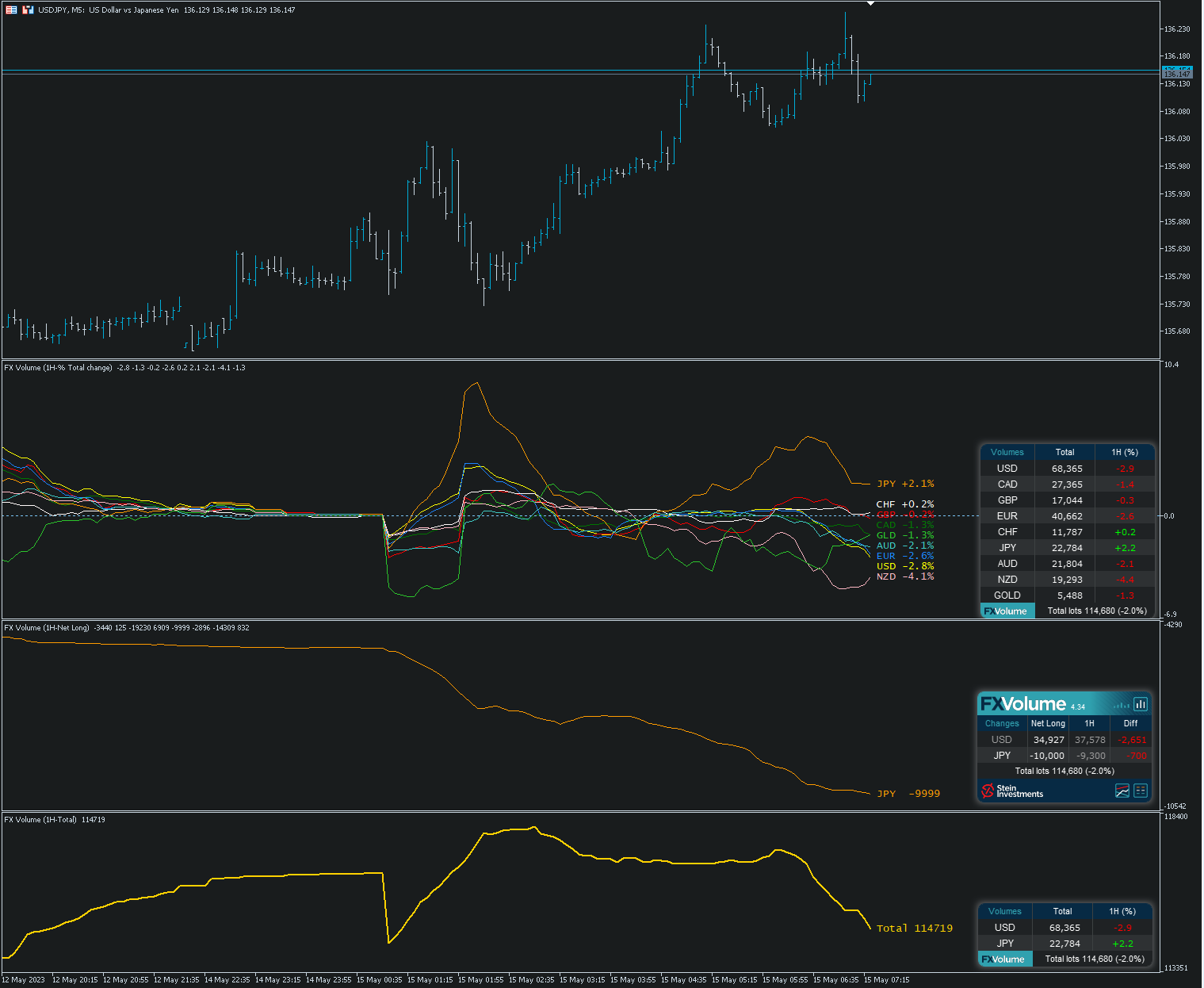
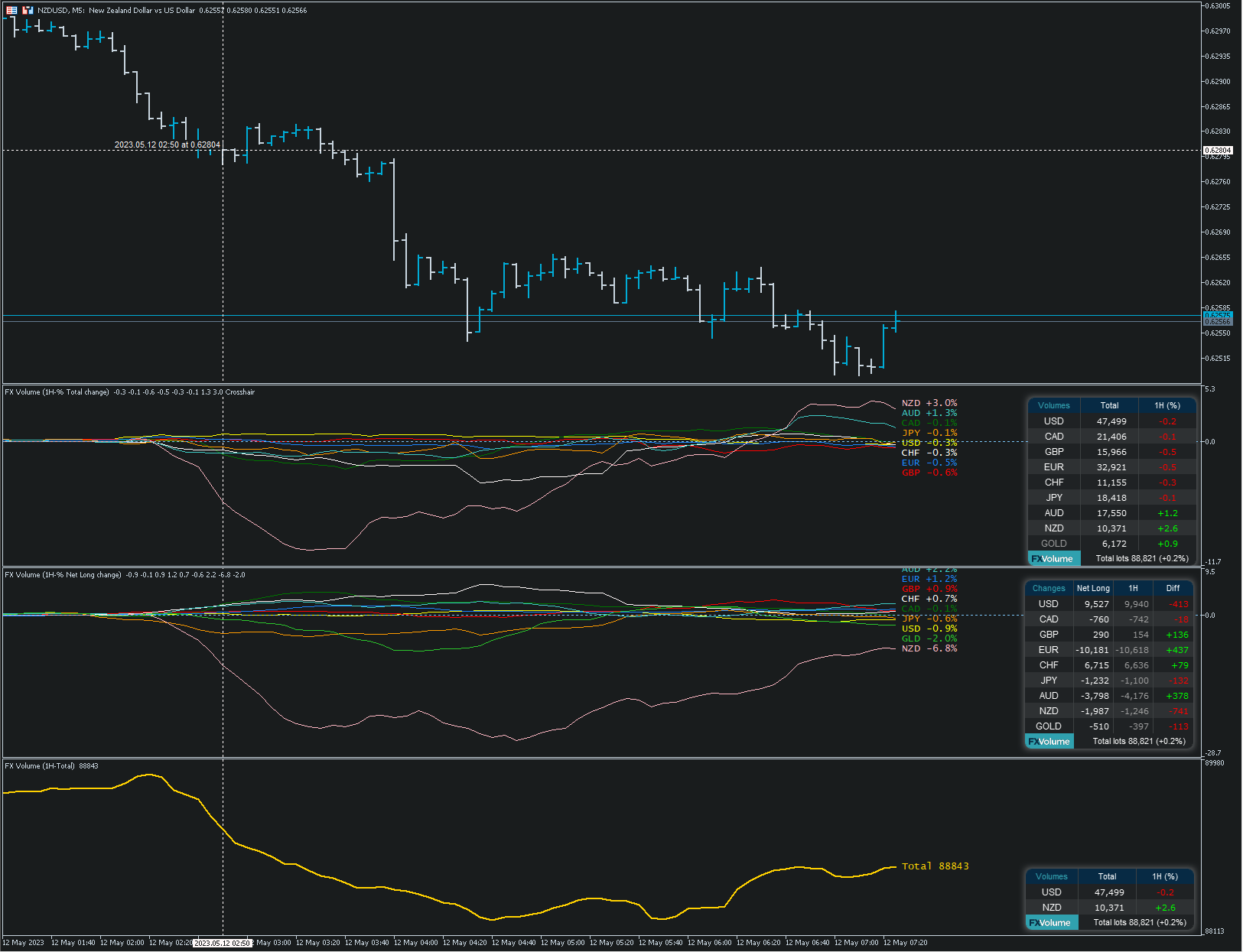
Crosshair è uno strumento fantastico che semplifica la nostra analisi del grafico portando le candele dei prezzi perfettamente in linea con i valori degli indicatori nelle sottofinestre. È possibile attivarlo e disattivarlo tramite una singola pressione della "C" della vostra tastiera, e fornisce una modalità righello per misurazioni precise che può essere attivata e disattivata tramite il tasto "R" della vostra tastiera. Guardate il nostro breve video tutorial incorporato qui sotto per vedere
We think this is a fair solution for everyone, and we hope this offer finds you well.
⚠️ PLEASE SAVE A TEMPLATE BEFORE UPDATING - if the FX Volume panel is not in the right place after the update you can restore it by loading your previously saved template ⚠️
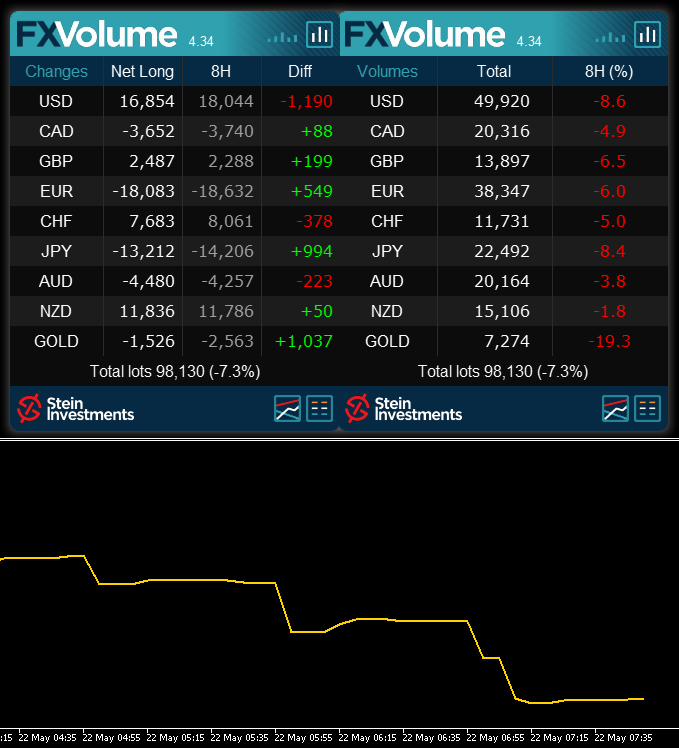
FX Volume 4.0 comes now with two additional features.
1. The option to use the internal comparison calculation on a minute basis which allows comparison below our previous minimum of 1 hour.
2. Inspired by our fellow trader Luke, we created a Net Long Volume view including history lines to understand better how the Net Long volume correlates with the market moves we see on the chart.
Check our Stein Investments YouTube channel to see a video of it https://youtu.be/x0dkBTpKidY
We're sure you'll like the new features.
All the best and see you soon
Daniel & Alain
‼️ EA Coders Attention please - Due to the new options we had to modify our FX Volume code snippets. Please find the latest snippets for version 4.0 in our FX Volume info channel ‼️
Version 2.0 includes the following changes:
- New settings for professional PROP traders in a separate section
- Strategical update for SIEA ZEN providing a significant performance boost
- New exit parameter
- General improvements and minor bugfixes
‼️ You'll find the new set files for SIEA PRO MT4 and SIEA PRO in the SIEA PRO BUYERS CLUB ‼️
If you don't see the update button yet, you get the update immediately by following these steps:
1. Delete your existing copy of SIEA - all trades remain open
2. Restart your terminal
3. Reinstall SIEA from the market
4. Add it to your chart, and it will continue its work as expected
We hope you'll enjoy the new features and improvements.
Daniel & Alain
We’ve seen so many EAs struggles or kill their user’s accounts.
SIEA is different and provides a long-lasting positive experience for its users due to its outstanding risk-reward ratio.
Give it a try and benefit from our professional SIEA trading systems.
Get more information about it at https://www.mql5.com/en/blogs/post/745358.
All the best
Daniel & Alain
You want to know more about it - then have a look at our SIEA FAQ at https://www.mql5.com/en/blogs/post/745358
Link to the original post -> https://www.mql5.com/en/market/product/67757?source=Site+Profile+Seller#!tab=reviews&id=review_21109499
‼️ PLEASE UPDATE ‼️
Version 1.69 includes the following changes:
- Fixed wrong comparison price used on BUY trailing (bid instead of ask)
- Improved debug information to investigate rarely appearing memory issue
- Improved panel information message
- Improved time filter
We hope you'll enjoy the latest product improvements.
Daniel & Alain
⚠️It can take up to 24 hours until you see the UPDATE button in the Purchases section of your MT4 / MT5 terminal.
⚠️Once you did the update please restart your terminal to force the terminal to run the latest installed SIEA version on your chart.
Originally posted at https://www.mql5.com/en/market/product/67755?source=Site+Market+Main+Rating006#!tab=reviews&id=review_20931396
Originally posted at https://www.mql5.com/en/market/product/67757?source=Site+Market+Main+Rating006#!tab=reviews
If you want more action and profit just increase the risk via one central parameter.
Get more information about our SIEA series at https://www.mql5.com/en/blogs/post/745358
All the best
Daniel & Alain
‼️ PLEASE UPDATE ‼️
These updates include the following changes:
Improved communication between SIEA and SI Connect
Fixed backtest issue at the weekends
We hope you'll enjoy the latest product improvements.
Daniel & Alain
⚠️It can take up to 24 hours until you see the UPDATE button in the Purchases section of your MT4 / MT5 terminal.
⚠️Once you did the update please restart your terminal to force the terminal to run the latest installed SIEA version on your chart.
‼️ PLEASE UPDATE ‼️
Version 1.59 includes the following changes:
- Fixed symbol suffix issue
- Improved wrong symbol inputs processing
- Improved "Leverage too low" logging
- Added management of missing direct conversion symbols
- Improved error processing
- Improved news indicator management
We hope you'll enjoy the latest product improvements.
Daniel & Alain
⚠️It can take up to 24 hours until you see the UPDATE button in the Purchases section of your MT4 / MT5 terminal.
⚠️Once you did the update please restart your terminal to force the terminal to run the latest installed SIEA version on your chart.
Unfortunately, the MT4 isn't capable of executing multi-symbol backtests, which is why we highly recommend using the SIEA MT5 versions to run realistic multi-symbol backtest of these brilliant trading systems.
You'll find the SIEA MT5 series by using this link https://www.mql5.com/en/market/mt5?filter=SIEA
Learn more about SIEA in general by visiting our SIEA FAQ at https://www.mql5.com/en/blogs/post/745358
If your question hasn't been answered yet send us a private message and we'll help.
All the best and happy trading
Daniel & Alain
👉 SIEA ZEN - major update We recommend using the SIEA MT5 versions to run realistic real-tick multi-symbol backtest. TRADING STYLE SIEA ZEN trades all 28 trading pairs based on the 8 major currencies, USD, CAD, EUR, CHF, GBP, AUD, NZD, and JPY. Our unique volume analysis determines market imbalance and how intense they are to spot reverse entry opportunities. SIEA ZEN closes all its positions at the end of every month and starts a new cycle at the beginning of the next month. In