Backtests simulator
- Utilità
- Versione: 1.0
- Attivazioni: 5

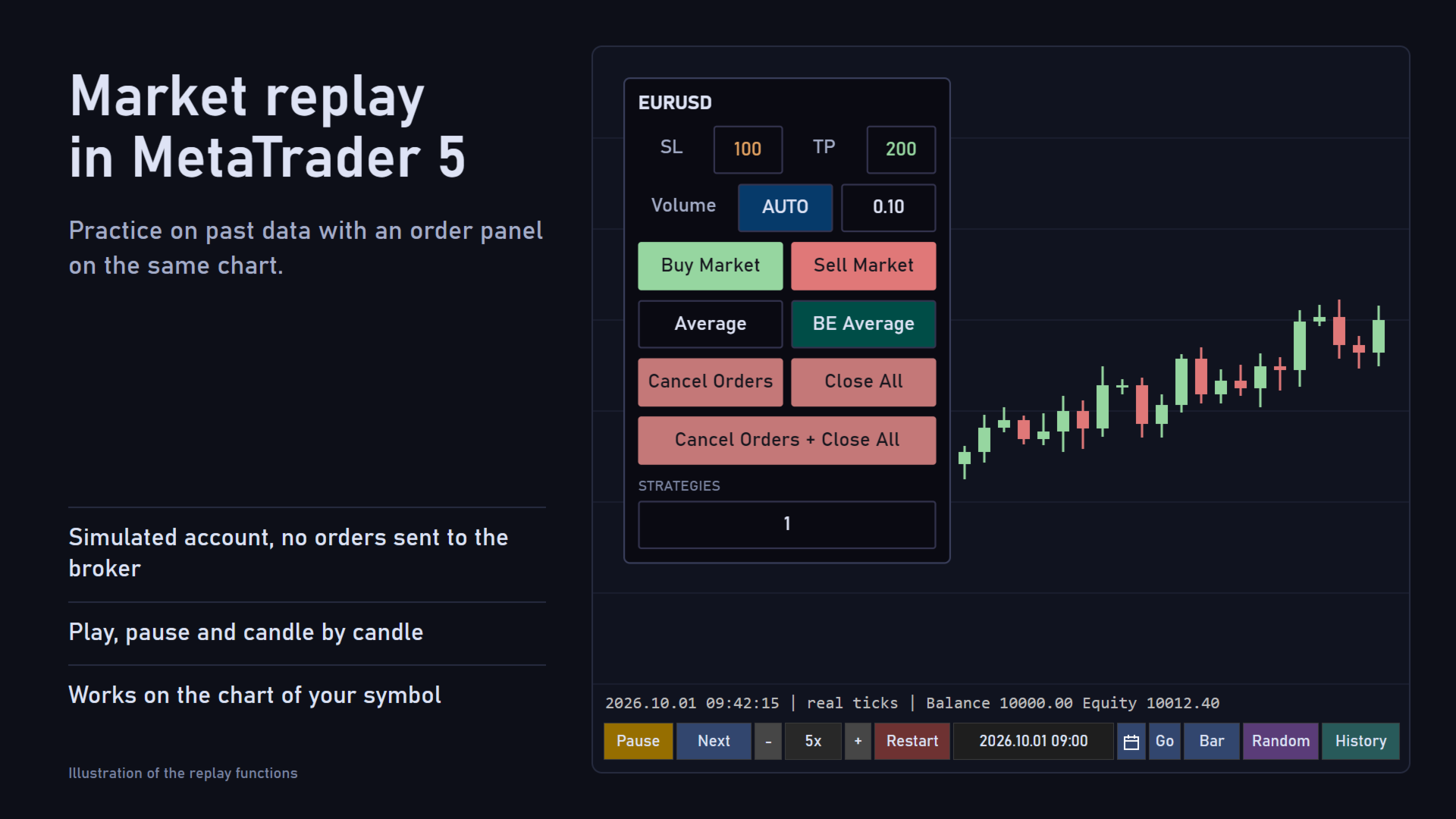
Market Replay is a tool for manual backtesting and trading practice in MetaTrader 5. It replays the recorded ticks of the broker in their original order, with the bid, ask, spread and time of each tick, so candles form on the chart as they did in the market. An order panel on the same chart places trades on a simulated account. The program does not generate trading signals, and the orders placed in the replay are not sent to the broker.
Tick simulation
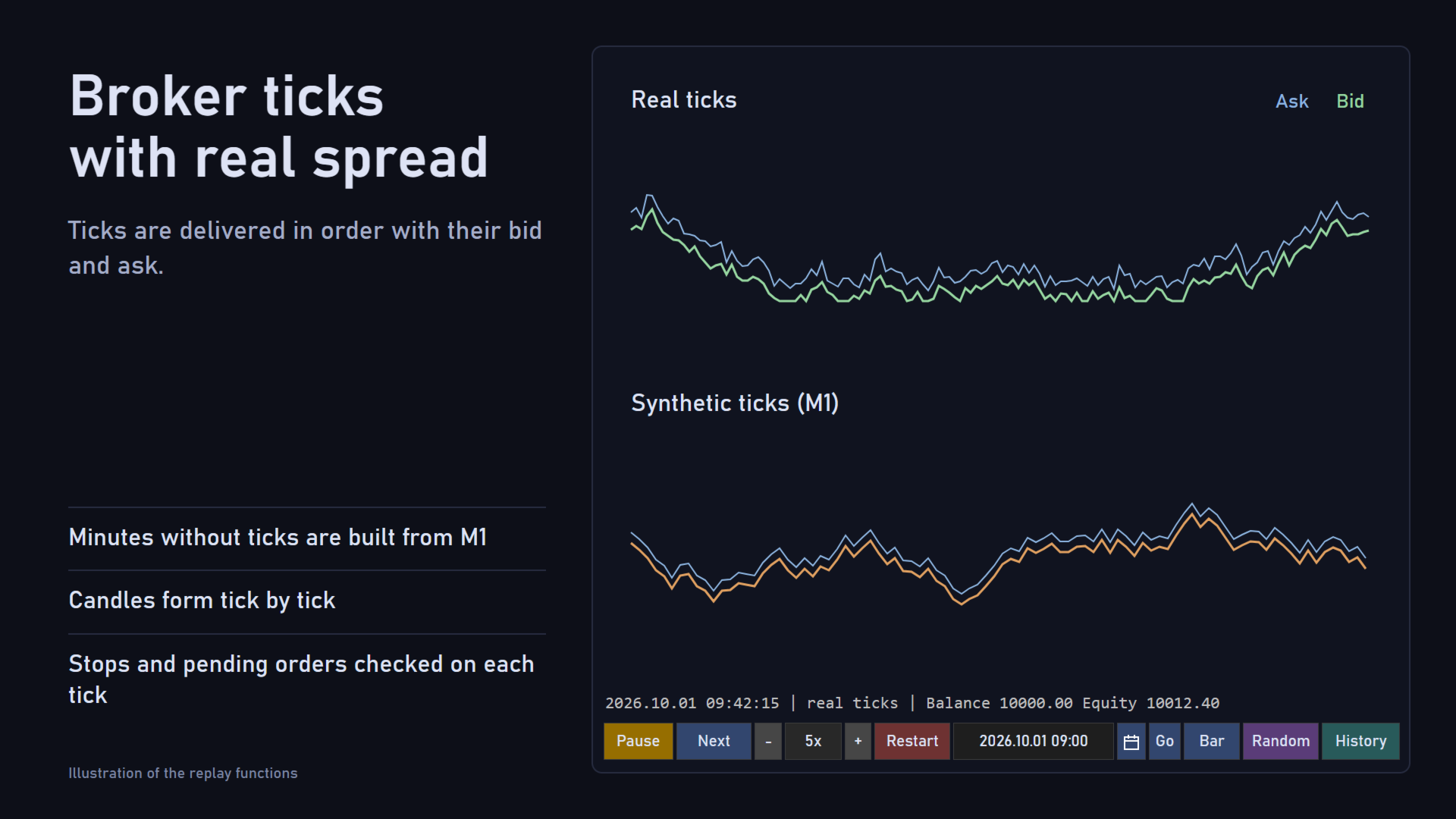
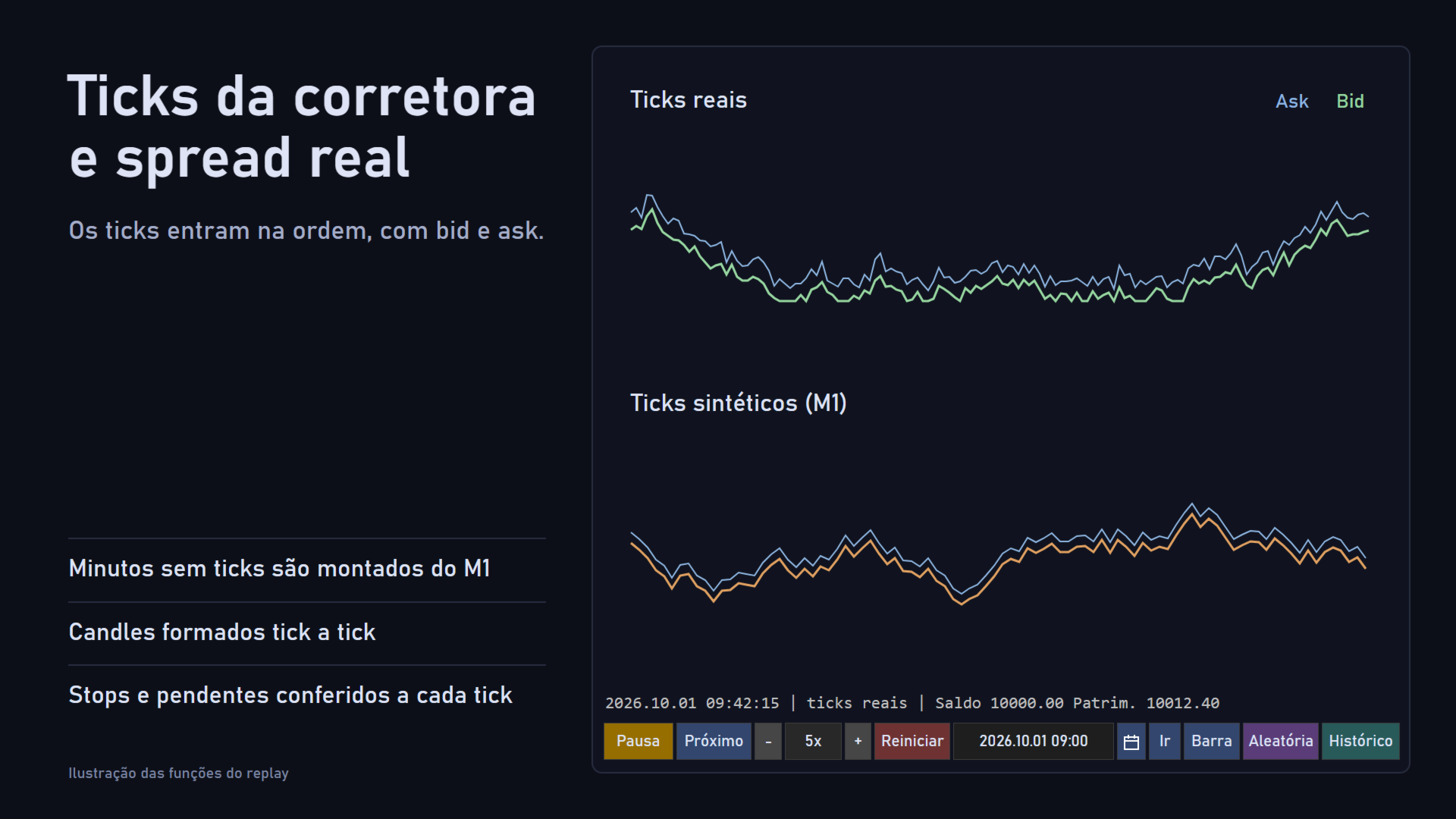
The program uses the tick history available from the broker, with times in milliseconds. Real ticks are delivered with their own bid and ask, so spread changes recorded at that time are part of the test. Minutes without ticks are built from M1 candles as synthetic ticks that keep the open, high, low and close of the candle. The status line shows whether the data is real, synthetic or mixed.
At high speed the chart receives a reduced set of ticks that keeps the open, high, low and close of each M1 candle. The simulated account still checks every tick. The amount of real tick data depends on the broker.
Manual backtesting
Choose a past date, replay the market and trade your own rules without seeing the next candles. Stop Loss, Take Profit and pending orders are checked on each tick, in order. They are executed at the price of the tick that reached the level, including slippage in price gaps. Buy orders use the ask and sell orders use the bid. Margin and tick value come from the original symbol, and a commission per lot can be set.
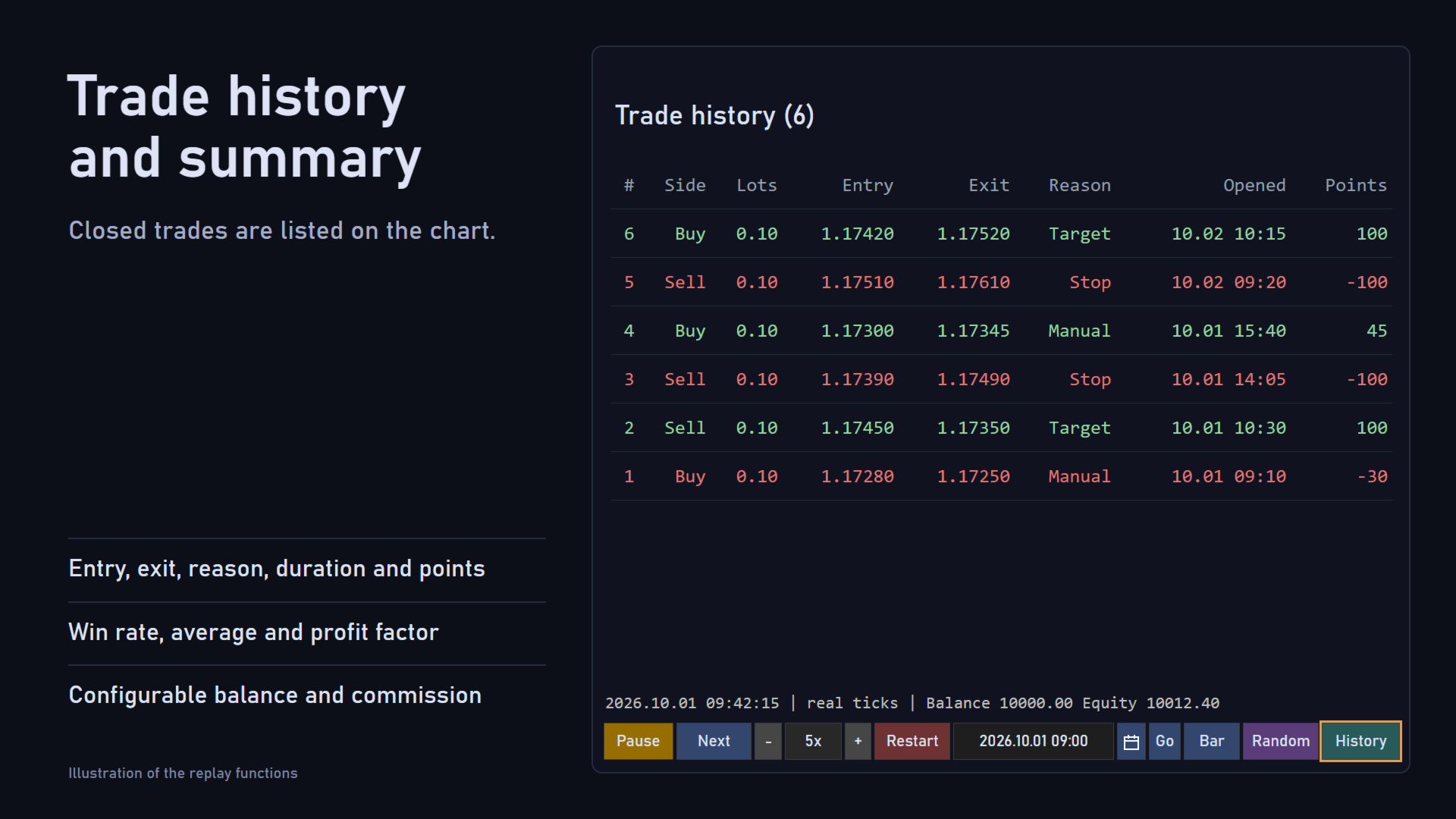
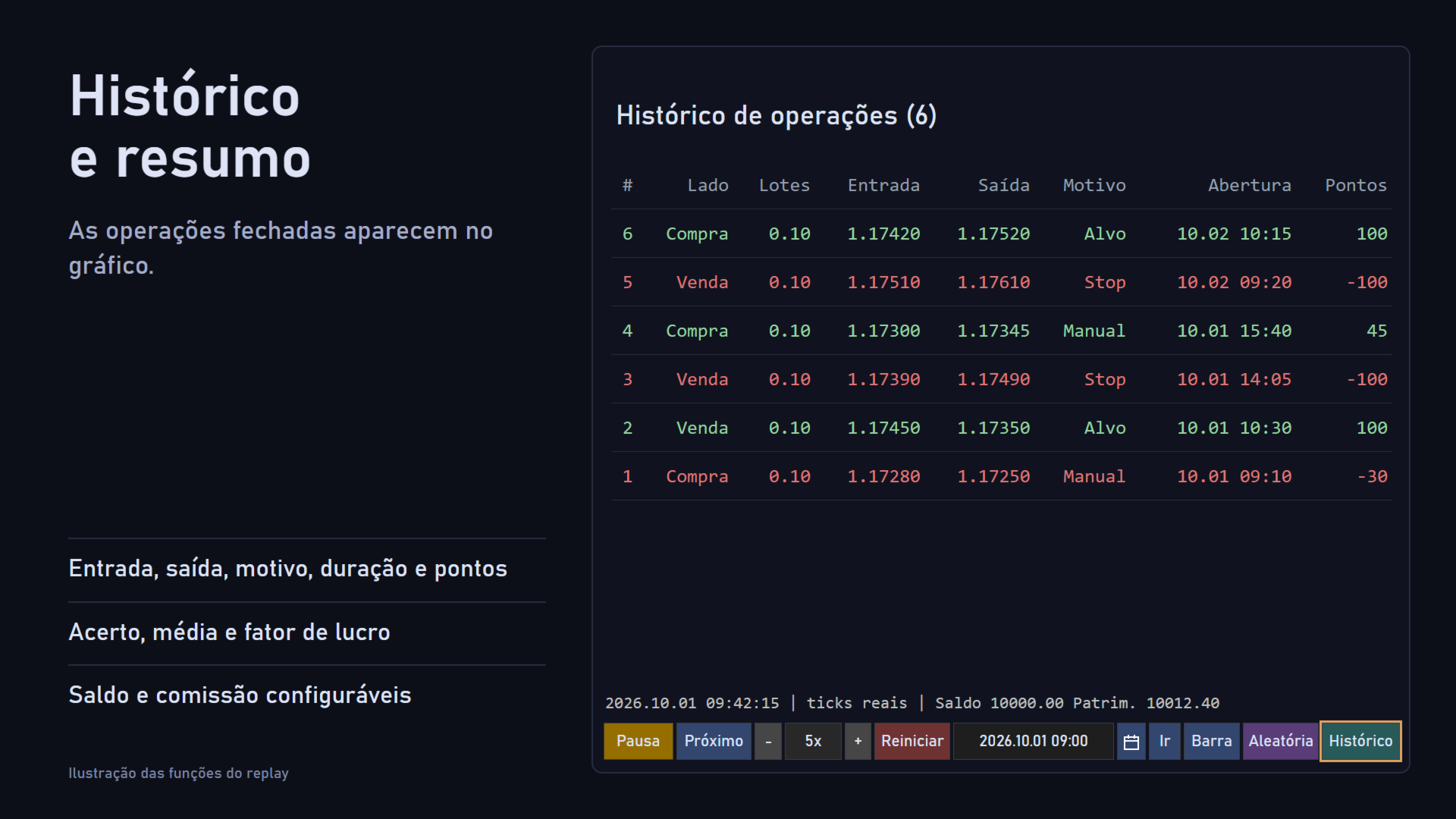
The History button lists closed trades with entry, exit, reason, duration, points and result. The summary shows win rate, total and average result, best and worst trade and profit factor. Past and simulated results do not guarantee future results, and simulated execution may differ from execution in a real market.
Replay controls
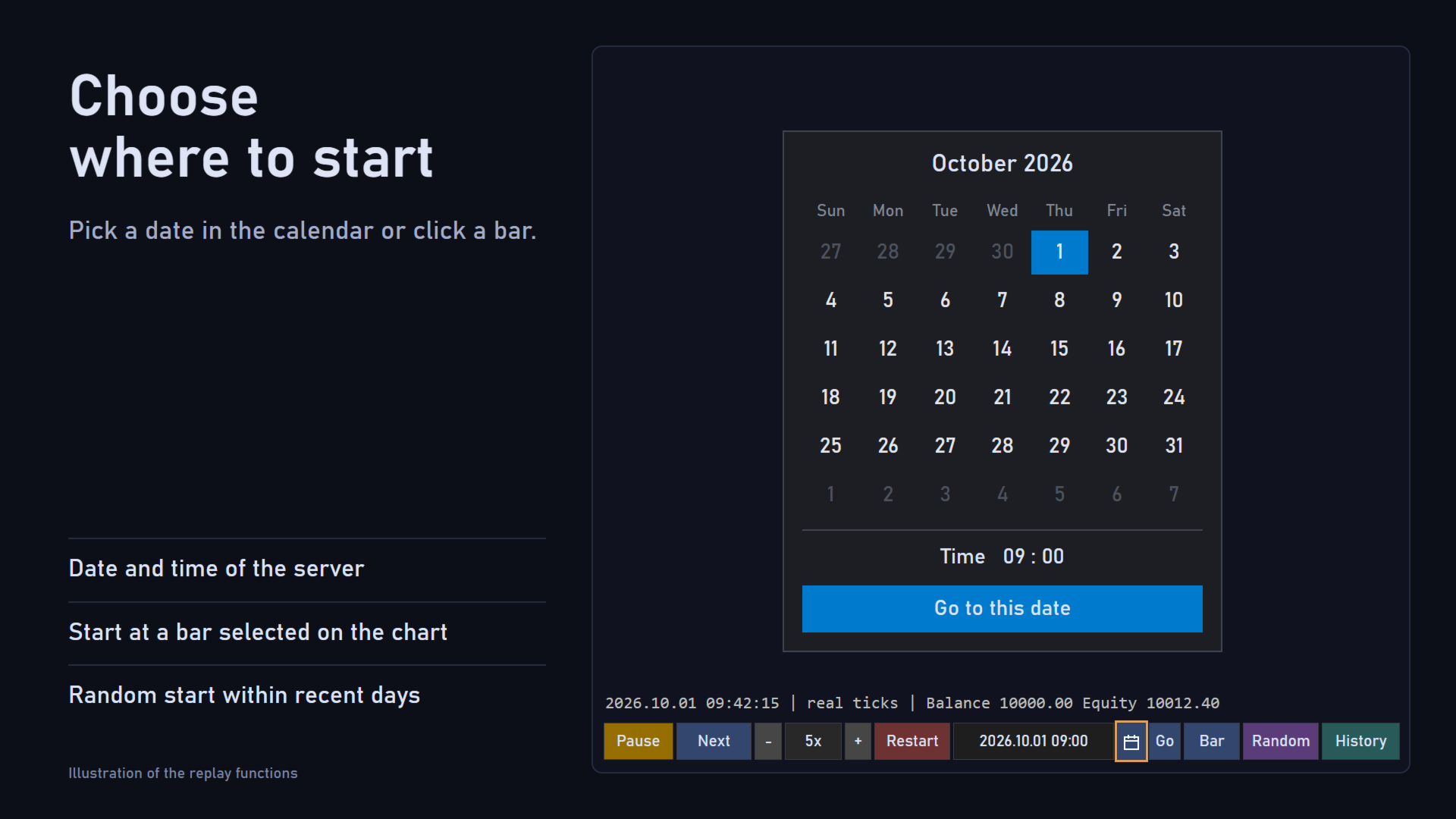
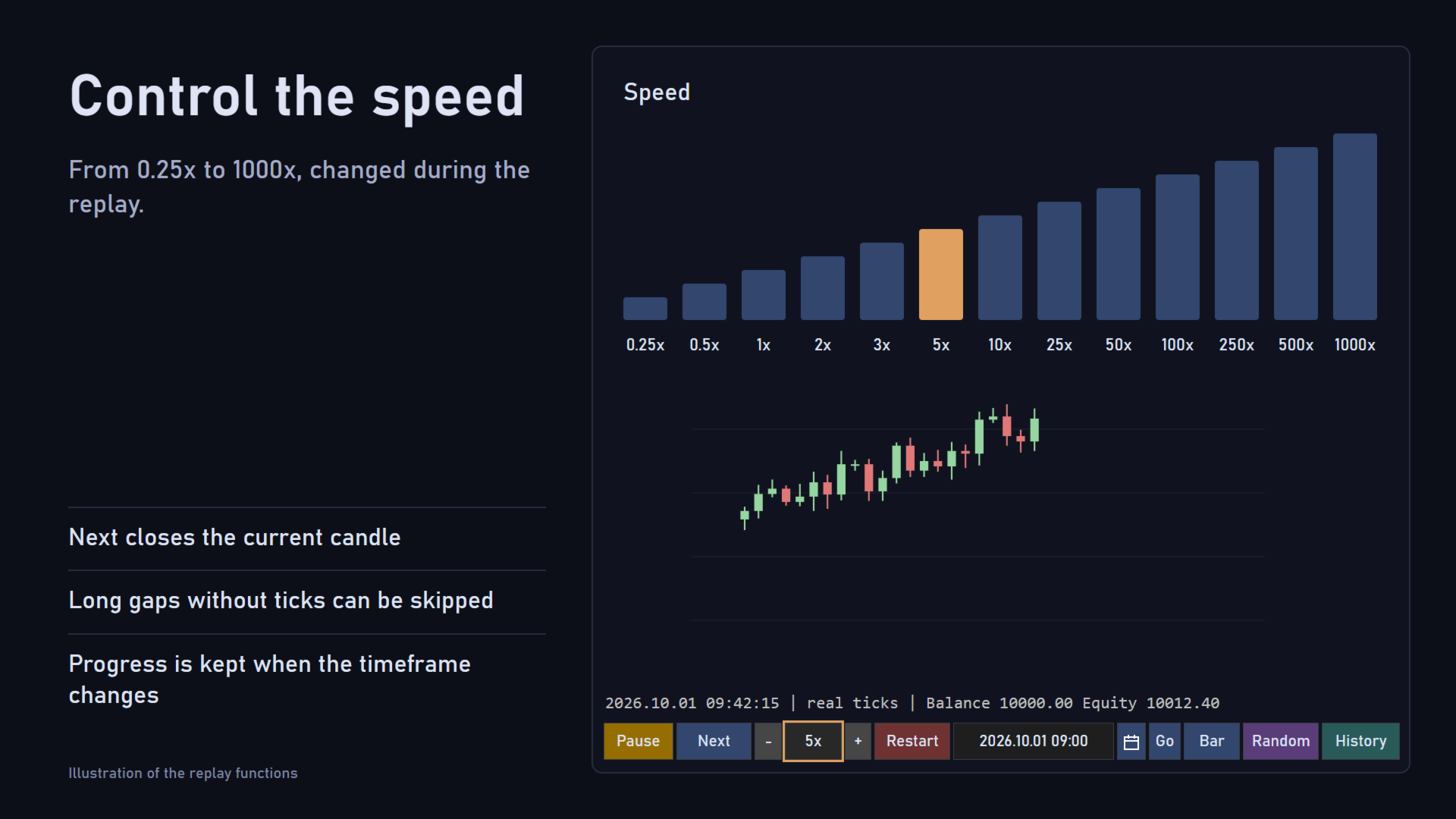
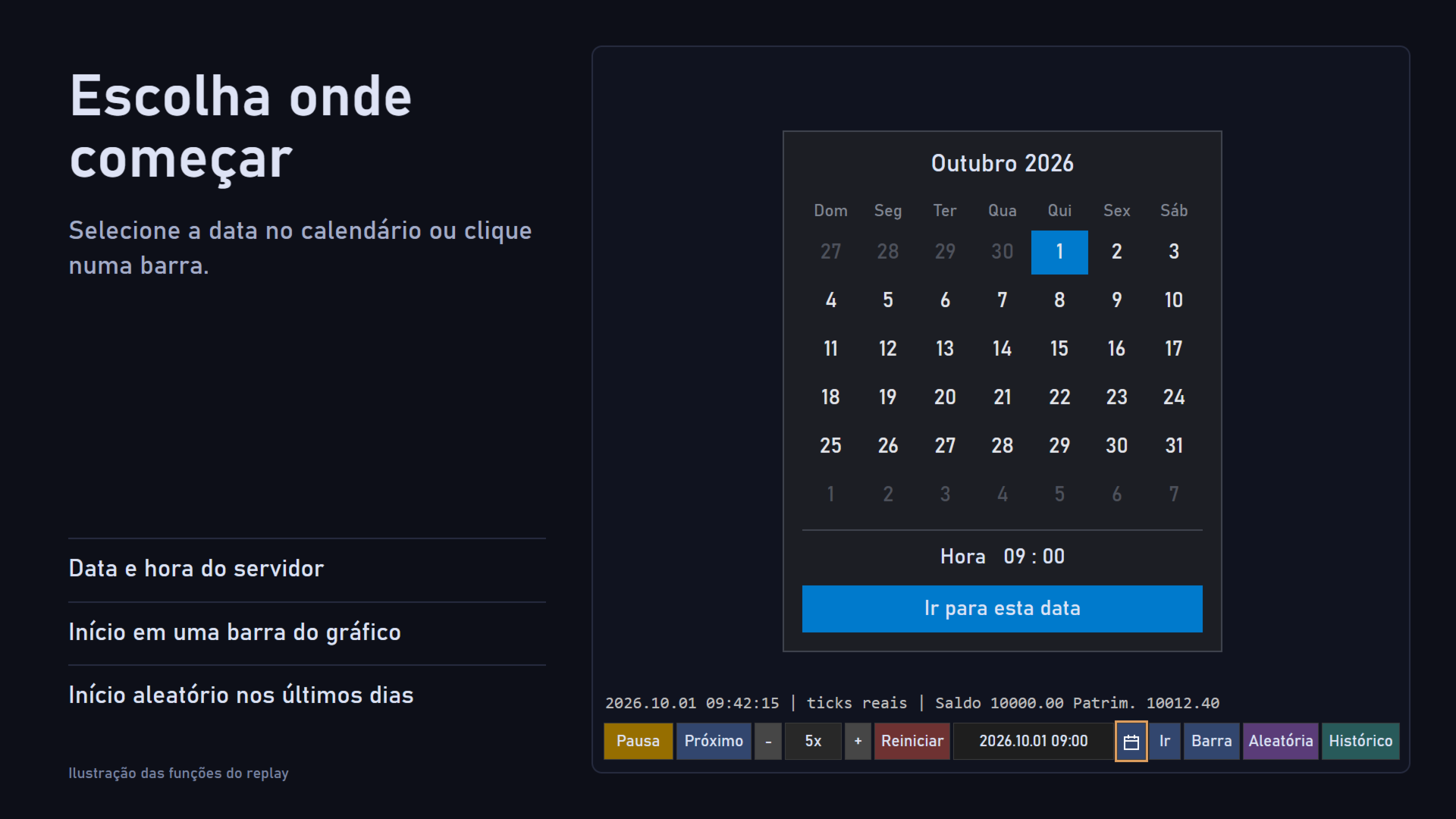
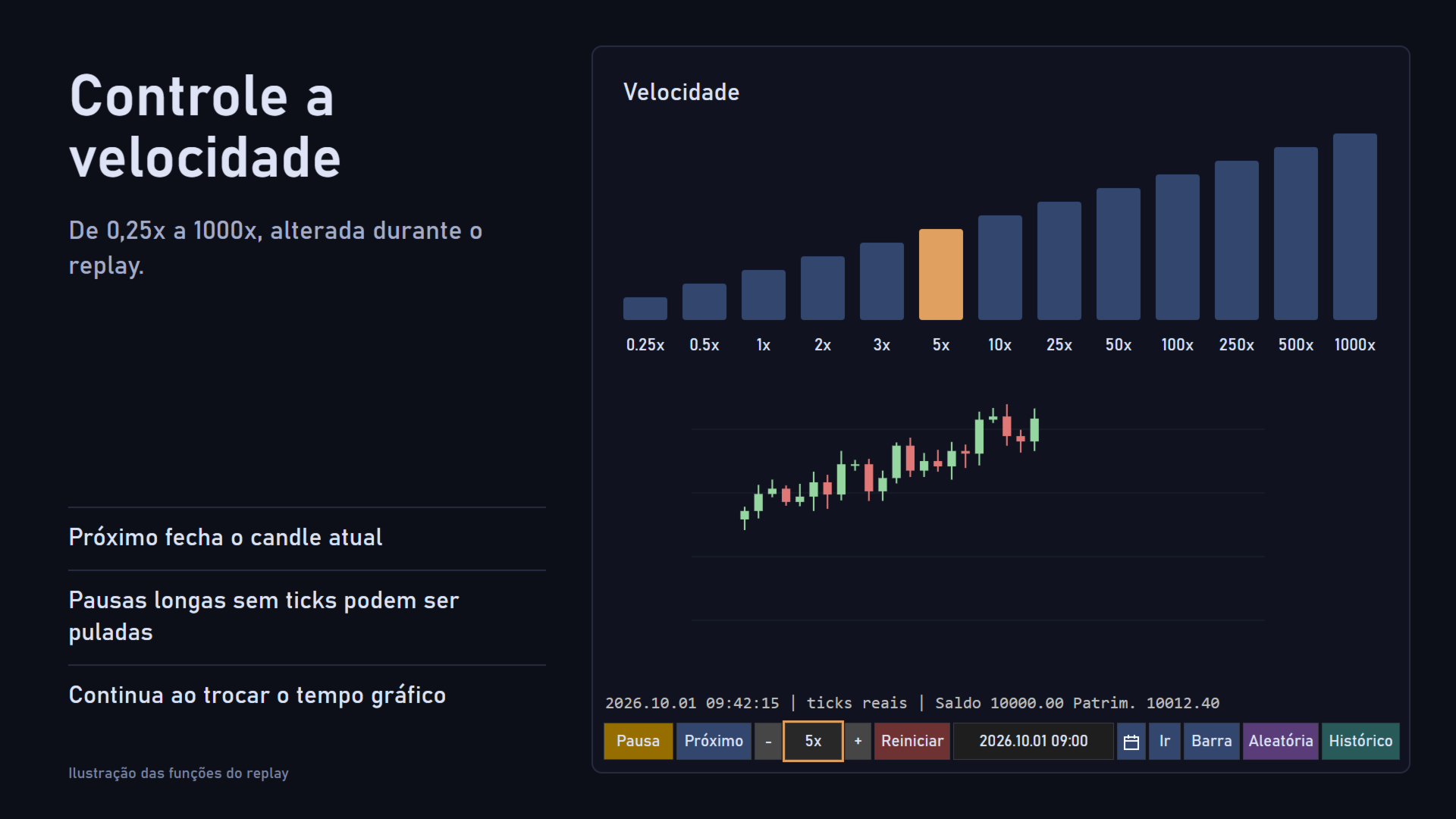
The replay can be played, paused or moved forward one candle at a time. The speed can be set from 0.25x to 1000x while the replay is running. The start can be a date chosen in the calendar, a bar clicked on the chart or a random date within recent days. Dates use the server time. When the timeframe is changed or the terminal is restarted, the replay continues from the same point.
Order panel
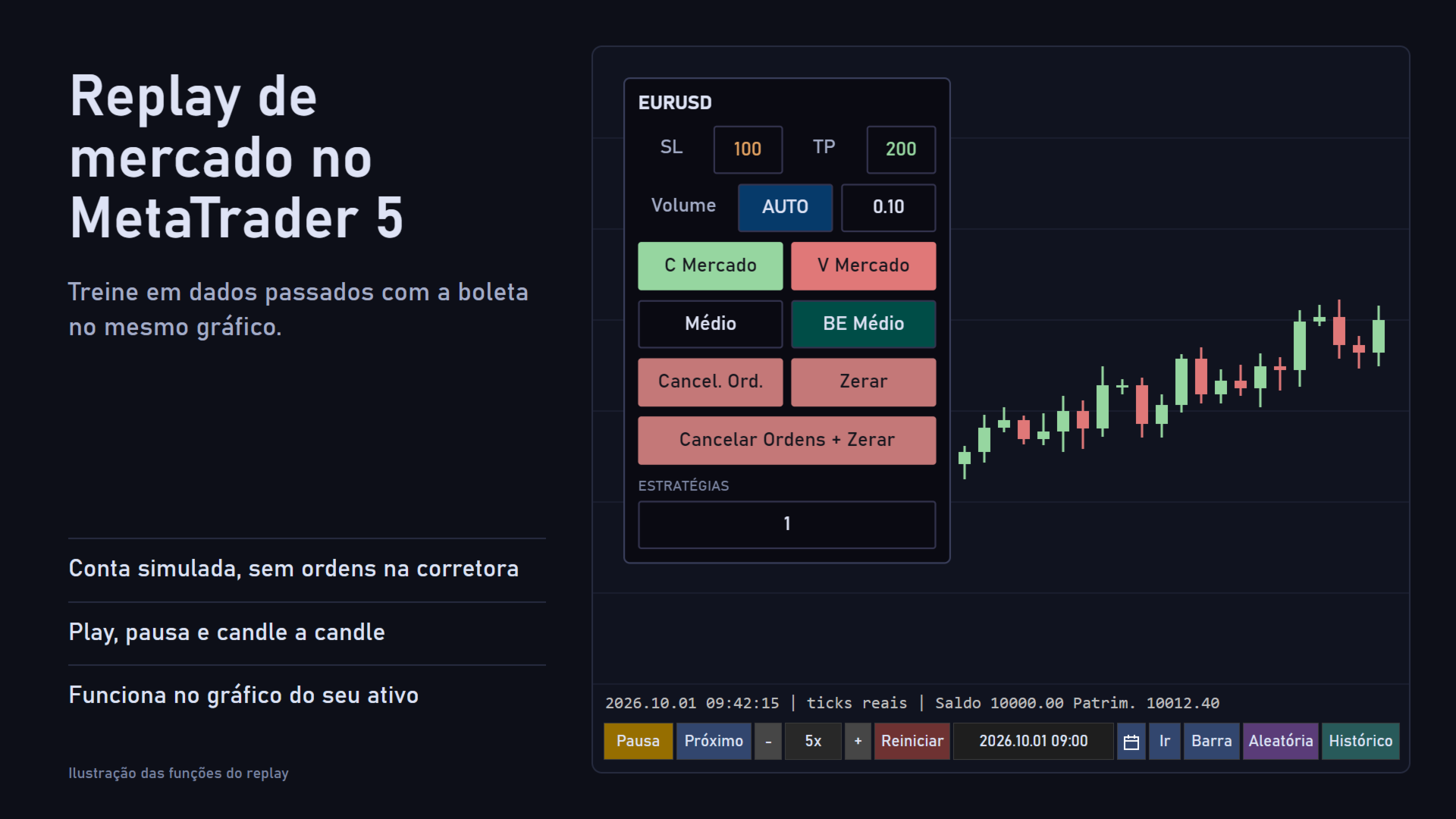
The panel has market, limit and stop orders, an order preview, volume calculated from risk, draggable lines, breakeven, partial close and up to five strategies with partial targets. The account allows several positions on the same symbol.
Installation
Attach the program to the chart of a symbol. It creates a custom symbol with the suffix .rpl, loads M1 history before the start date and switches the chart to that symbol. The control bar is at the bottom of the chart.
Main parameters
- Replay: start mode, start date, days of history, tick source and initial speed.
- Simulated account: initial balance, commission and account reset.
- Order panel: shortcuts, visible buttons, management and strategies.
Keyboard shortcuts
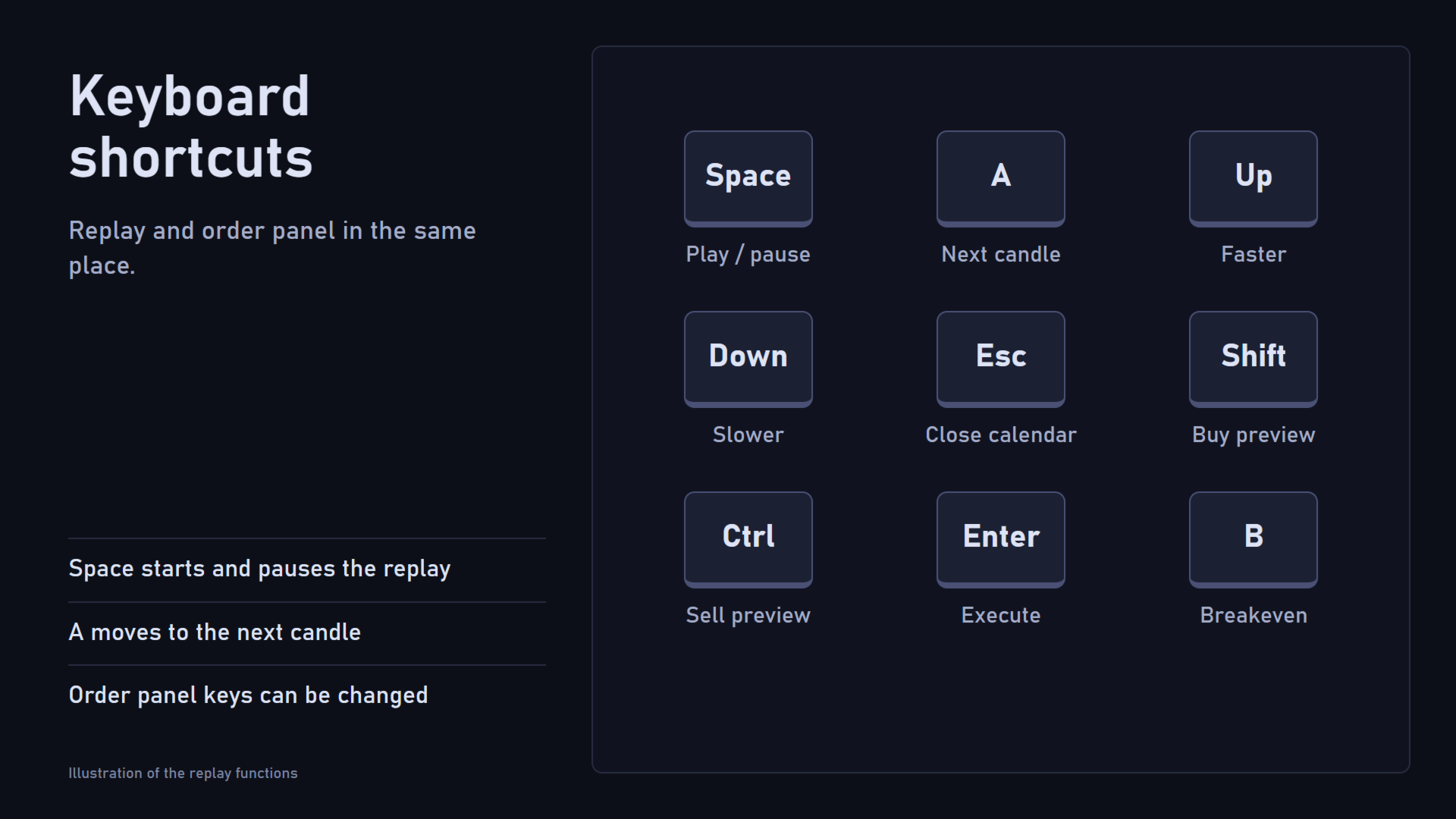
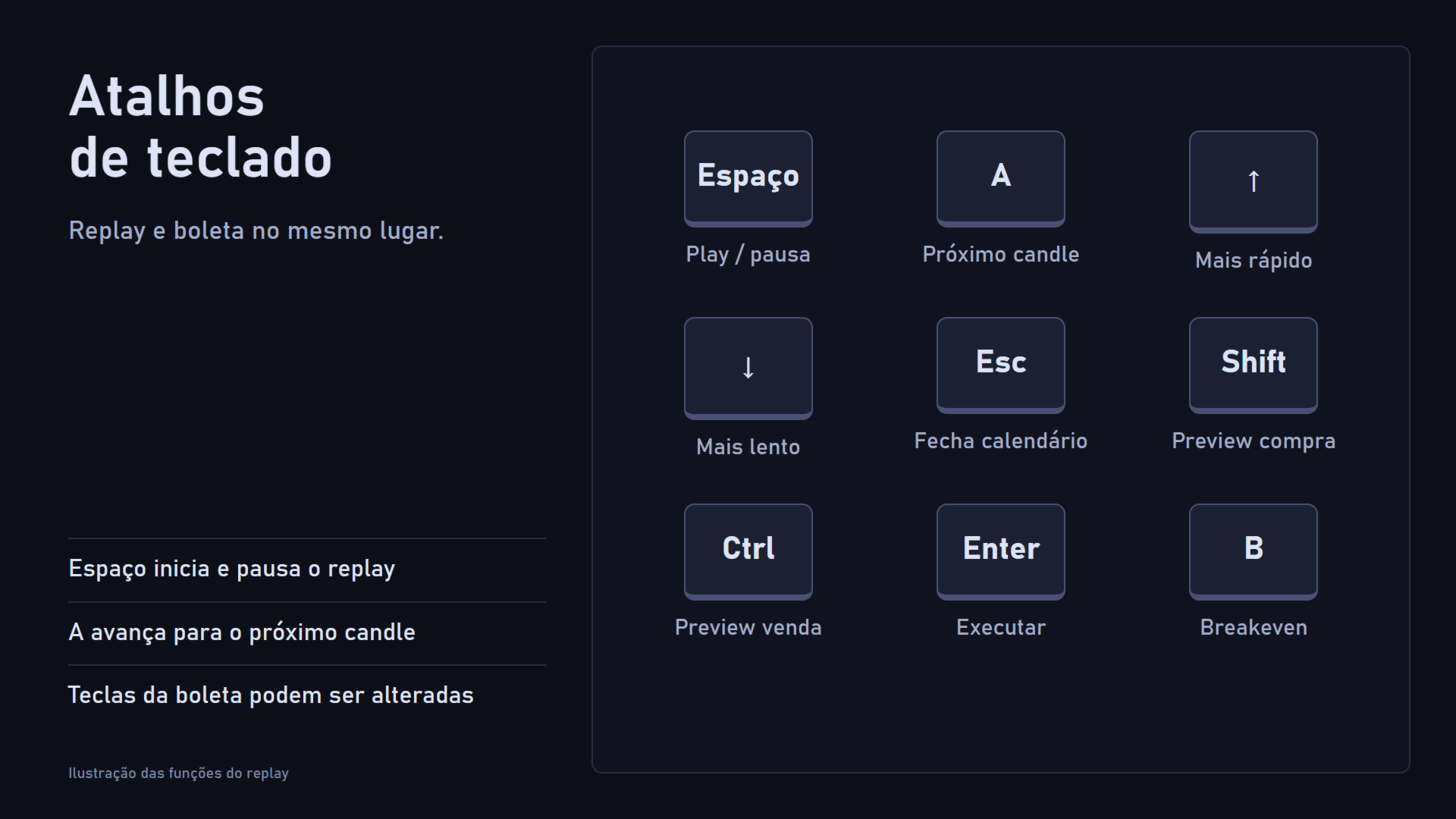
Space starts and pauses the replay. A moves to the next candle. The up and down arrows change the speed. Click the chart before using the keys.
Notes
The terminal must be connected to download ticks and M1 data. If there is no M1 history, increase the maximum number of bars in the chart settings. The replay runs on a chart and not in the Strategy Tester. Restarting at another date discards open simulated positions and orders, and keeps the balance and the trade history.