ICT Concepts Plus
- Indicatori
- Versione: 1.0
- Attivazioni: 20

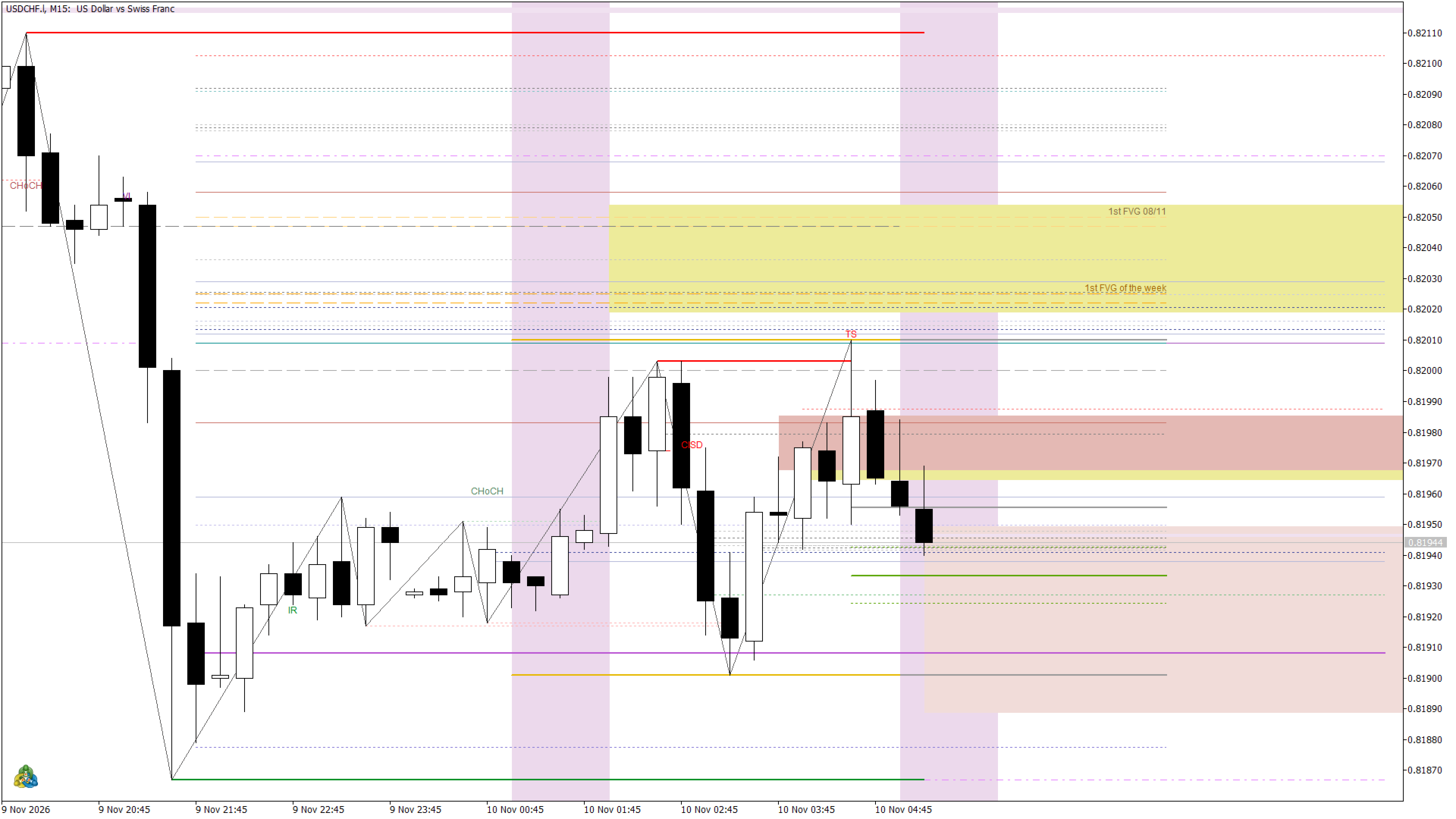
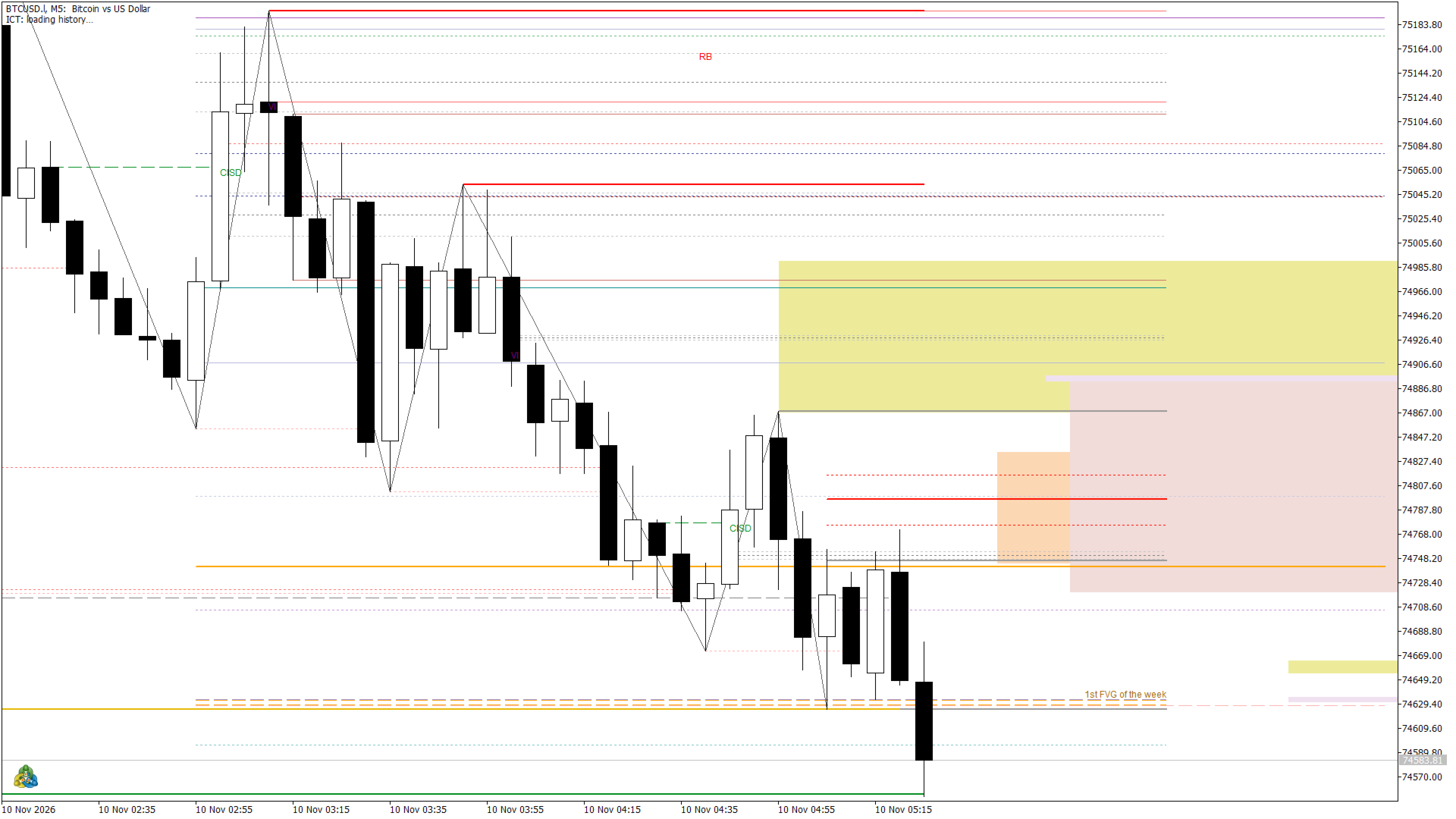
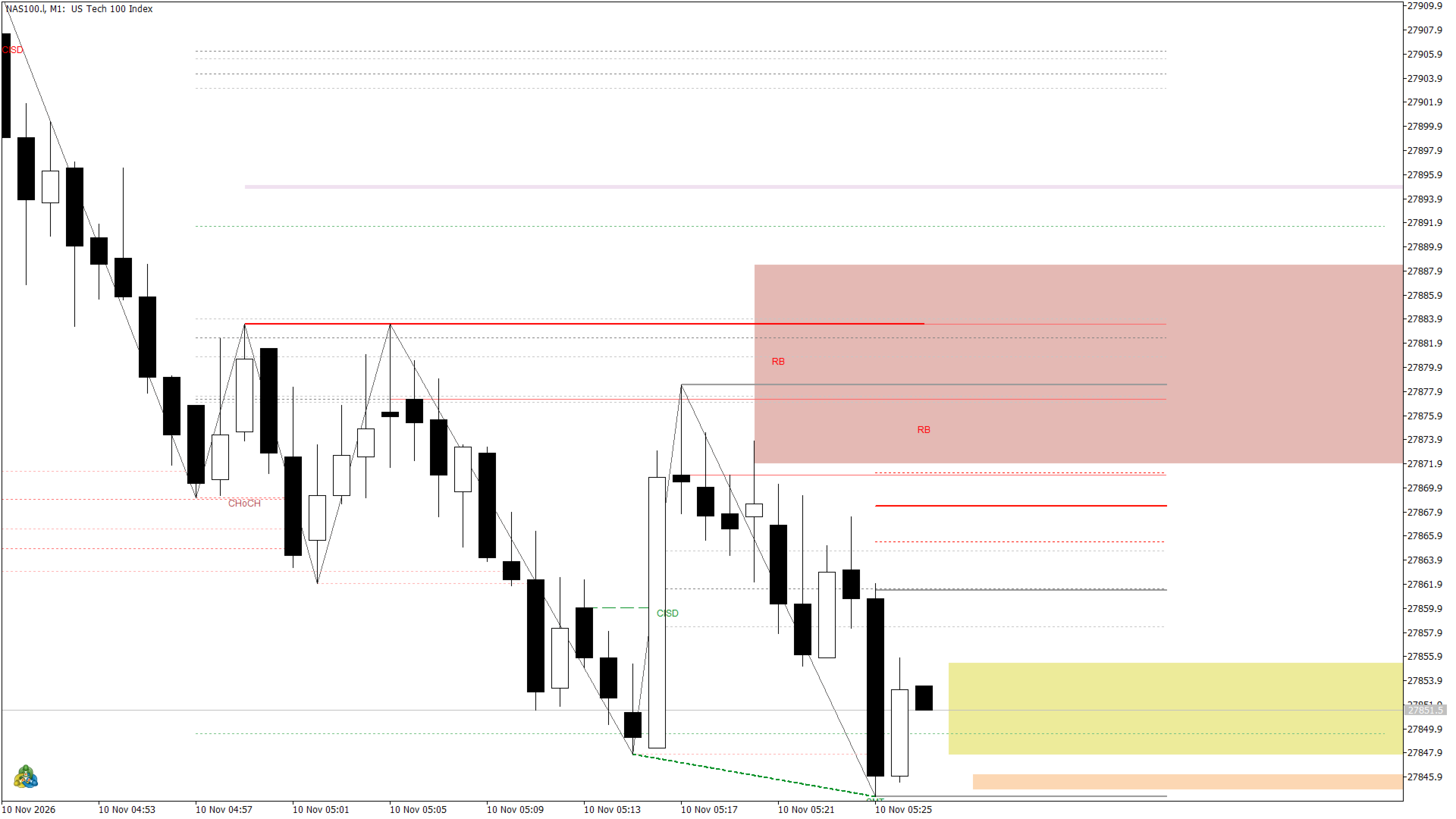
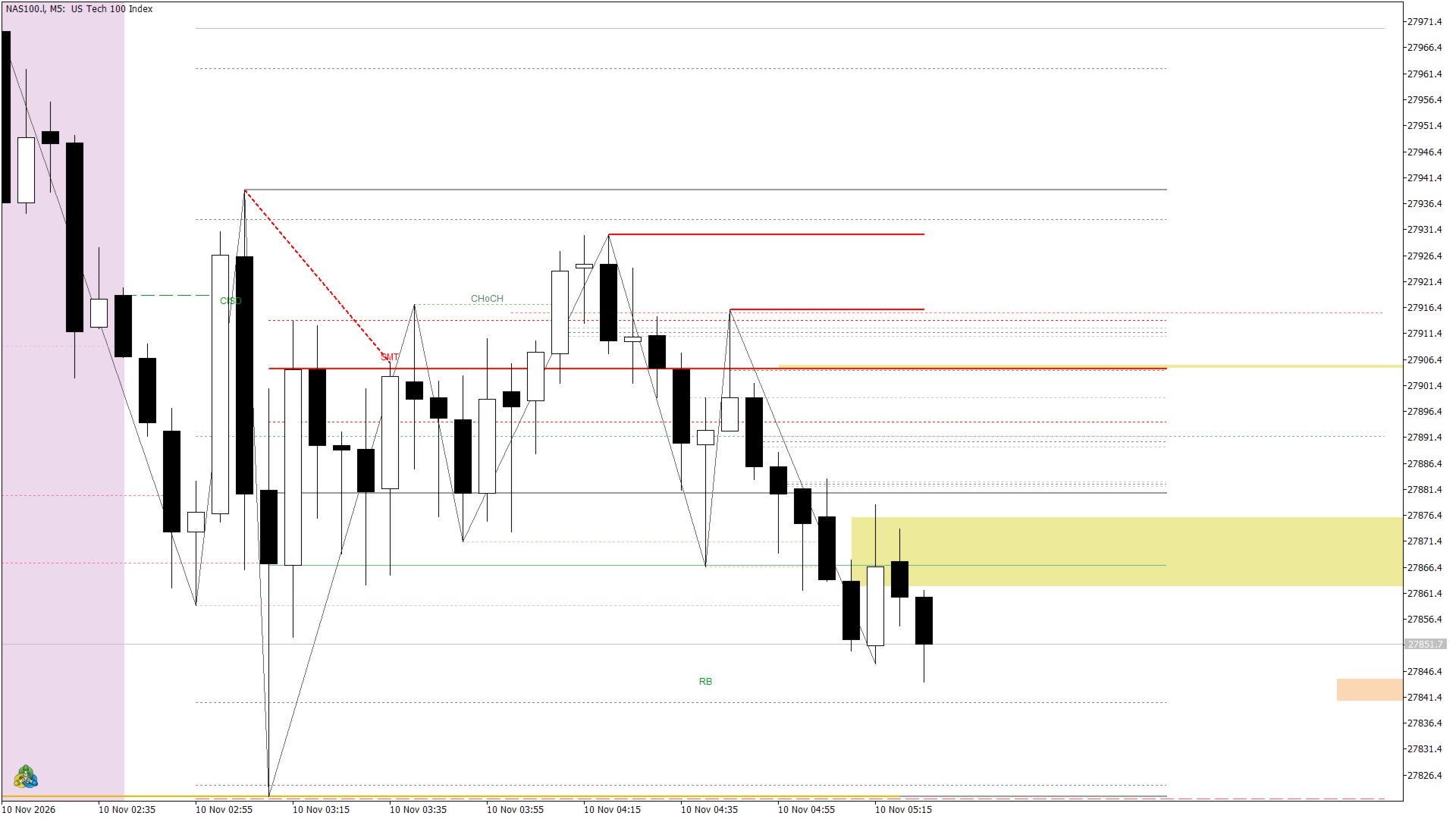
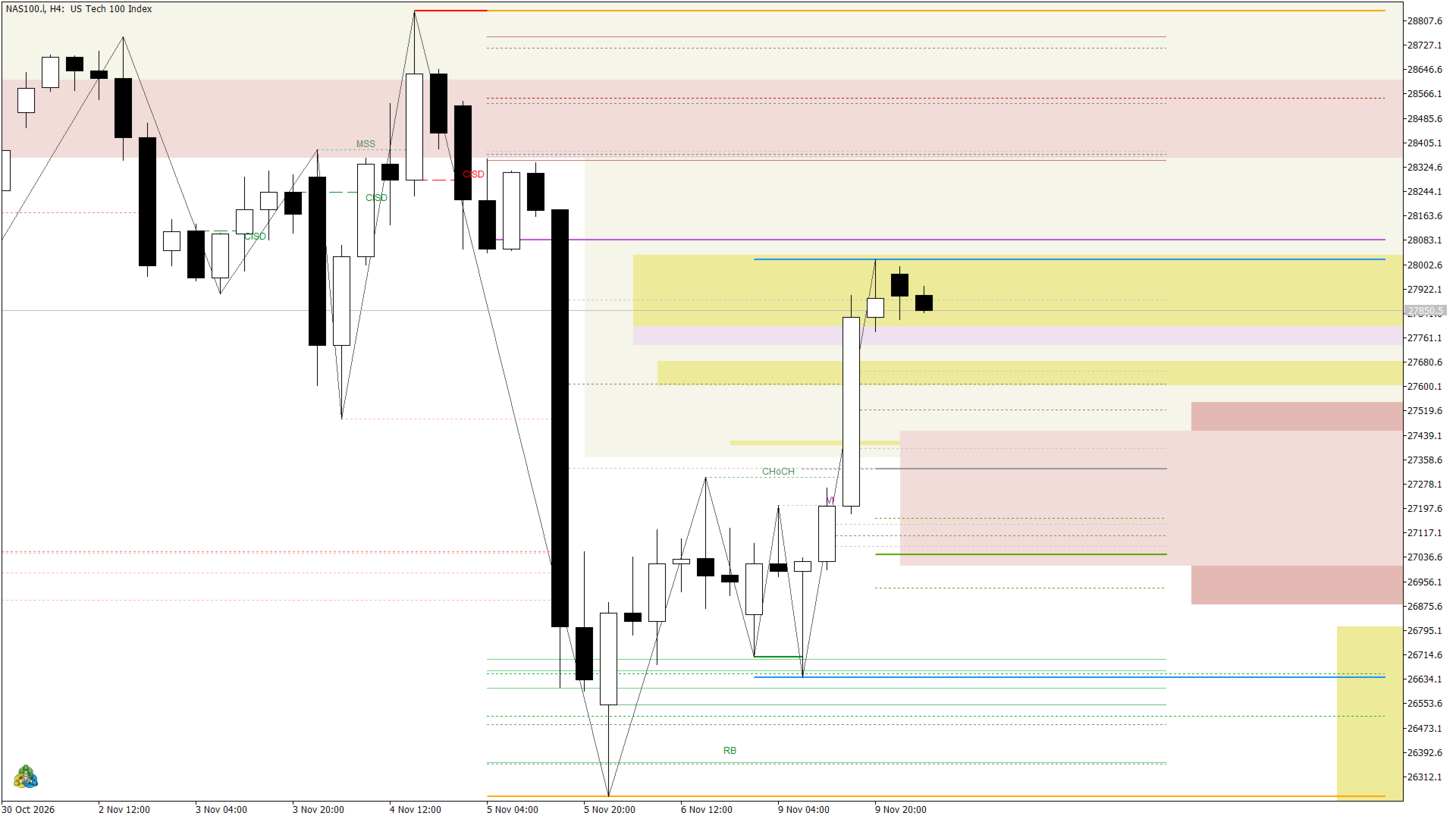
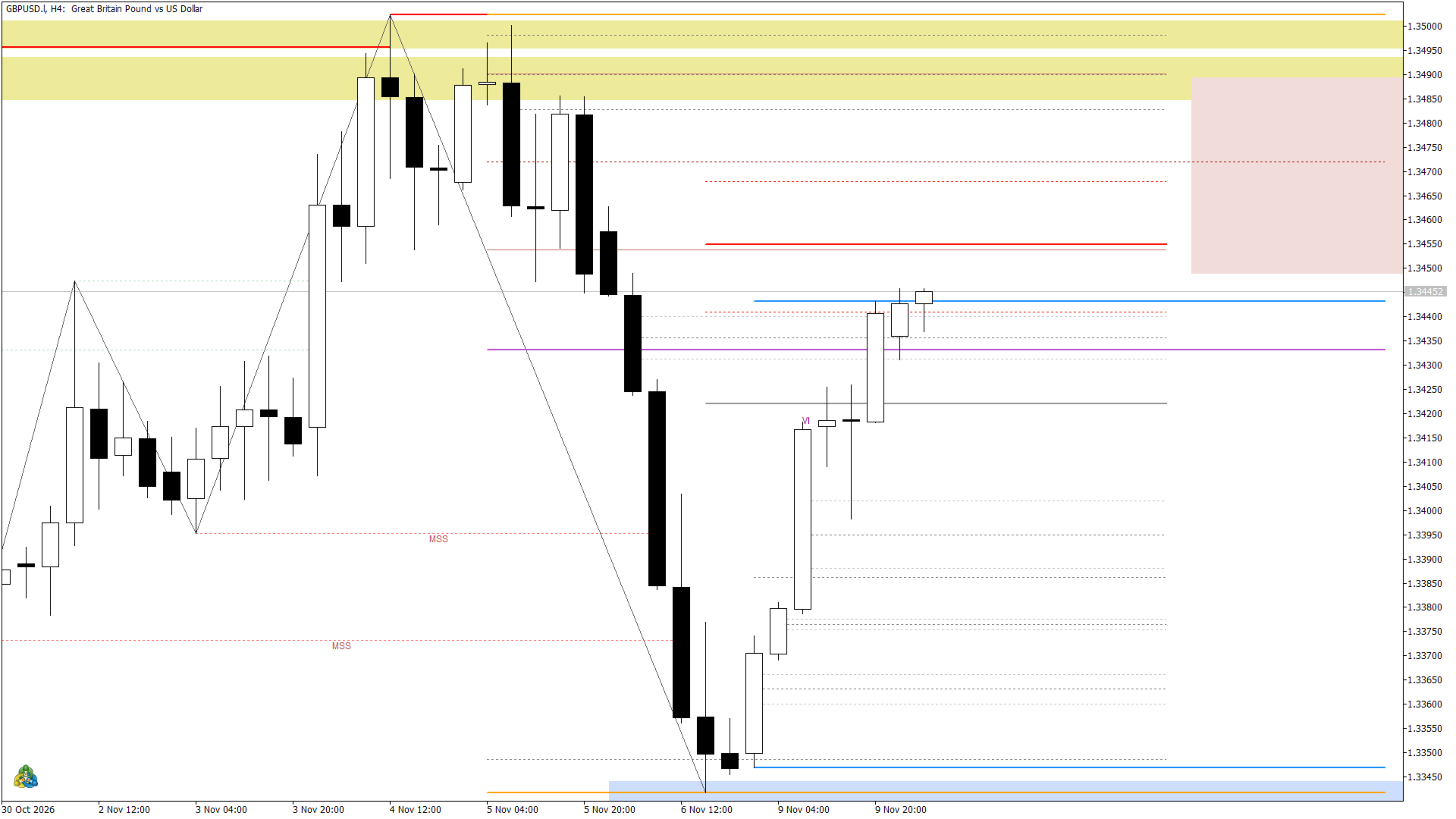
ICT is an all-in-one indicator for traders who use ICT (Inner Circle Trader) concepts. It draws the key price-action levels on the chart and adds a live panel and an entry checklist that sum up the context in one place, so you spend less time marking charts and more time waiting for a clean setup.
What it analyses
- Market structure: swing highs and lows, BOS, MSS and CHoCH, the dealing range with Premium/Discount, Equilibrium and OTE.
- PD arrays: Order Blocks, Breakers, Unicorn and Propulsion Blocks (off by default), Fair Value Gaps, inverted FVG and BPR, Liquidity Voids, Volume Imbalance, CISD, Rejection Blocks, Suspension Blocks and Immediate Rebalance.
- Liquidity: previous day, week and month highs/lows, Asia, London and New York session highs/lows, equal highs/lows (EQH/EQL), Turtle Soup and liquidity sweeps.
- Time: killzones, Silver Bullet windows, Midnight Open, NWOG/NDOG opening gaps, the opening range, the first hour, midnight and pre-market ranges.
- ICT ranges: CBDR, Asian Range and Flout with standard-deviation projections and historical hit rates.
- SMT divergence with a correlated symbol (detected automatically or set by you), and decoupling between the US indices.
How to read it
- Lines and zones use consistent colors: bullish in green/blue, bearish in red/orange, with the 50% (CE) line inside each zone.
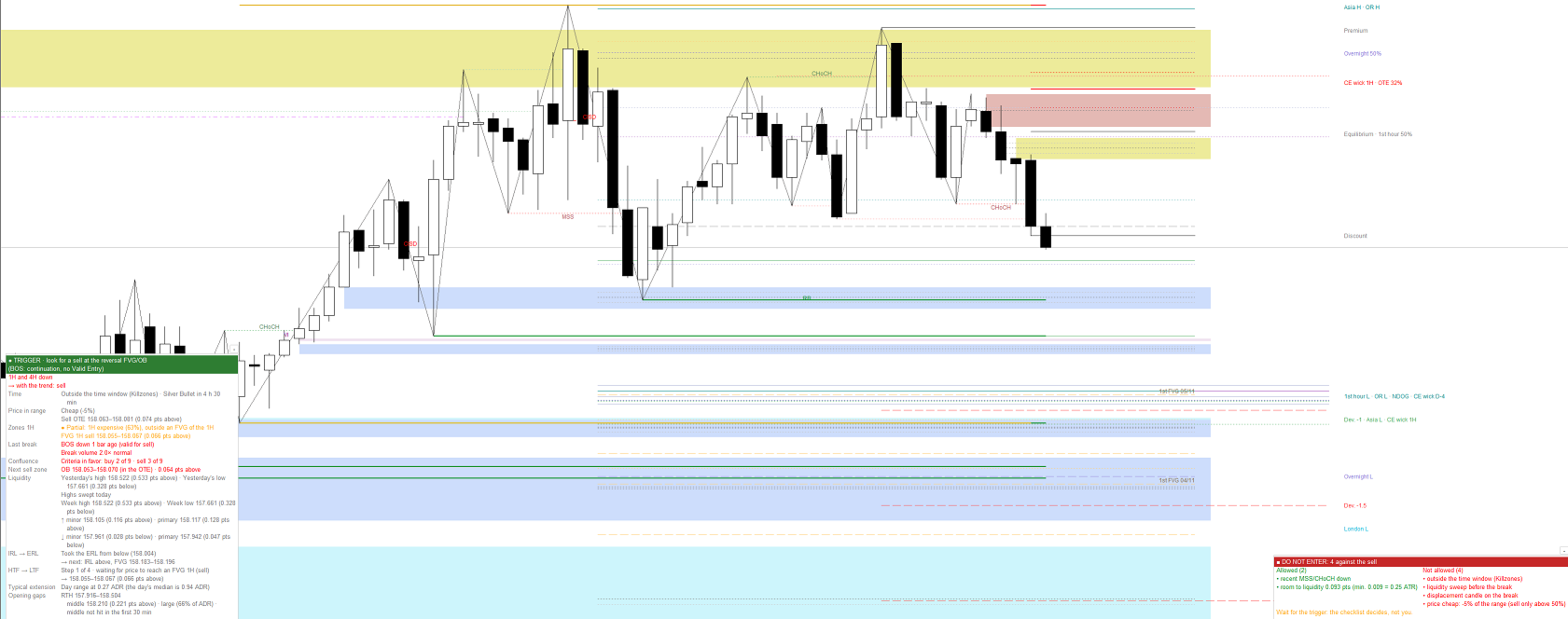
- The ICT Panel is ordered like a decision (can I trade, what to do, is price in the right place, did the trigger confirm, where is it going, context, history). It shows the trend on two higher timeframes, where price is in the range (cheap/expensive), the next zone to buy or sell, the last structure break, the time window, how far the day has moved versus its average, liquidity targets and opening gaps.
- A traffic-light row shows the entry phase: Do not trade, Wait for the pullback, In the zone, or Trigger.
- The HTF to LTF row follows the ICT sequence step by step: price reaches a higher-timeframe FVG in the direction of the bias, sweeps liquidity inside it, then the chart gives the trigger (MSS with displacement, CISD or an inverted FVG). The trigger candle is painted blue (buy) or magenta (sell). The trigger can also come from a lower timeframe: an MSS on the 1-minute candles inside the chart candle.
- The Entry Checklist lists the requirements of a Valid Entry (recent MSS/CHoCH, time window, liquidity sweep, displacement, premium/discount, room to liquidity in ATR, and the HTF to LTF sequence) with a check or a cross for each one.
- Valid Entries are marked on the chart with the plan (limit at the zone's CE, stop, target) and the outcome.
- The Visual setting (the first parameter: Full, Essential or Minimal; Essential by default) hides the secondary drawings for a cleaner chart. Calculations, signals, the panel and alerts stay the same.
- The panel can be Normal, Compact or Hidden, and both the panel and the checklist can be minimized with the button in their title.
Scalp mode (M1 to M3 charts)
- A mechanical trigger plan with net risk/reward after costs and position size from your risk per trade.
- A daily scoreboard, liquidity targets and an optional daily stop limit.
- Alerts for the green light, price at the plan's CE, macro/Silver Bullet windows, liquidity sweeps and SMT.
Alerts and integration
- Sound, pop-up and push notifications to the MetaTrader mobile app for Valid Entries.
- Signal, entry, stop and target are exposed in indicator buffers, so your own Expert Advisor can read them with iCustom.
Time zone and markets
- New York time is detected from the server history (European DST, US DST or fixed GMT servers), with a manual offset if your broker uses something else.
- Forex, indices, metals and crypto with ICT sessions. A B3 mode (Brazilian futures such as WIN and WDO) uses the Brasilia sessions and is selected automatically on those symbols.
Key settings
- The Valid Entry can optionally require the full HTF to LTF sequence.
- Every concept can be turned on or off, grouped by topic (structure, breaks, order blocks, FVG, volume imbalance, liquidity, day ranges, 2023-2026 concepts, liquidity voids, levels and sessions, Silver Bullet, ICT ranges, panel, Valid Entry, scalp mode).
- Colors, text size, session and killzone times and the SMT symbol are adjustable.
- Performance options: calculate only the last N bars and draw horizontal lines only on recent bars.
Typical use
- Mark the higher-timeframe bias and the draw on liquidity, then wait for price to reach a discount zone (for buys) or a premium zone (for sells).
- Drop to the entry timeframe and wait for the checklist to turn green: liquidity sweep, MSS with displacement, and a new FVG or order block in the killzone.
- Use the panel's liquidity targets and range statistics to plan exits.
Who it is for
- Intraday and swing traders who already know, or are learning, ICT/Smart Money concepts.
- Beginners can use the panel and checklist as a structured routine; experienced traders can switch off what they do not need.
Limitations
- This is a visual analysis tool. It does not open trades and does not guarantee results.
- Signals, plans, hit rates and scoreboards are simulations of fixed rules on history, not results of real trading. Always confirm with your own analysis and risk management.
- Some features only appear on suitable timeframes (for example, day ranges up to M15 and ICT ranges up to H1).
- Very long histories slow down loading; use the "calculate only the last N bars" setting.
- ICT concepts are based on public educational content. This indicator is not affiliated with or endorsed by Inner Circle Trader.