Renko Prime
- Utilità
- Versione: 1.1
- Aggiornato: 14 ottobre 2026
- Attivazioni: 10

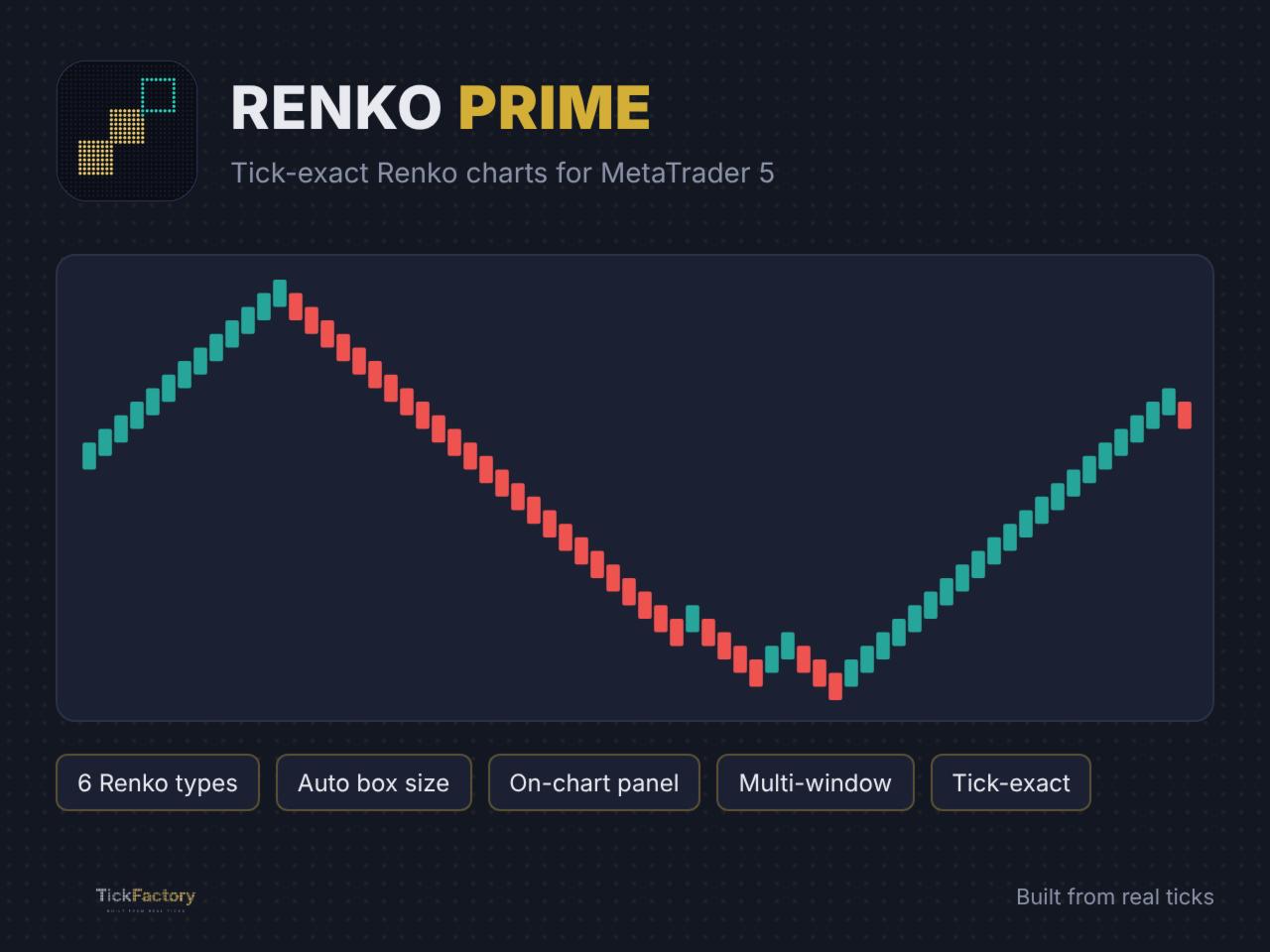
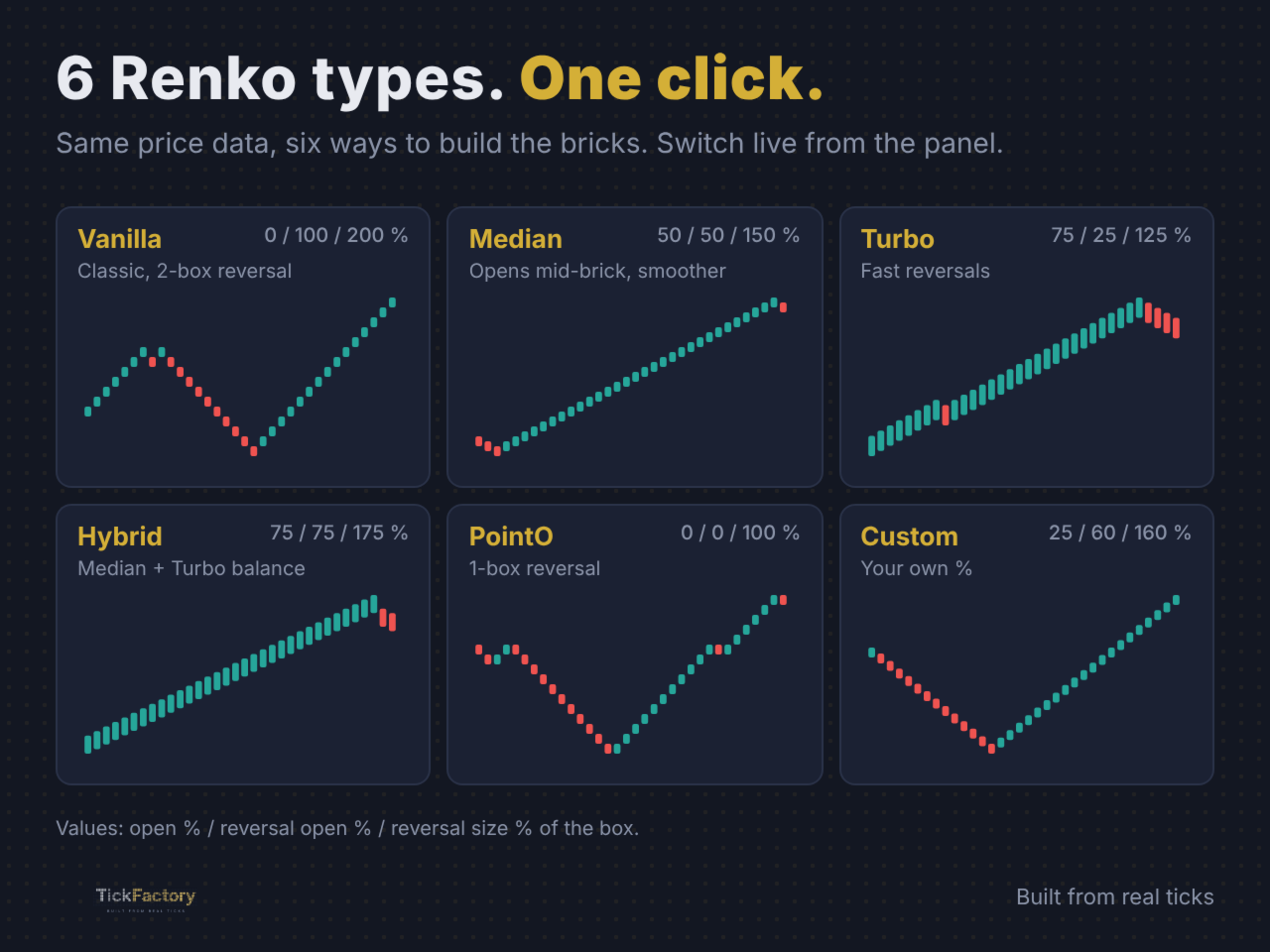
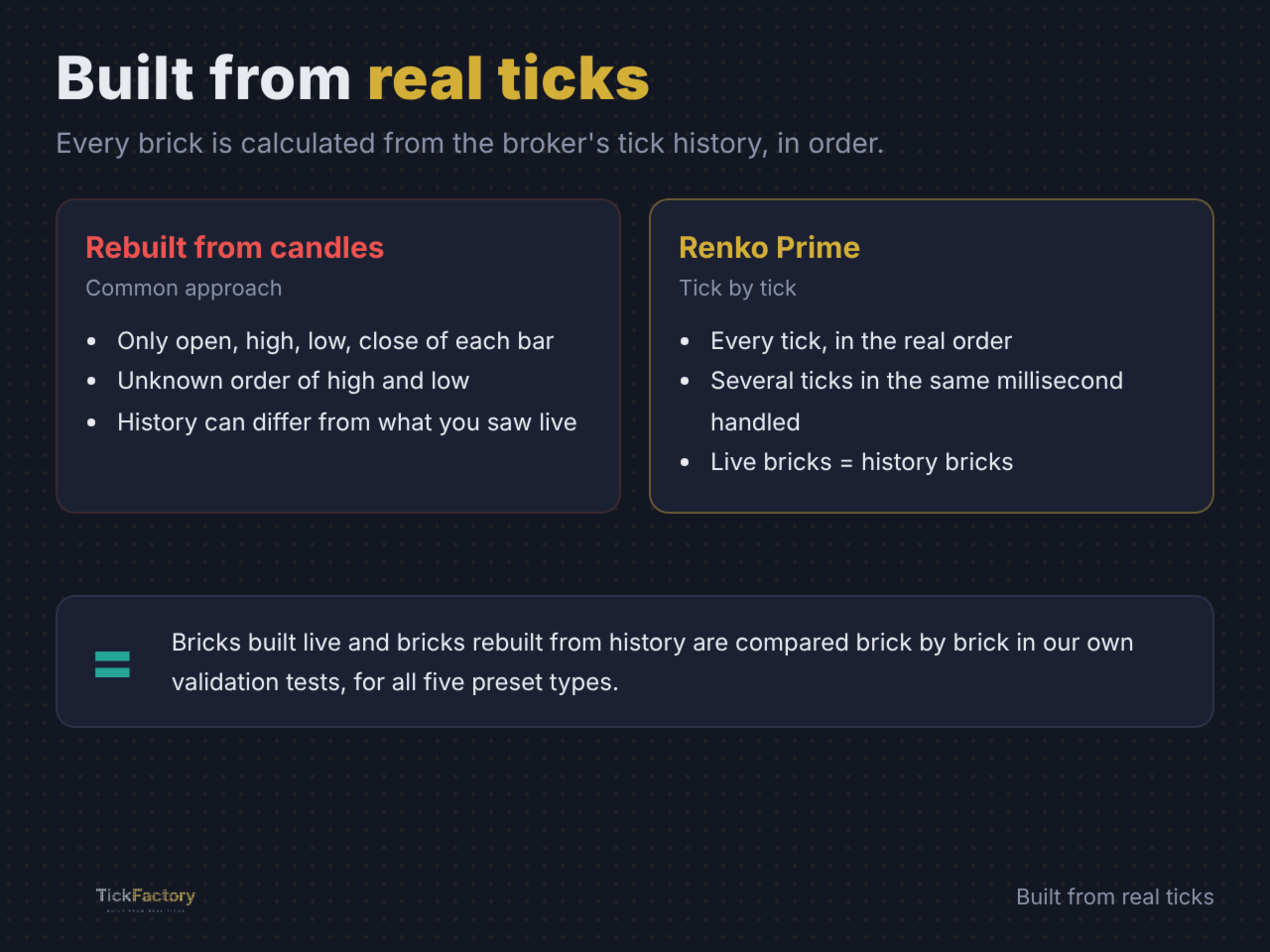
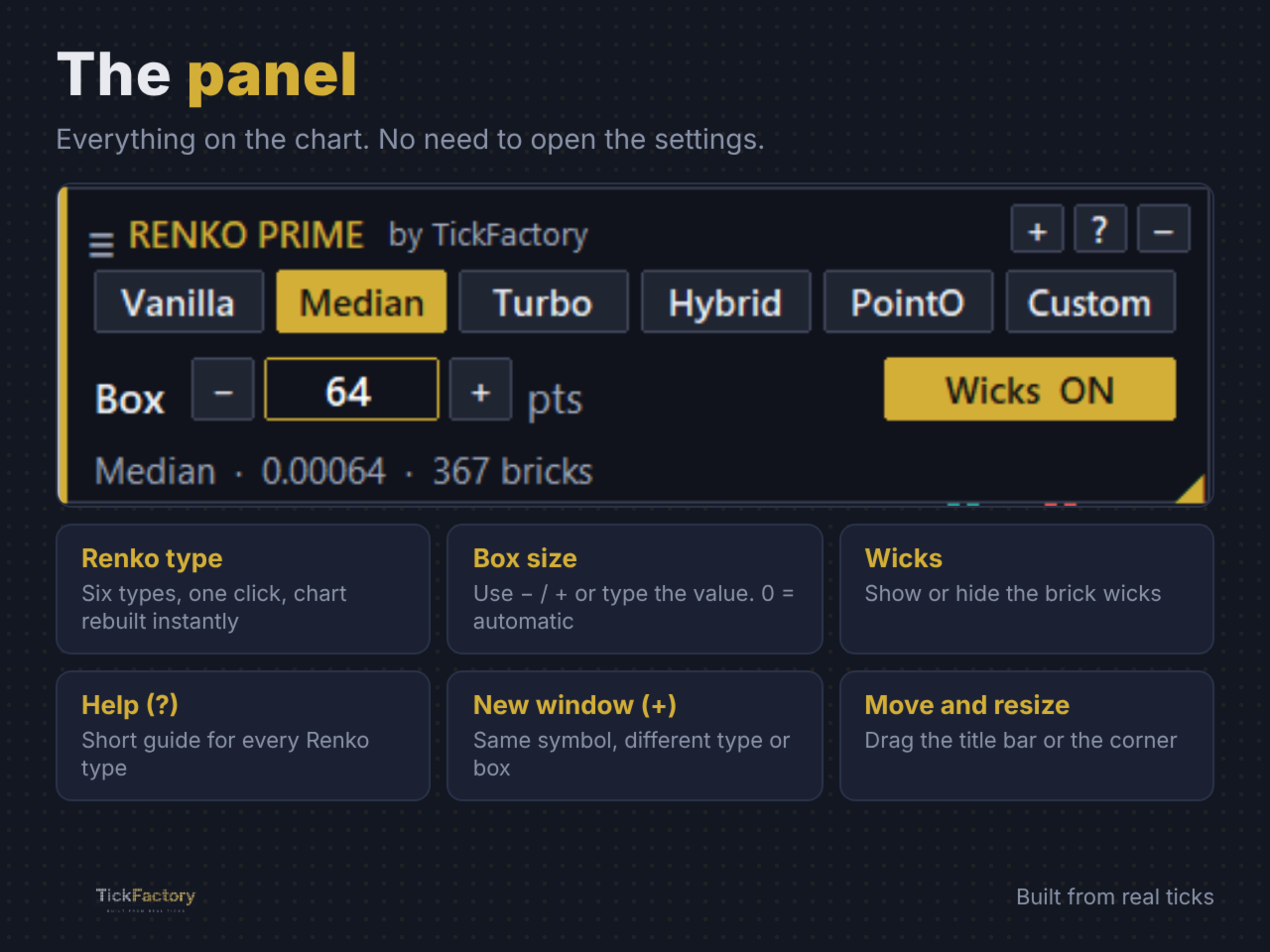
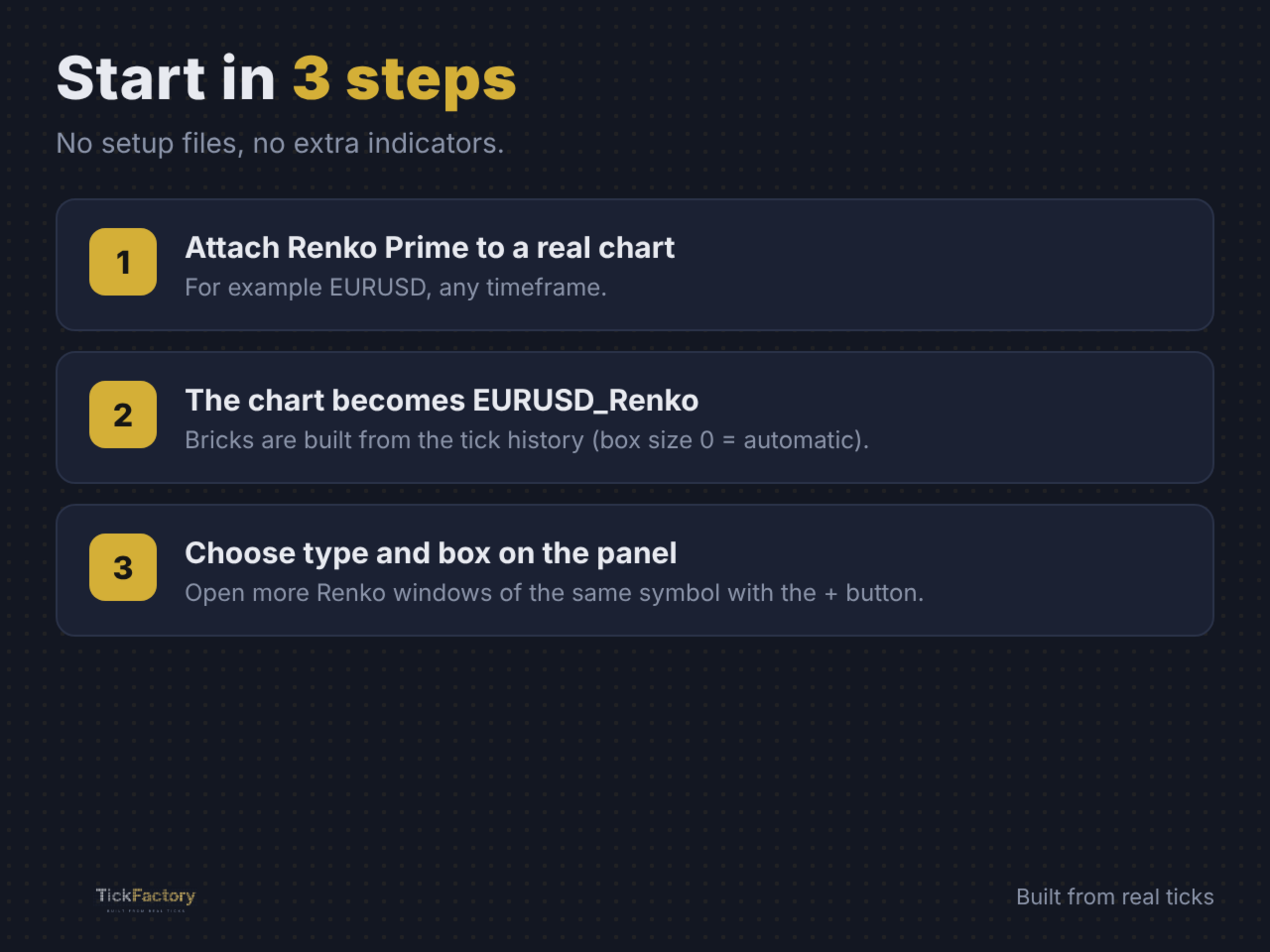
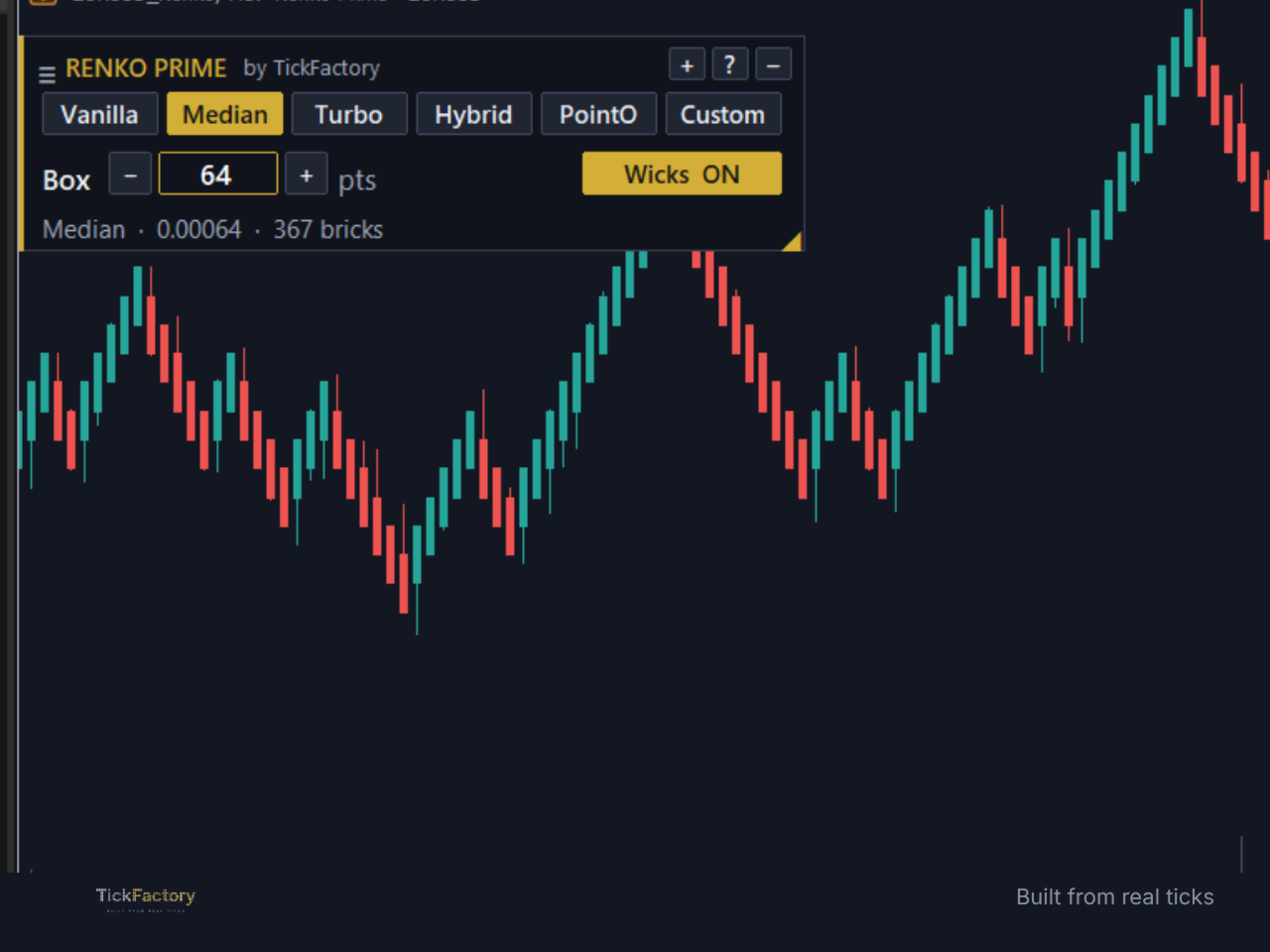
Renko Prime by TickFactory - Built from real ticks. Renko Prime turns any MetaTrader 5 chart into a real Renko chart. Every brick is built from the broker's real tick history, not from M1 candles, so the bricks you see live are exactly the same bricks you get when you reload the history. How it works Attach Renko Prime to a chart of the real symbol (for example EURUSD). The utility creates a Renko symbol (EURUSD_Renko) and switches that chart to it. Your indicators, objects and templates work on the Renko chart like on any normal chart. 6 Renko types in one tool Vanilla - classic Renko with two-box reversals. Median - bricks open at the middle of the previous brick, smoother reversals. Turbo - faster reversals and earlier signals. Hybrid - a balance between Median and Turbo. PointO - one-box reversals, point and figure style. Custom - set your own open %, reversal open % and reversal size %. On-chart panel Switch the Renko type with one click. The chart is rebuilt instantly. Box size with the - / + buttons or by typing the value. Box size 0 = automatic (10% of the average daily range). Wicks on or off. Help button (?): a short built-in guide for every Renko type. New window button (+): open another Renko window of the same symbol, each one with its own type and box size. Drag the panel anywhere, resize it or minimize it. Its position is remembered. Why tick-exact matters Many Renko tools rebuild bricks from candles, so the history and the live bricks do not always match. Renko Prime reads every tick in its real order, including several ticks in the same millisecond, so the history you analyse is the same chart you would have seen live. Input parameters Renko - starting settings (you can change them later from the panel) Renko type - Vanilla, Median, Turbo, Hybrid, PointO or Custom. Box size (points, 0 = auto) - brick size in points. 0 calculates it automatically. Show wicks - show the brick wicks. - / + button step - points added or removed by the panel buttons (0 = 10% of the box). Custom type (only used when Renko type = Custom) Open %, Reversal open %, Reversal size % - percentages of the box that define how bricks open and reverse. General History days - days of tick history used to build the chart. Price source - Bid or Last. Renko symbol name - leave empty for an automatic name. Show panel - show or hide the panel. Max Renko windows per symbol - limit for the + button. Renko chart colors Apply colors to Renko chart, Bullish brick, Bearish brick, Background, Show grid. Good to know Renko Prime is a charting utility: it does not open, modify or close trades. Keep the Renko chart on M1 (each brick is stored as one M1 bar). More history days = more bricks, but a longer first load. Works with Forex, indices, metals, crypto and any symbol with tick history from your broker. Support Questions or suggestions: send a private message or write in the comments. TickFactory - tools for manual and algorithmic traders.