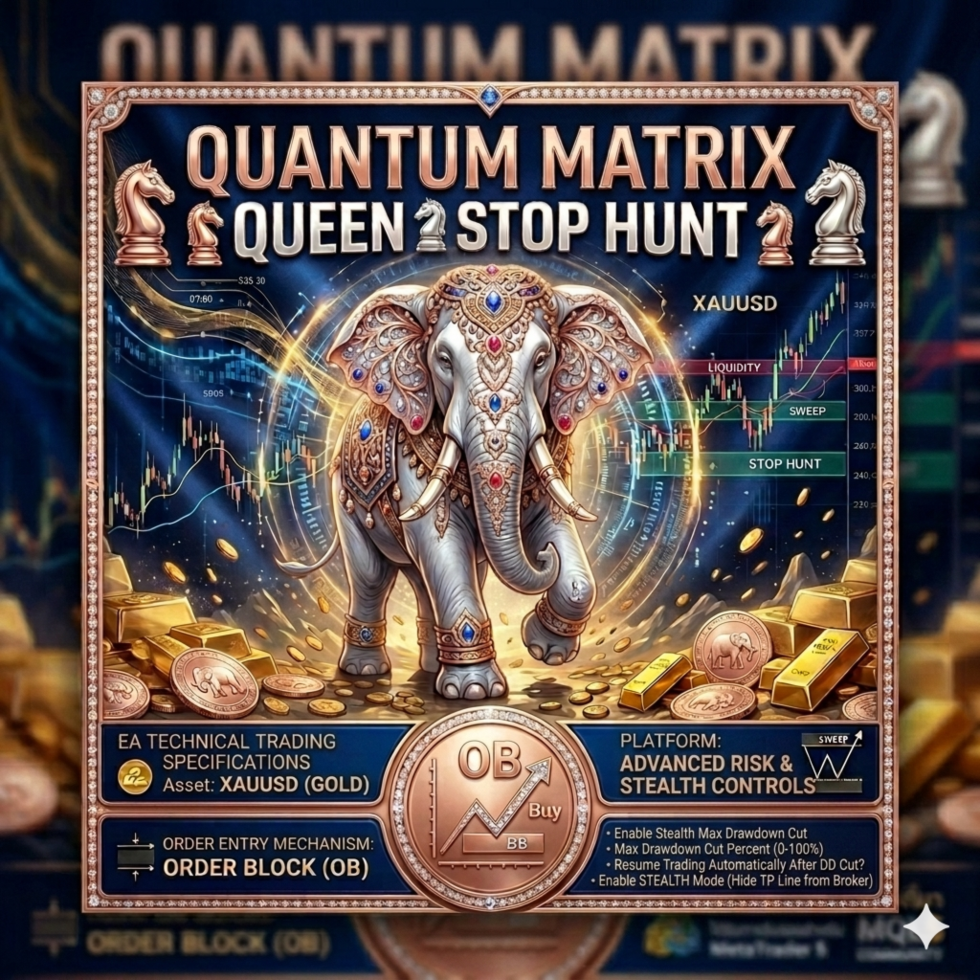
Quantum Matrix Queen
- Experts
- Versione: 3.45
- Attivazioni: 10

Here is a comprehensive English explanation of the trading logic and system architecture for QUANTUM MATRIX QUEEN V3.45
System Overview
QUANTUM MATRIX QUEEN V3.45 is an institutional-grade, semi-automated Expert Advisor (EA) developed for MetaTrader 5 (MQL5) designed exclusively for the H4 (4-Hour) timeframe. It combines elements of Smart Money Concepts (SMC), Fair Value Gaps (FVG), and quantitative daily statistical volatility filters to deploy highly precise localized grid orders (including stop-hunt mitigation layers).
Core Trading Logic & Strategies
1. Market Structure & SMC Core ( CheckMarketStructureAndFVG )
The EA scans market structures using a customized lookback period governed by InpZigZagLen .
-
Break of Structure (BOS): A Bullish or Bearish continuation is declared when the closing price of the previous bar breaks above/below historical high/low boundaries ( last_high or last_low ).
-
Bullish Expansion: Triggered when the price closes above last_high . It tells the system to initiate an Order Block (OB) Scan.
-
Bearish Expansion: Triggered when the price breaks below last_low , resetting any active buy configurations immediately.
2. Institutional Order Block Engine ( FindOrderBlock )
Upon detecting a Bullish BOS, the algorithm loops backward up to 15 bars to pinpoint the exact location of the last down-candle (sell-before-buy footprint) that caused the market acceleration.
-
The highest point of this candle becomes ob_top .
-
The lowest point becomes ob_bottom .
3. Fair Value Gap Integration ( InpFilterByFVG )
To minimize false breakouts, the EA features a structural imbalance engine comparing Bar 1 and Bar 3.
-
Bullish FVG: Validated when Low[1] > High[3] .
-
Bearish FVG: Validated when High[1] < Low[3] .
-
If InpFilterByFVG is enabled, the system restricts grid execution unless a fresh BULLISH FVG conformation accompanies the setup.
4. Advanced Quantitative Volatility Analytics ( CalculateVolatilityMetrics )
The EA pulls the 14-period Average True Range (ATR) from the Daily Chart (D1) to calculate mathematically expected extremes relative to the day's opening price:
This acts as a secondary structural boundary filter preventing the system from over-allocating positions at statistical exhaustion points.
Order Execution: Dual-Layer Grid Deployment
When an H4 Bullish setup aligns, the EA breaks up the maximum allowed grid count ( InpGridOrders ) into two highly distinct tactical entry clusters via PlaceGridBuyLimits :
[Market Price] ───► Heading downwards into the zone ====================================================== ── ob_top ──────────────────────────────────────────── Layer 1: Core OB Grid (Inside Core Order Block) - Split evenly across the structural candle body. ── ob_bottom ───────────────────────────────────────── ====================================================== Layer 2: Sweep Hunt Layer (Liquidity Engine) - Placed safely below the Order Block bottom. - Targets deep spikes trying to trigger retail stops. ── last_low / Swing Low ──────────────────────────────
-
Core OB Grid: Buys distributed mathematically inside the recognized institution candle ( ob_top down to ob_bottom ).
-
Sweep Hunt Layer (Liquidity Mitigation): Buys distributed selectively below ob_bottom targeting the older structural swing low. This prevents the account from getting cleaned out during premeditated institutional "Stop Hunts".
Risk & Capital Protection Management
1. Dynamic Lot Allocation
Lots are scaled dynamically using the account balance to maintain statistical sizing across changing cycles:
(Where Low = 1%, Medium = 2%, and High = 3% profile factors).
2. Stealth Take Profit Engine ( MonitorStealthTP )
If InpUseStealthMode is enabled, the EA will not pass explicit Take Profit (TP) parameters to the broker's server. Instead, it plots a localized graphical horizontal dot-line onto your terminal background. The system tracks price actions natively via OnTick() , instantly flash-closing positions the moment the terminal's Bid price matches or cross-breaches the invisible target line.
3. Max Drawdown Cutoff & System Lockdown
The account metrics are calculated every single tick ( CalculatePortfolioMetrics ).
-
If the current floating drawdown hits your threshold (e.g., 30%), an Emergency Close All command drops all active positions and deletes remaining grid elements.
-
If InpResumeAfterDDCut is turned off ( false ), the EA enters a structural permanently frozen lockdown state until a human operator intervenes, safely preserving remaining capital.
4. Dual-Session Time Filtering
The EA evaluates local trading windows ( CheckTradingSession ) using an advanced overlapping script to process split sessions (e.g., scanning morning volatility, pausing mid-day, and reviving active operations for late sessions).
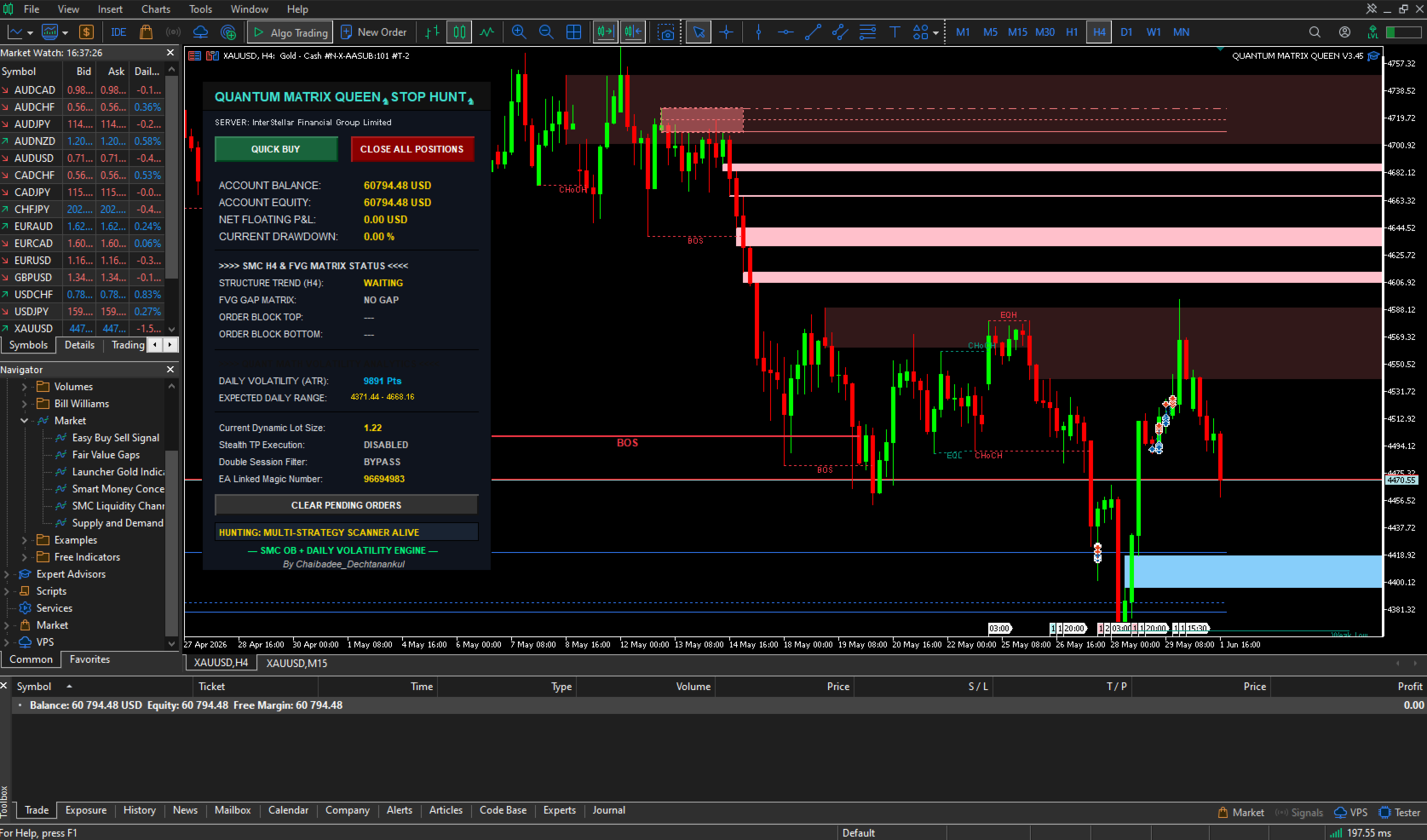
Graphical Interface & Event Interactivity
The code snippet from Screenshot_53.png handles interface-to-back-end handshakes via OnChartEvent .
When the user manually clicks the dashboard button mapped to m_panel_name+"_btn_del" , the string parameters validate the visual interaction and invoke the DeleteOldPendingOrders() function. This safely scrubs all lingering Buy Limits associated with the EA's specific magic number from the broker's active queue, immediately followed by ChartRedraw(0) to ensure seamless visual synchronization.
Input Settings Explanation
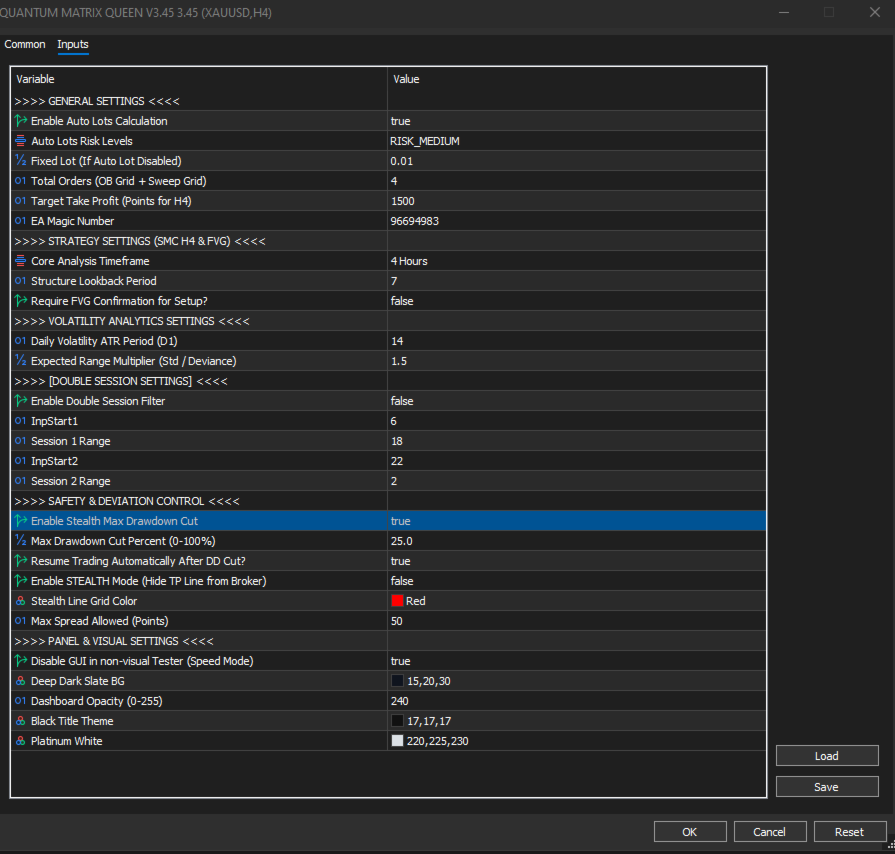
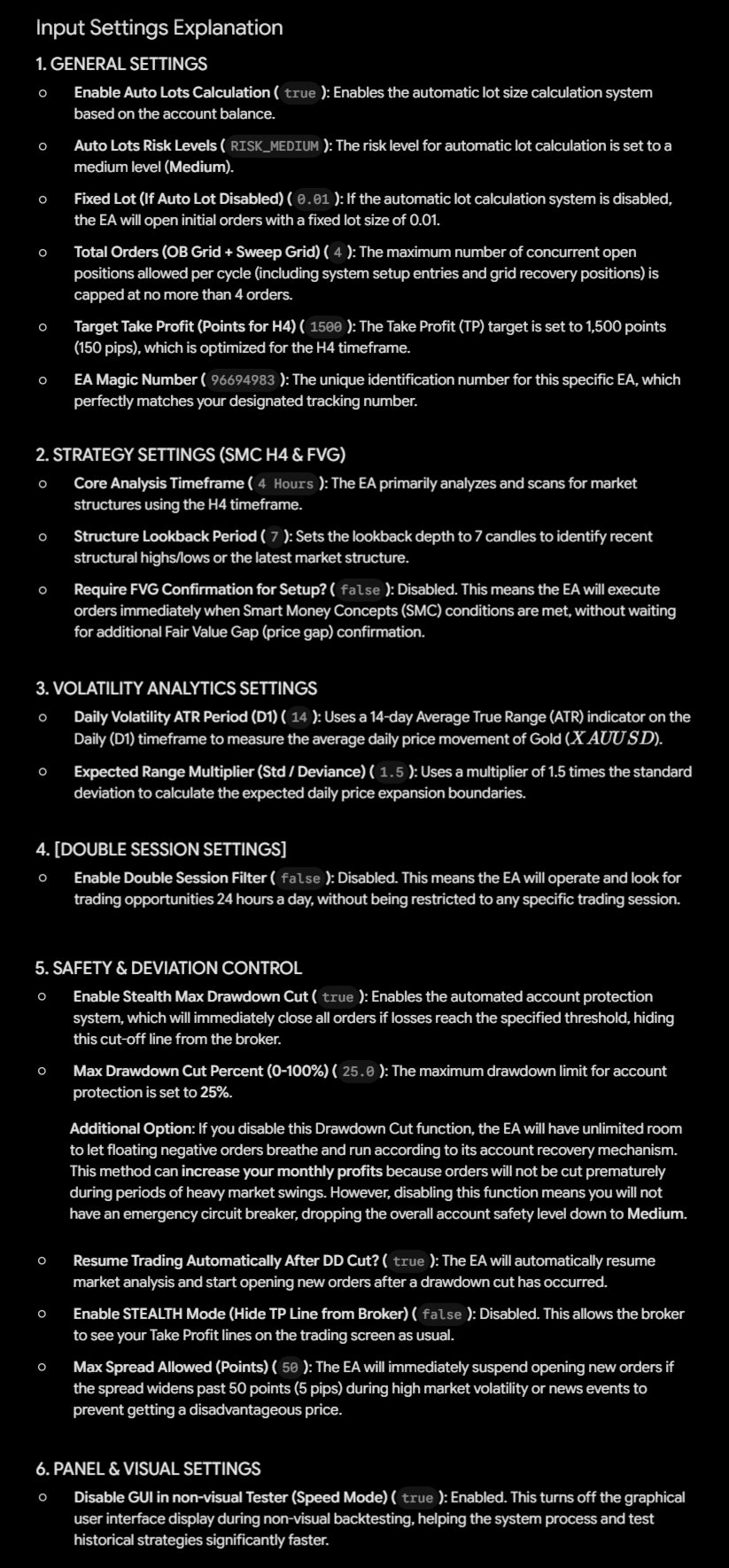
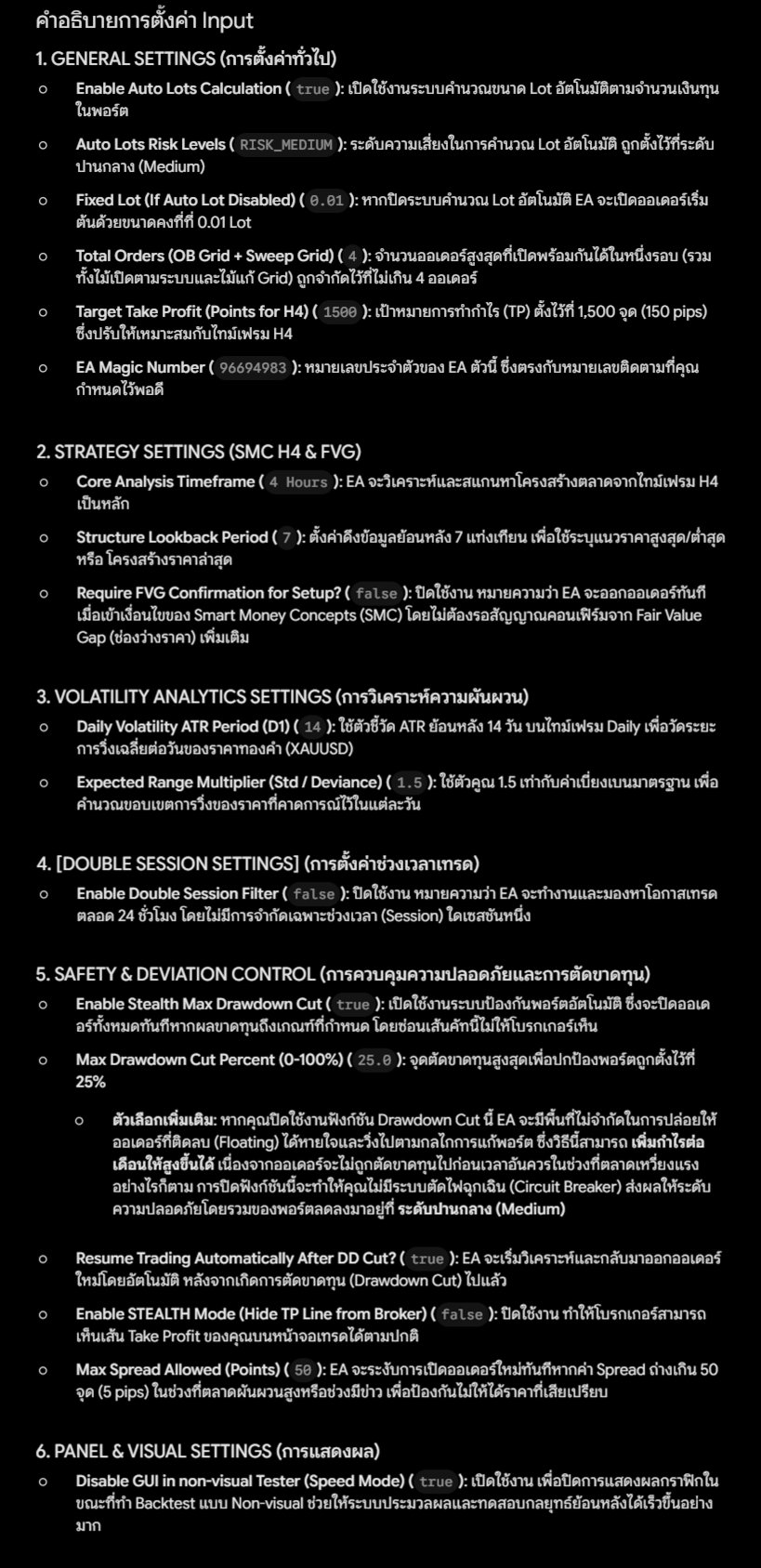
1. GENERAL SETTINGS
-
Enable Auto Lots Calculation ( true ): Enables the automatic lot size calculation system based on the account balance.
-
Auto Lots Risk Levels ( RISK_MEDIUM ): The risk level for automatic lot calculation is set to a medium level (Medium).
-
Fixed Lot (If Auto Lot Disabled) ( 0.01 ): If the automatic lot calculation system is disabled, the EA will open initial orders with a fixed lot size of 0.01.
-
Total Orders (OB Grid + Sweep Grid) ( 4 ): The maximum number of concurrent open positions allowed per cycle (including system setup entries and grid recovery positions) is capped at no more than 4 orders.
-
Target Take Profit (Points for H4) ( 1500 ): The Take Profit (TP) target is set to 1,500 points (150 pips), which is optimized for the H4 timeframe.
-
EA Magic Number ( 96694983 ): The unique identification number for this specific EA, which perfectly matches your designated tracking number.
2. STRATEGY SETTINGS (SMC H4 & FVG)
-
Core Analysis Timeframe ( 4 Hours ): The EA primarily analyzes and scans for market structures using the H4 timeframe.
-
Structure Lookback Period ( 7 ): Sets the lookback depth to 7 candles to identify recent structural highs/lows or the latest market structure.
-
Require FVG Confirmation for Setup? ( false ): Disabled. This means the EA will execute orders immediately when Smart Money Concepts (SMC) conditions are met, without waiting for additional Fair Value Gap (price gap) confirmation.
3. VOLATILITY ANALYTICS SETTINGS
-
Daily Volatility ATR Period (D1) ( 14 ): Uses a 14-day Average True Range (ATR) indicator on the Daily (D1) timeframe to measure the average daily price movement of Gold ($XAUUSD$).
-
Expected Range Multiplier (Std / Deviance) ( 1.5 ): Uses a multiplier of 1.5 times the standard deviation to calculate the expected daily price expansion boundaries.
4. [DOUBLE SESSION SETTINGS]
-
Enable Double Session Filter ( false ): Disabled. This means the EA will operate and look for trading opportunities 24 hours a day, without being restricted to any specific trading session.
5. SAFETY & DEVIATION CONTROL
-
Enable Stealth Max Drawdown Cut ( true ): Enables the automated account protection system, which will immediately close all orders if losses reach the specified threshold, hiding this cut-off line from the broker.
-
Max Drawdown Cut Percent (0-100%) ( 25.0 ): The maximum drawdown limit for account protection is set to 25%.
Additional Option: If you disable this Drawdown Cut function, the EA will have unlimited room to let floating negative orders breathe and run according to its account recovery mechanism. This method can increase your monthly profits because orders will not be cut prematurely during periods of heavy market swings. However, disabling this function means you will not have an emergency circuit breaker, dropping the overall account safety level down to Medium.
-
Resume Trading Automatically After DD Cut? ( true ): The EA will automatically resume market analysis and start opening new orders after a drawdown cut has occurred.
-
Enable STEALTH Mode (Hide TP Line from Broker) ( false ): Disabled. This allows the broker to see your Take Profit lines on the trading screen as usual.
-
Max Spread Allowed (Points) ( 50 ): The EA will immediately suspend opening new orders if the spread widens past 50 points (5 pips) during high market volatility or news events to prevent getting a disadvantageous price.
6. PANEL & VISUAL SETTINGS
-
Disable GUI in non-visual Tester (Speed Mode) ( true ): Enabled. This turns off the graphical user interface display during non-visual backtesting, helping the system process and test historical strategies significantly faster.